

- Galleries
- Dark Aesthetic Wallpapers
Dark Aesthetic Desktop Wallpaper
Discover stunning dark aesthetic desktop wallpapers. Browse unique AI-generated designs perfect for your screen. Create your own dark aesthetic wallpaper today!

As seen in








Dark Aesthetic Wallpapers
A curated collection of AI-generated dark aesthetic desktop wallpapers, offering a unique and moody visual experience for your computer screen.


Didn't find what you were looking for? Create your own below!
Create your own Dark Aesthetic Desktop Wallpaper images
Discover the magic of Text to Image AI by creating your own unique images. Edit the prompt below to customize your creation.
No payment or credit card required.

Unique Designs For Your Screen
Explore Dark Aesthetic Wallpapers
Dive into a curated collection of AI-generated Dark Aesthetic Desktop Wallpapers, designed to transform your digital space. Each piece offers a unique blend of mood and style, perfect for those who appreciate the beauty in darkness. Find your next captivating background and express your personal aesthetic.
Create Your Dark Aesthetic Wallpaper
Step 1
Describe Your Dark Vision
Begin by entering a detailed prompt describing the dark aesthetic you envision for your desktop wallpaper. Think about the mood, colors, elements (like gothic architecture, mystical creatures, or shadowy landscapes), and overall style you want to achieve. The more specific you are, the better the AI can match your vision.
Step 2
Generate Your Wallpaper
After crafting your prompt, simply click the 'Generate' button. Our AI will process your description and begin creating unique, high-quality dark aesthetic wallpapers tailored to your input. Get ready to see your ideas come to life!
Step 3
Download and Share
Once your wallpaper is generated, you can download it in stunning detail to use on your desktop. Feel free to share your creation with the community or refine your prompt to generate even more variations!

Craft Your Perfect Atmosphere
Generate Gothic Wallpaper With AI
Unleash your creativity and Generate Gothic Wallpaper with AI. Our advanced models bring intricate gothic architecture, mystical creatures, and shadowy landscapes to life, creating dramatic and atmospheric designs. Easily create your own unique Gothic Wallpaper that perfectly captures the dark, romantic essence you desire.
More Galleries

Vinyl Record Art - Created with AI
Discover stunning AI-generated vinyl record art. Browse unique designs and create your own custom vinyl record art with NightCafe's powerful AI tools. Perfect for music lovers and artists.
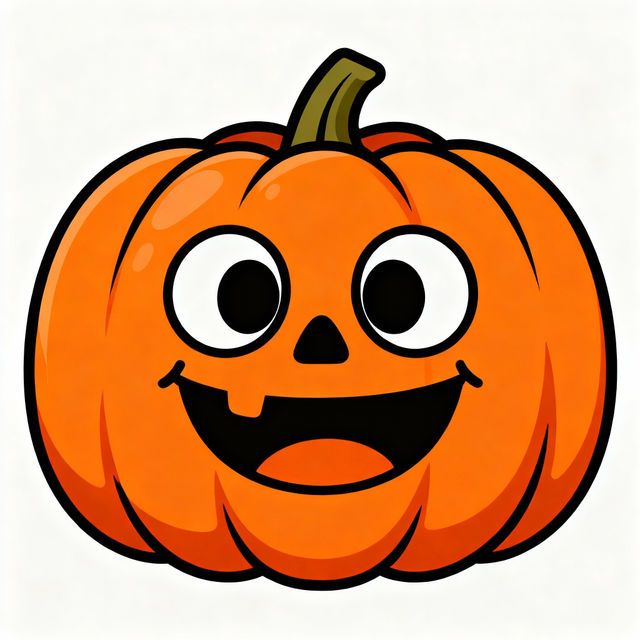
Easy Pumpkin Drawings - Made With AI
Discover and create easy pumpkin drawings with AI. Perfect for Halloween or fall decor, these simple designs are fun and inspiring for artists of all levels.
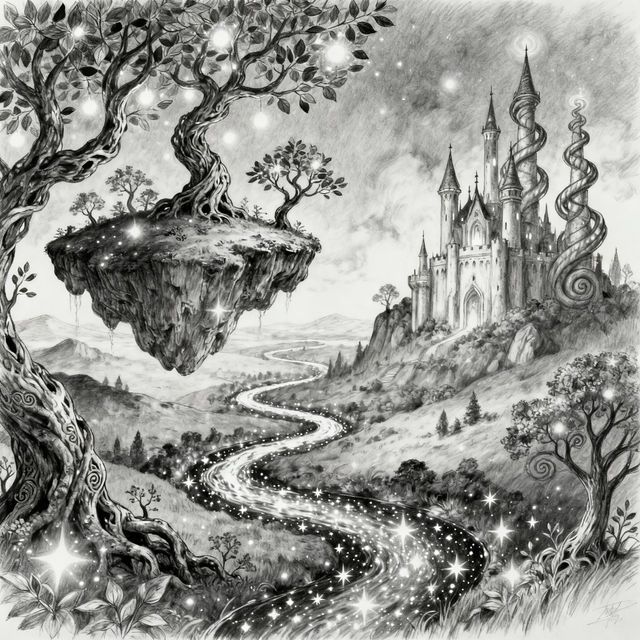
AI Sketch Art
Discover a gallery of unique AI-generated sketches. Perfect for inspiration, explore various styles and create your own captivating sketch art with NightCafe's AI tools.
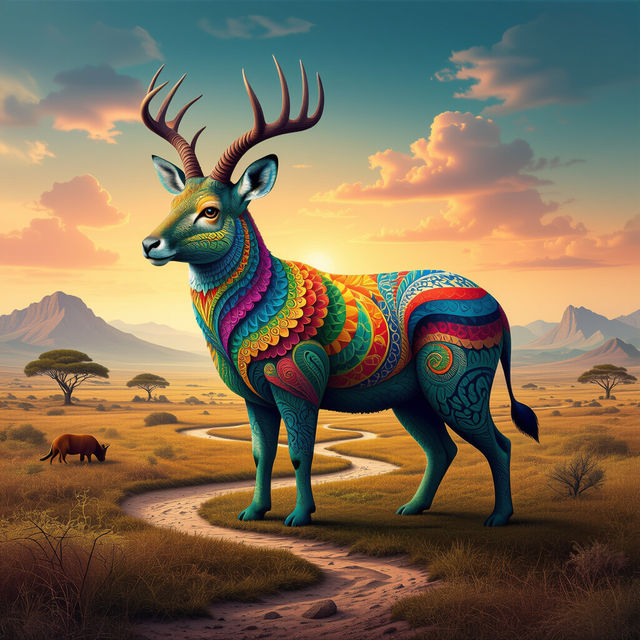
Optical Illusion Pictures With Hidden Images
Explore mind-bending optical illusion pictures with hidden images. Our AI generates unique and captivating illusions, challenging your perception and revealing concealed details. Find inspiration for your own creations.
Frequently Asked Questions
Your Questions About Dark Aesthetic Wallpapers, Answered
How do I create a dark aesthetic wallpaper that matches my style?
To create a dark aesthetic wallpaper, start by thinking about the mood and elements you want to convey. Consider keywords related to darkness, mystery, gothic themes, shadowy landscapes, or specific objects that evoke a dark mood. Experiment with different styles like 'gothic,' 'surreal,' 'minimalist dark,' or 'noir' in your prompts. Our AI models can bring intricate details like gothic architecture and mystical creatures to life, so don't hesitate to be descriptive!
What makes these wallpapers 'dark aesthetic'?
The 'dark aesthetic' refers to a style that embraces darker color palettes, moody atmospheres, and often incorporates themes of mystery, melancholy, gothic romance, or the surreal. These wallpapers are designed to evoke a sense of depth and intrigue, transforming your desktop into a visually captivating space that reflects a more subdued and artistic sensibility.
Can I generate specific gothic elements for my wallpaper?
Absolutely! Our AI models are capable of generating intricate gothic elements. When creating your wallpaper, you can include terms like 'gothic architecture,' 'castles,' 'cathedrals,' 'mystical creatures,' 'shadowy forests,' 'ancient ruins,' or 'victorian gothic' in your prompt to guide the AI. This allows you to craft a truly unique and atmospheric gothic wallpaper.
Are these wallpapers suitable for all screen resolutions?
While the AI generates art based on the prompts and models, the resulting images can often be scaled. For optimal results and clarity on your desktop, we recommend generating images at a higher resolution if your credits allow, or using upscaling tools available on NightCafe to ensure your wallpaper looks sharp on various screen sizes.