

- Galleries
- Mysterious Dark Art Styles And Creations Gallery
Dark Art & Designs
Explore Mysterious Dark Art Styles And Creations using AI. Generate unique Dark Art & Designs that capture the imagination and evoke powerful emotions. Dive into the shadows and uncover stunning visual masterpieces.

As seen in








Mysterious Dark Art Styles And Creations Gallery
A curated gallery of AI-generated dark art, showcasing a range of mysterious styles and designs. Explore hauntingly beautiful creations that push the boundaries of art and technology.


Didn't find what you were looking for? Create your own below!
Create your own Dark Art & Designs images
Discover the magic of Text to Image AI by creating your own unique images. Edit the prompt below to customize your creation.
No payment or credit card required.

Unleash Dark Creativity
Dark Art & Designs
Delve into the realm of Dark Art with our AI-powered generator. Explore Mysterious Dark Art Styles And Creations, crafting hauntingly beautiful visuals that capture the imagination. From eerie landscapes to macabre portraits, generate unique designs that evoke powerful emotions and immerse viewers in a world of shadows.
Create Mysterious Dark Art with AI
Step 1
Describe Your Dark Vision
Begin by typing a detailed description of your desired dark art in the prompt box. Include elements such as the art style, subject, and mood you want to convey. The more specific you are, the better the AI can bring your vision to life. Consider adding keywords like 'gothic horror,' 'eerie landscape,' or 'macabre portrait' to guide the AI.
Step 2
Generate Your Dark Art
After crafting your perfect prompt, click the 'Generate' button to start the AI's creative process. The AI will analyze your input and generate a unique dark art piece based on your specifications. Be patient as the generation process may take a few moments.
Step 3
Share Your Masterpiece
Once your dark art piece is generated, you can download it in high resolution. Share your creation with the NightCafe community to inspire others and receive feedback. Use your artwork for personal projects, book covers, game art, or any other creative endeavor you can imagine!

Embrace The Darkness
Create Gothic Horror Art With AI Image Generation
Unleash your inner darkness and Create Gothic Horror Art with AI Image Generation. Craft chilling scenes of decaying castles, haunted graveyards, and tormented souls. Our AI empowers you to generate stunning visuals that embody the essence of Gothic Horror Art, perfect for book covers, game art, or personal projects.
More Galleries
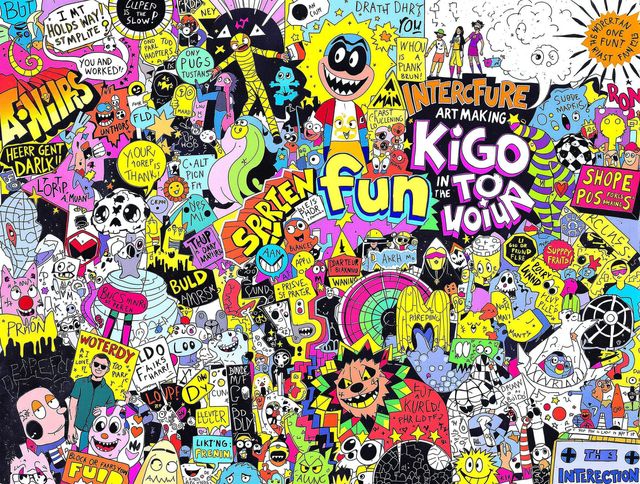
Unleash Creativity with Fun Drawing Games And Interactive Art Activities
Explore 'Fun Drawing Games And Interactive Art Activities' on NightCafe. Unleash your creativity with our AI-powered drawing tools and create collaborative masterpieces. Start your 'Drawing Game' today!
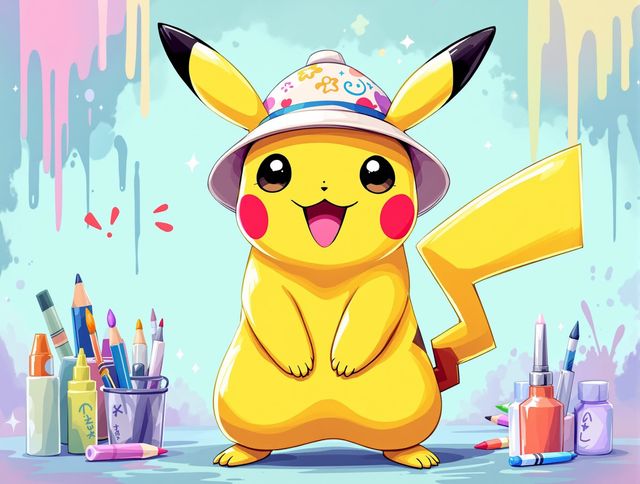
Pikachu Drawing & Tutorials
Explore our gallery of Cute Pikachu Drawing Tutorials And Fan Art. Learn to draw your own Pikachu with our tutorials, or get inspired by fan art. Unleash your creativity with Pikachu Drawing & Tutorials!
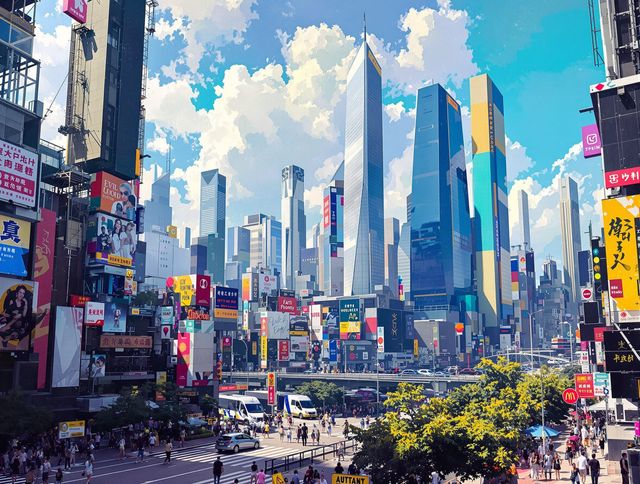
Easy Online Drawing Tools And Tutorials
Explore Easy Online Drawing Tools And Tutorials to unleash your creativity. Start drawing online with our simple, intuitive platform and comprehensive guides.
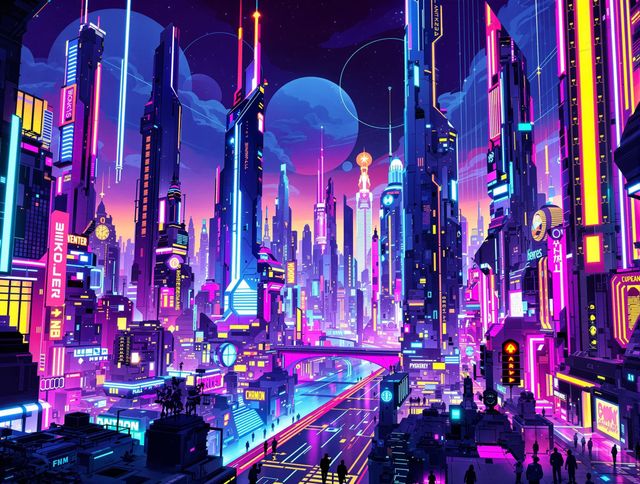
3d Art & Designs
Explore vibrant 3D art creations and tutorials. Dive into a world of stunning 3D art & designs. Learn how to create your own masterpieces with our AI-powered tools.
Frequently Asked Questions
Unveiling the Mysteries: Your Questions About AI-Generated Dark Art, Answered
How does the AI Dark Art Generator work?
The AI Dark Art Generator allows you to create stunning and evocative visuals in a variety of dark art styles. Simply provide a descriptive prompt detailing the mood, subject matter, and visual elements you desire, and the AI will generate unique images based on your input. Experiment with different keywords to explore the full range of possibilities, from gothic horror to surreal nightmares.
What are some tips for writing effective prompts for dark art?
To create truly compelling dark art, focus on evocative language and specific details in your prompts. Consider including elements like 'decaying mansion,' 'moonlit graveyard,' 'spectral figure,' 'gothic architecture,' or 'macabre still life.' Experiment with different artistic styles, such as 'Victorian gothic,' 'dark surrealism,' or 'horror illustration,' to achieve the desired aesthetic. The more specific you are, the better the AI can capture your vision.
Can I use the AI-generated dark art for commercial projects?
Absolutely! You can use the AI Dark Art Generator to create visuals for a wide range of projects, including book covers, game art, posters, album art, and personal artwork. The AI empowers you to bring your darkest visions to life, providing a unique and unsettling aesthetic for your creative endeavors.
Is the AI-generated dark art completely original?
While the AI strives to create original artwork, there is always a possibility of encountering similarities to existing images. We encourage you to use the generated images as a starting point and further refine them using image editing software to create truly unique pieces. You can also experiment with different prompts and AI models to generate a wider variety of results.
Which AI model is best for generating dark art?
NightCafe offers a variety of AI models, including Stable Diffusion, Imagen, and others, each with its own strengths and capabilities. Experimenting with different models can yield vastly different results, allowing you to explore a wider range of dark art styles and aesthetics. Some models may be better suited for realistic depictions, while others excel at creating surreal and abstract imagery. Consider using the 'Style Transfer' feature to impose the characteristics of a known art style onto your dark art creations.