

- Galleries
- Dither Image Gallery
Dither Image Art - Made With AI
Discover the unique aesthetic of dithered images. Browse our gallery of AI-generated dither art and learn how to create your own distinctive pixelated visuals.

As seen in








Dither Image Gallery
A curated collection of AI-generated dither images, demonstrating the beauty of limited color palettes and artistic pixelation.


Didn't find what you were looking for? Create your own below!
Create your own Dither Image Art - Made With AI images
Discover the magic of Text to Image AI by creating your own unique images. Edit the prompt below to customize your creation.
No payment or credit card required.

Artistic Dithered Visuals
Explore Unique Dithered Images
Dive into a world of distinctive dithered imagery. Our gallery showcases the captivating beauty of pixelated art, generated with advanced AI. Explore a variety of styles and find inspiration for your next project, all while appreciating the unique aesthetic of dithered images.
Create Your Own Dithered Masterpiece
Step 1
Describe Your Dither Art Vision
Begin by entering a detailed description of the image you envision in the prompt box. Be specific about the subject, colors, and overall style you're aiming for. For dither art, consider mentioning elements like 'pixelated,' 'low-resolution,' or '8-bit' to guide the AI.
Step 2
Generate Your Pixelated Image
Once your prompt is ready, click the "Generate" button. Our AI will process your request and create a unique dithered image based on your input. You can then experiment with variations or refine your prompt for different results.
Step 3
Download & Share Your Dither Art
After the dithered image is generated, you have the option to download your creation in high resolution. You can also share it with the community or use it directly in your projects, showcasing your unique pixel art.

Your Pixel Art Generator
Create Pixel Art With A Dither Effect
Transform your ideas into stunning pixel art with our AI-powered dither effect. Use our intuitive tools to create your own distinctive pixelated visuals, perfect for retro games, unique graphics, or artistic expressions. Unleash your creativity and bring your pixel art visions to life with a captivating dither effect.
More Galleries
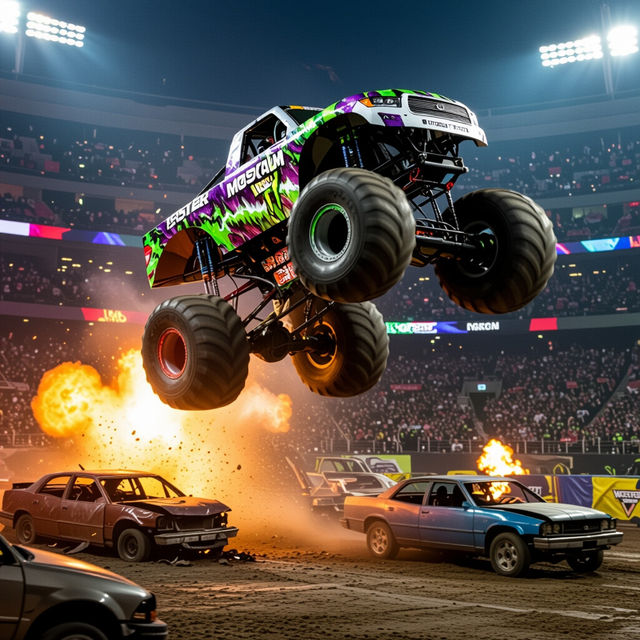
Monster Jam Wallpapers - Made With AI
Get awesome Monster Jam wallpapers generated by AI. Explore a high-octane collection of Monster Jam wallpaper designs, perfect for any fan's screen.

Cute Christmas Art
Explore a heartwarming gallery of cute Christmas art, perfect for holiday cards and decorations. Get inspired to create your own festive AI art on NightCafe.
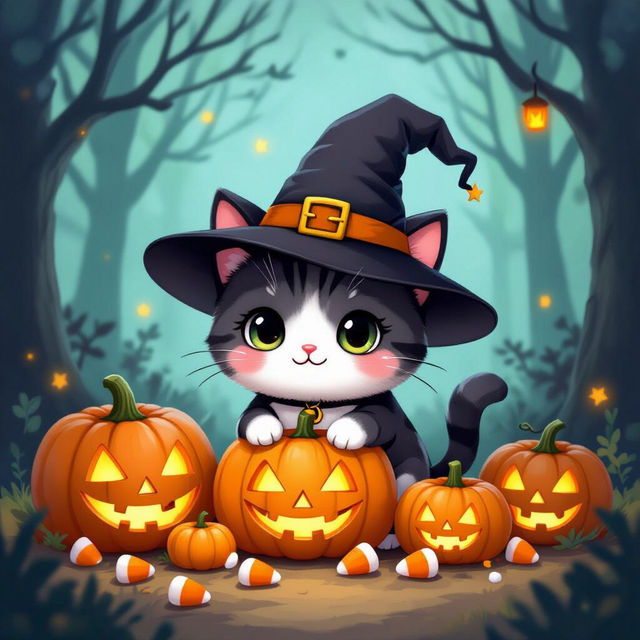
Kawaii Cute Halloween Cat Wallpaper
Discover enchanting Kawaii Cute Halloween Cat Wallpapers. Perfect for adding a touch of spooky charm to your devices. Create your own unique Halloween cat art with AI.
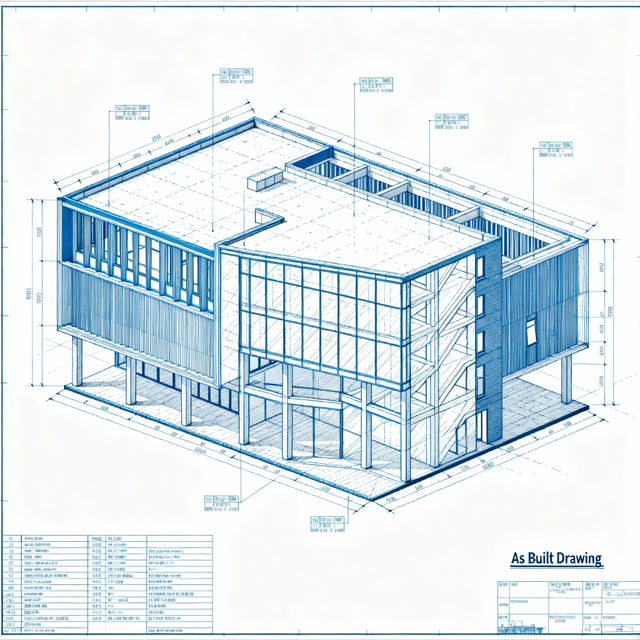
As Built Drawings - Created with AI
Explore a gallery of AI-generated As Built Drawings. Perfect for architects, engineers, and construction professionals needing accurate visual documentation. Create your own detailed As Built Drawings with NightCafe.
Frequently Asked Questions
Your Questions About Dithered AI Art, Answered
What exactly is dithered art, and how does AI create it?
Dithered art is a type of digital image that uses a pattern of pixels of discrete colors, chosen to create the illusion of a greater number of colors or shades. Our AI models analyze your input prompts and apply sophisticated algorithms to generate these distinctive pixelated visuals, mimicking traditional dithering techniques with a modern, AI-driven approach.
What are the best prompts to use for creating dithered images?
To achieve the best results, start with clear descriptions of your subject matter, desired mood, and color palette. Experiment with terms related to pixel art, retro graphics, and specific dithering patterns (like 'ordered dithering' or 'error diffusion'). Mentioning the intended use, such as 'for a video game sprite' or 'retro poster,' can also help guide the AI.
Can I use the dithered images I create for my own projects?
Yes, the dithered images you create with NightCafe can be used for your personal and commercial projects. This includes applications like retro game development, unique graphic design, artistic expressions, and more. Please refer to our Terms of Service for detailed usage rights and attribution requirements.
How can I achieve a specific retro or pixel art style with the dither effect?
When crafting your prompt, be explicit about the retro era or pixel art style you're aiming for. Incorporate keywords like '8-bit,' '16-bit,' 'NES style,' 'Game Boy palette,' or 'low-resolution' to encourage the AI to adopt that aesthetic. You can also specify the desired color depth or limitations to enhance the retro feel.