

- Galleries
- Don't Touch My Phone Wallpaper Gallery
Don't Touch My Phone Wallpaper
Keep your phone private with a custom 'Don't Touch My Phone' wallpaper. Browse unique designs and create your own personalized lock screen to deter unwanted snooping.

As seen in








Don't Touch My Phone Wallpaper Gallery
Explore a curated collection of AI-generated 'Don't Touch My Phone' wallpapers, offering creative and assertive ways to protect your privacy on your mobile device.


Didn't find what you were looking for? Create your own below!
Create your own Don't Touch My Phone Wallpaper images
Discover the magic of Text to Image AI by creating your own unique images. Edit the prompt below to customize your creation.
No payment or credit card required.

Personalized Privacy Guaranteed
Unique "don't Touch My Phone" Wallpapers
Tired of prying eyes on your device? Our gallery offers a diverse collection of unique "Don't Touch My Phone" wallpapers, each designed to communicate your message with style. Find the perfect blend of artistic flair and clear boundaries to keep your personal space secure and visually appealing.
Create Your Personal 'Don't Touch My Phone' Wallpaper
Step 1
Describe Your Ideal Wallpaper
Start by describing the style, colors, and any specific elements you want for your 'Don' touch my phone' wallpaper in the prompt box. Be creative and detailed to guide the AI in generating a design that clearly communicates your message while looking great on your device.
Step 2
Generate Your Custom Design
Once you've perfected your prompt, click the 'Generate' button. The AI will then process your request and create a unique wallpaper designed to keep your phone private and stylish.
Step 3
Download and Secure Your Phone
After your wallpaper is generated, you can download it in high resolution to use as your phone's lock screen. Share your creation with others or simply enjoy your new, personalized, and secure device.

Express Your Style Securely
Design Your Custom Phone Screen Lock
Take control of your device's appearance and security. With our intuitive tools, you can design your custom phone screen lock, transforming your lock screen into a personalized statement. Explore endless creative possibilities and craft a "Don't Touch My Phone" wallpaper that truly represents you.
More Galleries
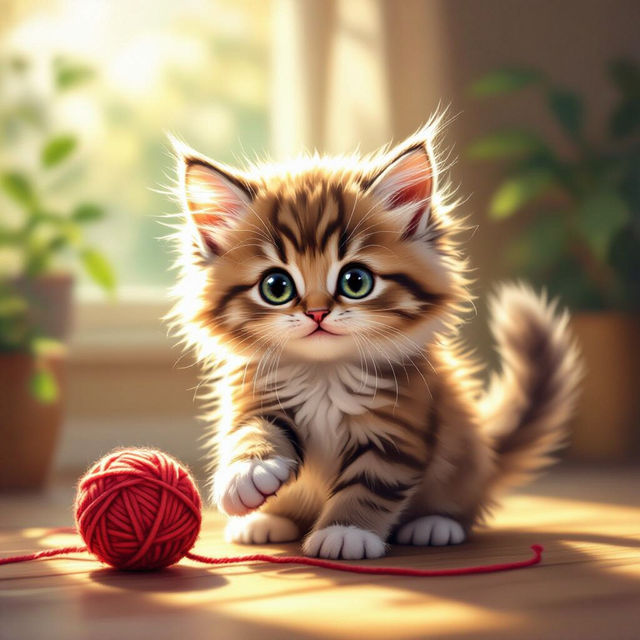
Cute Cat Images - Made With AI
Explore a gallery of adorable AI-generated cute cat images. Get inspired and create your own unique feline masterpieces with NightCafe's AI art generator.
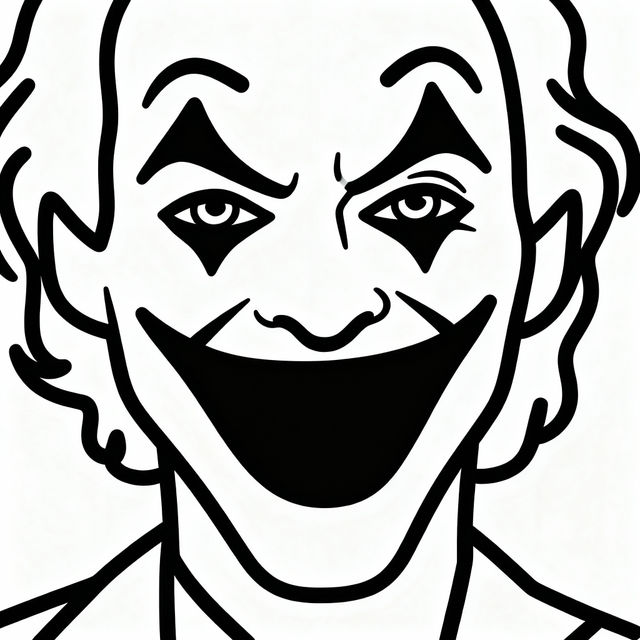
Joker Drawing Easy - Made With AI
Discover how to create easy Joker drawings with AI. Browse our gallery for inspiration and learn simple techniques to bring the iconic villain to life on NightCafe.
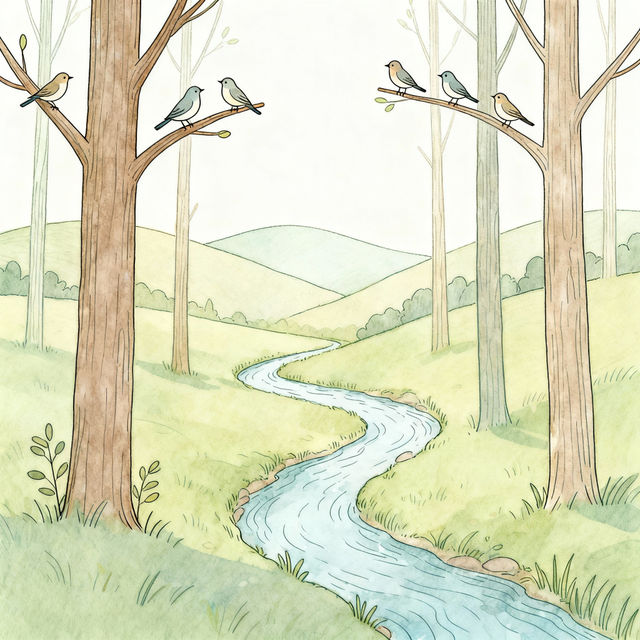
Nature Drawings - Easy AI Art
Explore a gallery of easy nature drawings created with AI. Get inspired by the beauty of nature and learn how to create your own stunning nature art. Perfect for beginners!
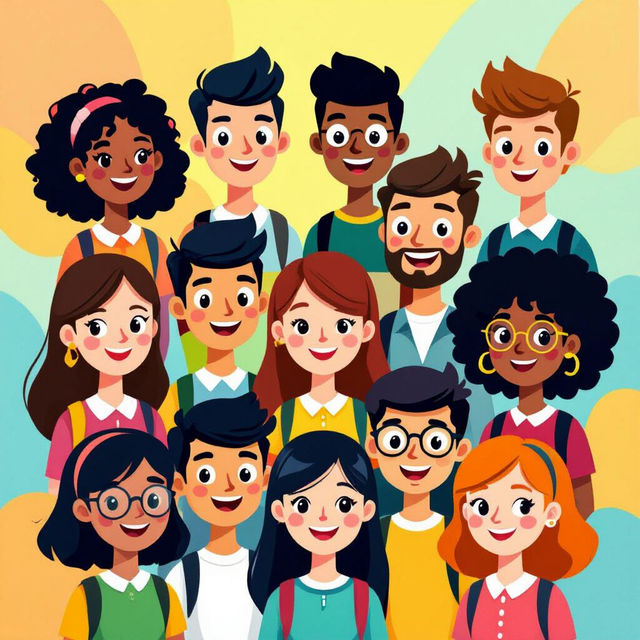
School Profile Pictures - Made With AI
Design standout profile pictures for school with AI! Browse our gallery for inspiration or create your own unique school profile picture to express your personality.
Frequently Asked Questions
Your Questions About 'Don't Touch My Phone' Wallpapers, Answered
How do I create a 'Don't Touch My Phone' wallpaper that effectively communicates my message?
To create an effective 'Don't Touch My Phone' wallpaper, start by considering the overall mood you want to convey – humorous, stern, or artistic. Incorporate clear text like 'Don't Touch My Phone,' 'Private,' or 'Keep Out.' You can also use visual cues such as locked icons, warning symbols, or abstract designs that suggest privacy. Experiment with different AI models and styles available on NightCafe to find a design that is both visually appealing and clearly communicates your boundary.
Can I use the generated wallpapers for personal use on my phone?
Absolutely! All wallpapers generated through NightCafe are intended for your personal use. You can download and set any 'Don't Touch My Phone' wallpaper you create or find in the gallery as your lock screen or home screen background to help protect your privacy.
What kind of customization options are available for these wallpapers?
NightCafe offers a wide array of customization options. You can select from various AI art generation models, each with its unique artistic style. You can also fine-tune your prompts to include specific colors, themes, and artistic influences. Additionally, you can adjust parameters like aspect ratio to ensure the wallpaper fits your phone's screen perfectly.
What if I'm not satisfied with the wallpaper I generated?
If you're not completely satisfied with a generated image, you can always refine your prompt and generate it again. Experiment with different keywords, styles, and settings to achieve your desired outcome. For more specific concerns or issues, please refer to our Terms of Service or contact support.