

- Galleries
- AI Blue Whale Drawings
Blue Whale Drawing Pictures - AI Generated
Explore a gallery of beautiful blue whale drawing pictures created by AI. Get inspired and generate your own unique whale artwork with NightCafe's easy-to-use tools.

As seen in








AI Blue Whale Drawings
Discover a captivating collection of AI-generated blue whale drawings, showcasing the immense beauty and power of these gentle giants in various artistic styles.


Didn't find what you were looking for? Create your own below!
Create your own Blue Whale Drawing Pictures - AI Generated images
Discover the magic of Text to Image AI by creating your own unique images. Edit the prompt below to customize your creation.
No payment or credit card required.

Artistic Visions Realized
Stunning Blue Whale Drawings
Dive into a world of breathtaking blue whale art, meticulously crafted by our advanced AI. Each piece is a unique interpretation, showcasing intricate details and serene underwater scenes. Get inspired by these beautiful drawing blue whale pictures and imagine your own aquatic masterpiece.
Create Your Own Blue Whale Masterpiece
Step 1
Describe Your Blue Whale Vision
Begin by describing the blue whale artwork you envision in the prompt box. Think about the style (e.g., drawing, watercolor, sketch), the mood, and any specific details like the ocean environment, lighting, or artistic influences you'd like the AI to incorporate. The more descriptive you are, the closer the AI can get to your vision.
Step 2
Generate Your AI Art
Once you've crafted your perfect prompt, simply click the 'Generate' button. Our AI will then get to work, transforming your text description into a unique blue whale drawing, inspired by your input.
Step 3
Download & Share Your Creation
After your blue whale artwork is created, you have the option to download your masterpiece in high resolution. You can also share it with the NightCafe community to inspire others or receive feedback on your AI-generated art.

Your Vision, AI Powered
Generate Stunning Whale Art With AI
Transform your ideas into reality with our intuitive AI tools. Effortlessly create unique whale art generation pieces, from whimsical sketches to photorealistic masterpieces. Whether you're an artist or a beginner, our platform empowers you to generate stunning whale art with AI, bringing your imagination to life.
More Galleries
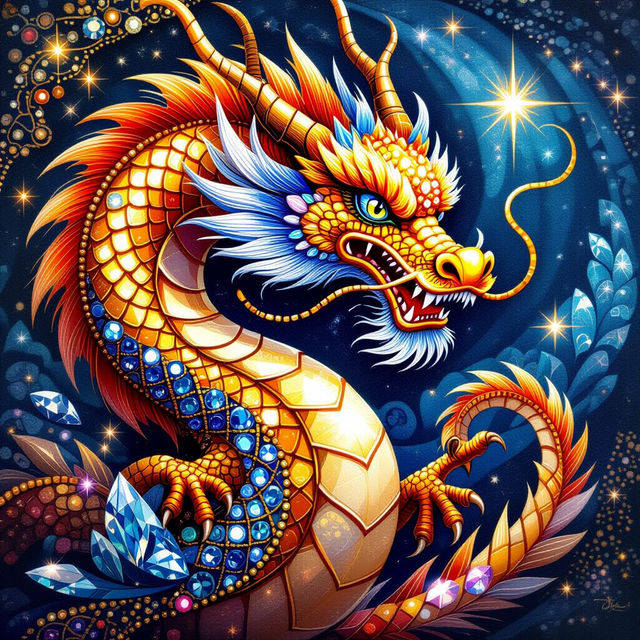
Diamond Art Beads
Explore a dazzling collection of diamond art beads, perfect for your next DIY project. Get inspired by unique designs and generate your own custom diamond art beads with NightCafe.
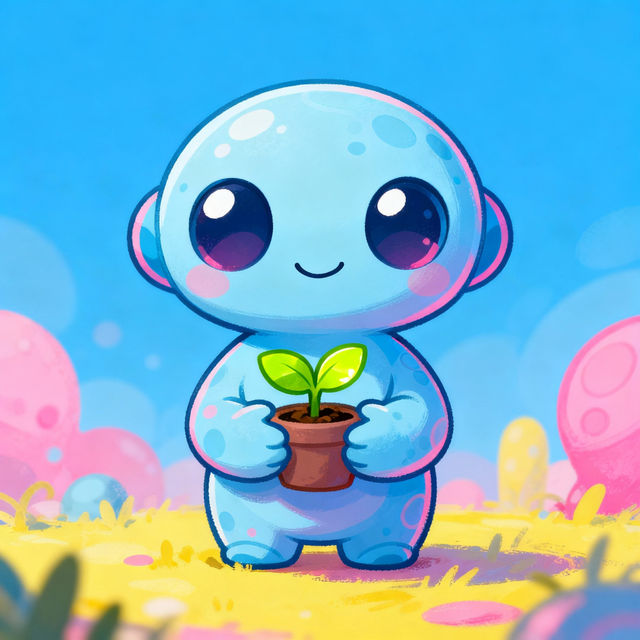
Cute Alien Drawings - Made With AI
Explore a charming gallery of cute alien drawings created with AI. Get inspired by these unique designs and start making your own adorable alien characters today!
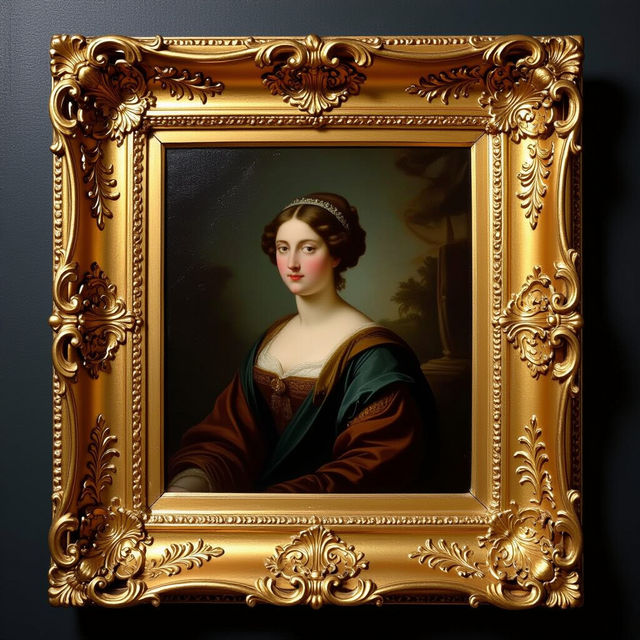
Vintage Gold Picture Frames
Discover exquisite vintage gold picture frames created with AI. Perfect for showcasing art and photography, these frames add a touch of classic elegance to any piece. Generate your own unique designs.
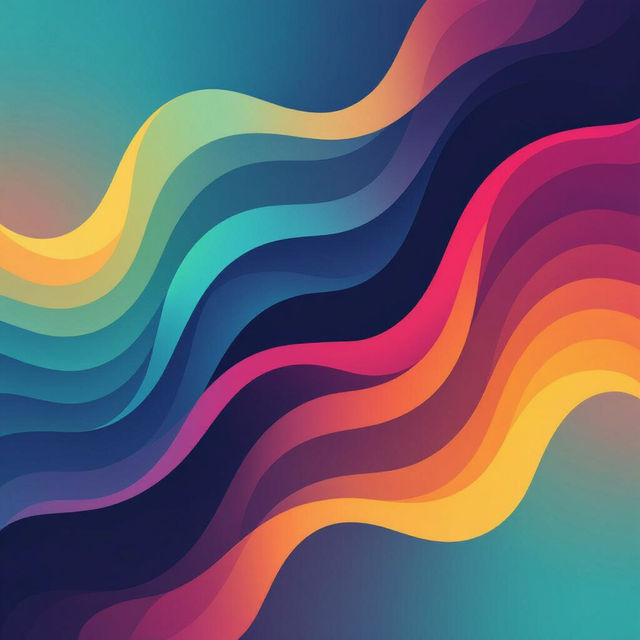
iOS 18 Wallpapers
Discover unique and beautiful wallpapers optimized for iOS 18. Explore a gallery of AI-created designs or generate your own custom wallpaper to personalize your device.
Frequently Asked Questions
Your Questions About Blue Whale AI Art, Answered
How can I create my own blue whale drawing pictures with AI?
To create your own blue whale drawing pictures, start by visiting NightCafe's AI art generation tools. You can then use descriptive text prompts, such as 'a serene blue whale swimming in a coral reef, watercolor style' or 'a majestic blue whale breaching the ocean surface, charcoal sketch', to guide the AI. Experiment with different keywords related to style, mood, and setting to achieve your desired artistic outcome.
What AI models are best for generating blue whale art?
NightCafe offers a variety of AI models, each with unique strengths. For drawing-style blue whale pictures, models like Stable Diffusion or our GPT-Image-1 might produce excellent results with specific stylistic prompts. We recommend trying a few different models with similar prompts to see which one best captures the aesthetic you're looking for, whether it's a sketch, watercolor, or a more detailed illustration.
Can I get inspired by the blue whale drawings in the gallery for my own creations?
Absolutely! The gallery is designed to spark your creativity. You can use the images here as inspiration for the mood, composition, or style of your own blue whale art. While you can't directly copy an image, you can analyze the prompts used (if available) or describe elements you like to the AI to generate something similar yet unique.
What kind of details should I include in my prompt for blue whale art?
To get the best results, be specific in your prompts. Consider the whale's pose (e.g., 'breaching', 'gliding', 'nursing'), the environment (e.g., 'deep ocean', 'sunlit shallows', 'kelp forest'), the artistic style (e.g., 'pencil sketch', 'oil painting', 'digital art', 'line drawing'), and the overall mood (e.g., 'peaceful', 'powerful', 'mysterious'). Adding keywords like 'drawing' or 'sketch' will help guide the AI towards a more illustrative style.