

- Galleries
- iPad Drawings with Pen Gallery
Drawing on iPad with Pen
Explore a gallery of stunning drawings created on an iPad with a pen. Get inspired by digital art and learn how AI can enhance your creative process.

As seen in








iPad Drawings with Pen Gallery
Discover a diverse collection of AI-generated drawings made on iPad with a pen. Perfect for artists seeking inspiration for their next digital masterpiece.


Didn't find what you were looking for? Create your own below!
Create your own Drawing on iPad with Pen images
Discover the magic of Text to Image AI by creating your own unique images. Edit the prompt below to customize your creation.
No payment or credit card required.

Intuitive Stylus Control
Create Digital Art With Stylus And Tablet
Experience the fluid precision of creating digital art directly on your iPad with a stylus. Our gallery showcases breathtaking examples of how the Drawing Ipad With Pen technique, enhanced by AI, can bring your artistic visions to life with unparalleled detail and expressiveness.
Create Your iPad Drawing with AI
Step 1
Describe Your iPad Art
Begin by describing the drawing you envision. Be specific about the subject, style (e.g., realistic, cartoon, abstract), colors, and any particular details you'd like to see, as if you were giving instructions to an artist drawing on an iPad.
Step 2
Generate Your Digital Drawing
After entering your detailed prompt, click the 'Generate' button. Our AI will process your description and create a unique digital drawing, mimicking the style of an iPad drawing made with a pen.
Step 3
Download or Share Your Creation
Once your artwork is ready, you can download it in high resolution to use as you please. Feel free to share your AI-assisted creation with others or use it as inspiration for your own digital art projects!

Elevate Your Creativity
AI Assisted Digital Art Creation On Ipad
Discover the power of AI Assisted Digital Art Creation on iPad. Our gallery demonstrates how artificial intelligence can augment your workflow, offering new possibilities and refining your creations. Explore unique styles and unlock your full artistic potential with these advanced tools.
More Galleries
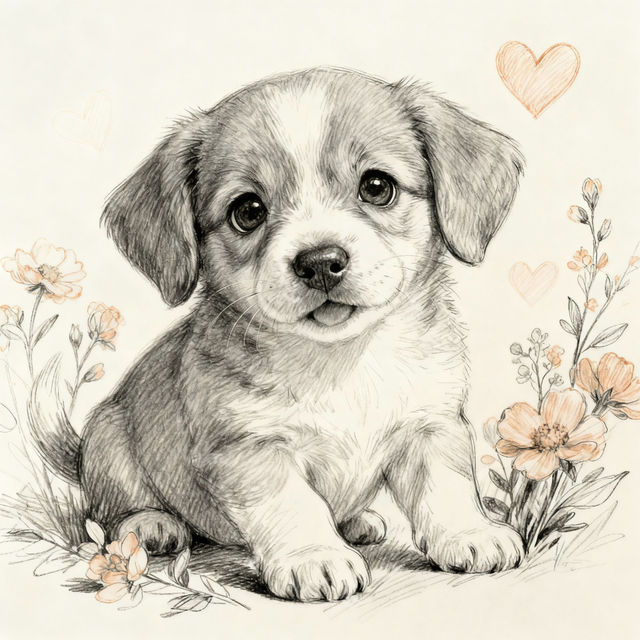
Puppy Drawings
Explore a charming gallery of puppy drawings and dog art created with AI. Find inspiration for your own canine creations or simply enjoy these delightful depictions of man's best friend.
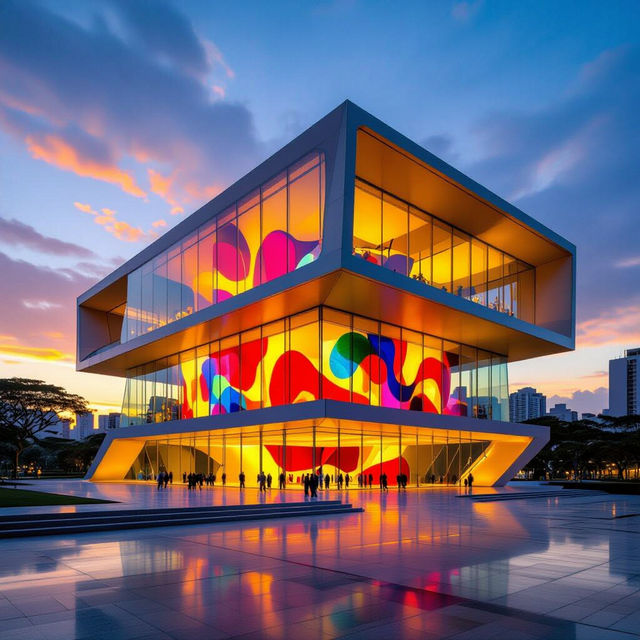
São Paulo Museum of Art - AI Generated Art
Discover unique AI-generated art inspired by the São Paulo Museum of Art. Browse our gallery or create your own masterpieces that evoke the spirit of MASP.
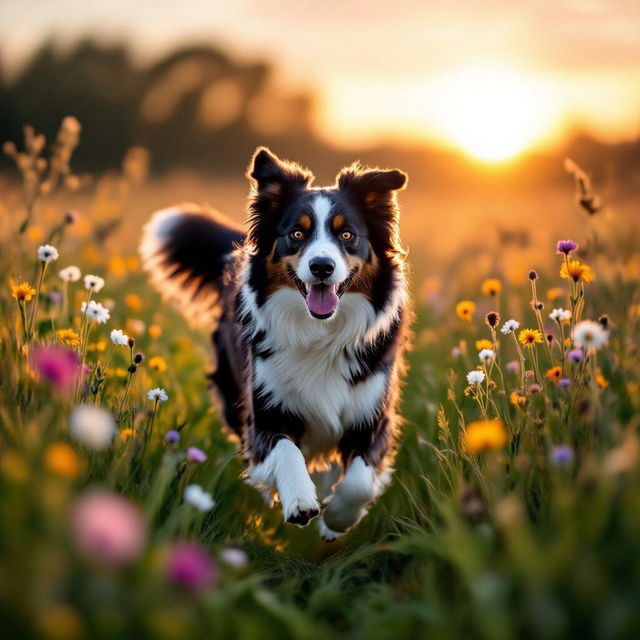
Border Collie Pictures
Explore a gallery of captivating Border Collie pictures and art. Discover unique AI-generated images of these intelligent dogs, perfect for inspiration or personal use.
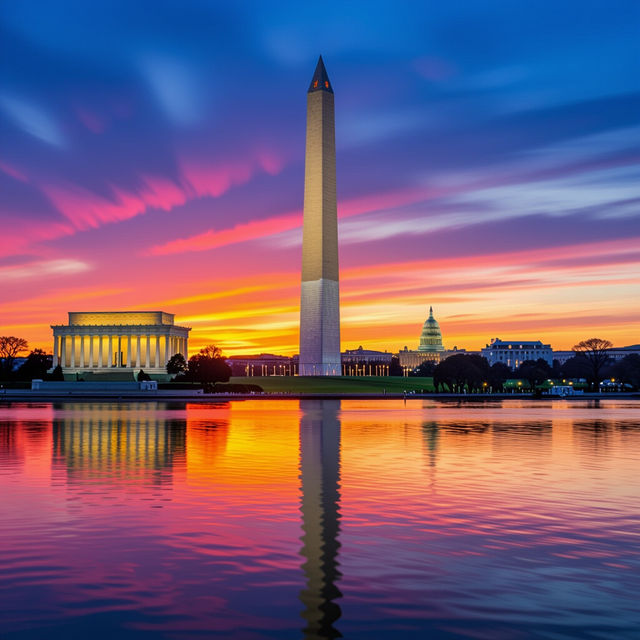
Washington D.C. Wallpapers
Explore a collection of AI-generated Washington D.C. wallpapers. Find iconic landmarks and cityscapes to personalize your desktop or mobile background. Create your own D.C. masterpiece!
Frequently Asked Questions
Frequently Asked Questions about Drawing on iPad with AI
How does AI enhance drawings made on an iPad with a pen?
AI can enhance iPad drawings by refining details, suggesting color palettes, generating variations of your sketch, or even completing unfinished areas. It acts as a powerful assistant, helping to achieve professional-looking results and explore creative directions you might not have considered.
What kind of AI models are used to create these iPad drawings?
NightCafe utilizes a variety of advanced AI models, including Stable Diffusion, DALL-E 2, and others. These models can be applied at different stages of the creative process, from initial concept generation to post-processing enhancements, offering diverse artistic styles and capabilities.
Do I need to be an experienced artist to use AI with my iPad drawings?
Not at all! Whether you're a beginner or a seasoned artist, AI tools can be incredibly beneficial. For beginners, AI can help bridge skill gaps and bring ideas to life. For experienced artists, it offers new avenues for experimentation and can accelerate the creation of complex or detailed artwork.
Can I use the AI-generated art from this gallery for my own projects?
Yes, the art generated using NightCafe's tools can often be used for your projects. Please refer to our Terms of Service for specific details regarding usage rights and any required attribution for commercial or non-commercial use.