

- Galleries
- AI Moon Phase Drawings Gallery
Moon Phase Drawings - AI Generated Art
Discover a captivating collection of AI-generated moon phase drawings. Perfect for artists and astronomy lovers seeking inspiration or unique celestial art pieces.

As seen in








AI Moon Phase Drawings Gallery
Browse a diverse gallery of AI-created moon phase drawings, showcasing various artistic styles and interpretations of the lunar cycle.


Didn't find what you were looking for? Create your own below!
Create your own Moon Phase Drawings - AI Generated Art images
Discover the magic of Text to Image AI by creating your own unique images. Edit the prompt below to customize your creation.
No payment or credit card required.

Discover Celestial Wonders
Explore Stunning Moon Phase Art
Immerse yourself in a breathtaking gallery of AI-generated moon phase drawings. Each piece captures the ethereal beauty of our lunar companion, from crescent slivers to full, luminous discs. Perfect for artists seeking unique inspiration or astronomy enthusiasts looking for captivating celestial art.
Create Your Own Moon Phase Masterpiece
Step 1
Describe Your Celestial Vision
Begin by describing the moon phase and any celestial elements you envision. Be specific about the lighting, atmosphere, and artistic style you desire (e.g., 'a detailed watercolor of a waxing gibbous moon over a calm ocean at midnight', or 'a minimalist line drawing of a new moon with scattered stars'). The more detail you provide, the closer the AI can get to your vision.
Step 2
Generate Your Cosmic Art
After crafting your prompt, simply click the 'Generate' button. Our AI will then process your request and create a unique moon phase drawing based on your specifications. You can experiment with different prompts to see a variety of artistic interpretations.
Step 3
Download or Share Your Artwork
Once your moon phase drawing is ready, you have the option to download it in high resolution for personal use or to share it with our community. Showcase your celestial creation and inspire others with your journey through the cosmos!

Your Cosmic Vision, Realized
Generate Stunning Celestial Art With AI
Harness the power of AI to generate stunning celestial art tailored to your imagination. Explore the vastness of space, create unique moon phase drawings, or craft entire cosmic scenes. Our tools make it simple to bring your astronomical visions to life with breathtaking detail and artistic flair.
More Galleries
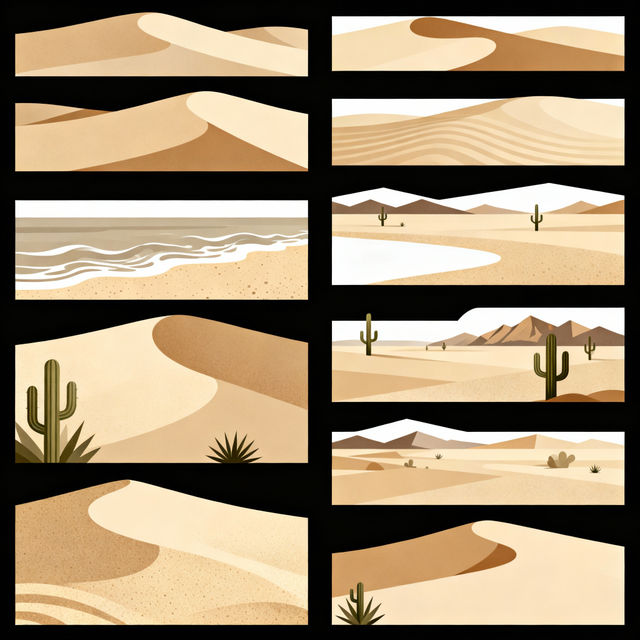
Sand Clip Art
Discover a unique collection of sand clip art, perfect for adding a touch of natural beauty to your projects. Browse and create your own sand-themed designs with AI.
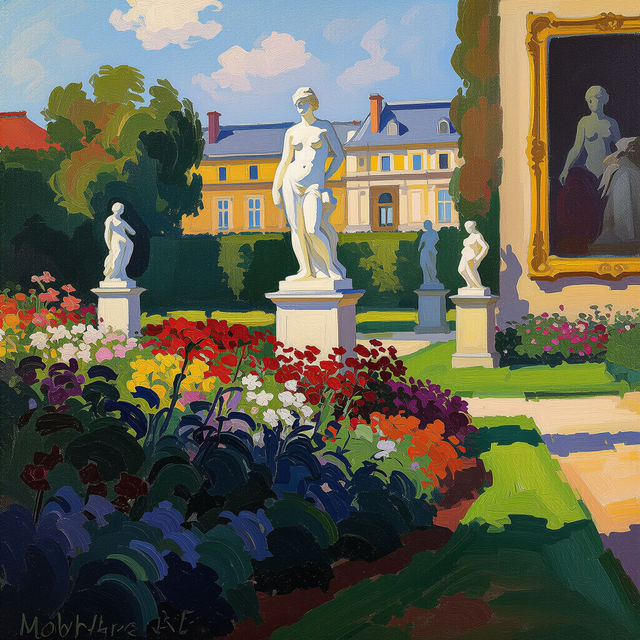
Butler Museum Of Art - AI Generated Art
Discover a unique collection of AI-generated art inspired by the styles and masterpieces found at the Butler Museum Of Art. Explore and create your own artistic interpretations.

Mechanic Wallpapers
Discover a unique collection of mechanic wallpapers, perfect for car enthusiasts and DIY lovers. Generate your own custom mechanic wallpaper with AI to personalize your space.

Art Gallery Signs - Made With AI
Explore unique AI-generated art gallery signs. Get inspiration for your next exhibition or create custom signage that captures the essence of your art with NightCafe.
Frequently Asked Questions
Your Questions About Moon Phase Drawings, Answered
How can I generate my own unique moon phase drawings?
To create your own moon phase drawings, start by using descriptive prompts that detail the specific phase of the moon you want (e.g., 'crescent moon over a calm ocean', 'full moon shining through wispy clouds'). You can also specify artistic styles, colors, and moods to tailor the artwork to your vision. Experiment with different keywords to achieve unique celestial art.
What kind of artistic styles can I use for moon phase drawings?
Our AI art generator supports a wide variety of artistic styles. You can request anything from realistic depictions to more abstract or impressionistic interpretations. Try prompts like 'Van Gogh style full moon', 'minimalist crescent moon drawing', or 'celestial watercolor of the moon phases' to explore different artistic directions.
Can I use these AI-generated moon phase drawings for my projects?
Yes, you can use the AI-generated moon phase drawings you create for various personal and creative projects. For commercial use, please refer to our Terms of Service, which outlines usage rights and any necessary attributions.
What if I'm not getting the moon phase I want?
If your generated image isn't quite right, try refining your prompt. Be more specific about the illumination, the angle, and any surrounding elements. You can also try different AI models available on NightCafe, as each model interprets prompts with a unique artistic sensibility. Adjusting parameters like 'creative freedom' or 'image quality' can also yield different results.