

- Galleries
- AI Mouse Drawings Gallery
Drawing Of A Mouse - AI Generated Art
Discover a charming collection of AI-generated drawings of mice. Perfect for inspiration or creating your own unique mouse artwork with NightCafe.

As seen in








AI Mouse Drawings Gallery
A delightful gallery showcasing various AI-generated drawings of mice, from realistic to cartoonish, offering creative inspiration for artists and enthusiasts.


Didn't find what you were looking for? Create your own below!
Create your own Drawing Of A Mouse - AI Generated Art images
Discover the magic of Text to Image AI by creating your own unique images. Edit the prompt below to customize your creation.
No payment or credit card required.

Whimsical & Detailed Art
Explore AI-generated Mouse Drawings
Dive into a delightful gallery showcasing a diverse array of AI-generated mouse drawings. From realistic portraits to whimsical characters, each piece is a testament to the creative potential of AI. Find the perfect inspiration for your next project or simply enjoy the charming artistry of a Drawing Of A Mouse.
Create Your Own AI Mouse Drawing
Step 1
Describe Your Mouse
Start by entering a detailed description of the mouse you envision in the prompt box. Think about its pose, expression, surroundings, and artistic style (e.g., 'a fluffy cartoon mouse holding a piece of cheese,' 'a realistic field mouse in tall grass,' 'a steampunk mouse with goggles'). The more specific you are, the closer the AI can get to your idea.
Step 2
Generate Your Artwork
Once you've crafted your perfect prompt, click the 'Create' button. Our AI will then work its magic, generating a unique drawing of a mouse based on your specifications. You can experiment with different prompts to see a variety of results.
Step 3
Download or Share Your Creation
After your mouse drawing is created, you have several options! Download your favorite creation in high resolution to use in your projects, or share it with the NightCafe community to inspire others and get feedback. Get creative and see what you can make!

Unleash Your Creativity
Generate Your Own Mouse Illustration With AI
Transform your ideas into unique mouse illustrations with our intuitive AI tools. Whether you need a character for a storybook or a graphic for a t-shirt, our platform empowers you to Generate Your Own Mouse Illustration with AI. Explore endless possibilities and bring your vision to life with custom AI art.
More Galleries

Macos Wallpapers - AI Generated
Explore a diverse collection of AI-generated Macos wallpapers. Find the perfect aesthetic for your desktop and then create your own unique Macos wallpapers with NightCafe's AI.
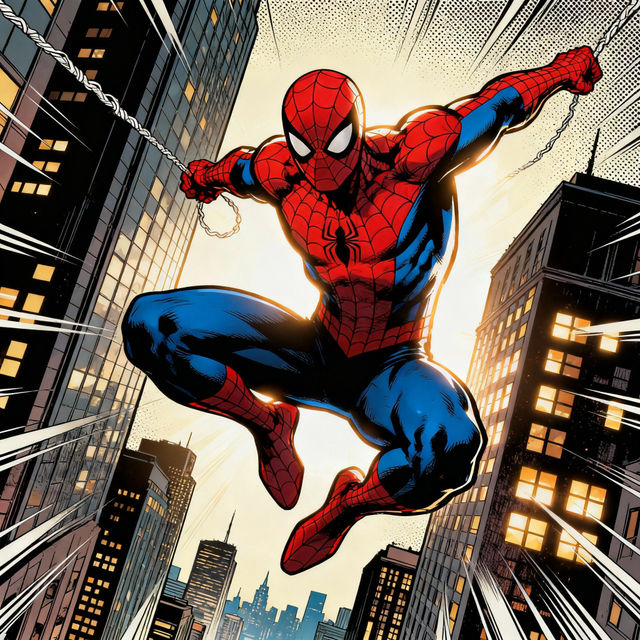
Drawings Of Spiderman - AI Generated
Discover a stunning gallery of AI-generated drawings of Spiderman. Get inspired by unique artistic interpretations and create your own web-slinging hero.
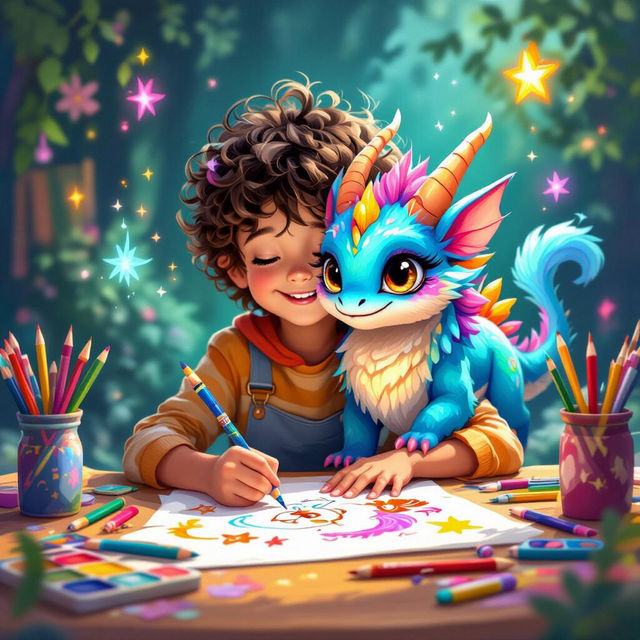
Kid Drawing Ideas
Discover endless kid drawing ideas with AI! Browse imaginative artwork and get inspired to create your own unique drawings. Perfect for young artists looking for creative fun.
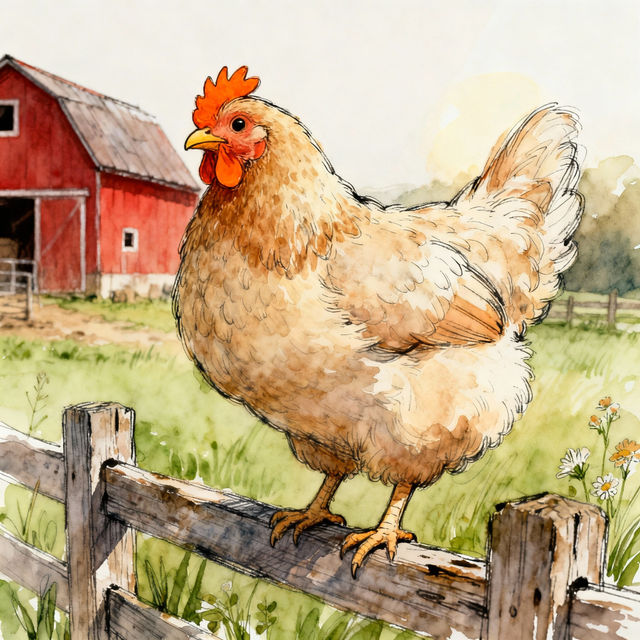
Hen Drawings - AI Generated Art
Explore a gallery of unique hen drawings created with AI. Get inspired by diverse artistic styles and easily generate your own charming chicken illustrations.
Frequently Asked Questions
Your Questions About Drawing Of A Mouse, Answered
How can I create my own unique mouse drawing with NightCafe?
To create your own AI art of a mouse, simply use our intuitive AI generation tools. Start by entering a descriptive text prompt, detailing the style, pose, and setting you envision for your mouse. You can then select from various AI models and settings to refine your creation. Experiment with different prompts to discover endless possibilities!
What kind of styles can I generate for my mouse drawings?
Our AI art generator is capable of producing a wide variety of styles for your mouse drawings. Whether you're looking for realistic portraits, whimsical cartoon characters, intricate sketches, or even abstract interpretations, you can achieve it by adjusting your text prompts. Explore different keywords related to art movements, mediums, and artistic styles to find the perfect look.
Can I use the AI-generated mouse art for my projects, like storybooks or t-shirts?
Yes, the AI-generated mouse art you create can be used for various projects, including storybooks, t-shirts, branding, and more. We encourage you to bring your creative visions to life! For specific usage rights and attribution requirements, please refer to our Terms of Service.
What if I don't like the first mouse drawing I create?
Don't worry if your first attempt isn't exactly what you imagined! AI art generation is an iterative process. You can easily regenerate the image with the same prompt, or modify your prompt to introduce new elements or refine existing ones. Adjusting the AI model, aspect ratio, or other settings can also yield different results.