

- Galleries
- Drawing Practice Exercise Examples
Drawing Practice Exercises
Explore a variety of drawing practice exercises designed to enhance your artistic skills. Use AI to generate unique prompts and examples for your next drawing session.

As seen in








Drawing Practice Exercise Examples
A curated gallery of AI-generated visual prompts and examples for drawing practice exercises, perfect for artists looking to hone their skills and find inspiration.


Didn't find what you were looking for? Create your own below!
Create your own Drawing Practice Exercises images
Discover the magic of Text to Image AI by creating your own unique images. Edit the prompt below to customize your creation.
No payment or credit card required.

Sharpen Your Artistic Abilities
Improve Your Drawing Skills With AI Exercises
Elevate your artistic journey with our AI-powered Drawing Practice Exercises. Generate endless unique prompts and visual examples tailored to your skill level. Whether you're focusing on anatomy, perspective, or shading, our AI provides the inspiration and guidance you need to continuously improve and master your craft.
Master Your Drawing Skills with AI Assistance
Step 1
Describe Your Drawing Exercise
Start by entering a descriptive prompt for the drawing exercise you want. Be specific about the subject matter, style, and any particular artistic techniques you wish to practice, such as perspective, shading, or anatomy. The more detail you provide, the better the AI can tailor the exercise to your needs.
Step 2
Generate Your Practice Prompt
After crafting your prompt, click the 'Generate Exercise' button. The AI will then process your request and create a unique drawing prompt and potentially a visual example to guide your practice session.
Step 3
Download, Share, and Improve
Once your AI-assisted drawing exercise is ready, you can download the generated prompt or example image for offline use. Feel free to share your completed artwork or the prompts you used with the community to inspire others and receive feedback!

Inspire Your Next Sketch
AI-generated Sketching Drills For Artists
Dive into a world of creative exploration with AI-Generated Sketching Drills. Our platform crafts unique and engaging exercises designed to challenge and inspire artists of all levels. Perfect for warm-ups or dedicated practice sessions, these AI-generated prompts encourage you to explore new subjects, styles, and techniques, pushing your creative boundaries.
More Galleries
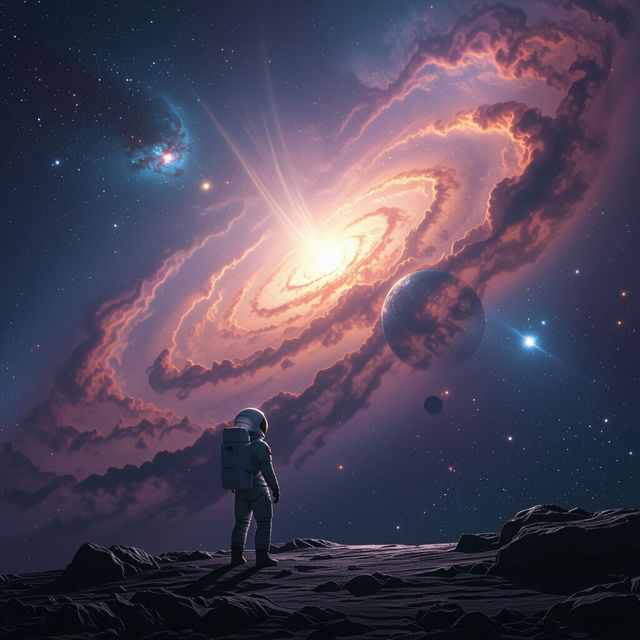
Real Space Wallpaper 4k
Explore breathtaking Real Space Wallpaper 4k images. Find inspiration for your desktop or mobile background. Create your own stunning cosmic scenes with AI.

New York Wallpapers - Made With AI
Transform your device with breathtaking New York wallpapers. Browse iconic cityscapes and unique artistic interpretations, all generated by AI. Create your own NYC vibe today!
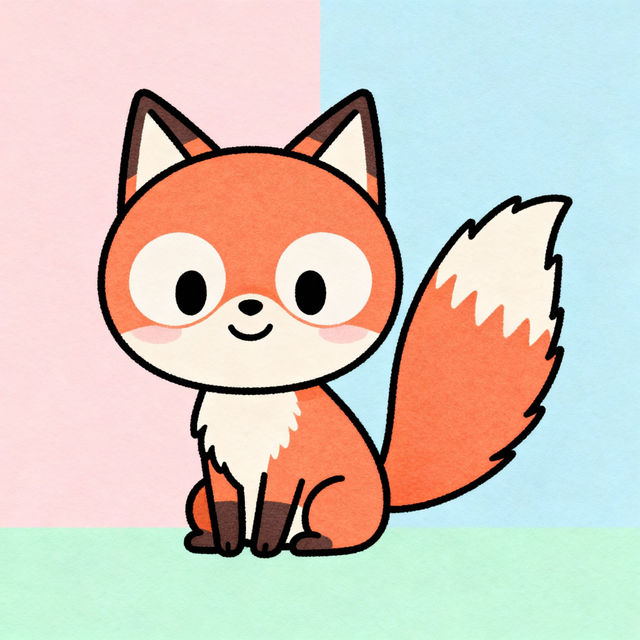
Easy Fox Drawings - Made With AI
Explore a gallery of charming, easy fox drawings created by AI. Learn how simple it can be to generate cute fox art and bring your creative ideas to life.
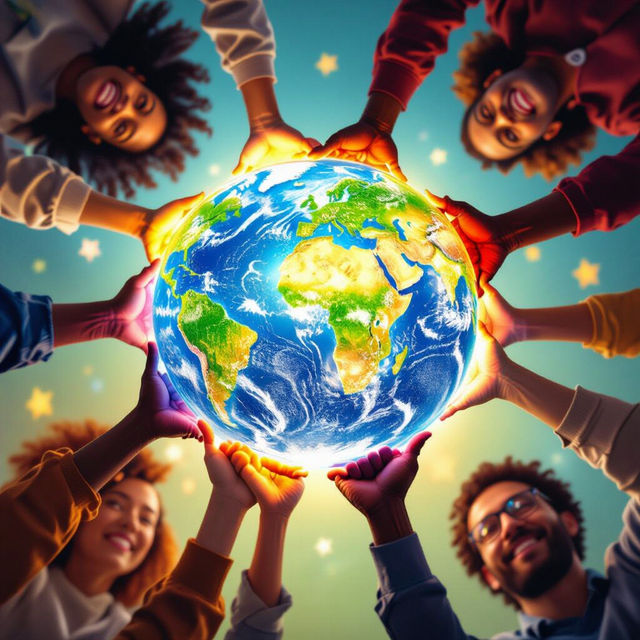
Democracy Images - AI Generated
Discover powerful AI-generated democracy images. Explore diverse visual interpretations of democratic ideals and create your own symbolic imagery on NightCafe.
Frequently Asked Questions
Your Questions About AI-Assisted Drawing Practice, Answered
How can AI help me with my drawing practice?
Our AI can generate a wide variety of unique prompts and visual examples specifically for drawing practice. This means you'll always have fresh ideas and references, whether you're working on fundamental skills like anatomy and perspective, or exploring different shading techniques and styles. The AI provides endless inspiration to keep your practice engaging and effective.
What types of drawing exercises can I create or find here?
You can use our AI to create exercises focused on various artistic skills. This includes prompts for practicing human or animal anatomy, understanding and applying perspective rules, mastering different shading techniques (like cross-hatching or stippling), drawing still life compositions, and exploring various subjects from portraits to landscapes. The AI can tailor these exercises to your specific learning goals.
Are these drawing exercises suitable for beginners and experienced artists alike?
Absolutely! The AI is designed to generate prompts and examples suitable for all skill levels. Beginners can use simpler prompts to build foundational skills, while more experienced artists can request complex subjects, challenging compositions, or specific stylistic exercises to refine their technique and push their creative boundaries.
Can I save or reuse the AI-generated drawing prompts and examples?
Yes, you can save the prompts and examples generated by the AI for future reference. This allows you to build a personal library of practice material, revisit exercises that you found particularly helpful, or use them as inspiration for future drawing sessions. Check the platform's features for specific saving and organization options.