

- Galleries
- Seahorse Drawing Collection
Seahorse Drawings - AI Generated Art
Discover a gallery of enchanting seahorse drawings created by AI. Get inspired by unique artistic styles and generate your own seahorse drawings with NightCafe.

As seen in








Seahorse Drawing Collection
A curated collection of AI-generated seahorse drawings, showcasing diverse interpretations of these captivating marine creatures in various artistic styles.


Didn't find what you were looking for? Create your own below!
Create your own Seahorse Drawings - AI Generated Art images
Discover the magic of Text to Image AI by creating your own unique images. Edit the prompt below to customize your creation.
No payment or credit card required.

Artistic Visions Unveiled
Explore Unique Seahorse Drawings
Dive into a mesmerizing collection of seahorse drawings, each a unique masterpiece born from AI's creative spark. From intricate line art to vibrant watercolor interpretations, discover diverse styles that will ignite your imagination. Let these AI-generated seahorse drawing creations inspire your own artistic journey and unique seahorse drawing.
Create Your Own Enchanting Seahorse Drawings
Step 1
Describe Your Seahorse Vision
To begin, describe the seahorse drawing you envision in the prompt box. Be specific about the style (e.g., watercolor, line art, surreal), the seahorse's pose, its surroundings (e.g., coral reef, abstract background), and any particular colors or moods you'd like to convey. The more detail you provide, the closer the AI can get to your unique vision.
Step 2
Generate Your Seahorse Art
Once your prompt is ready, click the 'Generate' button. The AI will then process your description and create a unique seahorse drawing based on the details you've provided. Watch as your ideas come to life!
Step 3
Download or Share Your Masterpiece
After the seahorse drawing is generated, you have the option to download your creation in high resolution. You can also share your artwork with the NightCafe community to inspire others and receive feedback on your unique seahorse masterpiece.

Bring Your Vision To Life
Generate Stunning Seahorse Art With AI
Transform your ideas into breathtaking seahorse art with our intuitive AI tools. Whether you envision a majestic creature in a coral reef or a whimsical seahorse in an abstract landscape, our platform empowers you to generate stunning seahorse art effortlessly. Start creating your own unique seahorse masterpieces today.
More Galleries
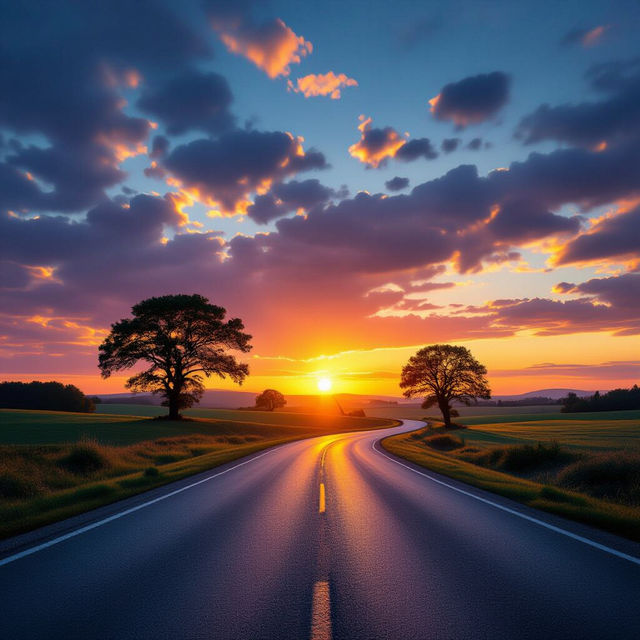
Road Images - AI Generated
Discover a diverse collection of AI-generated road images, from scenic highways to urban streets. Perfect for inspiration or use in your projects. Create your own unique road scenes.
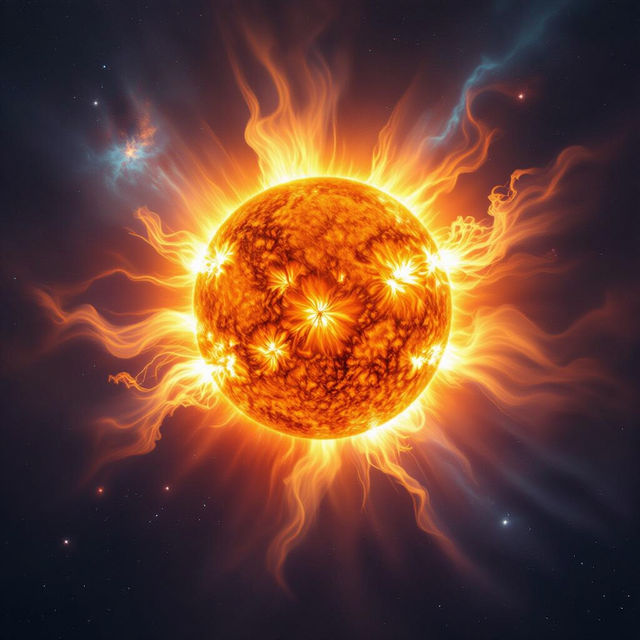
Image of the Sun - Generated by AI
Explore a breathtaking gallery of AI-generated images of the sun. Discover unique artistic interpretations and create your own solar masterpieces with our advanced AI tools.

Apple Logo Wallpapers 4K
Explore a stunning collection of Apple logo wallpapers in crisp 4K resolution. Perfect for your devices, these wallpapers offer a sleek and modern aesthetic. Create your own unique Apple-inspired designs.
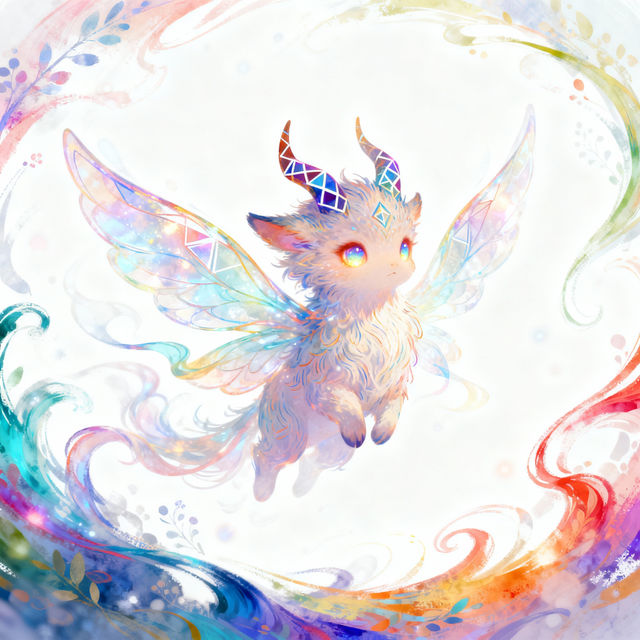
Procreate Drawing - AI Art
Discover a vibrant gallery of Procreate drawings created with AI. Get inspired by unique styles and techniques, then generate your own AI-assisted artwork on NightCafe.
Frequently Asked Questions
Your Questions About AI Seahorse Art, Answered
How can I create my own unique seahorse drawings using NightCafe?
To generate your own seahorse art, start by describing the seahorse and its environment in the text prompt. You can specify colors, styles (like 'line art' or 'watercolor'), and the overall mood. Experiment with different keywords to achieve the exact look you desire. Our platform offers various AI models, each with unique strengths, to help you create stunning seahorse drawings.
What kind of artistic styles can I expect in the AI-generated seahorse drawings?
The AI can generate seahorse drawings in a wide array of styles, inspired by the collection you see. You can request anything from intricate, detailed line art and classic pencil sketches to vibrant watercolor paintings, abstract interpretations, or even photorealistic depictions. The key is to describe the desired style in your prompt.
Can I use the seahorse art I generate for my own projects?
Yes, the seahorse art you create with NightCafe can be used for your personal projects. Depending on the specific terms of service and the credits you have earned or purchased, you may also be able to use them for commercial purposes. Please refer to our Terms of Service for detailed information on usage rights.
What if my first AI seahorse drawing isn't exactly what I envisioned?
AI art generation is an iterative process. If your initial seahorse drawing isn't perfect, try refining your prompt. Add more specific details, change keywords, or try a different AI model. You can also use features like 'Variations' or 'Upscale' to explore different directions or improve the quality of an existing creation.