

- Galleries
- AI Ghost Drawings Gallery
Drawings Of Ghosts - Made With AI
Discover captivating drawings of ghosts brought to life by AI. Browse our gallery for inspiration or create your own spectral art on NightCafe.

As seen in








AI Ghost Drawings Gallery
A collection of AI-generated ghost drawings, from spooky specters to friendly apparitions, perfect for inspiration or your next creative project.


Didn't find what you were looking for? Create your own below!
Create your own Drawings Of Ghosts - Made With AI images
Discover the magic of Text to Image AI by creating your own unique images. Edit the prompt below to customize your creation.
No payment or credit card required.

Unveil Spectral Beauty
Explore Ethereal Ghost Art
Dive into a realm of spectral beauty with our collection of AI-generated drawings of ghosts. Each piece captures the haunting essence of the paranormal, offering a unique glimpse into the ethereal plane. Perfect for artists seeking inspiration or anyone fascinated by the mysterious.
Craft Your Ethereal Ghost Art
Step 1
Describe Your Spectral Vision
Begin by describing the ghost or spectral scene you envision. Be as detailed as possible – think about the ghost's appearance, its surroundings, the mood, and the artistic style (e.g., 'a translucent Victorian ghost floating in a moonlit graveyard, digital art'). The more descriptive your prompt, the more unique your creation will be.
Step 2
Generate Your Ghostly Artwork
After entering your prompt, click the 'Generate' button. Our AI will then work its magic, transforming your words into a captivating drawing of a ghost. You can experiment with different prompts to see a variety of spectral outcomes.
Step 3
Download and Share Your Creation
Once your ghost art is created, you have the power to download it in high resolution or share it with the NightCafe community. Get feedback, inspire others, or simply enjoy your unique spectral creation!

Conjure Haunting Visions
Generate AI Ghost Art And Spooky Scenes
Bring your darkest imaginations to life! Our platform empowers you to generate AI ghost art and spooky scenes with ease. Whether you envision a playful phantom or a chilling apparition, our tools let you conjure unique, captivating visuals for your projects or personal enjoyment.
More Galleries
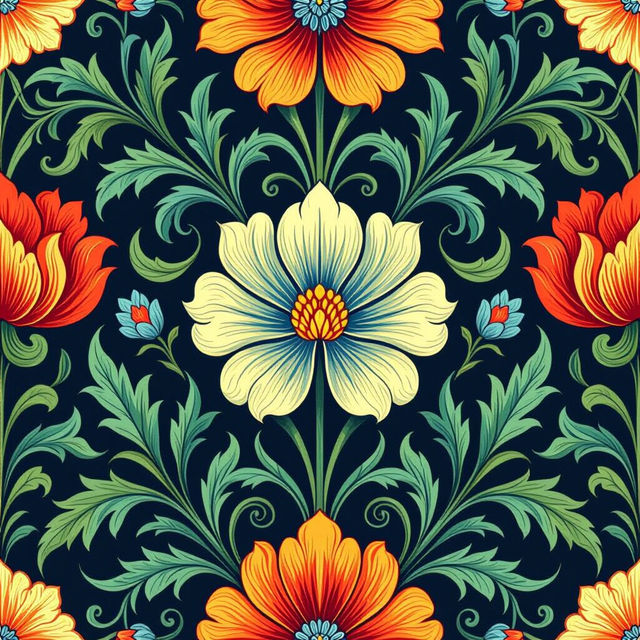
Spoonflower Wallpaper Designs - Made With AI
Explore stunning AI-generated wallpaper designs perfect for Spoonflower. Get inspired by unique patterns and create your own custom Spoonflower wallpaper with NightCafe.
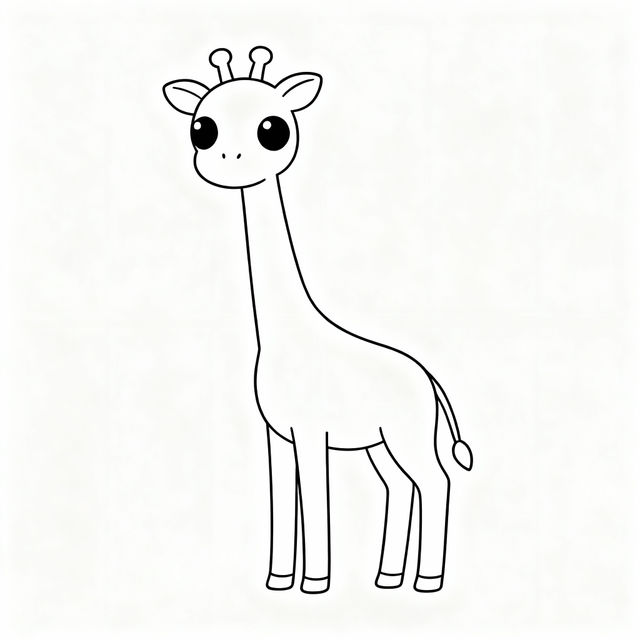
Easy Giraffe Drawings
Explore a gallery of easy giraffe drawings. Learn how to create simple, charming giraffe art with AI, perfect for beginners and animal lovers.
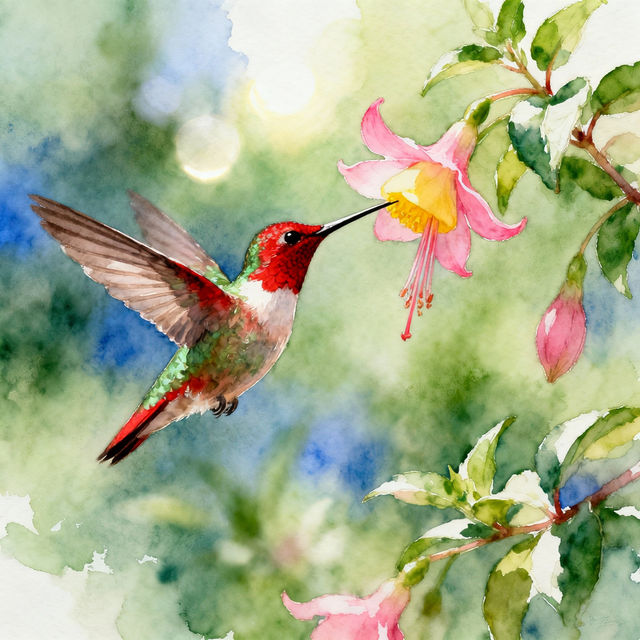
Drawing Hummingbird Art
Explore a vibrant gallery of AI-generated hummingbird drawings. Get inspired by these intricate designs and create your own unique hummingbird art with NightCafe.
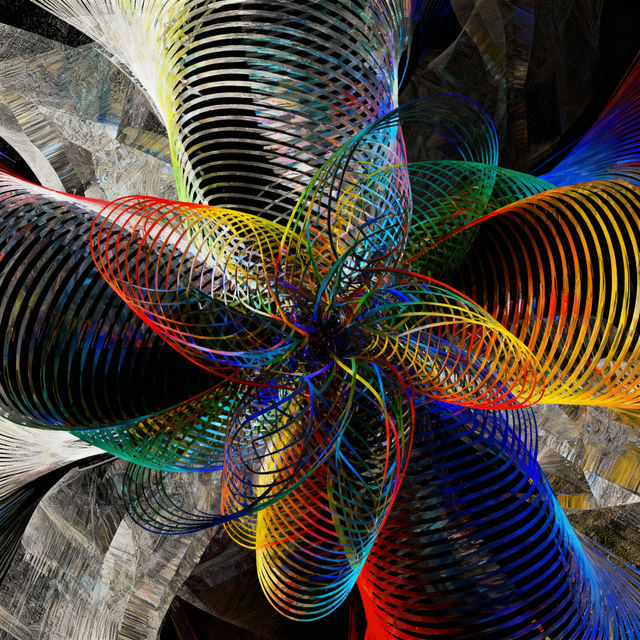
Bias Drawings - Created with AI
Discover a unique collection of AI-generated bias drawings. Explore how AI interprets bias visually and create your own thought-provoking artwork.
Frequently Asked Questions
Your Questions About AI Ghost Art, Answered
How can I create my own unique ghost drawings with NightCafe?
To create your own AI ghost art, start by entering a descriptive prompt in our AI art generator. Be specific about the type of ghost you envision (e.g., 'a playful Victorian ghost,' 'a terrifying spectral apparition,' 'a translucent spirit in a haunted house'). You can also specify the art style, mood, and any other elements you'd like to include, such as 'eerie lighting,' 'foggy background,' or 'glowing eyes.' Experiment with different keywords to achieve the exact spectral beauty you're looking for.
What makes the AI ghost art in this gallery unique?
Each piece in our Drawings of Ghosts gallery is generated by advanced AI algorithms, interpreting prompts to create unique and often hauntingly beautiful representations of ghosts. The AI can capture subtle nuances of spectral presence, ethereal textures, and atmospheric moods that might be challenging to achieve through traditional art methods. This results in a diverse collection, from subtle apparitions to more vivid spectral figures.
Can I use the AI-generated ghost art for my projects?
Yes, the AI-generated ghost art you create on NightCafe can be used for various projects. Whether you're looking for inspiration for your own artwork, need spooky visuals for a game, a story, or personal enjoyment, our platform empowers you to generate captivating ghost art. Please refer to our Terms of Service for specific details on usage rights and attribution.
What if I'm not getting the results I want for my ghost drawings?
If your ghost drawings aren't turning out as expected, try refining your prompt. Add more descriptive adjectives, specify the art style (e.g., 'sketch,' 'watercolor,' 'photorealistic'), mention the desired color palette, or describe the environment. Sometimes, adding negative prompts (things you *don't* want to see) can also help steer the AI in the right direction. Don't hesitate to experiment with different AI models available on our platform, as each one interprets prompts slightly differently.