

- Galleries
- AI Dreamscape Art Showcase
Dreamscape Art
Immerse yourself in stunning Dreamscape Art created by AI. Discover fantastical and surreal visuals, then bring your own dream worlds to life with NightCafe's AI art generator.

As seen in








AI Dreamscape Art Showcase
A curated collection of AI-generated dreamscape art, featuring imaginative and surreal scenes that transport viewers to otherworldly realms. Get inspired by the impossible.


Didn't find what you were looking for? Create your own below!
Create your own Dreamscape Art images
Discover the magic of Text to Image AI by creating your own unique images. Edit the prompt below to customize your creation.
No payment or credit card required.

Unlock Limitless Imagination
Explore Surreal Dreamscape Art With AI
Dive into a universe of otherworldly landscapes and fantastical creatures. Our gallery showcases breathtaking Dreamscape Art, generated by advanced AI, that pushes the boundaries of reality. Explore unique styles and find inspiration for your own surreal creations.
Craft Your Own Surreal Worlds
Step 1
Describe Your Dreamscape
Begin by describing the surreal world you envision in the prompt box. Include details about the landscape, colors, mood, and any fantastical elements you'd like to see. The more descriptive you are, the closer the AI can get to your dreamscape.
Step 2
Generate Your Surreal Art
After refining your prompt, click the 'Generate' button. Our AI will then process your description and begin creating a unique piece of surreal art based on your input.
Step 3
Download or Share Your Creation
Once your dreamscape is generated, you can download the high-resolution image or share it with the community. Get inspired by others and showcase your own surreal creations!

Your Vision, Realized Instantly
Generate AI Dream Art With Nightcafe
Ready to bring your wildest dreams to life? With NightCafe, you can easily Generate AI Dream Art. Our intuitive tools and powerful models allow anyone to create stunning, personalized visuals. Start crafting your unique dreamscapes today and see your imagination materialize.
More Galleries

Thank You Images With Quotes
Explore a collection of unique thank you images with quotes. Find the perfect way to express your gratitude and appreciation with heartfelt messages, all generated by AI.
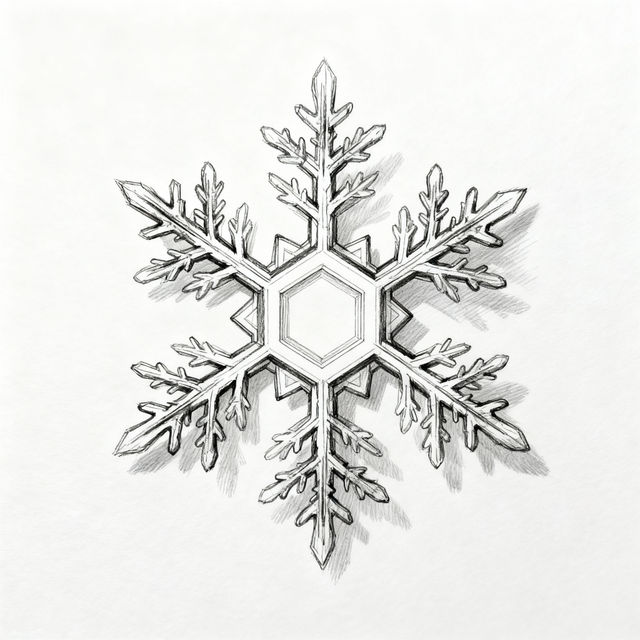
Snowflake Simple Drawings
Explore a gallery of simple snowflake drawings. Perfect for winter inspiration, these AI-generated designs offer a touch of elegance and simplicity for your creative projects.
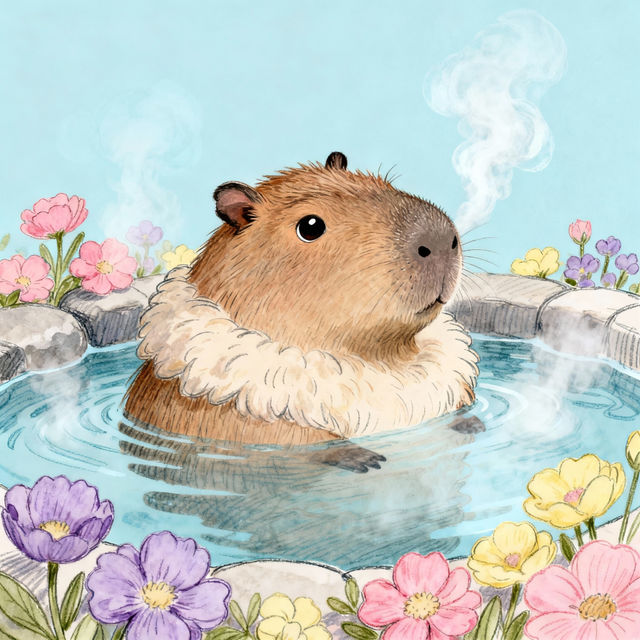
Cute Capybara Drawings
Discover charming AI-generated drawings of cute capybaras. Perfect for animal lovers and art enthusiasts, find inspiration or create your own adorable capybara art.
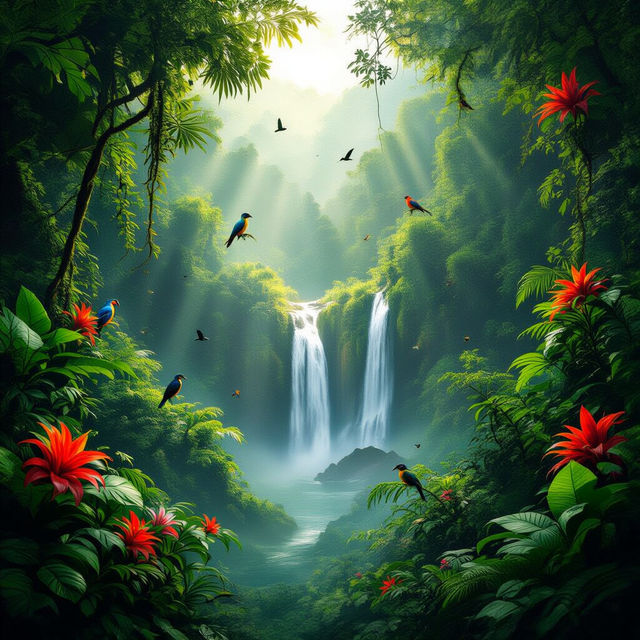
Pictures Of Tropical Rainforest
Discover stunning AI-generated pictures of tropical rainforests. Immerse yourself in lush greenery and exotic wildlife. Create your own vibrant rainforest scenes with NightCafe.
Frequently Asked Questions
Your Questions About Creating Surreal Dreamscapes Answered
What kind of prompts work best for creating surreal Dreamscape Art?
To create surreal Dreamscape Art, start with vivid descriptions of fantastical elements, impossible landscapes, and dreamlike atmospheres. Combine unexpected objects, use evocative adjectives, and specify unusual color palettes or lighting to enhance the surreal effect. For example, try prompts like 'a floating island made of glass in a nebula sky with bioluminescent flora' or 'a clock melting over a desert landscape under two moons'.
Can I use specific AI models to achieve different styles of Dreamscape Art?
Yes, NightCafe offers a variety of AI art generation models, each capable of producing unique styles. Experimenting with different models like Stable Diffusion, DALL-E 2, or others available in your NightCafe account will allow you to achieve diverse surreal aesthetics, from photorealistic to painterly or abstract dreamscapes.
How can I make my AI-generated Dreamscape Art look more unique and less generic?
To ensure your Dreamscape Art is unique, focus on highly specific and imaginative prompts. Combine elements that don't typically go together, describe emotions or abstract concepts visually, and use negative prompts to exclude common AI art tropes. Don't be afraid to iterate, adjust parameters, and use the advanced options available on NightCafe to fine-tune your creations.
What are the best practices for generating creatures or characters within a surreal dreamscape?
When generating creatures or characters for your dreamscapes, describe them with unusual features, hybrid forms, or ethereal qualities. Consider how they interact with the surreal environment. For instance, you could prompt for 'a majestic griffin with wings made of starlight perched on a crystalline tree' or 'a lone wanderer with a body made of smoke traversing a city of inverted buildings'.