

- Galleries
- 4K Dual Monitor Wallpaper Gallery
Stunning Dual Monitor Wallpapers in 4K
Explore a vast collection of breathtaking 4K dual monitor wallpapers. Find the perfect backdrop for your dual screen setup and create your own unique designs with AI.

As seen in








4K Dual Monitor Wallpaper Gallery
Discover a curated selection of high-resolution dual monitor wallpapers, perfect for enhancing your productivity and aesthetic. Create your own unique dual screen art.


Didn't find what you were looking for? Create your own below!
Create your own Stunning Dual Monitor Wallpapers in 4K images
Discover the magic of Text to Image AI by creating your own unique images. Edit the prompt below to customize your creation.
No payment or credit card required.

Seamlessly Expand Your View
AI-generated Dual Screen Wallpapers
Transform your workspace with stunning AI-generated dual screen wallpapers. Our advanced models craft intricate and cohesive designs that span across both monitors, offering a truly immersive experience. Elevate your setup with a unique Dual Monitor Wallpaper 4k that reflects your personal style and boosts productivity.
Create Your Stunning Dual Monitor Wallpaper
Step 1
Describe Your Vision
Start by describing your ideal dual monitor wallpaper in the prompt box. Think about the theme, colors, and overall aesthetic you want for your expansive setup. Be specific to guide the AI in creating a cohesive design that spans both screens.
Step 2
Generate Your Wallpaper
Once your prompt is ready, click the 'Generate' button. Our AI will then process your description and create a unique, high-resolution wallpaper designed specifically for your dual monitor setup.
Step 3
Download & Share
After generation, you can download your 4K wallpaper to enhance your workspace. Feel free to share your creation with the NightCafe community or experiment with new prompts to discover even more breathtaking designs!

Unify Your Display
Create Ultrawide Wallpaper For Your Dual Monitor Setup
Achieve a unified and expansive digital environment by creating custom ultrawide wallpapers designed for your dual monitor setup. Our AI makes it simple to generate a single, continuous visual narrative that flows across your entire screen real estate. Create Ultrawide Wallpaper for Your Dual Monitor Setup that captivates and inspires.
More Galleries

Explore AI-Generated Bible Drawings
Discover beautiful AI-generated Bible drawings. Get inspired by scenes from scripture and create your own unique Bible art with NightCafe's advanced AI tools.
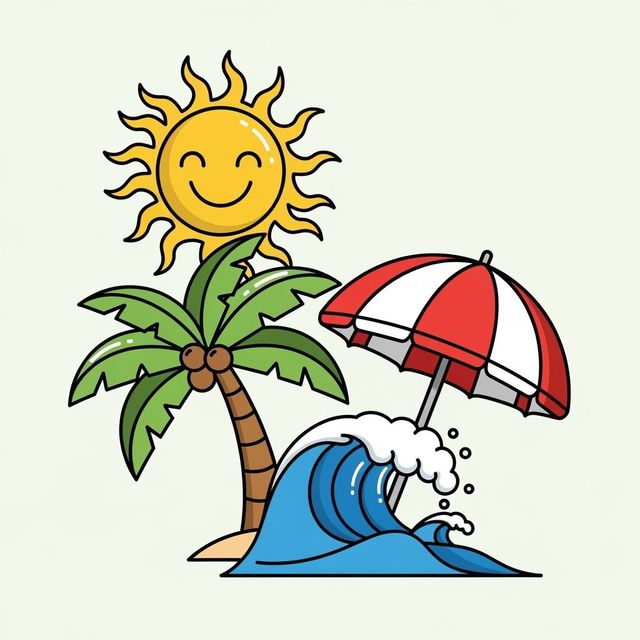
Generate Stunning Beach Clip Art with AI
Discover a vibrant collection of AI-generated beach clip art. Perfect for summer projects, invitations, or digital scrapbooking. Create your unique beach scenes with NightCafe.
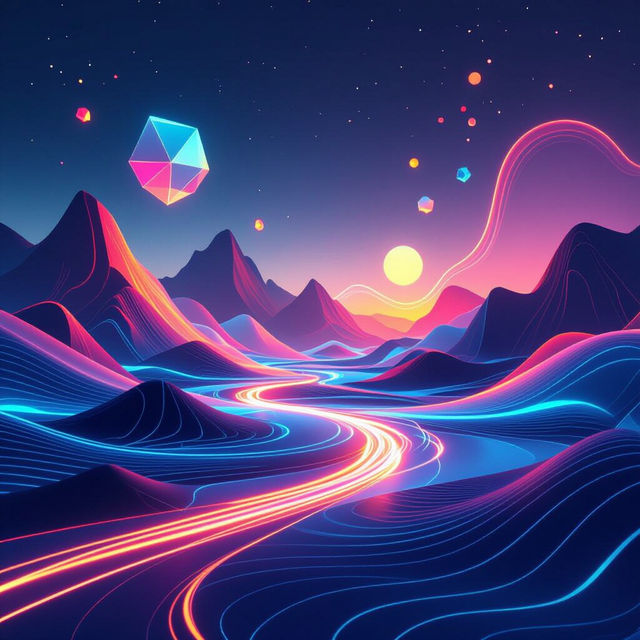
Stunning 3D Wallpaper Creations
Discover a world of breathtaking 3D wallpaper designs. Our AI tool helps you generate unique 3D wallpapers to personalize your space. Explore the gallery or start creating your own.
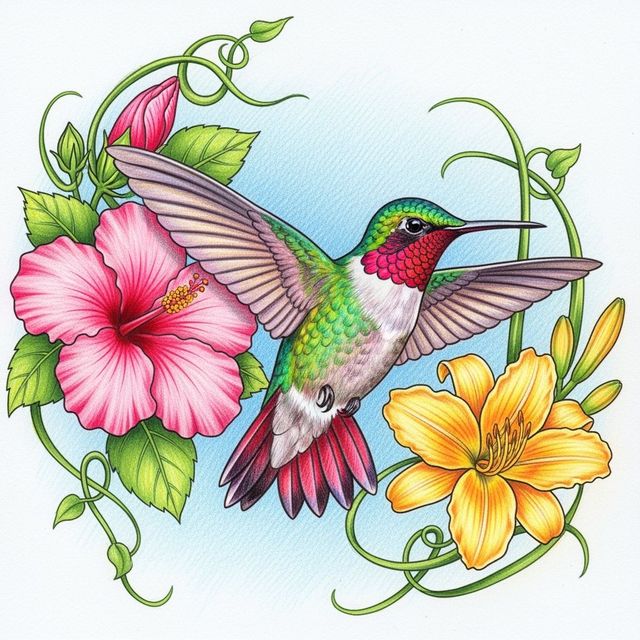
Stunning Bird Drawings Created With AI
Discover a gallery of beautiful bird drawings made with AI. Get inspired by diverse avian art, then use NightCafe to create your own unique bird illustrations.
Frequently Asked Questions
Frequently Asked Questions About Creating Dual Monitor Wallpapers
How do I create a cohesive design that spans across two monitors?
To achieve a seamless dual monitor design, focus your prompts on creating a unified scene or concept that naturally flows from one monitor to the next. Mention elements like landscapes, abstract patterns, or thematic continuities that work well across a wider aspect ratio. Experimenting with different aspect ratios in your generation settings can also help achieve the desired spanning effect.
What resolution and aspect ratio should I use for dual monitor wallpapers?
For dual monitor setups, you'll typically want to generate images with a wide aspect ratio that accommodates both screens. Common resolutions for 4K dual monitor setups involve combining the resolutions of your monitors (e.g., two 3840x2160 monitors would require a much wider aspect ratio). When generating, consider using aspect ratio presets that mimic this ultrawide format or manually inputting custom dimensions that match your combined screen resolution for the best fit.
Can I use my generated dual monitor wallpapers for commercial purposes?
Yes, you can use your AI-generated dual monitor wallpapers for commercial purposes, such as in your business workspace or for client presentations. As per our terms of service, you are free to use the creations you make. We encourage you to share your unique setups!
What AI models are best suited for creating expansive dual monitor art?
Our gallery showcases creations from various advanced AI models. Models like Stable Diffusion and Flux are known for their ability to generate detailed and coherent images, making them excellent choices for creating art that spans across multiple screens. Experimenting with different models will help you discover which best captures the expansive and cohesive look you desire for your dual monitor setup.