

- Galleries
- Dual Screen Wallpaper Gallery
Stunning Dual Screen Wallpapers
Elevate your dual screen setup with unique AI-generated wallpapers. Explore breathtaking dual screen wallpaper designs and create your own perfect background for an immersive visual experience.

As seen in








Dual Screen Wallpaper Gallery
A curated collection of AI-generated dual screen wallpapers, perfect for enhancing your multi-monitor setup with stunning and cohesive visuals.


Didn't find what you were looking for? Create your own below!
Create your own Stunning Dual Screen Wallpapers images
Discover the magic of Text to Image AI by creating your own unique images. Edit the prompt below to customize your creation.
No payment or credit card required.

Seamlessly Stunning Displays
AI-generated Dual Monitor Backgrounds
Transform your workspace with our collection of AI-generated dual monitor backgrounds. Each wallpaper is crafted to provide a cohesive and visually engaging experience across both screens, making your setup truly unique. Discover breathtaking dual screen wallpaper designs that redefine your digital environment.
Create Your Perfect Dual Screen Wallpaper
Step 1
Describe Your Ideal Wallpaper
To begin, enter a detailed prompt describing the dual screen wallpaper you envision. Think about the overall theme, colors, style (e.g., abstract, scenic, futuristic), and any specific elements you'd like to see across both monitors. The more descriptive your prompt, the better the AI can match your vision.
Step 2
Generate Your Dual Screen Art
After crafting your prompt, click the 'Generate' button. Our AI will process your description and create unique, high-resolution dual screen wallpaper designs tailored to your specifications. You can iterate on your prompt and regenerate as needed until you find the perfect match.
Step 3
Download and Showcase Your Wallpaper
Once you're happy with the generated wallpaper, you can download it directly to your device. Feel free to share your stunning new setup with the community or keep it as your own personal digital masterpiece!

Your Vision, Amplified
Design Multi Monitor Wallpaper With AI
Unleash your creativity and design multi monitor wallpaper that perfectly complements your setup. Our AI tools empower you to generate custom backgrounds, from abstract art to photorealistic scenes, ensuring a harmonious and immersive visual experience. Design Multi Monitor Wallpaper with AI to reflect your personal style.
More Galleries
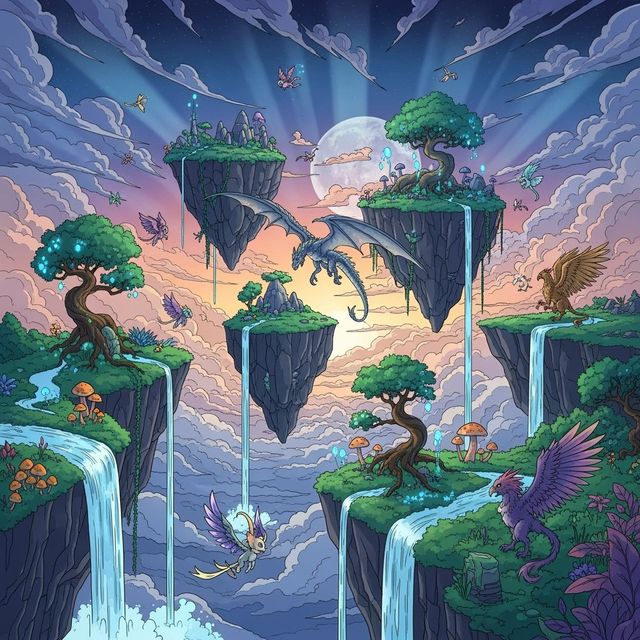
Explore Stunning 2D Art Created with AI
Browse a diverse collection of AI-generated 2D art. Find inspiration and create your own unique 2D art pieces with NightCafe's easy-to-use tools.
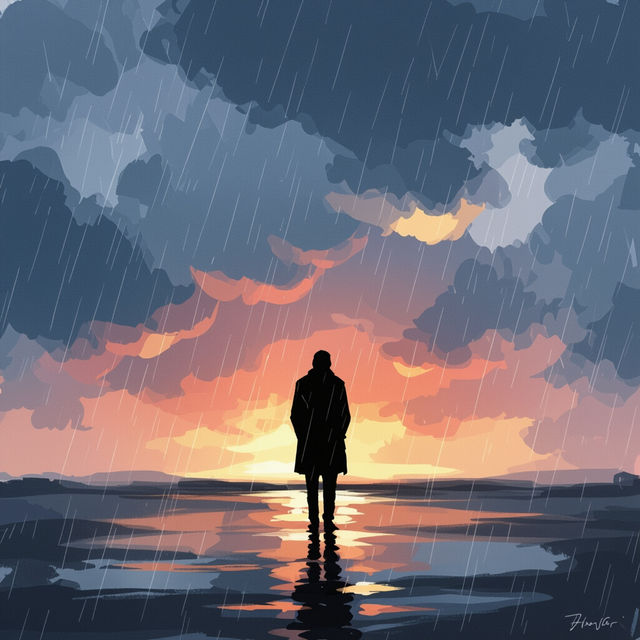
Explore AI-Generated Sad Art
Discover evocative sad art pieces generated by AI. Explore themes of melancholy and introspection, and create your own emotional artwork on NightCafe.
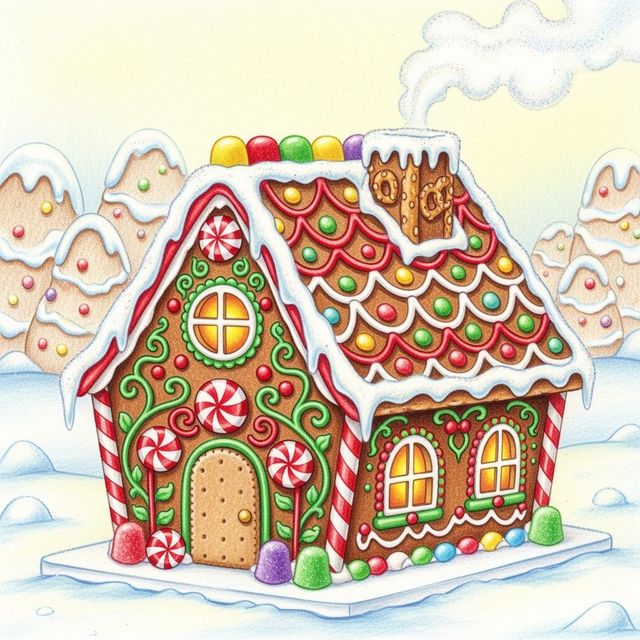
AI Gingerbread Drawings Gallery
Explore a delightful gallery of AI-generated gingerbread drawings, perfect for holiday inspiration. Create your own unique gingerbread designs with our easy-to-use AI tools.
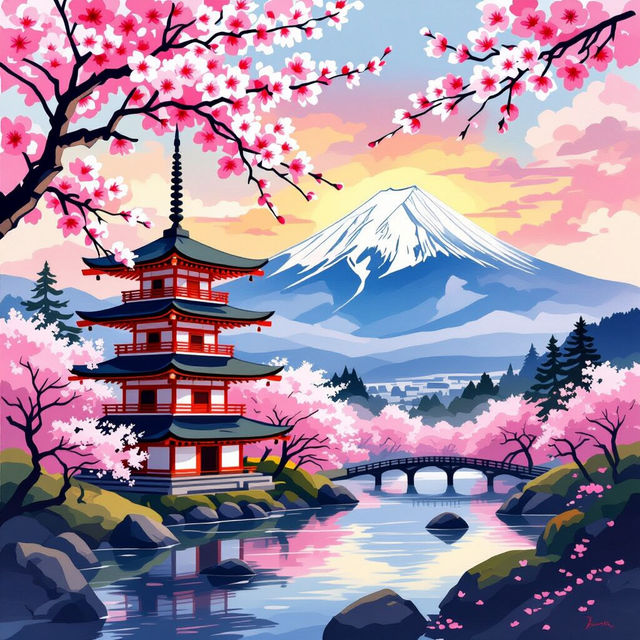
Stunning Japan Wallpapers Generated by AI
Discover and create breathtaking Japan wallpapers with AI. Browse a gallery of vibrant scenes from Tokyo to Mount Fuji, then generate your own unique Japanese aesthetic.
Frequently Asked Questions
Frequently Asked Questions About AI-Generated Wallpapers for Your Setup
What makes these wallpapers suitable for dual screen setups?
Our AI-generated wallpapers are specifically designed to create a cohesive and immersive visual experience across two monitors. The AI considers the expansive nature of dual screen setups, generating art that flows or complements across the combined display area, avoiding awkward breaks or misalignments.
Can I create my own custom dual monitor wallpaper using NightCafe?
Absolutely! NightCafe's AI tools empower you to design your own multi-monitor wallpaper. You can guide the AI with prompts to create abstract art, photorealistic scenes, or anything in between, ensuring your wallpaper perfectly matches your personal style and setup.
What kind of artistic styles can I expect or create for my dual screen wallpaper?
You can explore a vast range of styles, from minimalist and abstract to detailed landscapes and futuristic cityscapes. The AI can generate photorealistic scenes, vibrant illustrations, or unique artistic interpretations, allowing you to find or create the perfect aesthetic for your dual screen setup.
How do I ensure the wallpaper looks good on both of my monitors?
When generating, consider using prompts that describe a scene that can be divided or mirrored across two screens. You can also experiment with different aspect ratios and AI models. Many users find success by describing a panoramic scene or a symmetrical design that works well when split.