

- Galleries
- AI Dual Screen Wallpaper Gallery
Dual Screen Wallpapers - AI Generated
Transform your dual screen setup with unique AI-generated wallpapers. Explore a vast collection of dual screen wallpapers designed to enhance your workspace and inspire creativity.

As seen in








AI Dual Screen Wallpaper Gallery
Discover an expansive collection of AI-generated dual screen wallpapers, perfect for enhancing any multi-monitor setup with stunning visuals and creative designs.


Didn't find what you were looking for? Create your own below!
Create your own Dual Screen Wallpapers - AI Generated images
Discover the magic of Text to Image AI by creating your own unique images. Edit the prompt below to customize your creation.
No payment or credit card required.

Elevate Your Workspace
Stunning Dual Monitor Wallpapers
Transform your dual monitor setup into a visual masterpiece with our collection of stunning Dual Screen Wallpapers. Each piece is meticulously crafted by AI to offer breathtaking landscapes, abstract designs, and vibrant scenes that seamlessly span across both screens, enhancing your productivity and aesthetic.
Create Your Perfect Dual Screen Wallpaper
Step 1
Describe Your Ideal Wallpaper
Describe your ideal dual screen wallpaper in the prompt box. Think about the theme, colors, style, and any specific elements you envision spanning your setup. The more detail you provide, the better the AI can match your vision.
Step 2
Generate Your Wallpaper
Once your prompt is ready, click the 'Generate' button. Our AI will work its magic to create a unique wallpaper designed to perfectly fit and enhance your dual screen display.
Step 3
Download & Enjoy Your Setup
After generation, download your new wallpaper in high resolution to adorn your dual monitor setup. Feel free to share your creation with the community or generate more variations!

Customizable & Unique
Generate AI Dual Monitor Backgrounds For Your Setup
Effortlessly Generate AI Dual Monitor Backgrounds for Your Setup, tailored to your specific style. Our advanced AI models allow you to create truly unique and personalized backgrounds that perfectly complement your dual screen configuration. Inspire creativity and make your workspace truly your own.
More Galleries

Docker Image Scanning Tools
Discover innovative AI-generated visuals representing Docker image scanning tools. Visualize security, efficiency, and the future of container scanning.

Superhero Cartoon Drawings - Made With AI
Explore a vibrant gallery of superhero cartoon drawings. Generate your own unique comic book heroes and villains with AI, perfect for fans and creators alike.
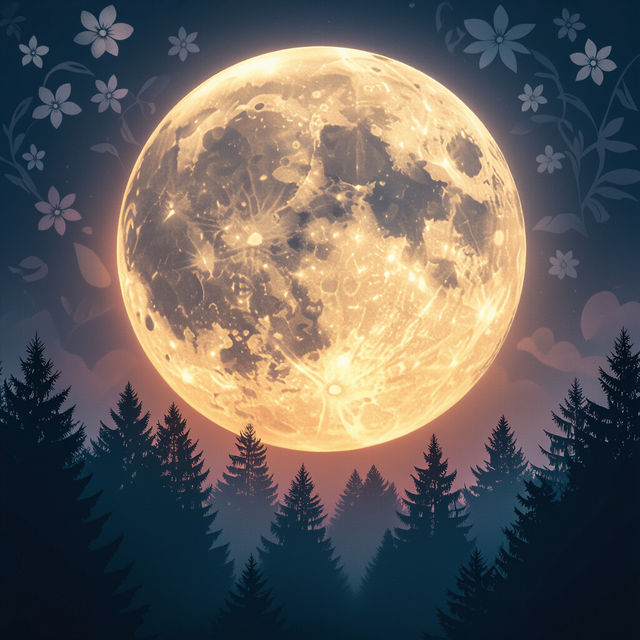
Full Flower Moon Images - Made With AI
Explore breathtaking Full Flower Moon images created with AI. Discover unique artistic interpretations and generate your own celestial visions on NightCafe.
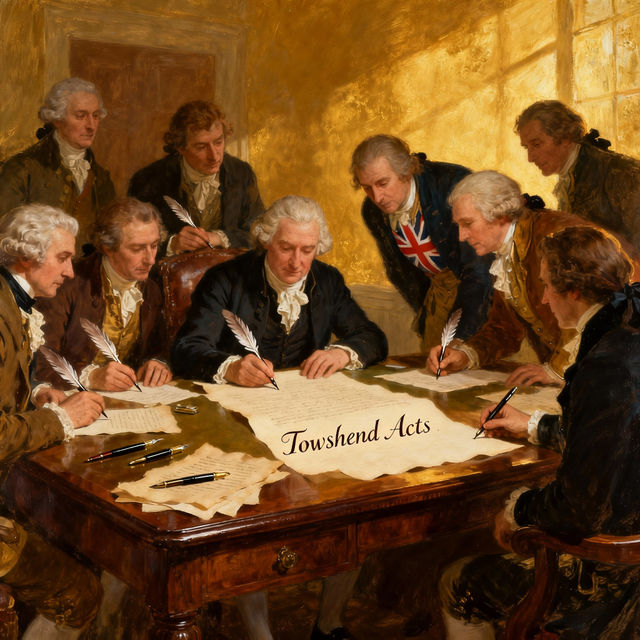
Drawing Townshend Act
Discover captivating AI-generated drawings depicting the Townshend Act. Explore historical scenes and create your own visual interpretations with NightCafe.
Frequently Asked Questions
Get the Most Out of Your Dual Screen Wallpapers
How are these dual screen wallpapers generated?
Our dual screen wallpapers are generated using advanced AI models. These models are trained on vast datasets of images and art, allowing them to create unique and visually appealing designs specifically formatted to span across two monitors. The AI can interpret prompts to generate landscapes, abstract art, vibrant scenes, and more, tailored for a dual-screen experience.
Can I request specific themes or styles for my dual screen wallpaper?
Yes, you can! When generating your own dual screen wallpapers, you can use descriptive prompts to guide the AI. Try specifying themes like 'cyberpunk cityscapes,' 'serene mountain lakes,' or 'minimalist geometric patterns.' You can also mention desired color palettes, moods, and artistic styles to get a result that perfectly matches your aesthetic.
What resolution and aspect ratio should I consider for dual screen wallpapers?
The AI is designed to create images that work well for dual screen setups. For optimal results, ensure your generated wallpaper's aspect ratio is suitable for two monitors side-by-side. While the AI aims for high-quality output, the final resolution may depend on the specific AI model used and your input parameters. We recommend checking the output image's properties to ensure it fits your monitor's native resolution for the sharpest display.
How can I use these AI-generated wallpapers for my dual monitor setup?
Once you've generated or selected a dual screen wallpaper, you can download the image file. Then, simply go to your operating system's display settings. You'll typically have an option to set a different wallpaper for each monitor, or to span a single image across both. Our wallpapers are designed to be easily applied to enhance your workspace.