

- Galleries
- AI-Generated Flame Drawings
Easy Flame Drawing
Explore our collection of easy flame drawings, perfect for beginners. Learn to create stunning fire effects with AI and bring your artistic visions to life.

As seen in








AI-Generated Flame Drawings
Discover a gallery of AI-created flame drawings, showcasing simple yet beautiful fire designs. Ideal for inspiration and learning.


Didn't find what you were looking for? Create your own below!
Create your own Easy Flame Drawing images
Discover the magic of Text to Image AI by creating your own unique images. Edit the prompt below to customize your creation.
No payment or credit card required.

Stunning Fire Effects
Create Realistic Flame Art Effortlessly
Discover the simplicity of crafting lifelike flame art with our AI. Perfect for beginners, this gallery provides tools to generate captivating fire drawings that appear hand-drawn, yet possess a professional polish. Begin your Easy Flame Drawing journey today and see how quickly you can create vibrant, dynamic fire.
Create Your Own Fiery Art
Step 1
Describe Your Flame
Start by describing the flame you envision in the prompt box. Think about its size, intensity, color, and any surrounding elements. For example, try 'a small, flickering candle flame' or 'a large, roaring bonfire'. Be as detailed as you like to guide the AI!
Step 2
Generate Your Drawing
After entering your prompt, simply click the 'Generate' button. Our AI will then process your description and create a unique flame drawing just for you.
Step 3
Download & Share
Once your flame drawing is ready, you can download it to use in your projects or share it with others. See your artistic vision come to life!

Beginner Friendly Designs
Generate AI Fire Art With Ease
Our platform makes generating AI Fire Art incredibly simple. Whether you're aiming for a subtle glow or an explosive inferno, our tools guide you through the process. Learn to Generate AI Fire Art with Ease and add a touch of dynamic energy to your projects with these stunning, AI-assisted creations.
More Galleries
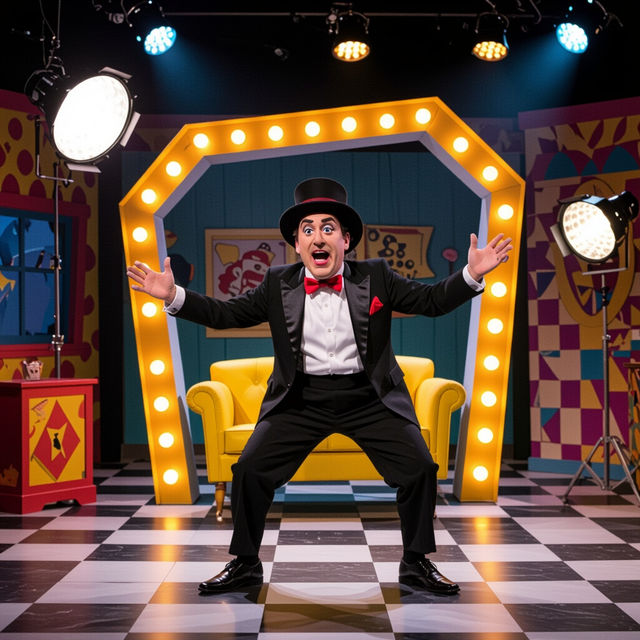
Sketch Comedy Art - Made With AI
Dive into the world of sketch comedy with AI-generated art. Explore humorous scenes and characters, and learn 'What Is Sketch Comedy' through visual interpretations. Create your own.
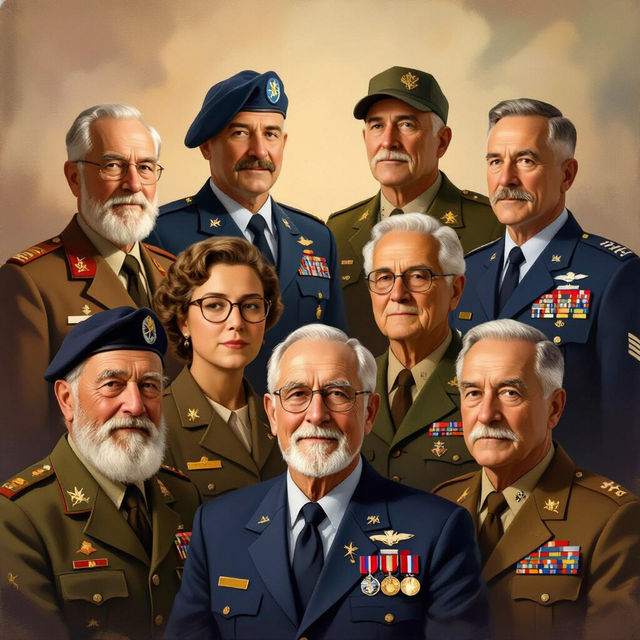
Veteran Pictures - AI Generated
Discover a gallery of AI-generated veteran pictures, honoring service and sacrifice. Create your own unique veteran art with NightCafe's powerful AI tools.
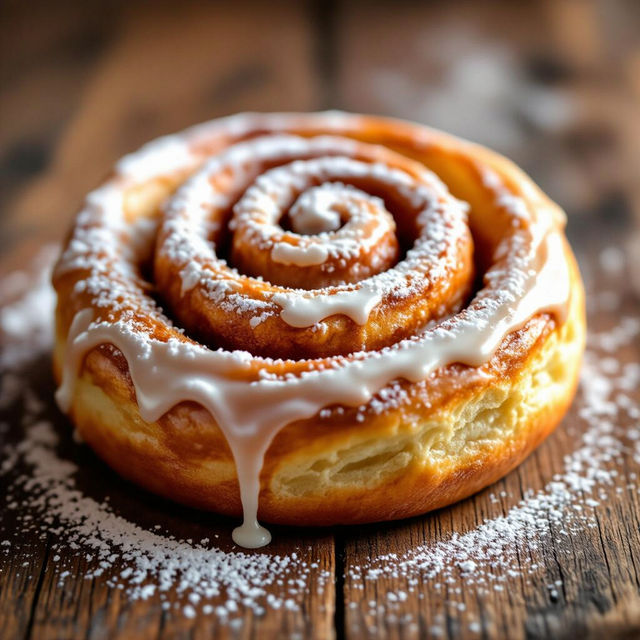
Cinnamon Roll Pictures - Made With AI
Explore a delightful gallery of AI-generated cinnamon roll pictures. Get inspired by these sweet treats and create your own mouth-watering cinnamon roll images with NightCafe.
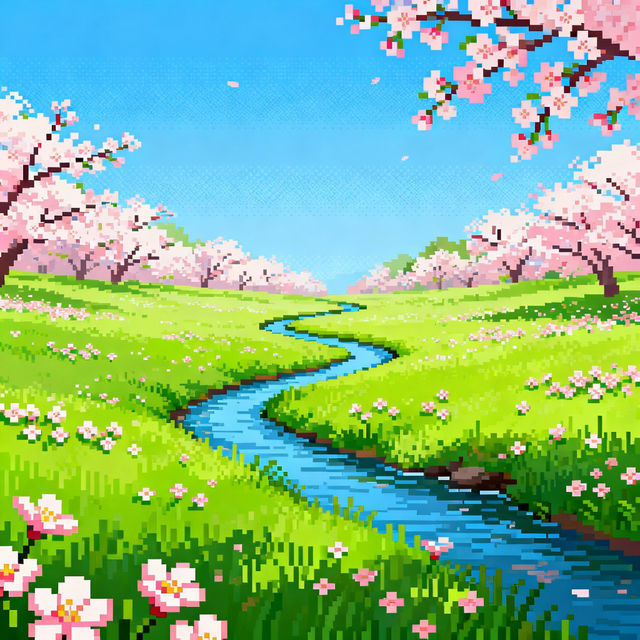
Spring Pixel Art Creations
Explore a delightful gallery of Spring Pixel Art, perfect for games or digital art. Get inspired by vibrant scenes and create your own pixelated spring worlds with AI.
Frequently Asked Questions
Your Questions About Easy Flame Drawing Answered
How can beginners start creating flame art with this AI generator?
Our Easy Flame Drawing AI Art Generator is designed with beginners in mind. Simply start by describing the flame you want to create in the prompt. You can specify colors, intensity, shape, and the overall mood. The AI will interpret your text and generate a unique flame drawing. Experiment with simple prompts first, and gradually add more detail as you become comfortable.
What makes these flame drawings 'easy' to create?
The 'easy' aspect comes from the AI's ability to translate your textual descriptions into visual art. Instead of needing complex drawing skills, you can articulate your vision through words. The AI handles the rendering, providing a professional polish to what appears like a hand-drawn flame, making the creative process accessible and quick for everyone.
Can I generate different types of fire effects, from subtle glows to intense infernos?
Absolutely! Our AI Fire Art tools are versatile. You can guide the AI to create a wide spectrum of fire effects. For a subtle glow, use prompts like 'soft candle flame' or 'gentle ember.' For more intensity, try prompts such as 'raging bonfire,' 'explosive inferno,' or 'vibrant magical fire.' The key is to be descriptive in your text prompts.
What are some tips for getting the best results for my AI flame drawings?
To achieve the best results, be specific in your prompts. Consider the color palette (e.g., 'fiery orange and red,' 'cool blue flames'), the texture (e.g., 'wispy,' 'dense'), and the context (e.g., 'flame in a dark room,' 'dancing fire'). Also, don't hesitate to use negative prompts to exclude elements you don't want, like 'no smoke' or 'not blurry.'