

- Galleries
- Hatsune Miku Art Gallery
Easy Miku Drawings
Discover simple and beautiful Hatsune Miku drawings made with AI. Perfect for fans looking for inspiration or easy art to create yourself.

As seen in








Hatsune Miku Art Gallery
Explore a vibrant collection of AI-generated Hatsune Miku drawings, showcasing various styles and poses for fans of the virtual pop idol.


Didn't find what you were looking for? Create your own below!
Create your own Easy Miku Drawings images
Discover the magic of Text to Image AI by creating your own unique images. Edit the prompt below to customize your creation.
No payment or credit card required.

Simple & Beautiful Art
Create Anime Art With AI
Dive into the world of anime art with our AI generator, perfect for creating delightful Hatsune Miku drawings. Whether you're a seasoned artist or a beginner, our tools make it easy to bring your vision to life. Explore a gallery filled with inspiration for your next Easy Miku Drawing.
Create Your Own Easy Miku Drawing
Step 1
Describe Your Miku
Start by typing a description of the Hatsune Miku drawing you envision in the prompt box. Think about her pose, outfit, background, and the overall mood. For example, try 'Hatsune Miku singing on a futuristic stage with neon lights' or 'Chibi Hatsune Miku holding a leek in a cherry blossom garden'. The more detail you provide, the better the AI can capture your idea!
Step 2
Generate Your Artwork
Once your prompt is ready, click the "Generate" button. Our AI will then work its magic, creating a unique Hatsune Miku drawing based on your description. Watch as your idea comes to life on the screen!
Step 3
Download & Share
After the drawing is complete, you can download it in high resolution to use as you wish. Feel free to share your amazing Miku creation with friends or on social media!

Effortless Creative Flow
Generate AI Hatsune Miku Art With Ease
Unlock your creativity with our intuitive AI Hatsune Miku Art generator. Transform your ideas into stunning visuals without any hassle. This gallery is designed for fans who want to generate AI Hatsune Miku art with ease, offering a seamless experience to create beautiful Miku-themed artwork.
More Galleries
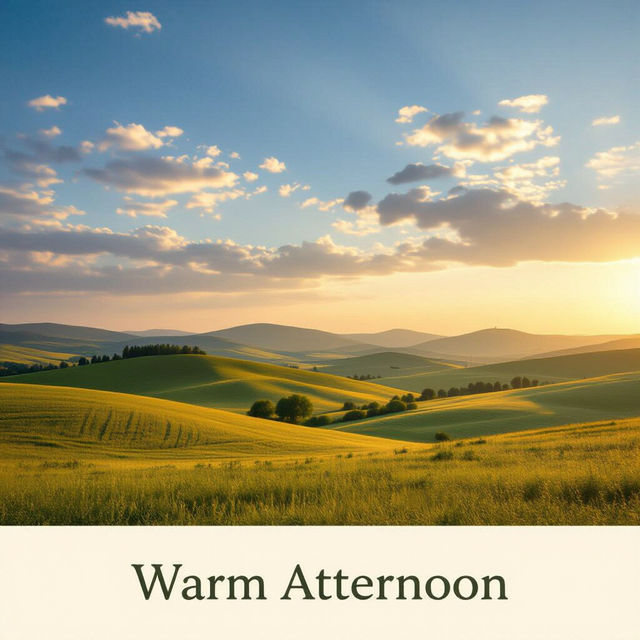
Good Afternoon Pictures - AI Generated
Explore a gallery of stunning Good Afternoon pictures generated by AI. Find the perfect image to brighten someone's day or create your own unique greeting.
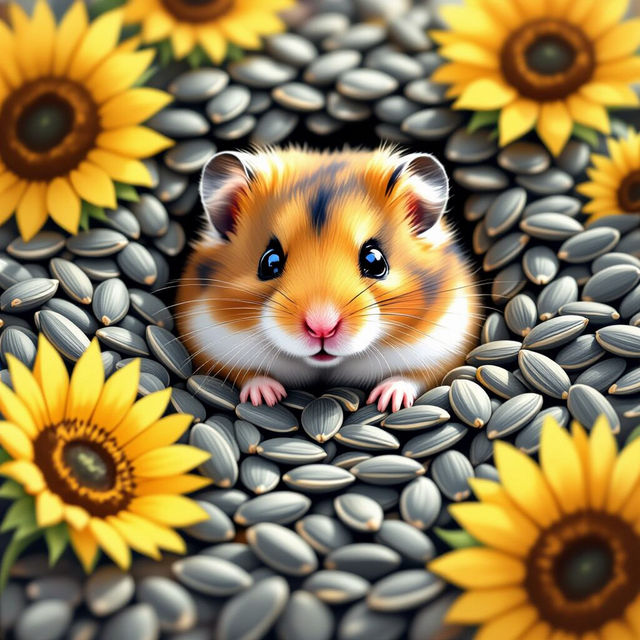
Cute Hamster Wallpapers
Discover the most adorable cute hamster wallpapers, generated by AI. Find the perfect fluffy friend to brighten your screen and bring a smile to your face. Create your own today!
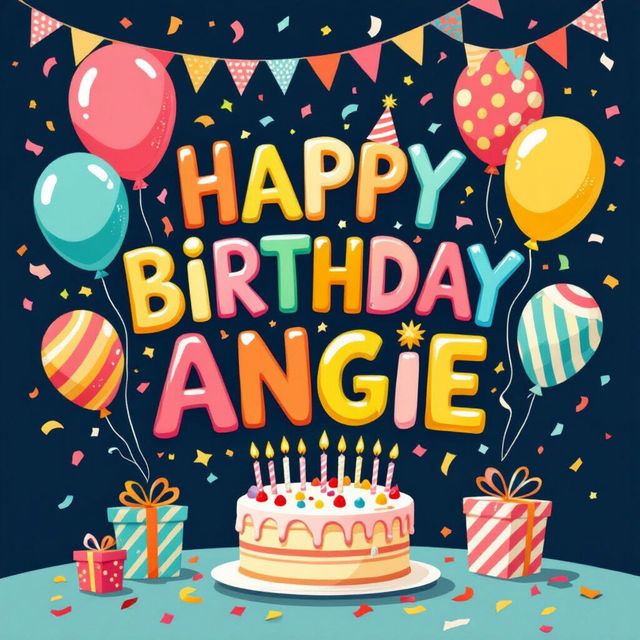
Happy Birthday Angie Images
Celebrate Angie's special day with unique 'Happy Birthday Angie' images. Browse our gallery for inspiration or create your own personalized birthday greetings with AI.

Good Morning GIF Images - Made With AI
Brighten someone's day with unique Good Morning GIF images created by AI. Browse our collection and generate your own animated greetings to share.
Frequently Asked Questions
Your Questions About Easy Miku Drawings, Answered
How can I create my own Hatsune Miku drawings with NightCafe?
You can easily create your own Hatsune Miku drawings using NightCafe's AI art generator. Simply navigate to the creation tools, choose a model suitable for anime styles, and enter a descriptive text prompt. For example, you could try 'Hatsune Miku singing on stage, anime style, simple drawing' or 'Cute Hatsune Miku chibi, pastel colors, clean lines'. Experiment with different keywords related to Miku's appearance, outfits, and settings to achieve your desired look.
What makes the AI art generator good for 'Easy Miku Drawings'?
Our AI art generator is designed for ease of use, making it perfect for creating 'Easy Miku Drawings'. You don't need to be an expert artist. By providing simple text prompts, the AI can interpret your ideas and generate visually appealing Miku artwork. The gallery showcases examples of what's possible, serving as inspiration for beginners and experienced users alike to generate charming Miku art quickly.
Can I use the generated Hatsune Miku art for my personal projects or social media?
Yes, you can use the Hatsune Miku drawings generated with NightCafe for personal projects and social media. We encourage you to share your creations! However, please ensure you review our Terms of Service for specific guidelines on usage, especially concerning commercial applications. Always remember to credit NightCafe when sharing your AI-generated art.
What if my first Miku drawing isn't exactly what I envisioned?
AI art generation involves some experimentation. If your initial Miku drawing isn't perfect, try refining your text prompt. Add more specific details, change stylistic keywords (e.g., 'cel-shaded', 'minimalist', 'sketch'), or try a different AI model. You can also use the 'variations' or 'upscale' features on existing creations to explore different possibilities based on an image you like.