

- Galleries
- Easy Rose Drawing Gallery
Create an Easy Rose Drawing With AI
Create beautiful rose drawings effortlessly with NightCafe's AI-powered tool. Whether you're a beginner or a seasoned artist, our generator makes creating easy rose drawings accessible to everyone. Browse rose drawings or create your own.

As seen in








Easy Rose Drawing Gallery
Explore a collection of easy AI-generated rose drawings, perfect for inspiration or as a starting point for your own creative projects. These simple yet elegant designs showcase the beauty of roses in various styles.


Didn't find what you were looking for? Create your own below!
Create your own Create an Easy Rose Drawing With AI images
Discover the magic of Text to Image AI by creating your own unique images. Edit the prompt below to customize your creation.
No payment or credit card required.

Simplify Rose Art
Generate Simple Rose Drawings
Create an easy rose drawing using AI, regardless of your skill level. Our generator simplifies the process, allowing you to produce beautiful rose artwork quickly. Experiment with different styles and find the perfect rose design with just a few clicks. Perfect for beginners!
Draw Stunning Roses with AI
Step 1
Describe Your Dream Rose
Start by entering a detailed description of the rose drawing you envision in the prompt box. Include specific details about the rose's color, style (e.g., sketch, watercolor, photorealistic), and any background elements you desire. The more descriptive, the better!
Step 2
Generate Your Rose Art
Once you're happy with your prompt, click the 'Generate' button. Our AI will instantly create a unique rose drawing based on your instructions. Feel free to experiment with different prompts to see the variety of roses you can generate.
Step 3
Download and Share Your Rose
Once your rose drawing is generated, you can download it in high resolution. Share your beautiful creation with friends, use it for personal projects, or showcase it within the NightCafe community. Enjoy!

Red Rose Masterpieces
How To Create A Red Rose Sketch With AI
Learn how to create a red rose sketch with AI effortlessly. Our platform guides you through the process, enabling you to generate stunning red rose sketches quickly. Follow the steps to create your own masterpiece. Perfect for greeting cards, digital art, or personal projects.
More Galleries

Create a Gingerbread House Drawing With AI
Create your own AI-generated Gingerbread House Drawing with NightCafe Creator. Explore our gallery of unique and festive Gingerbread House Drawing ideas.
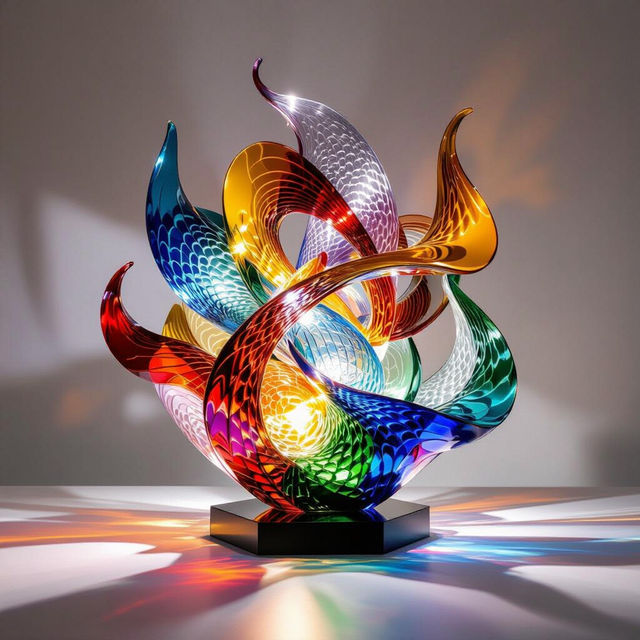
Explore Stunning AI Glass Art
Explore the mesmerizing world of AI-generated glass art. Discover unique creations and innovative designs, showcasing the beauty and possibilities of glass art.
Create Moving Wallpaper With AI
Transform your screen with our AI Moving Wallpaper generator. Create stunning, dynamic backgrounds that bring your device to life. Explore our gallery or generate your own moving wallpaper today!

Create a Santa Claus Drawing With AI
Create a unique Santa Claus Drawing with NightCafe's AI image generator. Perfect for holiday cards, festive decorations, or unique gifts. Explore our gallery or create your own Santa Claus drawing.
Frequently Asked Questions
Everything You Need to Know About Creating Rose Drawings with AI
How does the AI rose drawing generator work?
Our AI rose drawing generator uses advanced algorithms to create unique rose artwork based on your text prompts. Simply describe the type of rose drawing you want, specify colors, style, and any other details, and the AI will generate multiple variations for you to choose from.
What kind of prompts work best for creating rose drawings?
Effective prompts include details about the rose's color (e.g., 'red rose', 'white rose'), style (e.g., 'watercolor rose', 'pencil sketch rose'), and composition (e.g., 'single rose bloom', 'bouquet of roses'). Experiment with different combinations to achieve your desired result.
Can I create different styles of rose drawings, like sketches or realistic paintings?
Yes, you can! Our AI generator supports a wide range of styles. Use keywords like 'sketch', 'watercolor', 'oil painting', 'photorealistic', or 'abstract' in your prompt to influence the style of the generated rose drawing. You can also select an AI model known for a certain style for best results.
Is it easy to create a rose drawing even if I have no artistic skills?
Absolutely! That's the beauty of our AI generator. No artistic skills are required. Simply provide a descriptive prompt, and the AI will handle the drawing. You can iterate and refine your prompts until you achieve the perfect rose drawing for your needs.
What can I use my AI-generated rose drawings for?
Your AI-generated rose drawings can be used for a variety of purposes, including greeting cards, digital art projects, social media posts, website graphics, or even as inspiration for traditional art. You are free to use them for personal and commercial purposes as long as you adhere to the terms of service.