

- Galleries
- Texture in Art Gallery
Elements Of Art
Texture Definition
Discover the 'Elements of Art: Texture Definition' through stunning AI-generated visuals. Explore how texture is defined and represented in art, inspiring your own creative interpretations.

As seen in








Texture in Art Gallery
A curated collection of AI-generated artworks that visually explore the definition of texture, demonstrating its diverse applications and impact in the visual arts.


Didn't find what you were looking for? Create your own below!
Create your own Elements Of Art: Texture Definition images
Discover the magic of Text to Image AI by creating your own unique images. Edit the prompt below to customize your creation.
No payment or credit card required.

Visualizing Artistic Elements
Explore The Definition Of Texture In Art
Dive into the core 'Elements of Art: Texture Definition' with our AI gallery. Witness how digital brushes and algorithms interpret tactile qualities, from rough, gritty surfaces to smooth, polished finishes. This collection visually defines texture, offering a rich source of inspiration for understanding and recreating diverse surface characteristics in your own art.
Create Your Own Texture Definitions
Step 1
Describe Your Desired Texture
Begin by describing the specific texture you want to generate in the prompt field. Be as detailed as possible, mentioning elements like 'rough stone,' 'smooth silk,' 'bumpy bark,' or 'gritty sand.' Include any desired artistic styles or moods to guide the AI.
Step 2
Generate Texture Examples
After entering your detailed prompt, click the 'Generate' button. Our AI will process your description and create unique visual representations of the texture you've envisioned.
Step 3
Download or Share Your Creation
Once your texture image is generated, you can download it for your projects or share it with the community. Use these AI-generated textures as inspiration for your own artwork or digital creations.

Create Tactile Masterpieces
Generate AI Art Texture Examples
Utilize our advanced AI to 'Generate AI Art Texture Examples' that push the boundaries of visual art. Whether you need the intricate detail of aged wood grain or the soft feel of velvet, our models can craft stunningly realistic or imaginatively abstract textures. Explore these 'AI Art Texture' creations to spark ideas and generate unique visual assets.
More Galleries

Black And White Wallpaper Aesthetic
Discover a curated collection of black and white wallpaper aesthetics. Perfect for adding a minimalist or sophisticated touch to your devices. Create your own unique designs with AI.
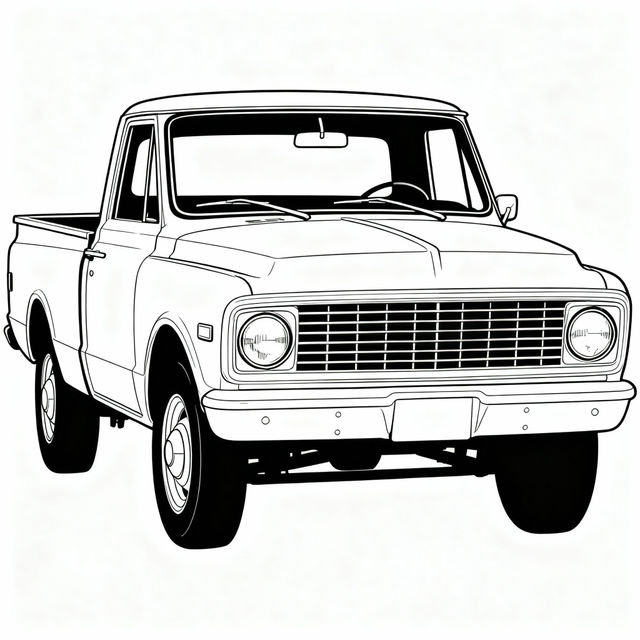
Drawing Trucks - Made With AI
Discover a gallery of unique AI-generated truck drawings. Get inspired by various styles and create your own truck art with NightCafe's AI tools. Perfect for enthusiasts and artists.
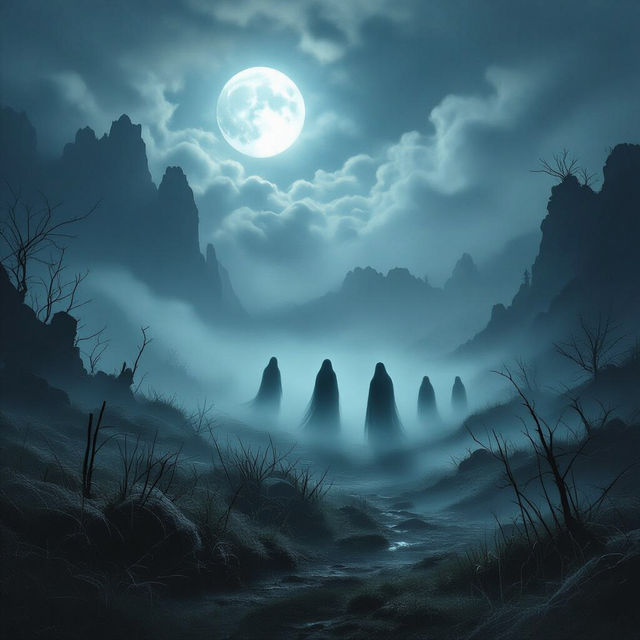
Paranormal Pictures
Uncover the unexplained with our collection of AI-generated paranormal pictures. Explore eerie scenes and supernatural phenomena, then create your own mysterious images with NightCafe.
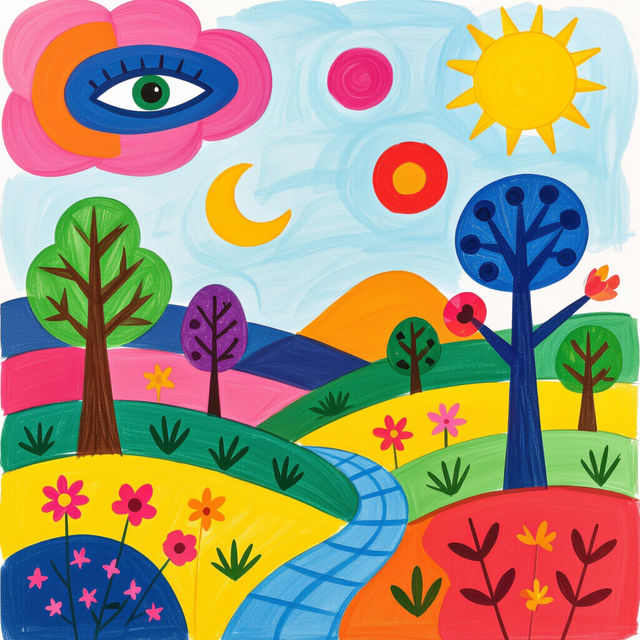
6th Grade Art Projects
Explore a vibrant collection of AI-generated 6th grade art projects. Get inspired by unique ideas and create your own masterpieces with our easy-to-use AI tools.
Frequently Asked Questions
Everything You Need to Know About AI Art Texture Generation
How does NightCafe's AI generate different textures?
NightCafe utilizes advanced AI models trained on vast datasets of images and artistic styles. When you generate AI art texture examples, these models interpret your prompts to create visuals that mimic various tactile qualities, from rough and gritty to smooth and polished. You can influence the outcome by specifying details like material, surface condition, and desired aesthetic in your prompts.
Can I use the AI-generated textures for my own art projects?
Absolutely! The textures generated in this gallery are designed to be a rich source of inspiration and practical assets for your own creative work. You can use them to understand how texture is defined in art, or even incorporate them directly into your digital art, graphic design, or other projects to add depth and realism.
What kind of texture examples can I expect to find or generate?
This gallery showcases a wide spectrum of textures, demonstrating how AI can interpret tactile qualities. You can explore and generate examples ranging from the intricate detail of aged wood grain, the soft feel of velvet, the rough surface of stone, to abstract interpretations of texture. The possibilities are vast, limited only by your imagination and the AI's creative interpretation.
How can I generate my own unique AI art textures?
To generate your own unique AI art textures, use descriptive prompts that detail the specific material, surface characteristics, and artistic style you envision. For instance, try prompts like 'rough, weathered stone texture, photorealistic' or 'smooth, iridescent silk texture, abstract.' Experiment with different keywords and models available on NightCafe to discover new possibilities.