

- Galleries
- AI Engineer Drawings
Engineer Drawings - Made With AI
Discover a gallery of intricate engineer drawings created by AI. Get inspired by detailed blueprints and technical designs, then generate your own on NightCafe.

As seen in








AI Engineer Drawings
A curated collection of sophisticated engineer drawings generated by AI, featuring blueprints, schematics, and technical illustrations for inspiration.


Didn't find what you were looking for? Create your own below!
Create your own Engineer Drawings - Made With AI images
Discover the magic of Text to Image AI by creating your own unique images. Edit the prompt below to customize your creation.
No payment or credit card required.

Visualize Complex Schematics
Explore AI-generated Engineering Designs
Dive into a world of intricate engineer drawings brought to life by artificial intelligence. Our gallery showcases a diverse range of technical designs, from circuit board layouts to architectural schematics, offering endless inspiration for your next project. See how AI can translate complex ideas into clear, detailed blueprints.
Create Your Own Engineering Blueprints
Step 1
Describe Your Technical Design
Begin by describing the engineering concept or design you envision. Be as specific as possible, detailing elements like materials, dimensions, functions, and the overall aesthetic (e.g., 'a detailed blueprint of a futuristic fusion reactor with glowing blue conduits', 'an architectural schematic for a sustainable vertical farm', 'a mechanical assembly diagram for a steampunk automaton'). The more detail you provide, the better the AI can capture your technical vision.
Step 2
Generate Your Blueprint
Once you've crafted your prompt, click the 'Generate' button. Our AI will process your description and begin creating a unique engineering drawing or blueprint based on your specifications. Watch as your idea transforms into a detailed visual representation.
Step 3
Download or Share Your Design
After your engineering drawing is complete, you have several options. You can download the high-resolution image for your project, save it to your gallery, or share it with the NightCafe community to inspire other creators and engineers. Get feedback or showcase your innovative designs!

Create Your Own Blueprints
Generate AI Technical Design Blueprints With Nightcafe
Leverage NightCafe's advanced AI to generate your own AI technical design blueprints. Whether you need a concept for a new gadget, a structural diagram, or a mechanical assembly, our tools empower you to create detailed designs quickly. Start generating your vision today and bring your engineering ideas to life.
More Galleries
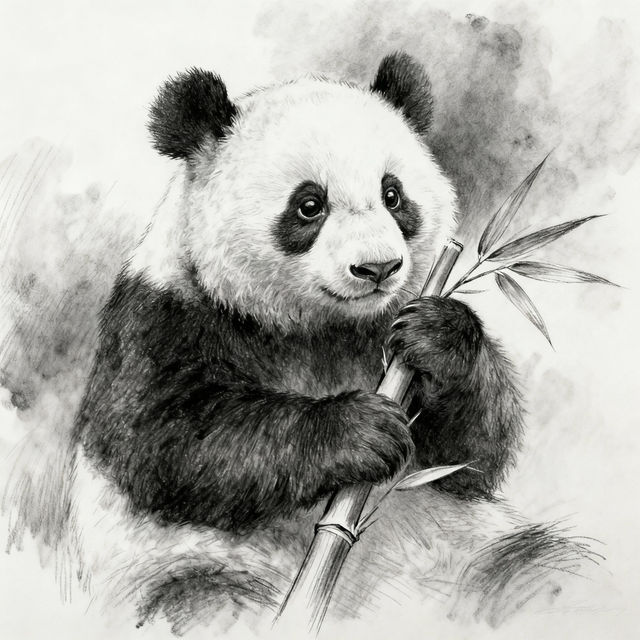
Sketch Panda Drawings
Explore a delightful gallery of sketch panda drawings. Get inspired by these charming AI-generated artworks and create your own unique panda sketches today.

Cigar Images - Created with AI
Discover a sophisticated collection of AI-generated cigar images. Perfect for art enthusiasts and cigar aficionados, explore diverse styles and create your own unique cigar art with NightCafe.
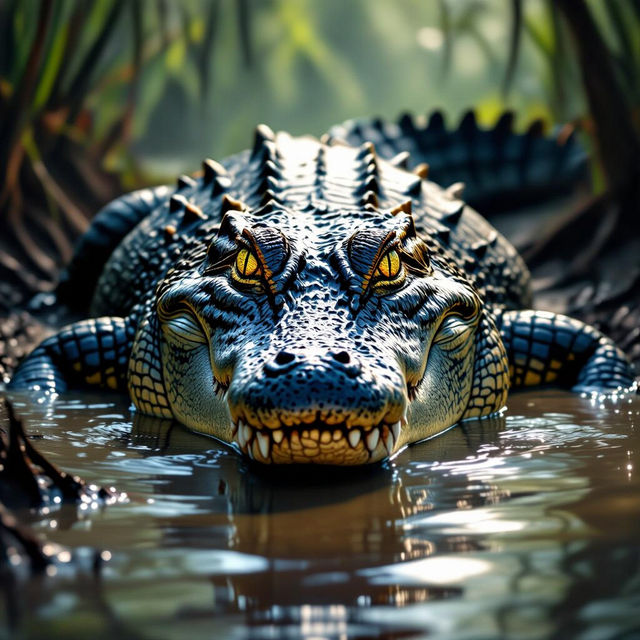
Crocodile Pictures - AI Generated
Explore a gallery of incredible AI-generated crocodile pictures. Get inspired by these unique images and create your own captivating crocodile artwork with NightCafe.

Scorpion Pictures - AI Generated
Explore a captivating gallery of AI-generated scorpion pictures. Discover unique artistic interpretations and find inspiration for your next creative project with these detailed scorpion images.
Frequently Asked Questions
Your Questions About AI Engineer Drawings, Answered
How can I create effective prompts for engineer drawings?
To generate compelling engineer drawings, be specific with your prompts. Include the type of drawing (e.g., blueprint, schematic, diagram), the subject matter (e.g., circuit board, mechanical assembly, architectural plan), and desired details like line style, color palette (often monochrome or specific technical colors), and level of detail. Mentioning 'technical drawing,' 'engineering blueprint,' or 'schematic' can help guide the AI.
What types of engineer drawings can I generate with NightCafe?
NightCafe's AI can generate a wide variety of engineer drawings. This includes, but is not limited to, detailed blueprints for mechanical parts, architectural schematics, circuit board layouts, flowcharts, and conceptual designs for new gadgets or structures. The versatility of our AI allows for diverse technical visualizations.
Can I use these AI-generated engineer drawings for my projects or business?
Yes, the engineer drawings you create on NightCafe can be used for your projects and business purposes. Ensure you review our Terms of Service for specific usage rights and attribution requirements. Our tools are designed to help you visualize and develop your engineering ideas.
What if the generated drawing isn't technically accurate enough?
AI generation is based on patterns and data. For highly precise technical drawings, you may need to use the generated image as a conceptual starting point and refine it further with traditional CAD software or by iterating on your prompts. Experiment with adding terms like 'high detail,' 'precise dimensions' (though AI doesn't generate real dimensions), or 'technical accuracy' to your prompts.