

- Galleries
- Contrast In Art Showcase
Example Of Contrast In Art
Discover stunning examples of contrast in art created by AI. Explore how light, color, and form create visual impact. Generate your own unique contrasting artworks with NightCafe.

As seen in








Contrast In Art Showcase
A curated collection of AI-generated artworks demonstrating powerful examples of contrast. Explore visual tension and harmony through bold artistic choices.


Didn't find what you were looking for? Create your own below!
Create your own Example Of Contrast In Art images
Discover the magic of Text to Image AI by creating your own unique images. Edit the prompt below to customize your creation.
No payment or credit card required.

Visual Dichotomies Await
Explore AI-generated Art With Striking Contrast
Dive into a world where AI masterfully wields contrast to create captivating visuals. This gallery showcases diverse interpretations of 'Example Of Contrast In Art', from stark light and shadow play to vibrant color clashes. Witness how artificial intelligence can generate art that is both conceptually rich and visually arresting, pushing the boundaries of artistic expression.
Create Your Own Masterpiece of Contrast
Step 1
Describe Your Contrast Concept
Begin by describing the contrasting elements you envision for your artwork. Think about the interplay of light and shadow, complementary colors, or opposing forms. The more detailed your prompt, the more precisely the AI can capture your vision of contrast.
Step 2
Generate Your Contrasting Artwork
With your concept defined, click 'Generate' to let the AI bring your idea to life. Watch as it interprets your prompt and creates a unique piece that explores the dynamic tension of contrast.
Step 3
Download or Share Your Creation
Once your artwork is generated, explore its details. You can then download your creation to use as you wish, or share it with the community to inspire others with your unique take on contrast.

Mastering Visual Dynamics
Light, Color, And Form Techniques
Understand the fundamental elements of visual impact through AI-generated art. This section delves into 'AI Art Contrast', demonstrating how techniques involving light, color, and form are employed to evoke emotion and direct the viewer's eye. Explore abstract and figurative pieces that highlight the AI's ability to manipulate these core artistic principles with precision.
More Galleries
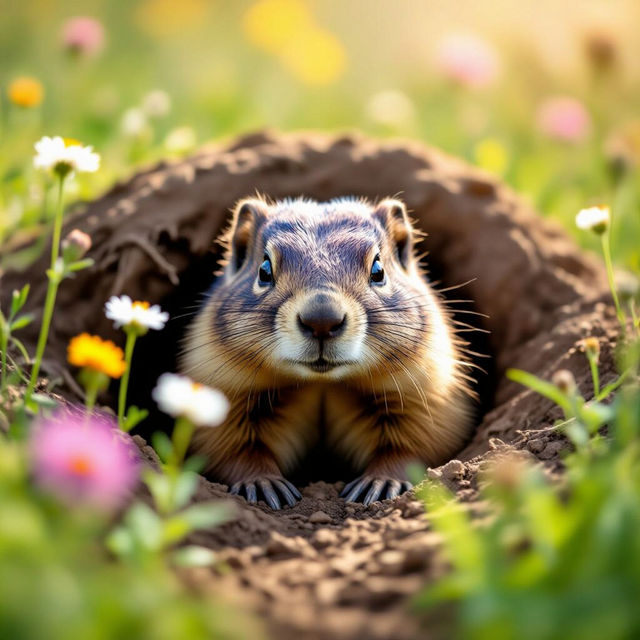
Pictures Of A Groundhog
Explore a charming gallery of AI-generated pictures of a groundhog. See our artistic interpretations of these beloved creatures and create your own unique groundhog images.
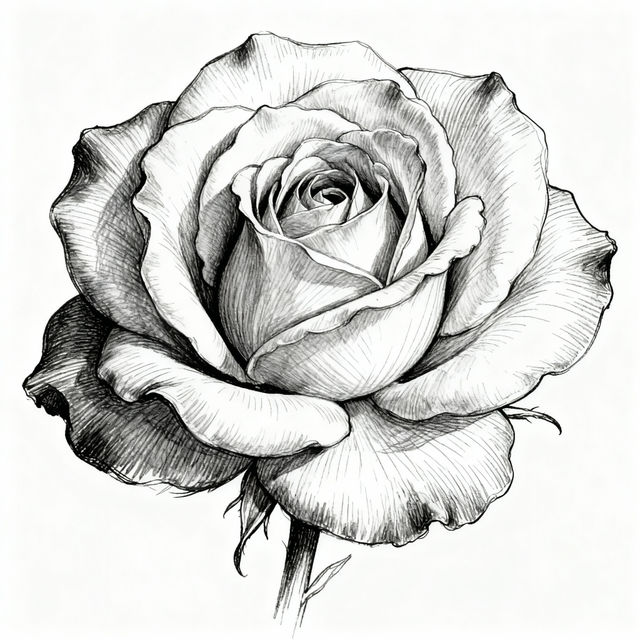
Flower Drawing Sketches - AI Generated
Discover intricate flower drawing sketches created by AI. Get inspired by a variety of floral designs and create your own unique sketches on NightCafe.

iPhone Aesthetic Christmas Wallpaper
Discover beautiful iPhone aesthetic Christmas wallpapers to bring holiday cheer to your device. Browse festive designs and create your own unique Christmas wallpaper.
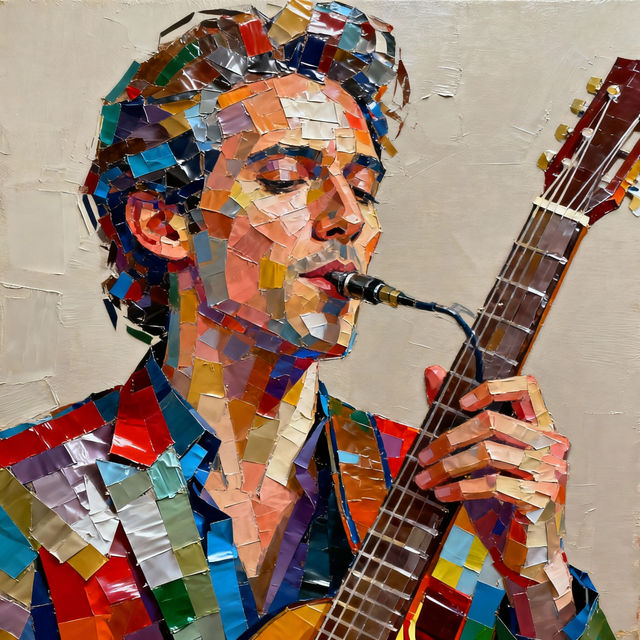
Duct Tape Art - Made With AI
Discover the vibrant world of duct tape art! Browse unique creations made with AI and learn how to craft your own stunning duct tape art pieces on NightCafe.
Frequently Asked Questions
Your Questions About AI Contrast in Art, Answered
How does the AI generate contrast in these artworks?
Our AI models analyze vast datasets of art and imagery to understand principles like light, shadow, color theory, and form. When you create art focused on contrast, the AI uses this knowledge to strategically apply these elements, whether it's through stark differences in brightness (chiaroscuro), complementary color pairings, or juxtaposing different shapes and textures, to achieve a visually striking effect.
Can I control the type of contrast (e.g., color contrast, light contrast) in my AI-generated art?
Absolutely! When generating your own art, you can influence the type of contrast by being specific in your text prompts. For instance, using terms like 'stark shadows,' 'vibrant complementary colors,' 'high contrast black and white,' or 'soft gradients' will guide the AI's output. Experiment with different keywords to achieve the specific contrast you envision.
What makes AI-generated contrast different from traditional art?
AI can explore and combine contrast techniques in ways that might be difficult or time-consuming for human artists. It can rapidly iterate through numerous variations, discover novel juxtapositions of color and light, and achieve a level of precision or complexity that pushes artistic boundaries. This gallery showcases how AI interprets and executes contrast principles with its unique capabilities.
How can I generate my own art that emphasizes contrast using NightCafe?
To generate art with strong contrast on NightCafe, start by selecting a model known for its artistic capabilities. Then, craft a detailed prompt that includes keywords related to contrast. Think about the mood you want to evoke – 'dramatic,' 'bold,' 'subtle,' 'vibrant' – and specify elements like 'light and shadow,' 'clashing colors,' 'sharp edges,' or 'smooth textures.' Experiment with different prompts and settings to see how the AI interprets your vision.