

- Galleries
- Explosion Drawing Gallery
Explosion Drawings Created With AI
Explore a vibrant gallery of AI-generated explosion drawings. Get inspired by dynamic visuals and create your own unique explosion art with NightCafe's AI tools.

As seen in








Explosion Drawing Gallery
A curated collection of AI-generated explosion drawings, showcasing the power and beauty of explosive phenomena through diverse artistic interpretations.


Didn't find what you were looking for? Create your own below!
Create your own Explosion Drawings Created With AI images
Discover the magic of Text to Image AI by creating your own unique images. Edit the prompt below to customize your creation.
No payment or credit card required.

Dynamic Visuals Unleashed
Drawings Of Explosions
Dive into a captivating collection of explosion drawings, meticulously crafted by AI. Witness the raw power and intricate details of diverse explosive phenomena, from fiery bursts to cosmic nebulae. Get inspired by these unique visual interpretations and start your own explosive art journey.
Create Your Own AI Explosion Art
Step 1
Describe Your Explosion
Start by crafting a descriptive prompt in the text box. Think about the type of explosion you want to create – fiery, colorful, abstract, or perhaps something more specific like a "cosmic nebula explosion" or a "volcanic eruption." Include details about colors, textures, and the overall mood you're aiming for to guide the AI.
Step 2
Generate Your Explosion Art
After entering your prompt, simply click the "Generate" button. Our AI will process your description and begin creating a unique explosion drawing just for you. You can experiment with different prompts to see a wide variety of explosive art.
Step 3
Download & Share Your Creation
Once your explosion art is ready, you can download it in high resolution to use as you please. Feel free to share your explosive creations with the community, inspire others, and see what amazing explosions your fellow artists have made!

Your Vision, Amplified
Create Stunning Explosion Art With AI
Transform your creative ideas into breathtaking explosion art with our intuitive AI tools. Whether you envision a graphic representation of a powerful blast or a stylized depiction of energy, our platform empowers you to create stunning explosion art with ease. Bring your most explosive concepts to life.
More Galleries
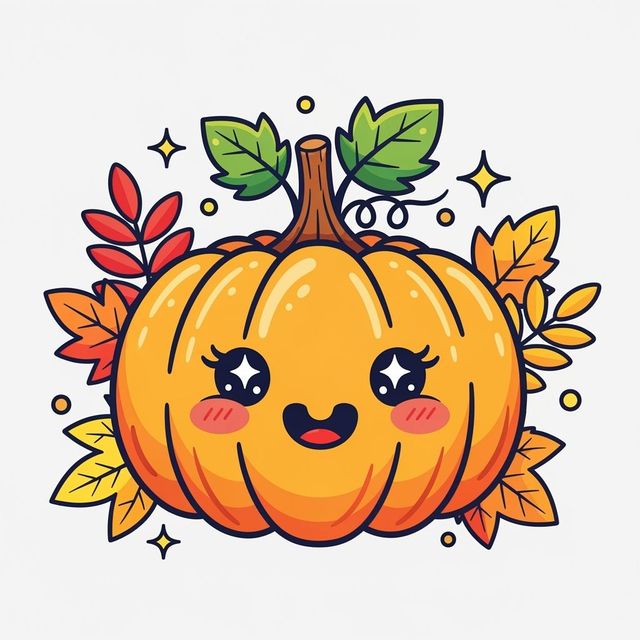
Browse and Generate Pumpkin Clip Art
Explore a vibrant collection of AI-generated pumpkin clip art, perfect for Halloween and autumn designs. Create unique pumpkin graphics for any project.
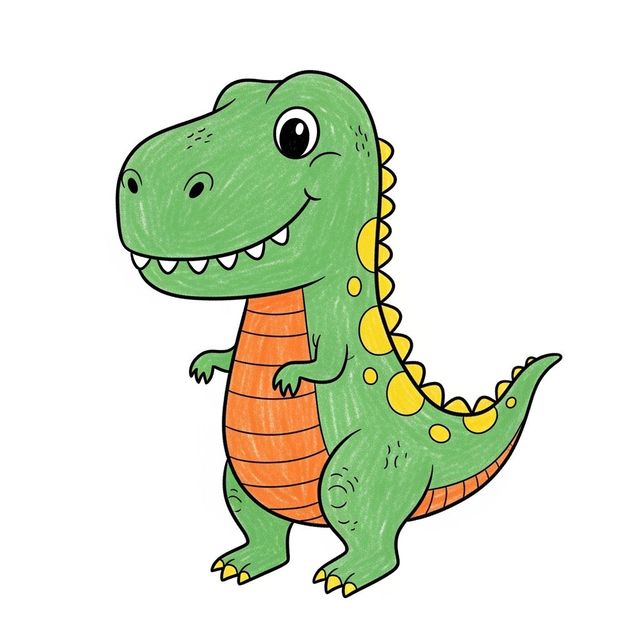
Easy Dinosaur Drawing Gallery
Explore our easy dinosaur drawing gallery for inspiration! Learn how to draw dinosaurs with simple AI tools. Perfect for kids and beginners looking to create fun dinosaur art.
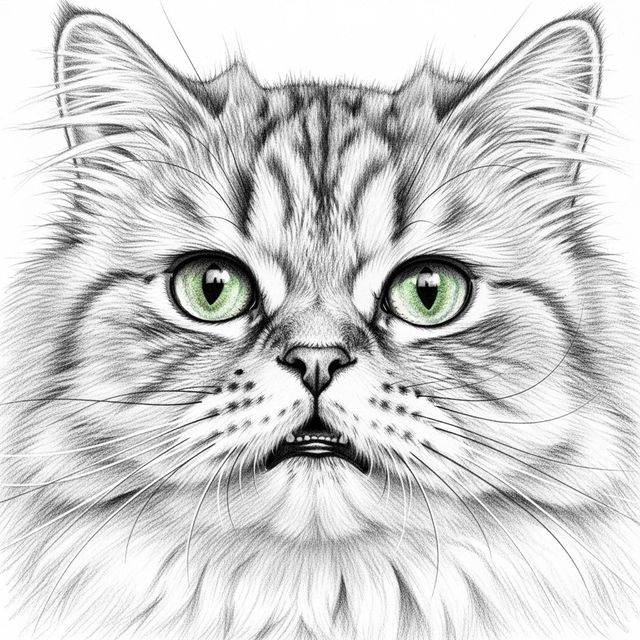
AI Cat Face Drawing Gallery
Discover a gallery of unique cat face drawings created with AI. Find inspiration and generate your own charming cat art, perfect for any cat lover.
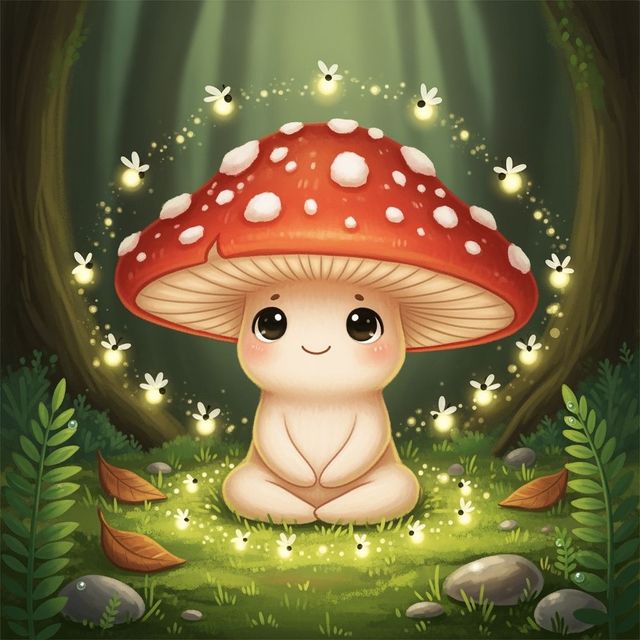
Explore Cute Mushroom Drawings
Discover an enchanting collection of cute mushroom drawings, perfect for adding a touch of whimsy to your projects. Generate your own unique mushroom art with AI.
Frequently Asked Questions
Your Questions About AI Explosion Art, Answered
What kind of AI models are best for creating explosion art?
NightCafe offers several powerful AI models that can generate stunning explosion art. Models like Stable Diffusion and DALL-E are excellent for detailed and realistic explosions, while others might be better suited for more abstract or stylized representations. Experiment with different models to see which best fits your vision.
How can I make my AI-generated explosion art more unique?
To create unique explosion art, focus on descriptive prompts. Combine elements like specific colors, textures, moods, and artistic styles (e.g., 'vibrant watercolor explosion,' 'minimalist line art blast,' 'surreal cosmic detonation'). You can also explore negative prompts to exclude elements you don't want.
Can I use the explosion art I create for commercial projects?
Yes, you can use the AI-generated explosion art you create for commercial purposes, including branding and advertising. However, please ensure you adhere to our Terms of Service regarding attribution and usage rights.
What if my explosion drawing doesn't look quite right?
If your initial results aren't what you expected, try refining your prompt. Add more specific details, adjust the style, or try a different AI model. You can also use the 'edit' or 'upscale' features to further develop your creation.