

- Galleries
- Easy Eye Drawing Gallery
Easy Eye Drawing with AI
Create realistic and stylized eye drawings effortlessly with our AI-powered tool. Perfect for beginners, explore different techniques and styles to enhance your artistic skills with easy eye drawing.

As seen in








Easy Eye Drawing Gallery
Explore a collection of easy eye drawings created by AI. Perfect for artists of all skill levels looking for inspiration and guidance in creating beautiful eye illustrations.


Didn't find what you were looking for? Create your own below!
Create your own Easy Eye Drawing with AI images
Discover the magic of Text to Image AI by creating your own unique images. Edit the prompt below to customize your creation.
No payment or credit card required.

Simple And Effective
Generate Easy Eye Drawings
Start creating stunning eye drawings effortlessly! Our AI simplifies the process, offering guidance and inspiration for beginners. Explore various styles and techniques to master the art of eye drawing easy. Perfect your skills and unlock your artistic potential with our user-friendly AI tool.
How to Draw Eyes with AI
Step 1
Describe Your Eye Drawing
Start by typing a detailed description of the eye you want to create. Specify the style (realistic, anime, cartoon), eye color, expression, and any unique features. The more specific you are, the better the AI can bring your vision to life!
Step 2
Generate Your Eye Art
Once you've entered your prompt, click the 'Generate' button. Our AI will quickly process your request and create a unique eye drawing based on your description. Feel free to experiment with different prompts to see the variety of results!
Step 3
Download and Share Your Eye Drawing
After the eye drawing is generated, you can download it in high resolution. Share your artwork with friends, use it for your projects, or even post it in the NightCafe community to get feedback and inspiration from other artists!

Achieve Stunning Realism
How To Generate Realistic Eyes
Learn how to generate realistic eyes with our advanced AI algorithms. Explore the nuances of light, shadow, and texture to create captivating and lifelike eye drawings. Dive into detailed rendering techniques and unlock the secrets to crafting realistic eyes that truly stand out.
More Galleries
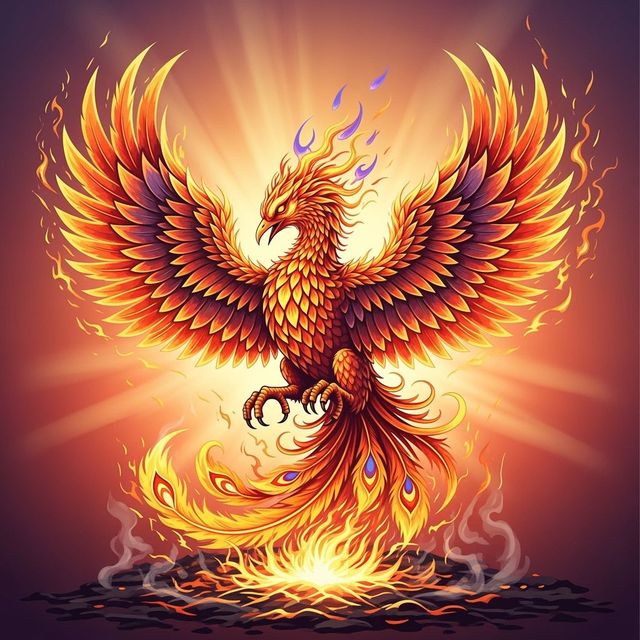
Create a Phoenix Drawing With AI
Unleash your creativity with our AI Phoenix Drawing Generator. Transform your artistic visions into stunning phoenix illustrations effortlessly. Explore a gallery of phoenix drawings or create your own masterpiece.
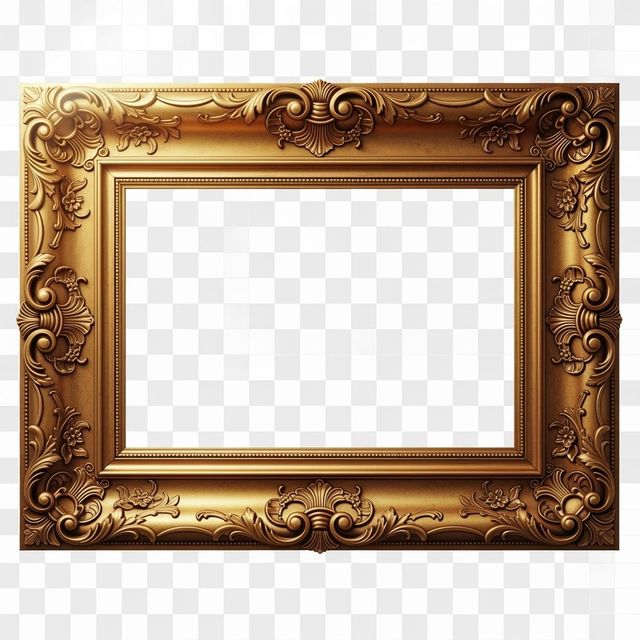
Create Picture Frame PNGs with AI
Enhance your projects with AI-generated Picture Frame PNGs. Discover a variety of styles perfect for graphic design, presentations, and more. Browse our collection or create your own unique designs.
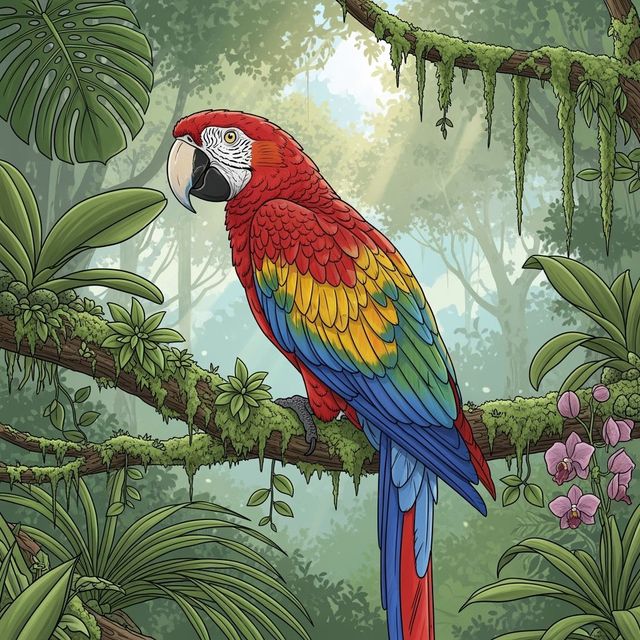
AI Parrot Drawing Generator
Create unique and vibrant parrot drawings with our AI Parrot Drawing Generator. Explore different styles and colors to bring your parrot art to life. Perfect for artists and bird lovers!
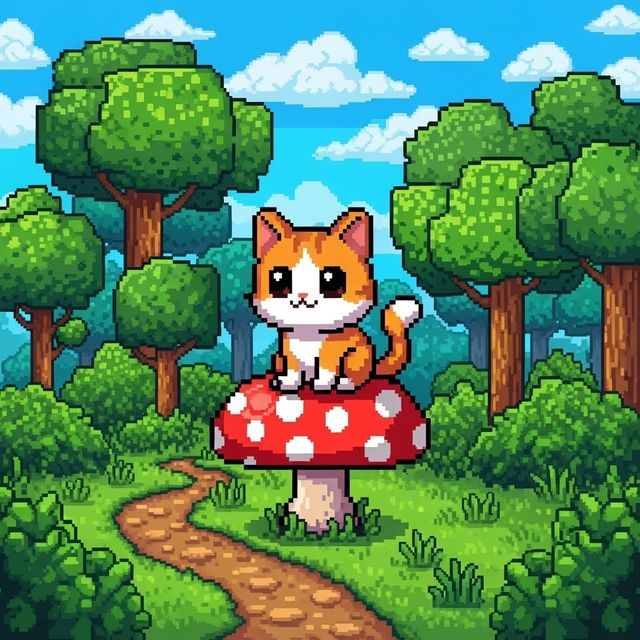
Generate Cute Pixel Art With AI
Create charming 8-bit characters, scenes, and icons with NightCafe's AI Pixel Art Generator. Whether you're designing a game or just love retro aesthetics, our tool brings your pixelated visions to life. Browse cute pixel art examples or create your own.
Frequently Asked Questions
Everything You Need to Know About Generating Eye Drawings with AI
How does the AI simplify the process of drawing eyes?
Our AI provides guidance and inspiration, breaking down complex techniques into easy-to-follow steps. It helps beginners explore different styles and understand the fundamentals of light, shadow, and texture, making the art of eye drawing easy and accessible.
What styles of eye drawings can I generate with this AI tool?
You can explore a wide variety of styles, from realistic renderings that capture intricate details to stylized interpretations that emphasize artistic expression. Experiment with different prompts and settings to discover the perfect style for your vision, and consider using different AI models such as Stable Diffusion or Imagen for varied results.
Can I create realistic eye drawings with the AI, and how?
Yes, our advanced AI algorithms are designed to help you generate realistic eyes. Focus on describing details like the nuances of light, shadow, texture, and reflections in your prompts. Experiment with different rendering techniques offered within the tool to achieve captivating and lifelike results.
What kind of prompts work best for generating eye drawings?
Detailed prompts that describe the eye's shape, color, expression, and surrounding features tend to yield the best results. Include information about the desired style (e.g., realistic, anime, cartoon) and any specific artistic techniques you want the AI to incorporate. For example, try prompts like 'a realistic close-up of a blue eye with detailed eyelashes' or 'an anime-style eye with vibrant colors and a determined expression.'
Is there a way to refine or edit the AI-generated eye drawings?
While direct editing within the NightCafe platform is limited, you can use the initial AI-generated image as a base for further refinement in other image editing software. You can also iterate on your initial creation using the 'Evolve' feature to create variations of your image. Experiment with different prompts and settings to achieve your desired look.