

- Galleries
- Fade Image Gallery
Fade Image Effects - Create Stunning Transitions
Discover the art of fade image effects. Create seamless transitions and artistic fades with AI. Browse inspiring examples and generate your own unique fade images today.

As seen in








Fade Image Gallery
A curated collection of AI-generated images featuring captivating fade effects, perfect for artistic inspiration and creative projects.


Didn't find what you were looking for? Create your own below!
Create your own Fade Image Effects - Create Stunning Transitions images
Discover the magic of Text to Image AI by creating your own unique images. Edit the prompt below to customize your creation.
No payment or credit card required.

Artistic Transitions Made Easy
Explore Beautiful Fade Image Creations
Dive into a world of stunning visual storytelling with our AI-powered fade image effects. Seamlessly blend elements, create ethereal atmospheres, and craft unique artistic transitions that captivate the eye. Discover endless possibilities for your creative projects and let your imagination flow with these inspiring fade image examples.
Create Your Own Fade Image Effects
Step 1
Describe Your Fade Effect
Describe the image you envision, focusing on elements that would benefit from a fade effect. Be specific about the subjects, the desired mood, and the type of transition you're aiming for (e.g., ethereal fade, dramatic dissolve, subtle blend). This detailed prompt will guide the AI in creating your unique fade image.
Step 2
Generate Your Fade Image
After entering your detailed prompt, click the 'Generate' button. The AI will then process your request and create a series of fade image effects based on your description, showcasing seamless transitions and artistic blends.
Step 3
Download or Share Your Creation
Once your fade image is generated, you can download it in high resolution or share it with our community. Explore how the AI has interpreted your prompt and get inspired by the endless possibilities of fade effects.

Mastering Photo Fades
Explore Photo Fade Techniques And AI Generation
Unlock the power of photo fade techniques with our advanced AI. Experiment with subtle overlays, dramatic dissolves, and artistic blurs to enhance your photography. Explore photo fade techniques and discover how AI can elevate your images, creating sophisticated and memorable visual narratives that stand out.
More Galleries
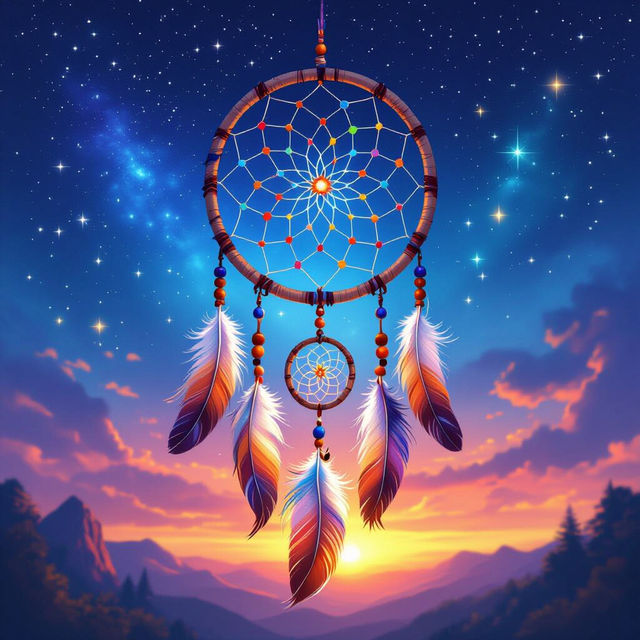
Dream Catcher Art
Explore a vibrant gallery of AI-generated dream catcher art. Get inspired by unique designs and create your own personalized dream catcher art with NightCafe.
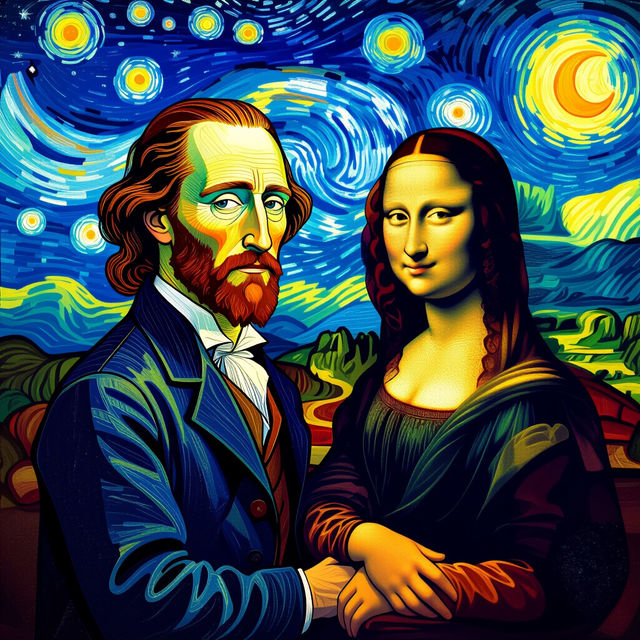
Most Famous Pieces Of Art
Explore AI interpretations of the most famous pieces of art. Discover new perspectives on iconic masterpieces and get inspired to create your own AI art.
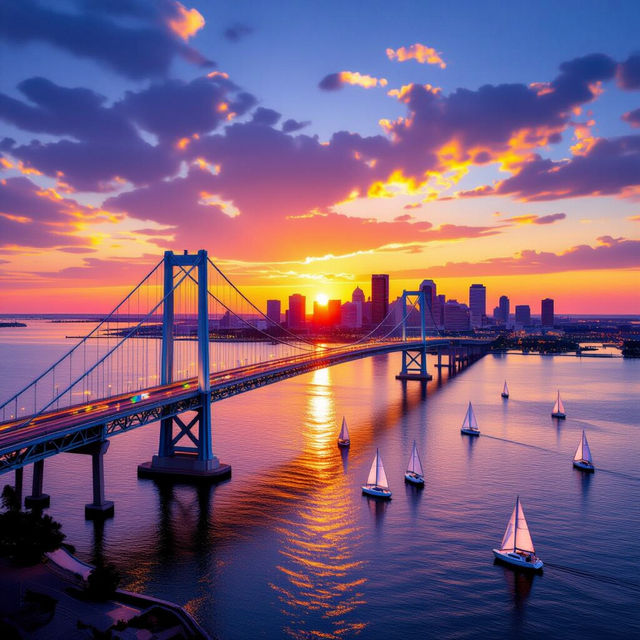
Pictures Of Maryland
Discover stunning pictures of Maryland brought to life by AI. Browse iconic landmarks and scenic views, then create your own unique Maryland-inspired images with NightCafe.
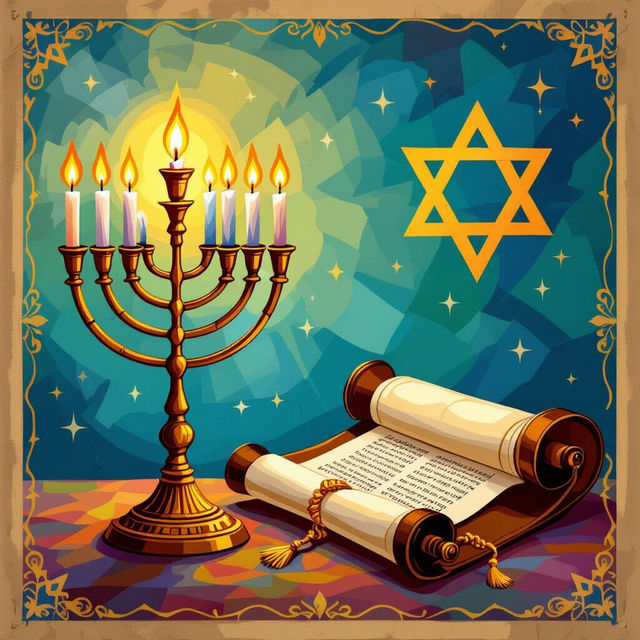
Pictures of Judaism
Discover a unique collection of AI-generated pictures of Judaism, showcasing religious symbols, traditions, and art. Get inspired by Jewish culture and create your own interpretations.
Frequently Asked Questions
Learn More About AI Fade Image Effects
What are AI fade image effects and how do they work?
AI fade image effects utilize advanced artificial intelligence algorithms to create seamless transitions, artistic dissolves, and subtle overlays within images. These effects can blend elements, create ethereal atmospheres, or apply artistic blurs, enhancing visual storytelling and elevating the overall aesthetic of your images.
How can I use fade image effects for my creative projects?
Fade image effects are incredibly versatile. You can use them to create unique artistic transitions, blend multiple images or elements seamlessly, enhance the mood and atmosphere of a photograph, or add subtle overlays for a sophisticated look. They are perfect for graphic design, digital art, photography enhancements, and captivating visual narratives.
Can I generate my own custom fade images using NightCafe?
Yes, NightCafe's AI art generation tools allow you to experiment with and create your own custom fade images. By leveraging our various AI models and customization options, you can explore different fade techniques, such as subtle overlays, dramatic dissolves, and artistic blurs, to achieve your desired visual outcome.
What makes AI-generated fade effects different from traditional photo editing fades?
AI-generated fade effects offer a level of sophistication and artistic interpretation that goes beyond traditional manual techniques. Our AI can analyze image content to create more intelligent and aesthetically pleasing blends, introduce novel transition styles, and achieve complex atmospheric effects that would be difficult or time-consuming to replicate manually.