

- Galleries
- AI Fashion Model Sketch Gallery
Fashion Model Sketches - AI Generated
Discover stunning AI-generated fashion model sketches. Get inspired by unique styles and poses, then create your own fashion sketches with NightCafe's AI tools.

As seen in








AI Fashion Model Sketch Gallery
A curated collection of AI-generated fashion model sketches, showcasing diverse styles, poses, and artistic interpretations for fashion enthusiasts and designers.


Didn't find what you were looking for? Create your own below!
Create your own Fashion Model Sketches - AI Generated images
Discover the magic of Text to Image AI by creating your own unique images. Edit the prompt below to customize your creation.
No payment or credit card required.

Inspiration At Your Fingertips
Explore AI Fashion Model Sketches
Dive into a world of dynamic fashion model sketches, brought to life by AI. Our gallery showcases a diverse range of poses and styles, perfect for sparking your creativity. Use these unique Fashion Model Sketch examples as a springboard for your own design journey, blending AI artistry with your personal vision.
Craft Your Unique Fashion Sketches
Step 1
Describe Your Fashion Vision
Begin by describing the fashion model and style you envision in the prompt. Be specific about the pose, clothing, artistic style (e.g., sketch, watercolor, digital art), and any background elements. The more detail you provide, the closer the AI will get to your desired outcome.
Step 2
Generate Your AI Fashion Art
After refining your prompt, click the 'Generate' button. Our AI will then process your request and create a series of unique fashion model sketches based on your input. You can regenerate if you wish to explore more options.
Step 3
Download and Share Your Designs
Once you have a sketch you love, you can download it in high resolution to use in your projects. Feel free to share your creations with the community for inspiration or feedback!

Create Your Signature Look
Generate AI Fashion Art With Unique Styles
Transform your ideas into stunning AI Fashion Art. Our advanced AI models allow you to Generate AI Fashion Art with Unique Styles, from abstract concepts to photorealistic designs. Experiment with different aesthetics and techniques to craft original fashion illustrations that stand out and capture the essence of modern style.
More Galleries
Lights Images - Created With AI
Discover a vibrant collection of lights images created by AI. Perfect for inspiration or generating your own unique light-themed artwork on NightCafe.
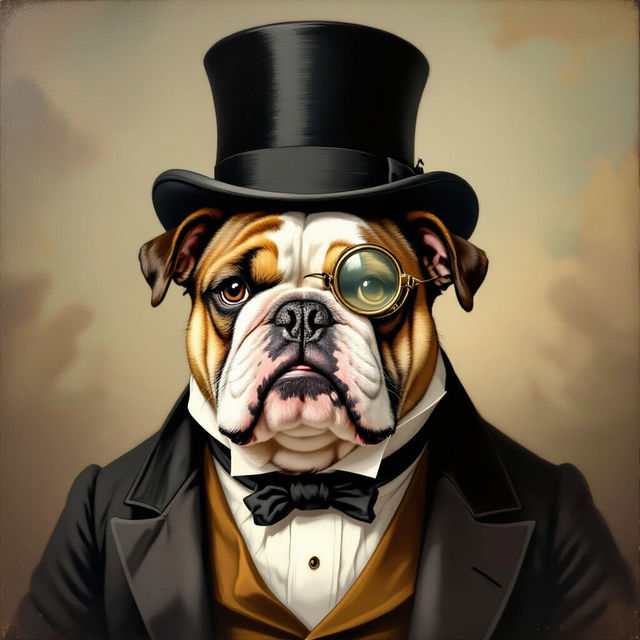
Vintage Dog Art
Explore stunning vintage dog art created by AI. Discover charming portraits and generate your own unique vintage dog art on NightCafe to cherish your beloved pets.
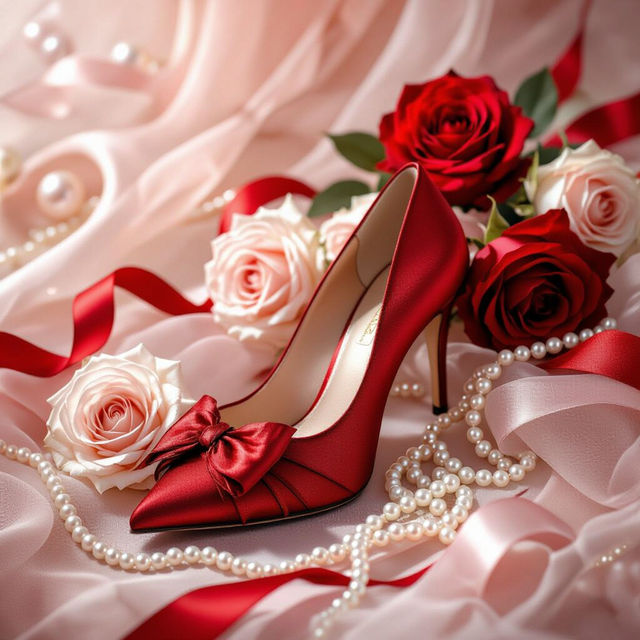
Red Coquette Wallpaper
Discover beautiful red coquette wallpapers created by AI. Find inspiration for your next desktop or mobile background and generate your own unique designs with NightCafe.
Social Media Drawings
Explore a gallery of unique social media drawings created with AI. Get inspired and generate your own eye-catching visuals to boost your online presence.
Frequently Asked Questions
Your Questions About AI Fashion Model Sketches, Answered
How can I generate my own fashion model sketches using NightCafe's AI?
To create your own fashion model sketches, you can utilize NightCafe's various AI art generation tools. Start by crafting a descriptive text prompt that includes details about the model's pose, clothing style, artistic medium (e.g., sketch, illustration), and desired mood. Experiment with different AI models and settings within NightCafe to achieve unique results that align with your vision.
What kind of styles can I expect from the AI fashion model sketches?
The AI models at NightCafe can generate a wide array of styles for fashion model sketches. You can explore everything from classic pencil sketches and dynamic ink drawings to more abstract or avant-garde interpretations. The gallery showcases examples that range from minimalist outlines to detailed renderings, offering diverse inspiration for your own creations.
Can these AI-generated fashion sketches be used for inspiration in my design projects?
Absolutely! The Fashion Model Sketches gallery is designed to be a source of inspiration. You can use the generated images to explore different poses, understand how AI interprets fashion concepts, and get ideas for your own clothing designs, illustrations, or mood boards. Think of them as a creative jumping-off point for your personal fashion journey.
How detailed are the AI-generated fashion model sketches?
The level of detail in AI-generated fashion model sketches can vary depending on the AI model used and the prompt provided. Some sketches might be simple line art, while others can feature intricate details in clothing, shading, and texture. You can often influence the detail by including specific keywords in your prompt, such as 'highly detailed,' 'intricate linework,' or 'minimalist outline'.