

- Galleries
- AI Fire Picture Drawing Gallery
Fire Picture Drawings - AI Generated
Explore a gallery of mesmerizing fire picture drawings created by AI. Get inspired by the vibrant flames and dynamic art, then create your own unique fire art on NightCafe.

As seen in








AI Fire Picture Drawing Gallery
Discover a breathtaking collection of AI-generated fire drawings, showcasing the raw power and beauty of flames in various artistic styles.


Didn't find what you were looking for? Create your own below!
Create your own Fire Picture Drawings - AI Generated images
Discover the magic of Text to Image AI by creating your own unique images. Edit the prompt below to customize your creation.
No payment or credit card required.

Ignite Your Imagination
Stunning Fire Drawings Created With AI
Witness the raw power and beauty of fire captured in breathtaking detail. Our AI generates mesmerizing fire picture drawings, from delicate embers to roaring infernos. Each piece is a unique testament to the dynamic interplay of light, color, and form, offering endless inspiration for your own creative endeavors.
Create Your Own Fiery Masterpiece
Step 1
Describe Your Fire Art
Begin by describing your vision for a fire picture drawing in the prompt box. Be as detailed as possible, specifying elements like the type of flames (e.g., roaring inferno, delicate embers), the mood (e.g., intense, calm), colors, and any objects or scenes you want to be engulfed in fire. The more descriptive you are, the better the AI can capture your fiery concept.
Step 2
Generate Your Fire Drawing
Once you've crafted your prompt, click the 'Generate' button. The AI will then process your input and create a unique fire picture drawing based on your specifications. Watch as your ideas ignite into vibrant visuals!
Step 3
Download or Share Your Creation
After your fire art is generated, you have the option to download it in high resolution or share it with the NightCafe community. Showcase your creation and inspire others with your unique take on fire art!

Master The Elements
Generate Stunning Flame Art With AI
Transform your ideas into vibrant, dynamic flame art with our advanced AI. Whether you envision whimsical wisps or explosive bursts, our tools empower you to generate stunning flame art that perfectly embodies your vision. Explore the endless possibilities and bring your fiery concepts to life with ease.
More Galleries
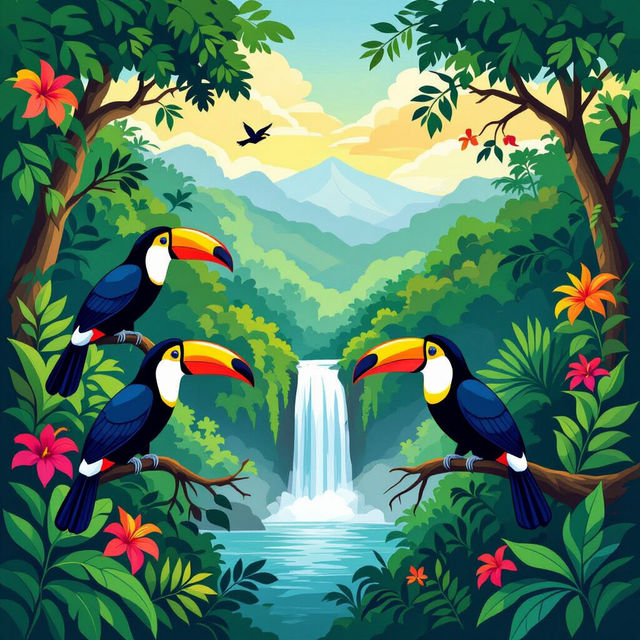
Costa Rican Art
Discover the beauty of Costa Rican art. Browse unique AI-generated pieces inspired by Costa Rica's landscapes and culture. Create your own art with NightCafe.
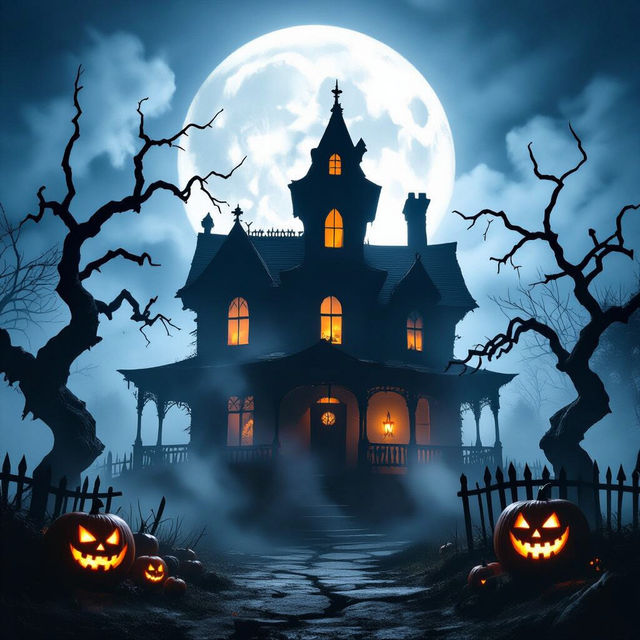
High Quality Scary Halloween Wallpapers
Discover chillingly high-quality scary Halloween wallpapers. Perfect for setting a spooky mood, these AI-generated designs will transform your device into a haunted masterpiece this season.
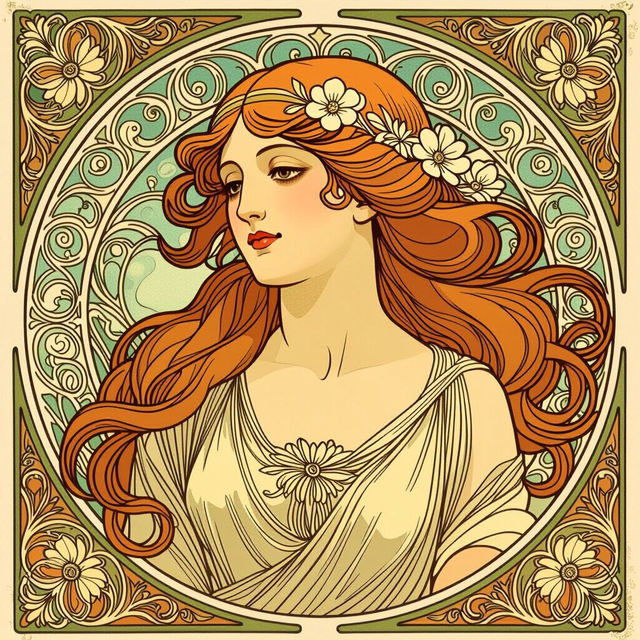
Art Nouveau Alphonse Mucha Style Art
Discover stunning AI-generated art in the iconic Art Nouveau style of Alphonse Mucha. Browse the gallery for inspiration or create your own Mucha-inspired masterpieces with NightCafe.
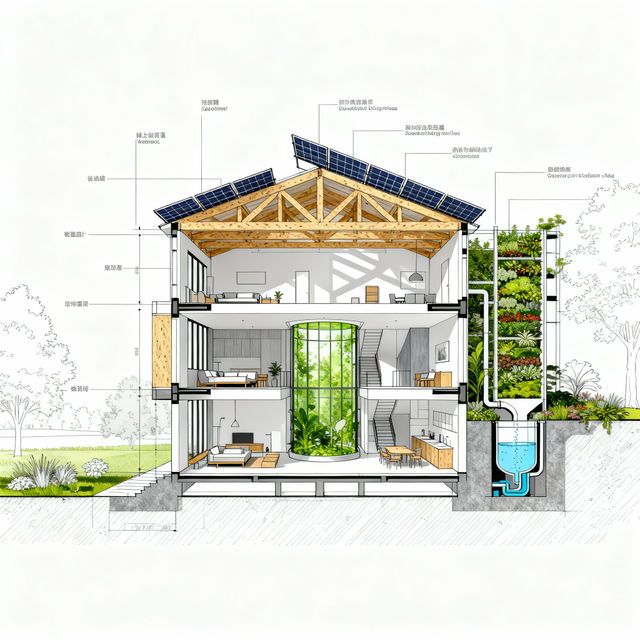
Section Drawing Architecture - AI Generated
Discover innovative section drawing architecture. Generate detailed architectural visuals and explore unique design possibilities with AI-powered tools. Perfect for architects and designers.
Frequently Asked Questions
Everything You Need to Know About AI Fire Picture Drawings
What kind of AI models can I use to create fire picture drawings on NightCafe?
NightCafe offers a variety of powerful AI models, including Stable Diffusion, Flux, and Imagen, that are excellent for generating mesmerizing fire picture drawings. Each model has unique strengths, so feel free to experiment to find the one that best suits your vision for flames, embers, or infernos.
How can I create a unique fire art piece that stands out?
To create a standout fire art piece, start with a descriptive prompt. Detail the type of fire you want (e.g., 'glowing embers,' 'raging bonfire,' 'ethereal blue flames'), the mood (e.g., 'warm and inviting,' 'intense and dangerous'), and any specific artistic styles (e.g., 'photorealistic,' 'abstract,' 'watercolor'). Experimenting with different keywords and AI models will also help you achieve unique results.
Can I generate different types of fire effects, like delicate embers or roaring infernos?
Absolutely! Our AI is capable of generating a wide spectrum of fire effects. Whether you're aiming for the subtle glow of delicate embers, the dynamic dance of flickering flames, or the intense power of a roaring inferno, you can achieve it by refining your text prompts and exploring the various artistic styles available.
What are the best practices for prompting fire and flame art?
For the best results when prompting fire and flame art, be specific about the intensity, color, and form of the fire. Consider adding details about the environment or context (e.g., 'fire in a dark forest,' 'a candle flame on a table'), as well as desired artistic styles. Using strong adjectives and verbs related to fire can also enhance the output.