

- Galleries
- AI Fire Truck Drawing Gallery
Fire Truck Drawings - Made With AI
Discover a vibrant gallery of fire truck drawings created with AI. Get inspired by unique designs and learn how to generate your own stunning fire truck art.

As seen in








AI Fire Truck Drawing Gallery
A collection of diverse and creative fire truck drawings, showcasing various artistic styles and perspectives generated by AI. Perfect for inspiration.


Didn't find what you were looking for? Create your own below!
Create your own Fire Truck Drawings - Made With AI images
Discover the magic of Text to Image AI by creating your own unique images. Edit the prompt below to customize your creation.
No payment or credit card required.

Ignite Your Imagination
Explore AI-generated Fire Truck Art
Dive into a dynamic collection of fire truck drawings, masterfully crafted by AI. Each piece showcases unique artistic styles and innovative interpretations of these heroic vehicles. Get inspired by the diverse range of designs and discover new ways to visualize your own fire truck drawing.
Create Your Own Fire Truck Masterpiece
Step 1
Describe Your Fire Truck Vision
Start by entering a detailed text prompt describing the fire truck you envision. Be specific about the style (e.g., cartoon, realistic, watercolor), colors, setting, and any actions the fire truck should be performing. The more detail you provide, the better the AI can match your vision.
Step 2
Generate Your Fire Truck Art
After crafting your prompt, click the 'Generate' button. Our AI will process your description and create a unique fire truck drawing based on your specifications. You can generate multiple variations to explore different artistic interpretations.
Step 3
Download and Share Your Creation
Once your fire truck artwork is generated, you can download it in high resolution to use as you wish. Feel free to share your creation with friends or on social media, and inspire others with your AI-generated art!

Your Vision, Realized
Generate Fire Engine Art With AI
Transform your ideas into reality with our advanced AI tools. Whether you're aiming for a classic look or a futuristic concept, you can generate fire engine art that perfectly matches your vision. Unleash your creativity and learn to generate fire engine art with AI, creating unique masterpieces.
More Galleries
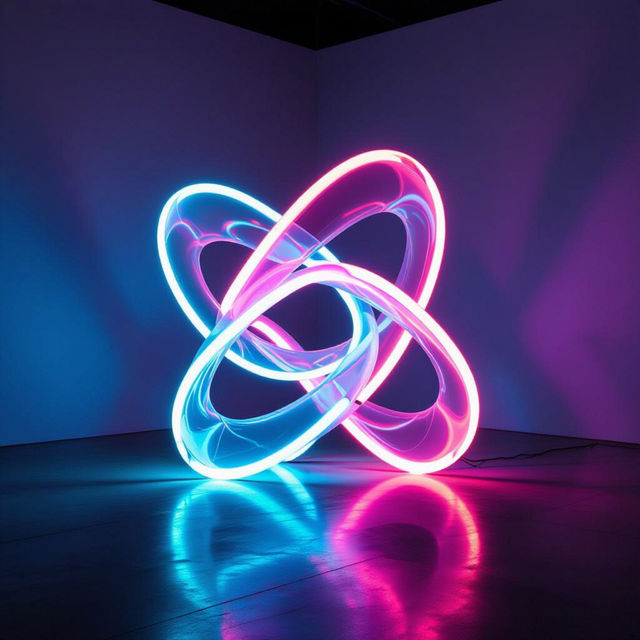
Light Art - Illuminated Creations
Discover breathtaking light art from around the world. Get inspired by unique light installations and abstract forms, then create your own luminous masterpieces with AI.

Victorian Art - Made With AI
Discover the elegance of Victorian art. Browse AI-generated masterpieces inspired by the Victorian era, perfect for art lovers and creators seeking historical aesthetic inspiration.

Easy Eye Drawing - Made With AI
Discover the art of easy eye drawing with our AI-generated gallery. Perfect for beginners, explore diverse styles and techniques to create captivating eye art effortlessly. Try it now!
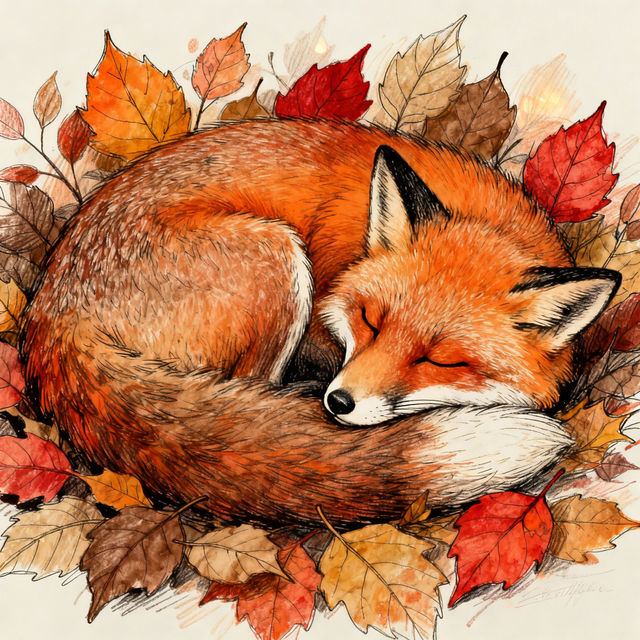
Fox Drawings - Made With AI
Discover a captivating gallery of AI-generated fox drawings. Perfect for inspiration, find unique fox art or create your own with NightCafe's powerful AI tools.
Frequently Asked Questions
Everything You Need to Know About Generating Fire Truck Art with AI
How can I create unique fire truck drawings using AI?
To create unique fire truck drawings, start by crafting a descriptive prompt. Include details about the style you envision (e.g., cartoon, realistic, vintage), the colors, the setting, and any specific elements you want to emphasize, such as flashing lights or a specific type of ladder. Experiment with different keywords to explore various artistic interpretations.
What AI models are best for generating fire engine art?
NightCafe offers a variety of AI models, each with its strengths. For detailed and realistic fire truck art, models like Stable Diffusion or Imagen might be excellent choices. If you're looking for more stylized or artistic interpretations, you might find Flux or other creative models produce interesting results. We recommend trying different models to see which best suits your desired aesthetic.
Can I generate fire trucks in different artistic styles?
Absolutely! Our AI art generation tools allow for a wide range of artistic styles. You can specify styles in your prompt, such as 'watercolor fire truck,' 'cyberpunk fire engine,' 'pencil sketch of a fire truck,' or 'art deco fire truck drawing.' Experiment with style keywords to achieve the exact look you desire.
What if my AI-generated fire truck doesn't look exactly as I imagined?
AI art generation is an iterative process. If your first attempt isn't perfect, try refining your prompt. Add more specific details, remove ambiguous terms, or try adjusting the style or model. You can also use features like 'Advanced Options' to fine-tune parameters or explore variations of your generated image.