

- Galleries
- Flame Drawing Gallery
Generate a Flame Drawing with AI
Create captivating flame drawings with NightCafe's AI-powered generator. Transform your artistic visions into fiery masterpieces. Browse flame drawing examples or create your own.

As seen in








Flame Drawing Gallery
Explore a stunning collection of AI-generated flame drawings, showcasing diverse artistic styles and interpretations. Get inspired and ignite your creativity.


Didn't find what you were looking for? Create your own below!
Create your own Generate a Flame Drawing with AI images
Discover the magic of Text to Image AI by creating your own unique images. Edit the prompt below to customize your creation.
No payment or credit card required.

Turn Ideas Into Art
AI Flame Drawings
Explore the mesmerizing world of AI-generated flame drawings. Our advanced algorithms transform simple ideas into intricate fiery artworks. Whether you're looking for inspiration or ready to create your own flame drawing, our gallery offers endless possibilities for digital fire art.
Ignite Your Creativity: How to Generate Flame Drawings
Step 1
Input Your Fiery Vision
Describe the flame drawing you envision. The more details you provide about the flame's shape, color, and surrounding environment, the more accurately the AI can capture your artistic vision.
Step 2
Watch Your Ideas Ignite
Once you've crafted your perfect prompt, click the 'Generate' button. Our AI will instantly interpret your instructions and conjure a unique flame drawing based on your specifications.
Step 3
Share Your Fiery Masterpiece
Download your high-resolution flame drawing to use in your projects, share it with friends, or showcase it within the NightCafe community for feedback and inspiration. Let your fiery artwork light up the world!

Easy And Intuitive
Creating Fire Art With AI
Creating Fire Art with AI has never been easier. Simply input your vision, and our AI will generate stunning flame art. Experiment with different styles and prompts to produce unique and captivating pieces. Unleash your creativity and watch as your ideas ignite into breathtaking visuals.
More Galleries
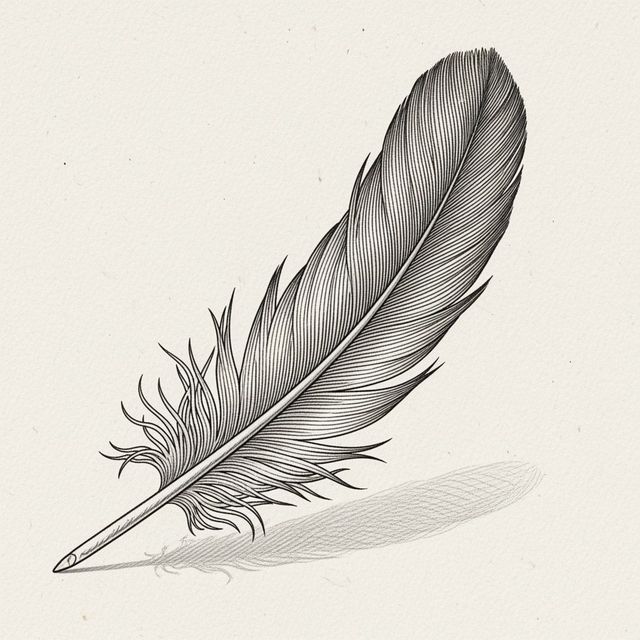
Feather Drawing Inspiration Gallery
Discover a world of Feather Drawing inspiration with our curated gallery. Perfect for artists and enthusiasts looking to explore the delicate and intricate beauty of feather art. Generate your own feather drawings today!
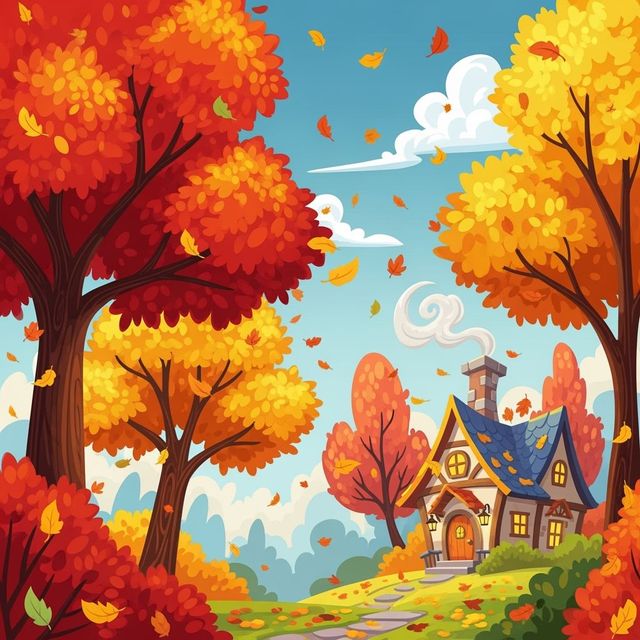
Create Stunning Fall Drawings With AI
Capture the beauty of autumn with AI-generated Fall Drawings. Whether you're looking for inspiration or want to create your own unique artwork, our AI tools make it easy to generate stunning fall-themed images.
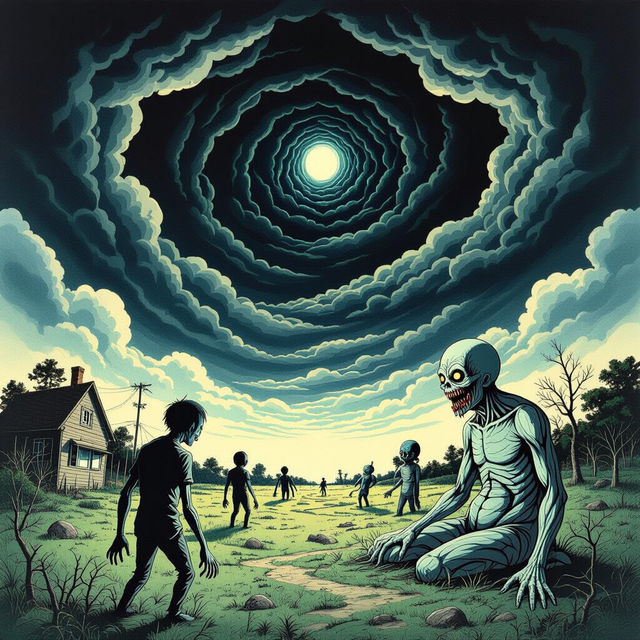
Create Haunting Junji Ito Art with AI
Unleash the chilling aesthetics of Junji Ito with our AI Art Generator. Create haunting, surreal, and mesmerizing artworks inspired by the master of horror manga. Browse Junji Ito art or create your own.
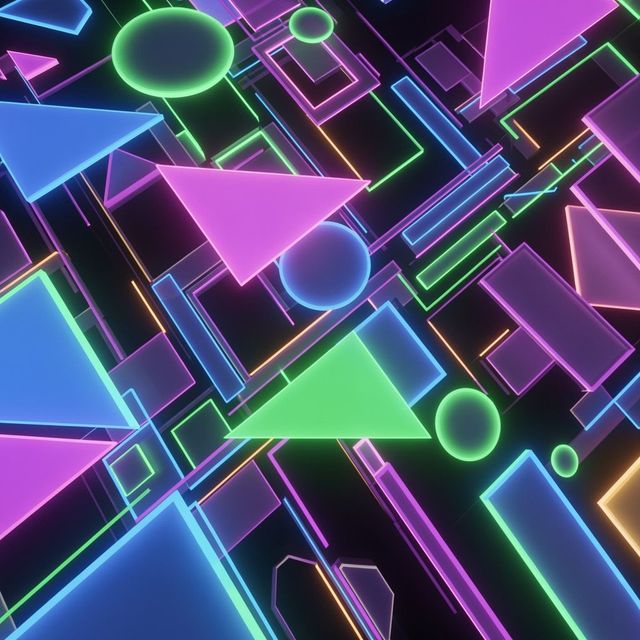
Vibrant Neon Wallpaper Generated by AI
Transform your screen with our AI-generated neon wallpapers. Experience vibrant colors and electrifying designs. Browse our collection or create your own neon masterpiece today.
Frequently Asked Questions
Frequently Asked Questions About Generating Flame Drawings with AI
How does the AI flame drawing generator work?
Our AI flame drawing generator uses advanced algorithms to interpret your text prompts and transform them into visually stunning flame artworks. Simply describe the type of flame, its color, style, and any surrounding elements, and the AI will generate a unique image based on your input.
What kind of prompts work best for creating flame drawings?
The more specific and descriptive your prompt, the better the AI can understand your vision. Try including details about the flame's shape, size, color (e.g., "intense blue flame"), style (e.g., "realistic flame drawing," "abstract flame art"), and any surrounding elements (e.g., "flame engulfing a skull"). Experiment with different keywords to achieve the desired effect.
Can I use the AI flame drawings I generate for commercial purposes?
Yes, the AI-generated flame drawings can be used for commercial purposes. Be sure to review the NightCafe terms of service to ensure compliance.
What if I'm not happy with the initial flame drawing generated by the AI?
You can refine your prompt and regenerate the image. Experiment with different wording, add more details, or adjust the style parameters to achieve the desired outcome. Our platform allows for multiple iterations, so you can fine-tune the results until you're satisfied.
Are there any restrictions on the types of flame drawings I can create?
While our AI is designed to be creative and versatile, we have guidelines in place to ensure responsible use. Avoid generating content that is harmful, offensive, or violates any laws or regulations. Please refer to our community guidelines for more information.