

- Galleries
- AI Flame Drawings Collection
Flame Drawings - AI Generated Art
Discover a mesmerizing gallery of AI-generated flame drawings. Get inspired by the fiery beauty and create your own unique flame art with NightCafe's powerful tools.

As seen in








AI Flame Drawings Collection
A stunning collection of AI-generated flame drawings, showcasing intense colors and dynamic forms. Perfect for inspiration or as unique digital art.


Didn't find what you were looking for? Create your own below!
Create your own Flame Drawings - AI Generated Art images
Discover the magic of Text to Image AI by creating your own unique images. Edit the prompt below to customize your creation.
No payment or credit card required.

Mesmerizing Fiery Beauty
Explore Stunning Flame Drawings Created With AI
Dive into a breathtaking collection of AI-generated flame drawings, where digital artistry meets the raw energy of fire. Each piece captures unique patterns and vibrant hues, showcasing the incredible potential of AI in creating mesmerizing visual art. Get inspired by the fiery beauty and discover new dimensions of creativity.
Create Your Own Fiery Masterpiece
Step 1
Ignite Your Imagination: Write Your Prompt
Begin by describing your vision for a flame drawing in the prompt box. Be specific about the colors, intensity, and shapes you imagine. Think about the mood you want to evoke – is it a gentle flicker or a raging inferno? Detailed prompts lead to more spectacular results!
Step 2
Generate Your Flame Art
Once your prompt is ready, simply click the 'Generate' button. Our AI will get to work, transforming your words into a unique and mesmerizing flame artwork. Watch as the digital fire comes to life!
Step 3
Download or Share Your Creation
After your flame art is created, you have a few options. Download your fiery creation in high resolution, or share it with the NightCafe community to inspire others and receive feedback. Show off your unique flame design!

Ignite Your Imagination
Create Stunning Fire Art With AI Image Generation
Unleash your inner artist and create your own stunning fire art with NightCafe's powerful AI tools. Transform your ideas into captivating visuals, from subtle embers to roaring infernos. Our platform makes it easy to generate unique fire art, offering endless possibilities for personal projects, digital art, and more.
More Galleries
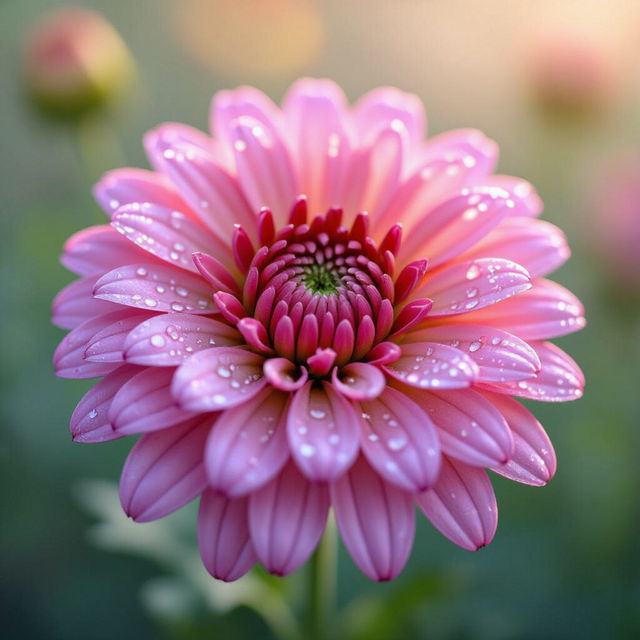
Chrysanthemum Flower Images - AI Generated
Explore a vibrant gallery of AI-generated Chrysanthemum flower images. Perfect for inspiration, find unique floral art and create your own stunning chrysanthemum visuals with ease.
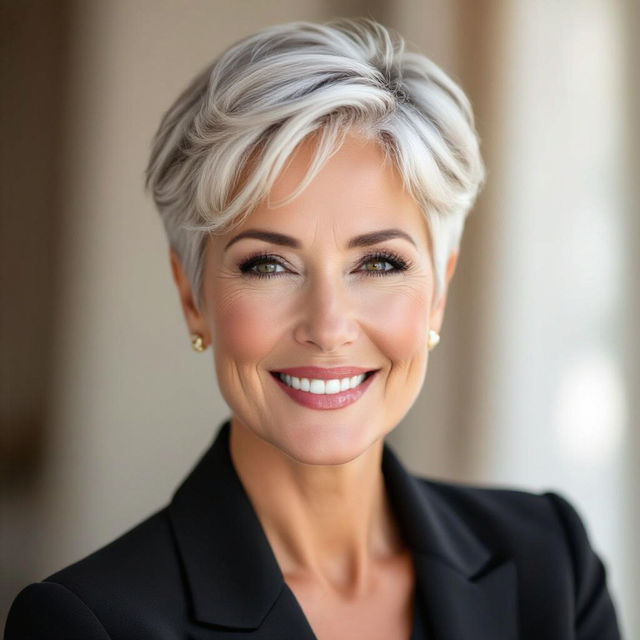
Pictures of Short Haircuts for Women Over 60 with Thin Hair
Discover beautiful pictures of short haircuts for women over 60 with thin hair. Find stylish and flattering options that add volume and enhance your look. Get inspired to try a new cut!
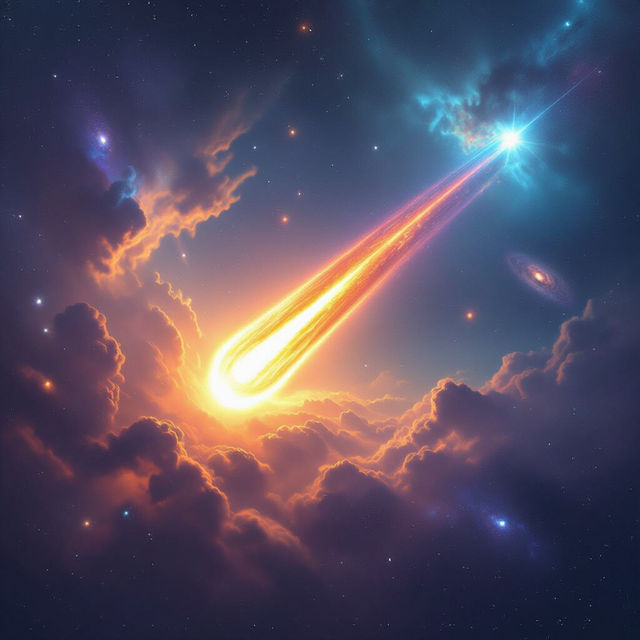
Comet Pictures
Explore a breathtaking gallery of AI-generated comet pictures. Get inspired by cosmic wonders and create your own unique space art with NightCafe.
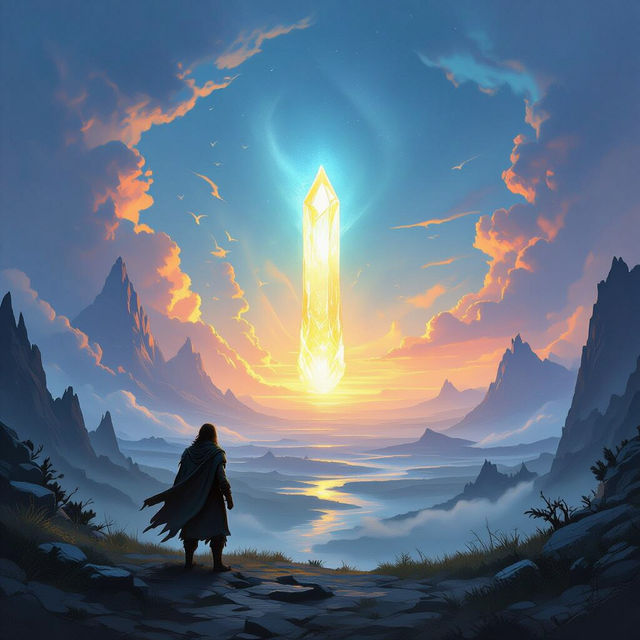
The Art of Storytelling with AI
Discover the captivating AI Art of Storytelling. Generate unique visual narratives and bring your imagination to life with stunning, AI-powered creations. Explore endless creative possibilities.
Frequently Asked Questions
Your Questions About AI Flame Art, Answered
How can I generate my own AI flame art similar to those in the gallery?
To create your own AI flame art, start by using descriptive prompts that evoke the essence of fire. Think about keywords related to flames, embers, infernos, smoke, heat, and specific color palettes (e.g., 'vibrant orange and red flames,' 'cool blue fire,' 'smoldering embers'). You can also specify artistic styles like 'abstract,' 'photorealistic,' 'painterly,' or 'surreal' to guide the AI. Experiment with different models and settings on NightCafe to discover unique flame effects.
What makes AI-generated flame art unique?
AI-generated flame art is unique because it can capture the dynamic and chaotic beauty of fire in ways that are difficult to replicate manually. The AI can create intricate patterns, unexpected color combinations, and abstract interpretations of flames that are both mesmerizing and original. Each generation is a novel creation, offering endless variations on the theme of fire.
Can I use the flame art I generate for commercial purposes?
Yes, you can use the AI-generated flame art you create for personal and commercial purposes. This includes using it for digital art projects, social media, website graphics, or even merchandise. We encourage you to explore the creative potential of your generated art. Please refer to our Terms of Service for specific details regarding usage rights and attribution.
What if my AI flame art doesn't turn out as expected?
If your AI flame art isn't quite what you envisioned, don't get discouraged! The key is iteration. Try refining your prompt with more specific keywords, adjusting the negative prompts to exclude unwanted elements, or experimenting with different artistic styles and AI models. Sometimes, a small change in wording can lead to dramatically different and more satisfying results. Our community forums are also a great place to get tips and inspiration from other users.