

- Galleries
- Flower Reference Drawing Gallery
Flower Reference Drawing
Explore a beautiful collection of AI-generated flower reference drawings. Perfect for artists seeking inspiration or anyone who loves floral art. Create your own with NightCafe.

As seen in








Flower Reference Drawing Gallery
Discover a diverse gallery of AI-generated flower reference drawings, showcasing various species and artistic interpretations to fuel your creativity.


Didn't find what you were looking for? Create your own below!
Create your own Flower Reference Drawing images
Discover the magic of Text to Image AI by creating your own unique images. Edit the prompt below to customize your creation.
No payment or credit card required.

Unlock Endless Floral Creativity
AI-generated Flower Drawings For Inspiration
Dive into a stunning gallery of AI-generated flower reference drawings, meticulously crafted to spark your artistic imagination. Whether you're a seasoned artist seeking new compositions or a beginner exploring floral beauty, these unique pieces offer a rich source of inspiration for your next masterpiece. Discover detailed botanical studies and imaginative floral arrangements.
Create Your Own Floral Masterpiece
Step 1
Describe Your Floral Vision
Begin by describing the flower or floral arrangement you envision in the prompt box. Be specific about the type of flower, its colors, the style (e.g., realistic, watercolor, abstract), and any desired background elements. The more detail you provide, the better the AI can capture your vision.
Step 2
Generate Your Artwork
After crafting your prompt, simply click the 'Generate' button. The AI will then process your request and create a unique floral reference drawing based on your specifications.
Step 3
Download or Share Your Creation
Once your flower drawing is ready, you have the option to download it in high resolution to use in your projects. You can also share your creation with the NightCafe community to inspire others or receive feedback.

Create Stunning Floral Art
AI Floral Art Generation And Inspiration
Experience the magic of AI Floral Art Generation and Inspiration. Our advanced models transform simple ideas into breathtaking floral artwork. Explore a vibrant spectrum of styles, from realistic depictions to abstract interpretations, perfect for digital art, design projects, or simply appreciating the beauty of flowers. Let AI guide your creative journey.
More Galleries
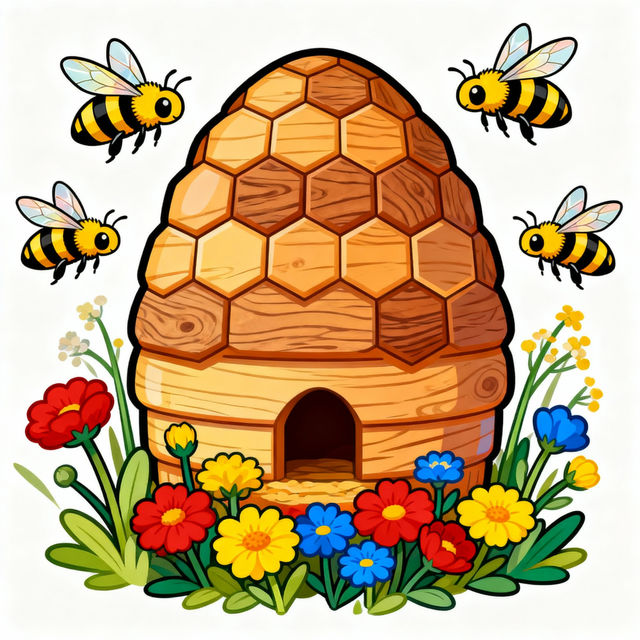
Bee Hive Clip Art
Explore a vibrant collection of AI-generated bee hive clip art. Perfect for adding a touch of nature and whimsy to your projects. Create your own unique bee hive designs with NightCafe.
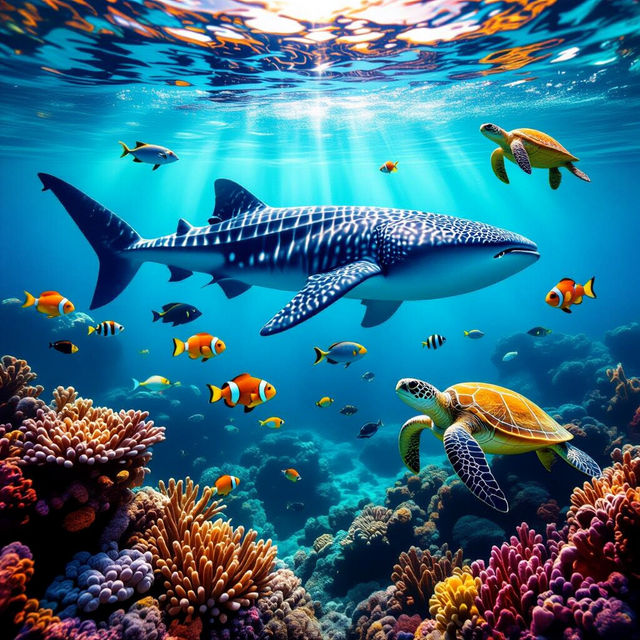
Sea Animals Wallpaper
Discover breathtaking sea animals wallpaper designs. Perfect for your desktop or mobile background, these AI-generated images bring the ocean's beauty to your screen. Create yours now!
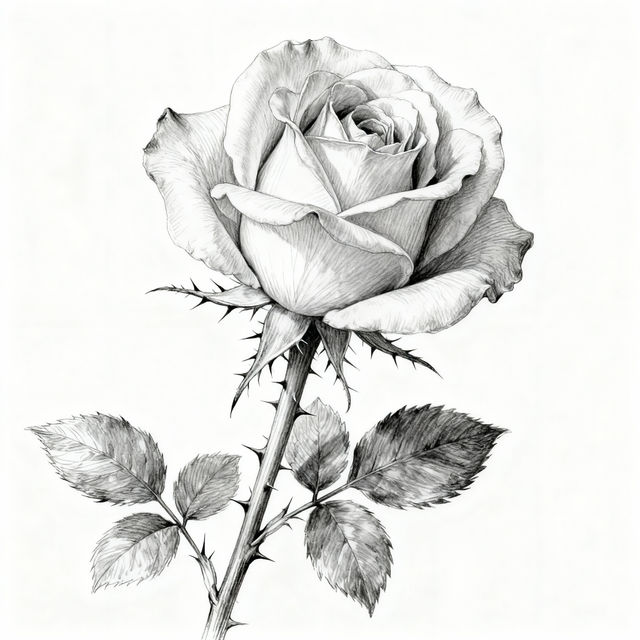
Sketch Rose Art
Explore a beautiful gallery of sketch rose art. Discover unique AI-generated floral designs and learn how to create your own stunning sketch rose images with NightCafe.
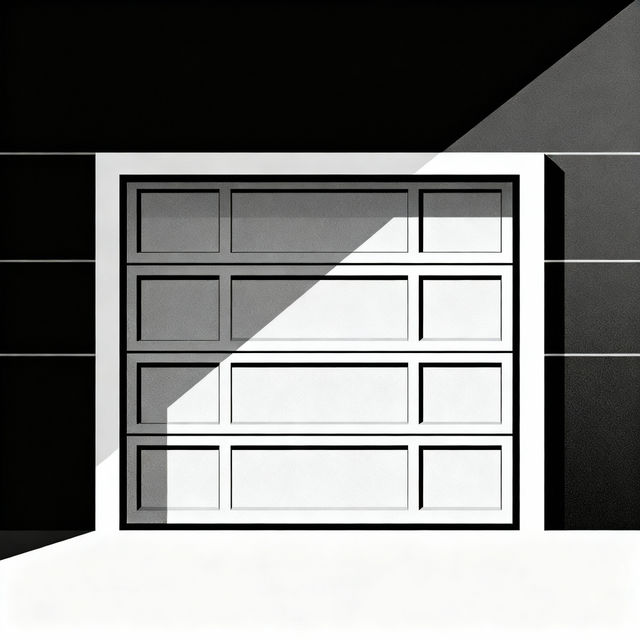
Garage Door Drawings - AI Generated
Discover a gallery of AI-generated garage door drawings. Get inspired by creative designs and learn how to generate your own unique garage door art with NightCafe.
Frequently Asked Questions
Your Questions About Flower Reference Drawings, Answered
How can I use these AI-generated flower drawings for my art?
These AI-generated flower reference drawings are designed to be a versatile source of inspiration. You can use them as a base for your own sketches, study their composition and color palettes, or incorporate elements into your digital art, illustrations, or design projects. Think of them as a creative springboard for your artistic endeavors.
What makes these flower reference drawings unique compared to real photos?
Our AI art generator creates unique interpretations of flowers, blending realism with artistic stylization. You'll find compositions, color combinations, and perspectives that might not be easily captured in traditional photography. This allows for a broader range of aesthetic exploration, from hyper-realistic botanical studies to more abstract and imaginative floral designs.
Can I create my own flower reference drawings using NightCafe?
Absolutely! The gallery showcases what's possible, but you can create your own unique flower reference drawings using NightCafe's AI art generation tools. Experiment with different prompts, styles, and AI models to generate custom floral art tailored to your specific needs and artistic vision.
Are there specific prompts that work best for generating flower reference drawings?
For best results, try prompts that include the type of flower (e.g., 'rose,' 'tulip,' 'wildflower'), the desired style (e.g., 'pencil sketch,' 'watercolor,' 'line art,' 'botanical illustration'), and any specific mood or color palette you envision (e.g., 'soft pastels,' 'vibrant,' 'moody'). Adding terms like 'reference drawing,' 'study,' or 'sketch' can also help guide the AI.