

- Galleries
- AI Fruits Drawing Collection
Fruits Drawing
Discover a vibrant collection of AI-generated fruits drawings. Perfect for inspiration, browse diverse styles and create your own delicious fruit art with NightCafe.

As seen in








AI Fruits Drawing Collection
A gallery showcasing beautiful and diverse drawings of fruits, created with AI. Find inspiration for your next artistic creation or simply enjoy the visual feast.


Didn't find what you were looking for? Create your own below!
Create your own Fruits Drawing images
Discover the magic of Text to Image AI by creating your own unique images. Edit the prompt below to customize your creation.
No payment or credit card required.

Vibrant & Diverse Styles
Explore AI-generated Fruits Drawings
Dive into a kaleidoscopic world of AI-generated fruits drawings, showcasing an incredible range of artistic interpretations. From hyperrealistic apples to whimsical berry clusters, our gallery offers endless inspiration for artists and enthusiasts alike. Explore unique styles and discover your next creative spark within this delightful collection of fruits drawings.
Create Your Own Delicious Fruit Art
Step 1
Describe Your Fruit Vision
Start by describing the fruit or fruit arrangement you envision in the prompt box. Be specific about the type of fruit, colors, style (e.g., realistic, cartoon, watercolor), and any background elements you'd like to include. The more detail you provide, the better the AI can match your vision.
Step 2
Generate Your Fruit Drawing
Once your prompt is ready, click the 'Generate' button. Our AI will process your request and create a unique drawing of fruits based on your description. You can generate multiple variations to explore different artistic interpretations.
Step 3
Download or Share Your Creation
After generation, review your fruit artwork. If you're happy with the result, you can download it for your projects or share it with the NightCafe community to inspire others. You can also use it as a starting point for further refinement.

Unleash Your Creativity
Create Delicious Fruit Art With AI
Transform your ideas into mouth-watering masterpieces with our intuitive AI tools. Whether you're designing a recipe card, illustrating a healthy eating blog, or simply exploring your artistic side, you can create delicious fruit art effortlessly. Let your imagination run wild and bring your unique vision of fruit art to life.
More Galleries

Drawing Compass Art
Explore a unique gallery of AI-generated drawing compass art. Find inspiration for your next creative project or design your own intricate compasses with our advanced AI tools.
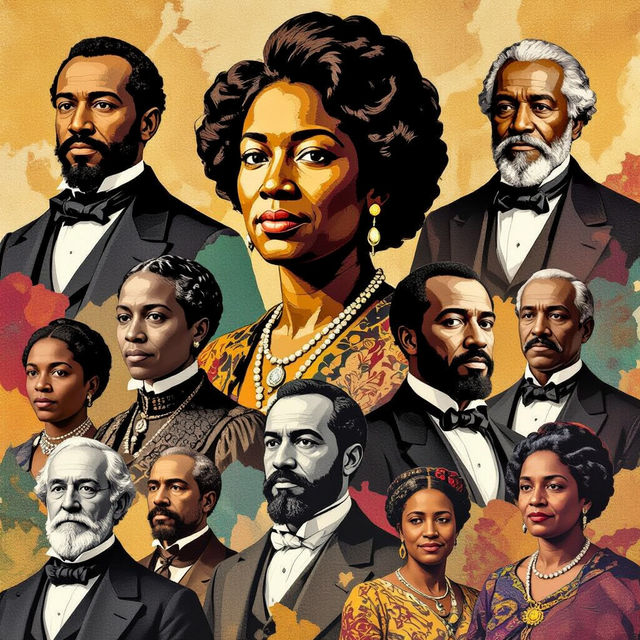
Black History Month Art
Explore powerful Black History Month art created with AI. Discover inspiring visuals that celebrate heritage and achievements. Generate your own unique art to honor this important month.
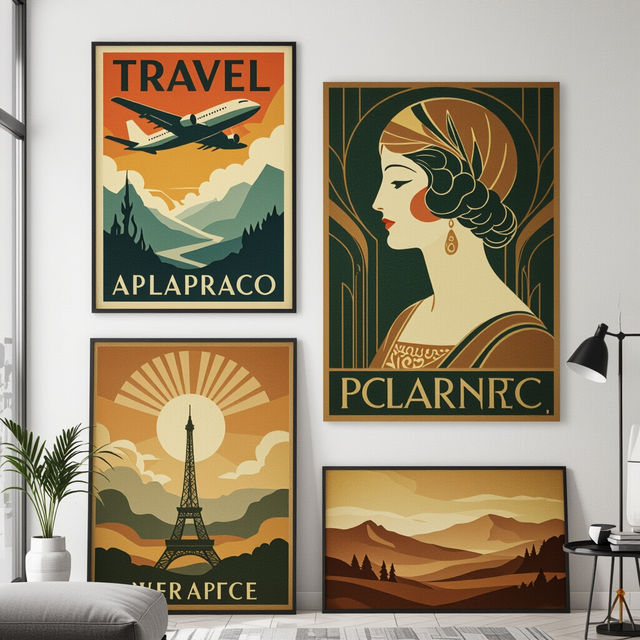
Vintage Wall Art
Discover a curated collection of AI-generated vintage wall art. Perfect for adding a touch of timeless elegance to any space. Browse and create your own unique vintage pieces.
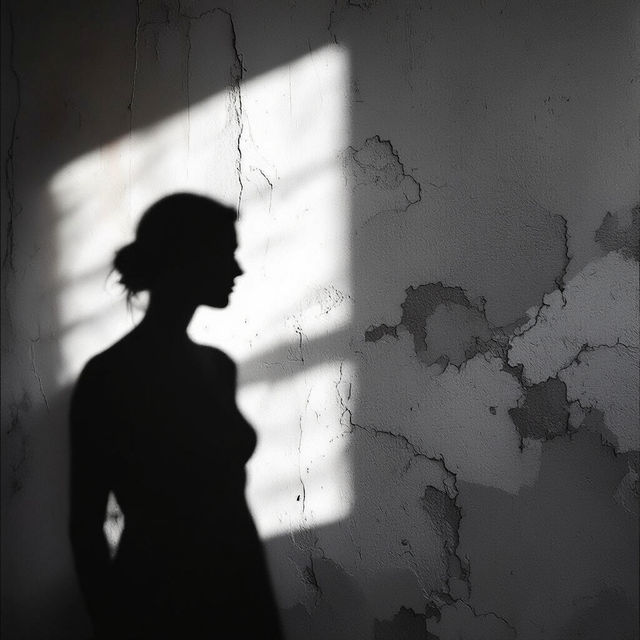
Shadow Drawings - AI Generated Art
Discover the art of shadow drawing with AI. Browse a gallery of captivating shadow drawings and learn how to create your own unique pieces with NightCafe.
Frequently Asked Questions
Your Questions About AI Fruits Drawings, Answered
How can I generate my own unique AI fruits drawings?
You can easily create your own AI fruits drawings using NightCafe's AI art generation tools. Simply navigate to our creation page, select your preferred AI model (like Stable Diffusion or DALL-E 2), and enter a descriptive text prompt. For example, try prompts like 'a watercolor painting of a basket of exotic fruits' or 'a minimalist line drawing of a single strawberry'.
What styles of fruits drawings can I create with NightCafe?
NightCafe supports a vast array of artistic styles. You can generate fruits drawings in styles such as photorealistic, watercolor, oil painting, sketch, cartoon, abstract, surreal, and many more. Experiment with different style keywords in your prompts to discover unique visual interpretations of fruits.
Can I use the AI-generated fruits drawings for my projects?
Yes, you can use the AI-generated fruits drawings created on NightCafe for your personal and commercial projects, provided you adhere to our Terms of Service. This includes using them for recipe cards, blog illustrations, social media content, or even as inspiration for physical artwork. Remember to check our latest policies for specific usage guidelines.
How do I make my AI fruits drawings look more realistic or stylized?
To achieve specific looks, refine your text prompts. For realism, include terms like 'photorealistic,' 'highly detailed,' '8k,' or specific camera lens types. For stylization, use keywords such as 'impressionist painting,' 'art deco poster,' 'Pixar style,' or 'anime illustration.' You can also adjust advanced settings within the creation tools, such as aspect ratio and negative prompts, to further guide the AI.