

- Galleries
- AI-Generated Fun Clip Art
Fun Clip Art - Made With AI
Discover a vibrant collection of fun clip art generated by AI. Perfect for crafts, presentations, or digital designs. Get inspired and create your own unique clip art easily.

As seen in








AI-Generated Fun Clip Art
Browse a delightful gallery of AI-created clip art, featuring a wide array of cheerful and engaging designs for all your creative projects.


Didn't find what you were looking for? Create your own below!
Create your own Fun Clip Art - Made With AI images
Discover the magic of Text to Image AI by creating your own unique images. Edit the prompt below to customize your creation.
No payment or credit card required.

Vibrant And Playful Designs
Explore A World Of Fun AI Clip Art
Dive into an imaginative collection of AI-generated clip art, bursting with color and personality. Each piece is crafted to add a touch of whimsy and originality to your creative projects, from digital scrapbooking to custom invitations. Discover endless possibilities with our fun clip art.
Create Your Own Fun Clip Art
Step 1
Describe Your Clip Art Idea
Begin by describing the clip art you envision in the prompt box. Be specific about the subject, style, colors, and any other details that will help the AI understand your creative vision. For example, try "a cute cartoon cat wearing a party hat" or "a vintage-style floral border with pastel colors."
Step 2
Generate Your Clip Art
After entering your prompt, click the "Generate" button. The AI will then process your description and create unique clip art images based on your input. You can generate multiple variations to find the perfect fit.
Step 3
Download & Share Your Creation
Once you have a clip art image you love, you can download it for use in your projects. Feel free to share your creations with others or explore more options by refining your prompt and generating again!

Tailor-made Creative Assets
Explore And Generate AI Clip Art For Your Projects
Our platform empowers you to explore and generate unique AI clip art tailored to your specific needs. Whether you're designing a presentation, a website banner, or a craft project, easily find or create the perfect visual assets. Start exploring and generating AI clip art that truly stands out.
More Galleries
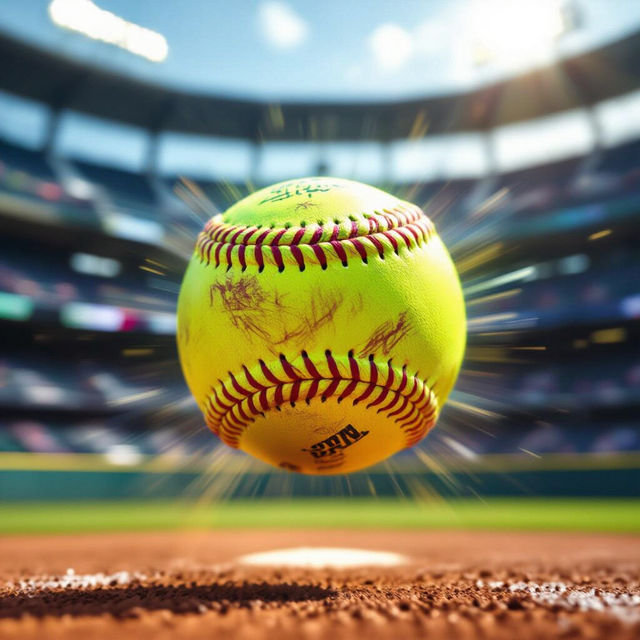
Pictures of Softballs
Explore a vibrant collection of softball pictures created by AI. Get inspired by unique softball imagery and generate your own dynamic sports visuals on NightCafe.
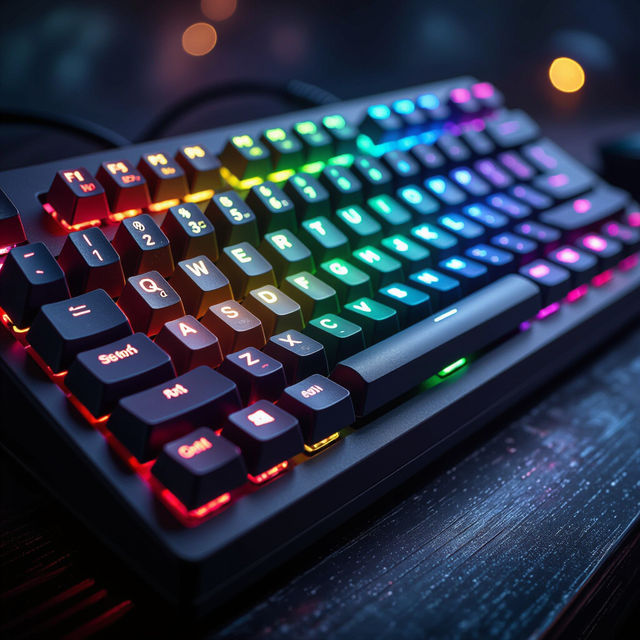
Pictures Of Keyboards
Explore a diverse collection of unique keyboard pictures created by AI. Find inspiration for your next design or simply admire the artistry of these AI-generated keyboard images.
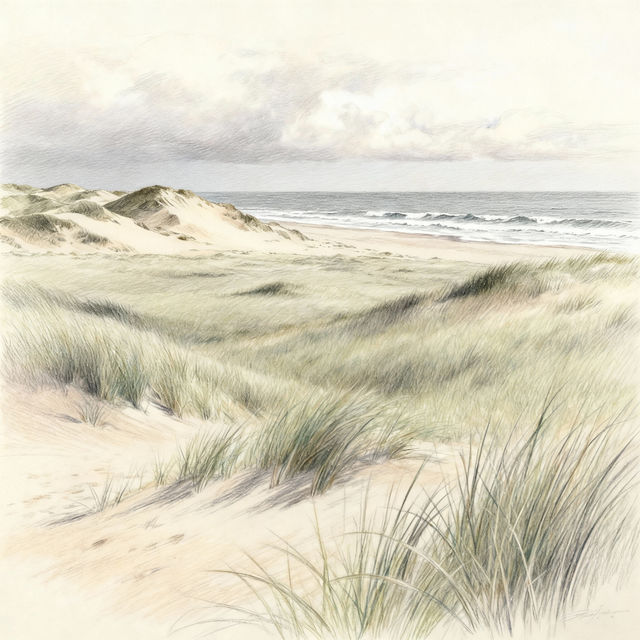
Coastal Plains Drawings - AI Generated Art
Discover stunning AI-generated drawings of coastal plains. Get inspired by these unique artistic interpretations and create your own coastal landscapes with NightCafe.
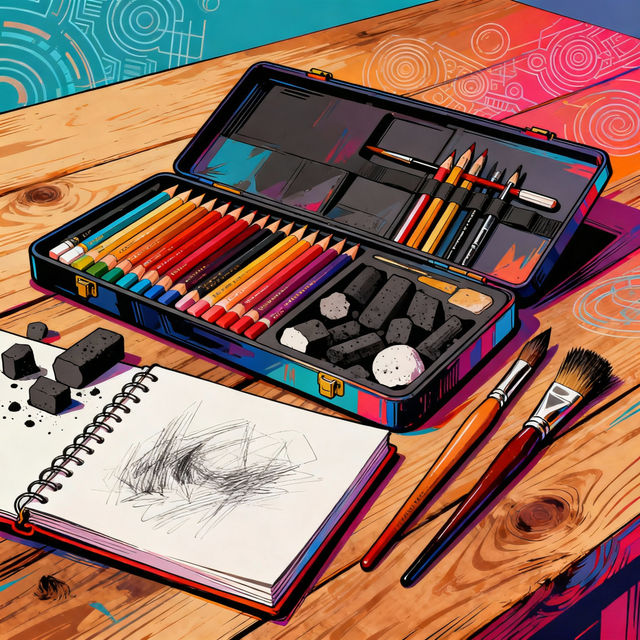
Drawing Kits - Made With AI
Discover unique drawing kits created with AI. Browse our gallery for inspiration and then use NightCafe to design your own custom drawing kit for endless artistic possibilities.
Frequently Asked Questions
Everything You Need to Know About Creating Fun AI Clip Art
How can I generate unique clip art with NightCafe's AI?
To generate unique clip art, start by describing the style, subject, and colors you envision in the text prompt. For example, you could type 'cute cartoon cat wearing a party hat, simple flat design, vibrant colors' or 'whimsical floral pattern, watercolor style, pastel palette'. Experiment with different keywords to achieve the exact look you desire for your clip art.
What are some good use cases for AI-generated clip art?
AI-generated clip art is incredibly versatile! It's perfect for adding personality to digital scrapbooking, custom invitations, party decorations, and educational materials. You can also use it for website graphics, social media posts, presentations, crafts, and even personalizing stationery. The possibilities are endless!
Can I edit or modify the clip art after it's generated?
While NightCafe's AI generates the initial clip art, you can download the images and use them in your favorite graphic design software (like Photoshop, Canva, or GIMP) to make further edits, combine them with other elements, or resize them as needed for your projects.
Are there specific styles of clip art that the AI excels at creating?
Our AI models can generate a wide variety of clip art styles. You can prompt for cartoonish, whimsical, vintage, modern, geometric, watercolor, flat design, and many more. Try including style descriptors in your prompt, such as 'kawaii style', 'retro illustration', or 'minimalist vector art', to guide the AI towards your desired aesthetic.