

- Galleries
- AI-Generated Geometric Designs
Geometric Design Art
Discover a world of intricate patterns and shapes with our Geometric Design Art gallery. Generate your own unique geometric art pieces, perfect for digital or print.

As seen in








AI-Generated Geometric Designs
A curated collection of AI-created geometric designs showcasing modern aesthetics and intricate patterns. Perfect for inspiration or direct use.


Didn't find what you were looking for? Create your own below!
Create your own Geometric Design Art images
Discover the magic of Text to Image AI by creating your own unique images. Edit the prompt below to customize your creation.
No payment or credit card required.

Limitless Geometric Possibilities
Explore Stunning Geometric Art
Dive into a universe of precise lines and captivating shapes. Our AI empowers you to create breathtaking Geometric Design Art, from minimalist compositions to complex tessellations. Perfect for backgrounds, digital art, or unique graphic elements, these designs offer a clean yet striking aesthetic.
Create Your Own Geometric Masterpiece
Step 1
Describe Your Geometric Vision
Begin by describing the geometric design you envision in the prompt box. Specify elements like shapes (e.g., hexagons, triangles, fractals), patterns (e.g., symmetrical, tessellated, radial), color palettes, and the overall complexity or style (e.g., minimalist, intricate, abstract). The more detail you provide, the closer the AI can get to your unique vision.
Step 2
Generate Your Design
Once your prompt is ready, click the 'Generate' button. Our AI will process your description and begin creating a unique geometric artwork tailored to your specifications. Watch as precise lines and captivating shapes come to life!
Step 3
Download and Share Your Art
After the generation is complete, you can download your stunning geometric design in high resolution, ready for use in your projects. Feel free to share your creation with the community or refine your prompt to generate even more variations!

Infinite Abstract Creations
Generate Abstract Patterns With AI
Unleash your creativity with our AI's ability to Generate Abstract Patterns with AI. Explore a spectrum of colors, forms, and textures to craft unique visual experiences. These abstract patterns are ideal for wallpapers, textile designs, or any project needing a touch of modern, dynamic artistry.
More Galleries
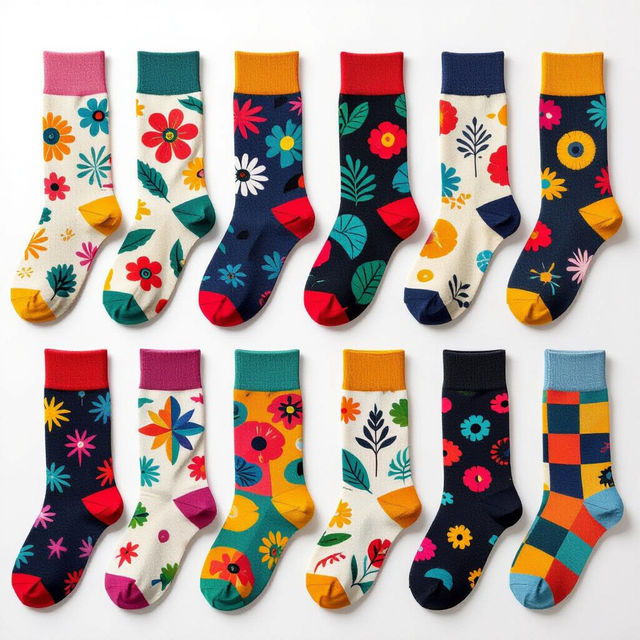
Socks Images - Created With AI
Discover a vibrant collection of AI-generated socks images. Find inspiration for unique patterns and designs, or create your own custom socks with NightCafe.
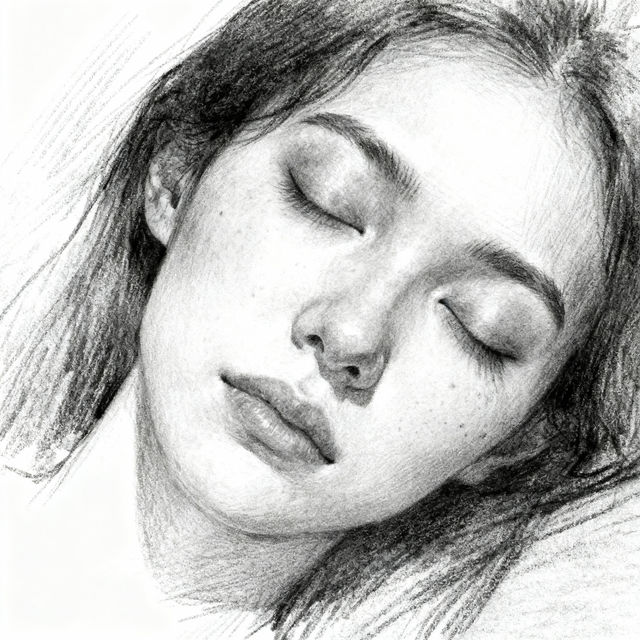
Eyes Closed Drawings - AI Generated Art
Discover a gallery of captivating eyes closed drawings, perfect for inspiration. Generate your own serene and artistic pieces with our AI tools.
Worship Background Images
Discover a collection of AI-generated worship background images. Perfect for services, events, and presentations, these visuals enhance the atmosphere and focus your message.
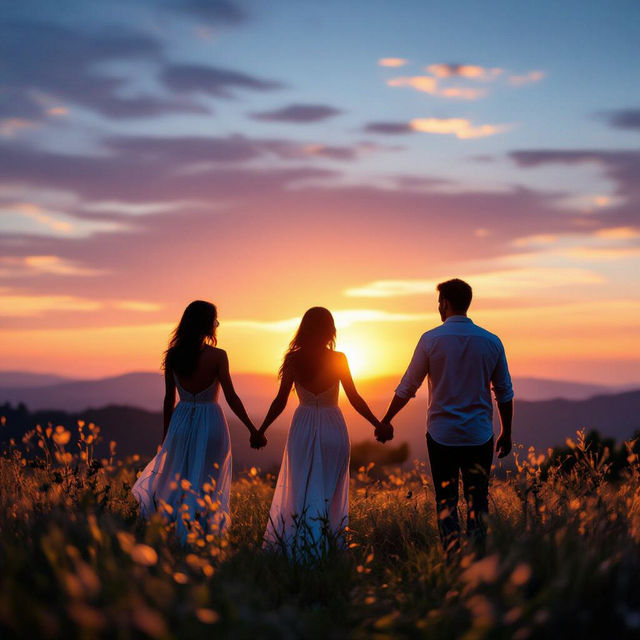
Couple Wallpapers - AI Generated
Discover beautiful AI-generated couple wallpapers to personalize your phone or desktop. Find romantic and artistic designs perfect for celebrating love, or create your own unique couple wallpaper.
Frequently Asked Questions
Your Questions About Geometric Design Art, Answered
How can I create specific geometric patterns or shapes?
To generate specific geometric patterns or shapes, be descriptive in your prompt. Mention the type of shapes you want (e.g., 'hexagons', 'spirals', 'fractals'), the arrangement (e.g., 'tessellated', 'symmetrical', 'overlapping'), and any desired complexity or style (e.g., 'minimalist', 'intricate', '3D'). Experiment with keywords related to geometry and patterns to guide the AI.
What are the best use cases for AI-generated geometric art?
AI-generated geometric art is incredibly versatile. It's perfect for creating unique backgrounds for websites or presentations, eye-catching digital art, distinctive graphic elements for branding, patterns for textiles, wallpapers, or even as inspiration for physical art projects. The clean and striking aesthetic lends itself well to modern design needs.
Can I combine geometric elements with other styles or subjects?
Absolutely! You can blend geometric art with other styles or subjects by including them in your prompt. For example, try prompts like 'geometric landscape', 'abstract portrait with geometric elements', or 'surreal scene incorporating tessellations'. The AI can often merge different concepts to create novel and unique compositions.
How can I ensure my geometric designs are suitable for print?
When generating designs intended for print, consider specifying high resolution or quality in your prompt. While the AI generates digital images, using clear and detailed prompts can lead to results that are more suitable for scaling. Always check the final image's resolution and clarity before sending it to print.