

- Galleries
- Spooky Ghost Drawing Gallery
Ghost Drawing & Step-by-step
Unleash your creativity with our Spooky Ghost Drawing Ideas And Step-by-step Guides! Create chilling Ghost Drawings with our easy-to-follow tutorials.

As seen in








Spooky Ghost Drawing Gallery
A curated collection of spooky ghost drawings, showcasing various styles and techniques. Explore our step-by-step guides to create your own haunting artwork.


Didn't find what you were looking for? Create your own below!
Create your own Ghost Drawing & Step-by-step images
Discover the magic of Text to Image AI by creating your own unique images. Edit the prompt below to customize your creation.
No payment or credit card required.

Easy Ghost Drawing
Ghost Drawing & Step-by-step
Master the art of spectral sketching with our step-by-step guides. From simple apparitions to complex poltergeists, learn essential techniques for compelling Ghost Drawing. Explore a range of Spooky Ghost Drawing Ideas And Step-by-step Guides, using our AI to generate Spooky Ghost Drawing Pictures to inspire your next masterpiece.
How to Draw Spooky Ghosts with AI
Step 1
Describe Your Ghostly Vision
Start by describing your spooky ghost drawing idea in detail. The more specific you are with your prompt, the better the AI can capture the essence of your vision. Consider including details like the ghost's expression, setting, and any unique features.
Step 2
Generate Your Spectral Sketch
After crafting your perfect prompt, click the 'Generate' button. Watch as the AI conjures a spooky ghost drawing based on your instructions. You can generate multiple variations to find the one that best captures your desired aesthetic.
Step 3
Share Your Ghostly Creation
Once you've generated your spooky ghost drawing, you can download it to use in your projects or share it with friends and fellow artists. Inspire others with your unique creations and showcase the power of AI-assisted art!

Spectral Digital Art
Create Ethereal Spectres With Digital Art
Transform your digital canvas into a realm of spectral beauty. Explore the art of crafting Digital Spectres, imbuing them with an ethereal glow and haunting presence. Our AI tools empower you to Create Ethereal Spectres with Digital Art, blending traditional techniques with cutting-edge technology for stunning results.
More Galleries
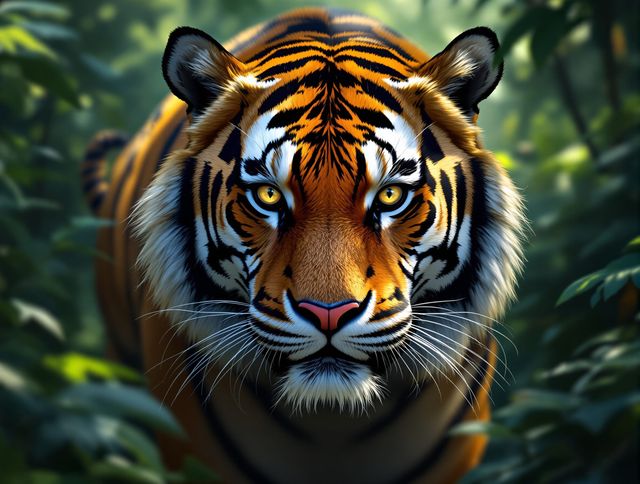
Tiger Drawing & Sketches
Explore powerful tiger drawing tutorials and sketches. Unleash your artistic potential with our AI-generated gallery, perfect for inspiration and learning. Discover the beauty of tiger drawing & sketches today!
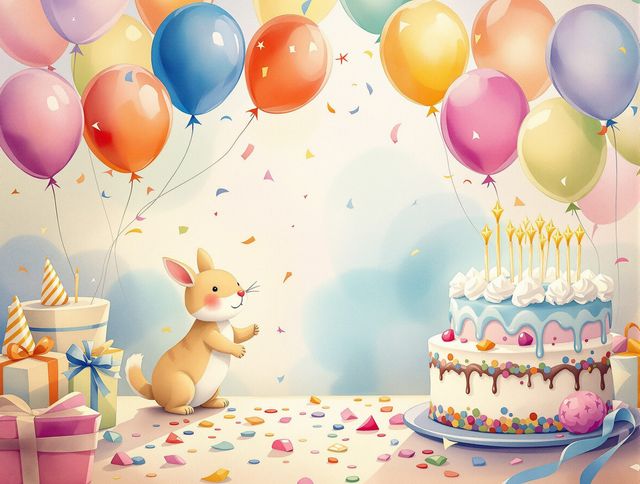
Create Joyful Birthday Images And Celebration Cards With AI
Celebrate special moments with our joyful Birthday Images And Celebration Cards. Create personalized cards and share the joy with our AI-generated Birthday Images.
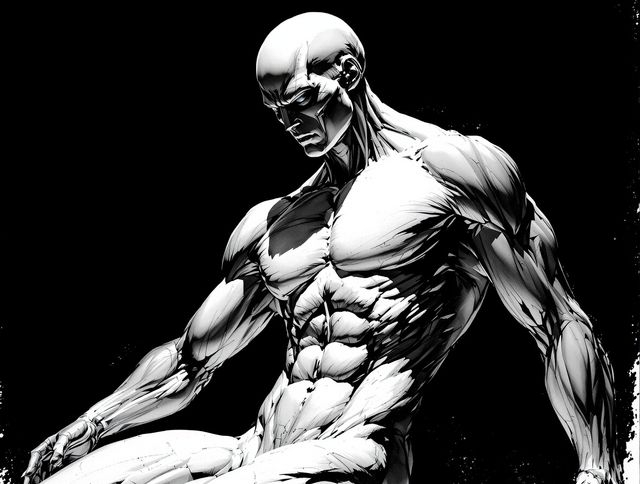
Drawing Poses & Reference
Explore AI-generated Figure Drawing Poses and Artistic Reference Guides. Perfect for artists seeking dynamic Drawing Poses & Reference to enhance their creative projects.
Elevate Your Projects With High-Quality Background Images
Find the perfect High-quality Background Image for all your projects and devices. Elevate your visual appeal with stunning, AI-generated backgrounds tailored to your needs.
Frequently Asked Questions
Everything You Need to Know About Creating Spooky Ghost Drawings with AI
How can the step-by-step guides help me improve my ghost drawing skills?
Our step-by-step guides are designed to help you master the art of drawing spooky ghosts, regardless of your skill level. We cover techniques for creating everything from simple apparitions to complex poltergeists, using AI-generated images as inspiration.
What are some tips for writing effective prompts for spooky ghost drawings?
Use detailed prompts that describe the type of ghost you want to create, the setting, and the desired mood. Experiment with different art styles, such as 'cartoonish,' 'realistic,' or 'abstract,' to achieve unique results. Consider adding details like chains, cobwebs, or glowing eyes to enhance the spooky effect. You can use the NightCafe advanced prompt to add weight to the different parts of your prompt.
Can I use the AI-generated spooky ghost drawings for inspiration in my own art?
Yes, you can use the AI-generated images as inspiration for your own artwork. Feel free to recreate, modify, or combine elements from different images to create your unique spooky ghost drawings. However, remember to credit NightCafe if you use the images directly for commercial purposes.
How do I create an ethereal effect in my digital ghost drawings?
Experiment with different AI models and styles to achieve the desired ethereal effect. Try using lighter colors, blurring techniques, and glowing effects to create a sense of translucence and otherworldliness. Consider adding details like wispy trails or faint outlines to enhance the ghostly appearance. NightCafe offers a variety of AI models, such as Stable Diffusion and Imagen, each with its own strengths for generating different styles of images.
What should I do if I'm not happy with the AI-generated spooky ghost drawing?
If you're not satisfied with the initial results, try refining your prompts, adjusting the settings, or experimenting with different AI models. You can also use image editing software to further enhance and customize your AI-generated ghost drawings. Consider using the 'Evolve' feature to create variations on your initial creation or the 'Remix' feature to blend elements from multiple images.