

- Galleries
- Ghost Face Mask Drawing Gallery
Ghost Face Mask Drawings
Explore a gallery of unique Ghost Face Mask drawings created with AI. Get inspired and generate your own hauntingly beautiful mask designs with NightCafe.

As seen in








Ghost Face Mask Drawing Gallery
Discover a collection of AI-generated drawings featuring ghost face masks, perfect for inspiration or as unique artistic elements. Create your own eerie designs.


Didn't find what you were looking for? Create your own below!
Create your own Ghost Face Mask Drawings images
Discover the magic of Text to Image AI by creating your own unique images. Edit the prompt below to customize your creation.
No payment or credit card required.

Hauntingly Unique Creations
AI-generated Ghost Face Mask Art
Dive into a world of spectral artistry with our AI-generated Ghost Face Mask drawings. Each piece is a unique interpretation, blending eerie aesthetics with digital creativity. Get inspired by these hauntingly beautiful designs and begin crafting your own signature Ghost Face Mask Drawing today.
Create Your Own Hauntingly Beautiful Ghost Face Mask
Step 1
Describe Your Ghost Face Mask
Begin by entering a detailed prompt describing the Ghost Face Mask drawing you envision. Think about the style (e.g., watercolor, sketch, digital painting), the mood (e.g., eerie, terrifying, artistic), and any specific elements you want to include. The more descriptive you are, the closer the AI can get to your unique vision.
Step 2
Generate Your Mask Art
Once you've crafted your perfect prompt, click the 'Generate' button. Our AI will then work its magic, transforming your words into a captivating and unique Ghost Face Mask drawing. Watch as your concept comes to life!
Step 3
Download or Share Your Creation
After your Ghost Face Mask drawing is created, you have the freedom to download it in high resolution or share your chilling masterpiece with the NightCafe community. Get feedback, inspire others, and continue your journey into spectral artistry!

Craft Your Iconic Look
Generate AI Scream Mask Art
Embrace the iconic terror and unleash your creativity. Our platform empowers you to Generate AI Scream Mask Art, transforming classic horror into custom digital masterpieces. Explore the possibilities and design your own chilling Scream Mask Art that captures the essence of fear.
More Galleries
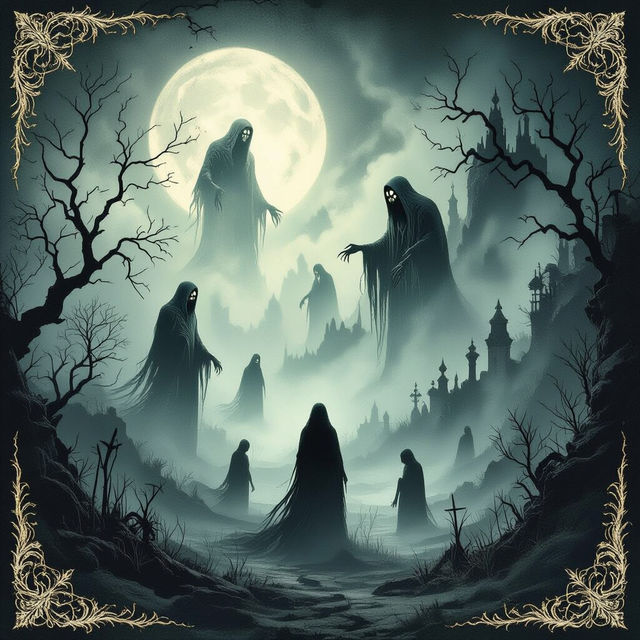
Cursed Wallpaper - AI Generated
Explore a collection of uniquely unsettling Cursed Wallpapers. Created with AI, these images are perfect for those seeking a darker aesthetic for their screens.
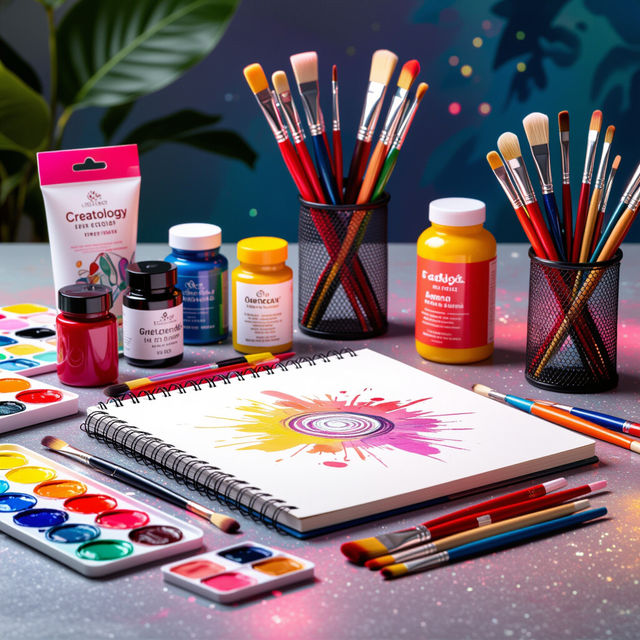
Creatology Art Set
Discover vibrant and imaginative art generated using the Creatology Art Set. See how AI transforms creative prompts into stunning visual pieces. Get inspired and create your own.
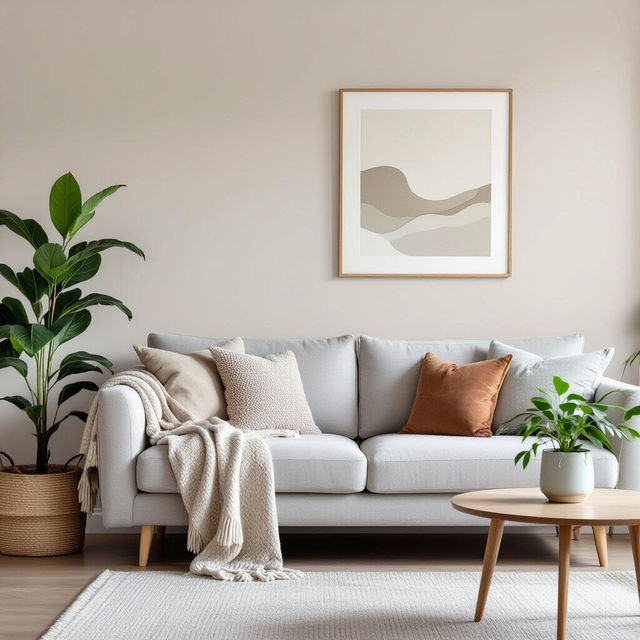
Neutral Peel and Stick Wallpaper
Discover elegant neutral peel and stick wallpaper designs. Perfect for any room, these AI-generated options offer a subtle yet sophisticated touch. Create your own unique look today.
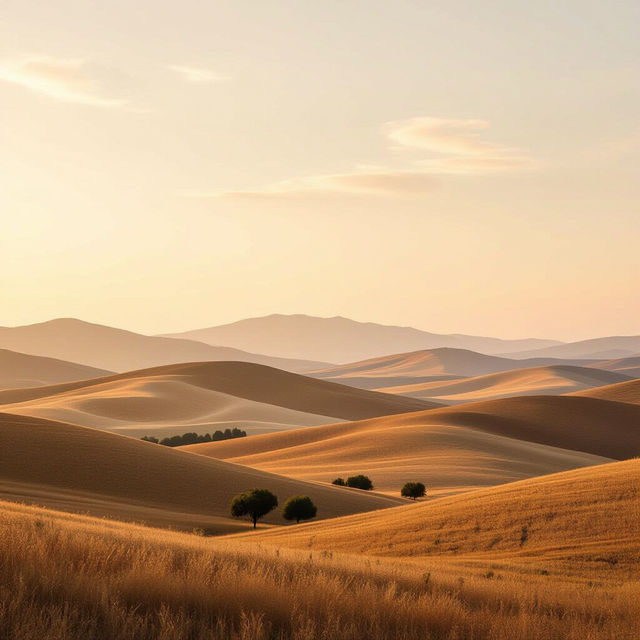
Brown Wallpapers - AI Generated
Discover a diverse collection of brown wallpapers generated by AI. Perfect for setting a warm and earthy tone on your devices. Get inspired and create your own unique brown wallpapers.
Frequently Asked Questions
Everything You Need to Know About Creating Ghost Face Mask Drawings
How can I generate my own Ghost Face Mask drawings with AI?
To create your own Ghost Face Mask drawings, start by entering a descriptive text prompt in our AI art generator. You can specify elements like 'eerie,' 'haunting,' 'spectral,' 'horror,' or 'iconic terror' to guide the AI. Experiment with different keywords and styles to achieve the exact look you desire for your unique mask design.
What kind of styles are best for Ghost Face Mask art?
For Ghost Face Mask art, consider using styles that enhance the eerie and haunting aesthetic. Keywords like 'sketch,' 'drawing,' 'charcoal,' 'ink,' 'dark art,' 'horror illustration,' or 'gothic' can help achieve the desired mood. Exploring different AI models within NightCafe can also yield varied artistic interpretations of the Ghost Face mask.
Can I use the generated Ghost Face Mask art for my projects?
Yes, you can use the AI-generated Ghost Face Mask art you create for various projects. Please refer to our Terms of Service for detailed information on usage rights, including any attribution requirements, especially if you plan to use the artwork commercially.
What if my AI generated Ghost Face Mask drawing doesn't look quite right?
If your generated Ghost Face Mask drawing isn't as expected, try refining your prompt. Be more specific about the details you want, such as the expression, the background, or the artistic style. You can also experiment with different negative prompts to exclude elements you don't want. Adjusting generation settings like aspect ratio or the number of images can also help.