

- Galleries
- AI Golf Course Drawings Gallery
Golf Course Drawings - AI Generated
Discover unique golf course drawings created by AI. Get inspired by various artistic styles and learn how to generate your own stunning golf course art with NightCafe.

As seen in








AI Golf Course Drawings Gallery
A curated collection of AI-generated golf course drawings, showcasing diverse artistic interpretations of scenic fairways, greens, and natural landscapes.


Didn't find what you were looking for? Create your own below!
Create your own Golf Course Drawings - AI Generated images
Discover the magic of Text to Image AI by creating your own unique images. Edit the prompt below to customize your creation.
No payment or credit card required.

Visualize Iconic Fairways
Explore AI-generated Golf Course Art
Dive into a world of artistic golf course drawings, brought to life by cutting-edge AI. From serene landscapes to dramatic vistas, our gallery showcases diverse styles and perspectives. Find inspiration for your next masterpiece and see how AI can transform your vision of the perfect hole into a stunning Golf Course Drawing.
Create Your Own Golf Course Drawing
Step 1
Describe Your Dream Golf Course
Start by describing your ideal golf course scene in the prompt box. Be specific about the landscape, weather, time of day, and artistic style you envision. For example, try "A serene golf course at sunrise, with misty fairways and distant mountains, in the style of an impressionist painting." The more detail you provide, the better the AI can match your vision.
Step 2
Generate Your Golf Art
Once your prompt is ready, click the "Generate" button. The AI will then process your description and create a unique golf course drawing based on your input. You can experiment with different AI models and settings to explore various artistic interpretations.
Step 3
Download or Share Your Creation
After your golf course drawing is created, you have the option to download it in high resolution or share it with the NightCafe community. Get feedback, inspire others, and see what amazing golf scenes the AI can help you bring to life!

Create Your Vision
Generate Golf Art With AI
Unleash your creativity with our intuitive Golf Art Generator. Whether you're a seasoned artist or a beginner, you can Generate Golf Art with AI effortlessly. Explore different models and styles to craft unique golf scenes that reflect your personal aesthetic, perfect for enthusiasts and designers alike.
More Galleries
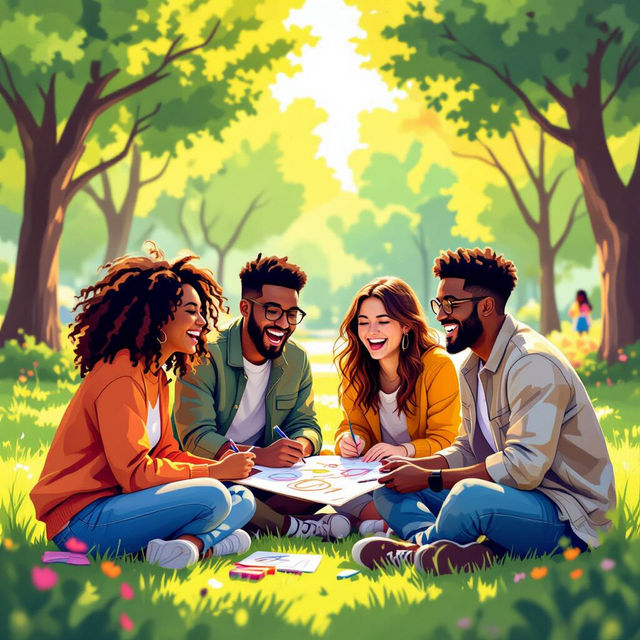
Friends Drawing Easy - Made With AI
Explore our Friends Drawing Easy gallery for inspiration. Learn how AI can help you create charming drawings of friends quickly and effortlessly on NightCafe.
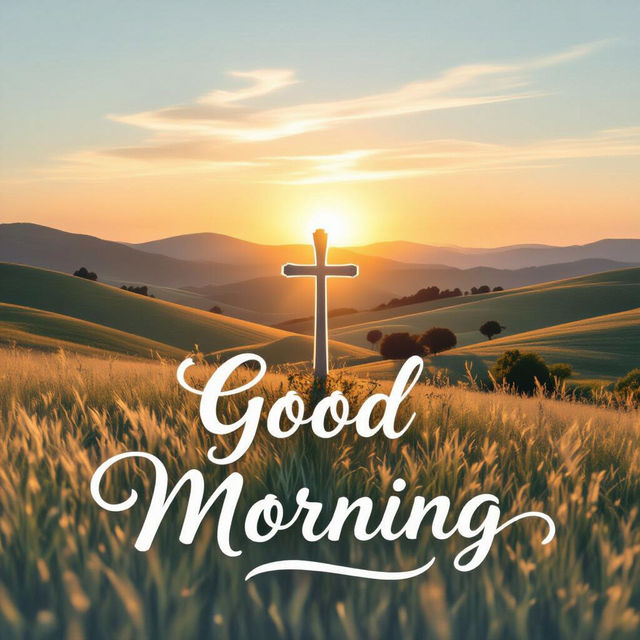
Good Morning Scripture Images
Discover beautiful AI-generated Good Morning Scripture Images to start your day with faith. Browse inspiring visuals and create your own spiritual art.

Basketball GIF Wallpaper
Explore a vibrant collection of Basketball GIF Wallpapers, blending dynamic action with stunning AI artistry. Find the perfect animated or static wallpaper to showcase your passion for the game.
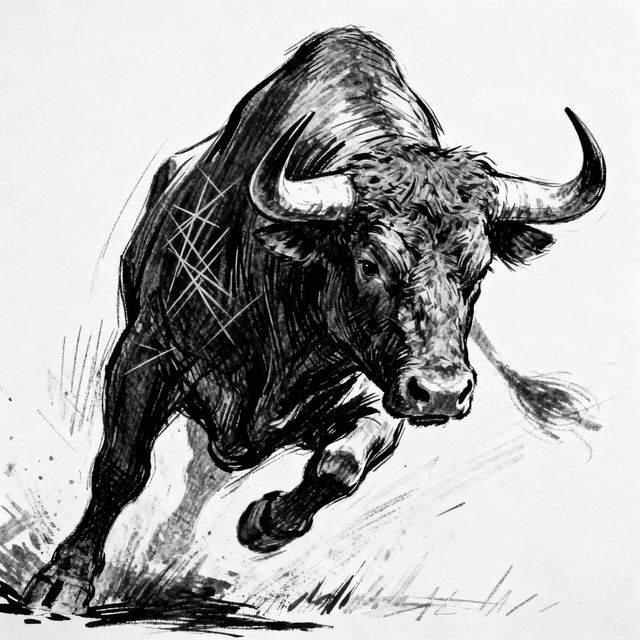
Bull Drawings - AI Generated Art
Discover a gallery of incredible AI-generated bull drawings. Get inspired by various styles and then create your own unique bull artwork with NightCafe's AI.
Frequently Asked Questions
Your Questions About Golf Course Drawings, Answered
How can I create my own AI-generated golf course drawings?
To create your own AI art, navigate to the 'Create' section on NightCafe. Here, you can select from various AI models, input a text prompt describing the golf course you envision (e.g., 'a lush green golf course at sunset with rolling hills,' 'a challenging links-style golf course by the sea in a watercolor style'), and customize settings to generate unique golf course drawings.
What artistic styles can I use for my golf course art?
NightCafe offers a wide range of artistic styles that you can apply to your golf course drawings. Experiment with styles like Impressionism, Photorealism, Watercolor, Sketch, Cyberpunk, and many more. You can often specify the desired style directly in your text prompt or select it from the available options within the generation tools.
Can I generate different types of golf course scenes?
Absolutely! The AI can generate a vast array of golf course scenes based on your prompts. You can request specific elements like manicured fairways, challenging sand traps, serene water hazards, clubhouse views, or even abstract interpretations of golf. Be descriptive in your prompts to guide the AI towards the scene you desire.
Are there any tips for getting the best results for golf course art?
To achieve the best results, be specific in your prompts. Include details about the time of day, weather conditions, type of course (e.g., links, parkland), surrounding landscape, and the artistic style you prefer. Experimenting with different AI models and settings can also lead to surprising and beautiful outcomes. Don't hesitate to iterate and refine your prompts.