

- Galleries
- Grim Reaper Drawing Gallery
Generate a Grim Reaper Drawing With AI
Create a custom Grim Reaper drawing with NightCafe's AI drawing generator. Transform your vision into unique artwork. Start creating your Grim Reaper drawing today!

As seen in








Grim Reaper Drawing Gallery
Explore a haunting gallery of AI-generated Grim Reaper drawings, showcasing diverse artistic styles and interpretations of this iconic figure. Perfect for inspiration or viewing unique AI art.


Didn't find what you were looking for? Create your own below!
Create your own Generate a Grim Reaper Drawing With AI images
Discover the magic of Text to Image AI by creating your own unique images. Edit the prompt below to customize your creation.
No payment or credit card required.

AI-powered Dark Art
Create Grim Reaper Art
Unleash your creativity and design unique Grim Reaper Drawing with our AI generator. Craft stunning visuals, from classic depictions to modern interpretations. Perfect for artists, writers, and anyone seeking to explore the darker side of art. Start generating your unique grim reaper art today!
Crafting Your Grim Reaper Drawing
Step 1
Describe Your Vision
Start by describing your vision for the Grim Reaper in the prompt box. The more detailed you are, the better the AI can capture your desired style. Include details about the Reaper's pose, attire, environment, and any specific mood or emotion you want to convey. Consider elements like a tattered cloak, a desolate landscape, or a haunting scythe.
Step 2
Generate Your Drawing
Once you've crafted the perfect prompt, click the 'Generate' button. Our AI drawing generator will then bring your vision to life, creating a unique Grim Reaper drawing based on your specifications. Experiment with different prompts to explore various artistic styles and interpretations.
Step 3
Share Your Creation
After the AI generates your Grim Reaper drawing, you can download it in high resolution and share it with the world. Showcase your creation on social media, use it for personal projects, or even get feedback from the NightCafe community to refine your artistic skills. Let your imagination inspire others!

Visualize The Inevitable
Create Death Illustrations With Stunning Visuals
Transform your imagination into reality with our AI-driven death illustrations generator. Create Death Illustrations with Stunning Visuals that evoke emotion and intrigue. Perfect for book covers, game assets, or personal projects, our AI brings your vision to life with unparalleled detail and artistry.
More Galleries
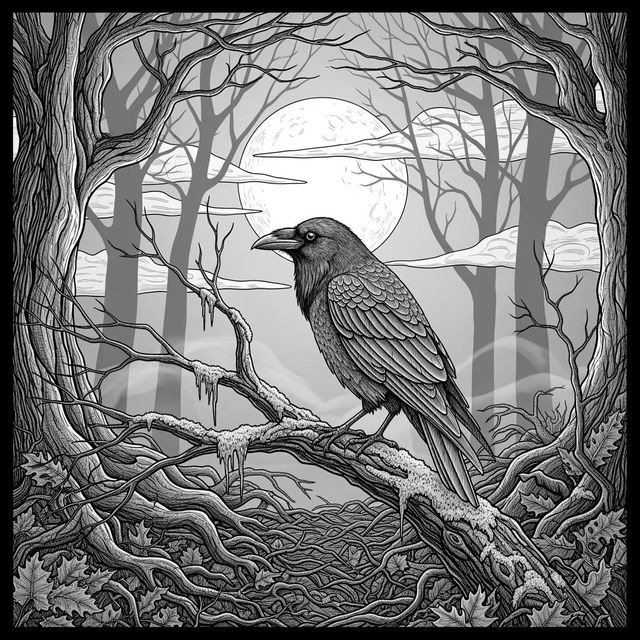
Generate a Raven Drawing With AI
Create evocative Raven Drawings with NightCafe's AI tools. Whether you're seeking inspiration or want to generate unique artwork, our platform offers a seamless creative experience. Explore the possibilities of AI-assisted art today.
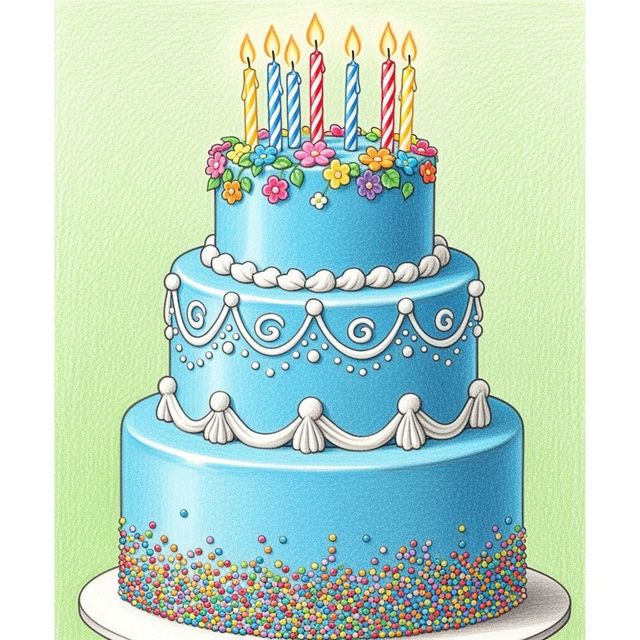
AI Birthday Cake Drawing Generator
Create unique and delightful birthday cake drawings with our AI generator. Perfect for invitations, cards, or just for fun. Explore our gallery and design your own birthday cake drawing today!
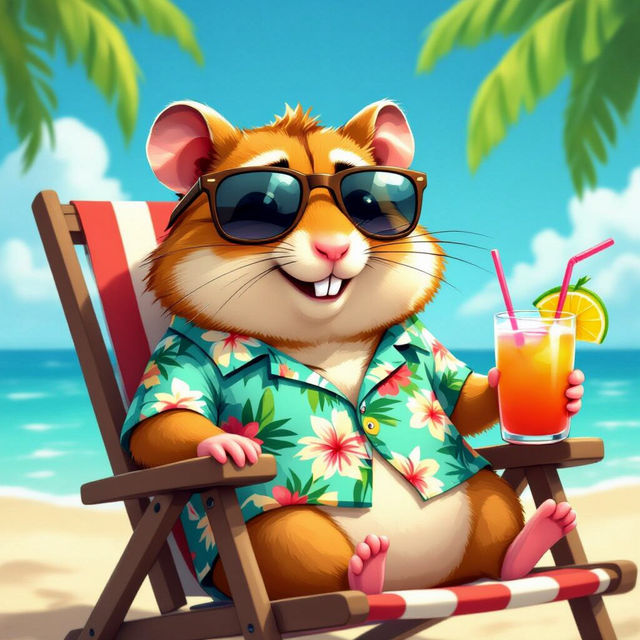
Create Funny Profile Pictures With AI
Unleash your humor with AI-generated funny profile pictures! Perfect for social media, these unique images add a touch of fun to your online presence. Browse or create your own hilarious profile picture today.
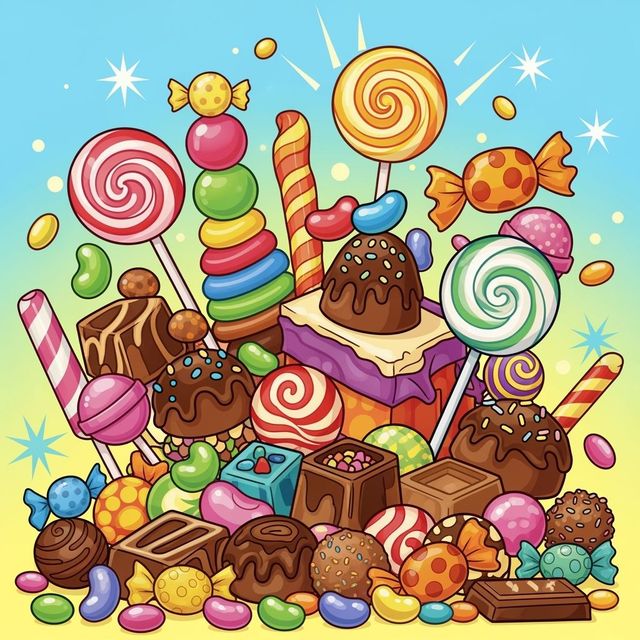
AI Candy Drawing Generator
Create vibrant and imaginative candy drawings with NightCafe's AI Candy Drawing Generator. Transform simple ideas into colorful, delicious-looking artwork. Browse candy drawing examples or create your own.
Frequently Asked Questions
Everything You Need to Know About Generating Grim Reaper Drawings with AI
What kind of Grim Reaper art can I create with NightCafe's AI drawing generator?
You can generate a wide variety of Grim Reaper drawings, from classic and traditional depictions to modern, stylized interpretations. Experiment with different art styles, colors, and compositions to create unique and compelling visuals.
How do I write effective prompts to generate the best Grim Reaper drawings?
Be specific and descriptive in your prompts. Include details about the Grim Reaper's pose, clothing, environment, and the overall mood you want to convey. Experiment with keywords related to death, darkness, and the supernatural to achieve the desired effect. For example, you could try prompts like "Grim Reaper standing in a graveyard, bathed in moonlight, dramatic lighting" or "Stylized Grim Reaper with a scythe, minimalist design, dark colors."
Can I use the AI-generated Grim Reaper drawings for commercial purposes?
Yes, you can use the AI-generated Grim Reaper drawings for commercial purposes, such as book covers, game assets, or personal projects. However, you must credit NightCafe as the creator of the image. Please review our terms of service for complete details and usage rights.
What AI models are best suited for generating Grim Reaper drawings?
Experiment with different AI models available on NightCafe, such as Stable Diffusion, or Imagen, as they each have unique strengths and styles. Some models may be better at creating realistic depictions, while others excel at stylized or abstract art. Try different models with the same prompt to see which one produces the best results for your vision.
How can I refine the AI-generated Grim Reaper drawing to match my vision perfectly?
Use the editing tools available on NightCafe to refine your AI-generated Grim Reaper drawing. You can adjust colors, contrast, and composition to enhance the image and match your desired aesthetic. Experiment with different post-processing techniques to add unique effects and create a truly personalized artwork.