

- Galleries
- Halloween Clip Art Gallery
Create Spooky Halloween Clip Art with AI
Create spooky and unique Halloween Clip Art with NightCafe's AI generator. Perfect for invitations, decorations, and digital projects. Explore the gallery or generate your own Halloween Clip Art now!

As seen in








Halloween Clip Art Gallery
A curated collection of AI-generated Halloween clip art, showcasing a variety of spooky and fun designs perfect for adding a festive touch to your projects.


Didn't find what you were looking for? Create your own below!
Create your own Create Spooky Halloween Clip Art with AI images
Discover the magic of Text to Image AI by creating your own unique images. Edit the prompt below to customize your creation.
No payment or credit card required.

Spooky And Unique
AI-generated Halloween Clip Art
Create unique and personalized Halloween Clip Art in seconds with our AI generator. Perfect for invitations, decorations, and digital projects, our tool lets you design spooky images tailored to your exact needs. Say goodbye to generic graphics and hello to original Halloween Clip Art.
Create Spooky Halloween Clip Art
Step 1
Describe Your Spooky Vision
Describe the spooky clip art you envision in the prompt box. Specify the characters, setting, and overall mood you're aiming for. The more details you provide, the better the AI can capture your vision.
Step 2
Generate Your Spooky Clip Art
Click the 'Generate' button to bring your spooky clip art to life. Our AI will process your prompt and create unique Halloween-themed images based on your input.
Step 3
Download and Share the Spookiness
Download your newly created Halloween clip art and use it to enhance your invitations, decorations, or digital projects. Share your spooky creations with friends and family, or on social media, to spread the Halloween spirit!

Engage Your Followers
Crafting Halloween Graphics For Social Media
Elevate your social media presence this Halloween with AI-generated graphics. Quickly design eye-catching images and animations to boost engagement and share the spooky spirit. Our platform makes Crafting Halloween Graphics for Social Media easy, even without design experience. Stand out from the crowd this spooky season!
More Galleries
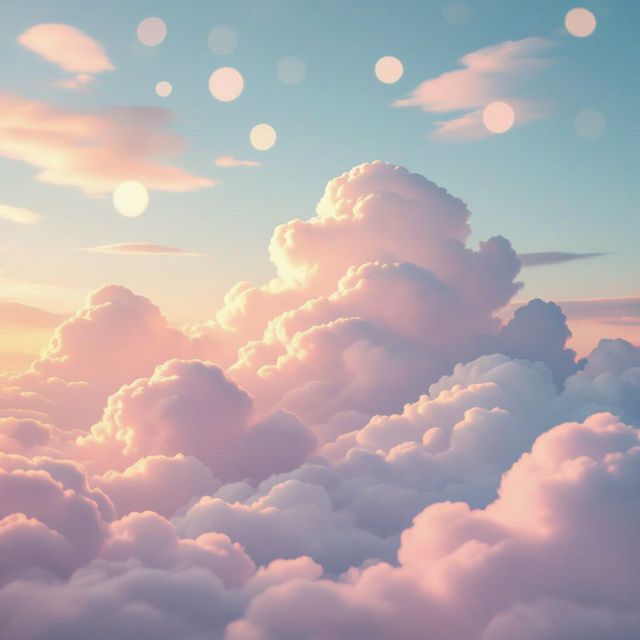
Create Aesthetic Desktop Wallpaper with AI
Transform your computer screen into a work of art with our AI-powered Aesthetic Desktop Wallpaper generator. Create stunning, personalized backgrounds that reflect your unique style and vision. Browse aesthetic desktop wallpapers or create your own.
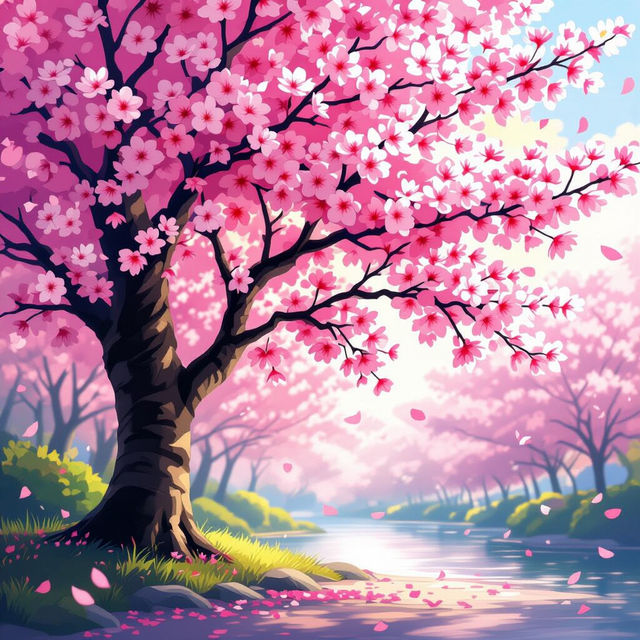
Create Stunning Cherry Blossom Wallpaper
Transform your screen with AI-generated Cherry Blossom Wallpaper. Explore a gallery of serene, vibrant designs. Perfect for adding a touch of spring to any device. Browse or create your own today!
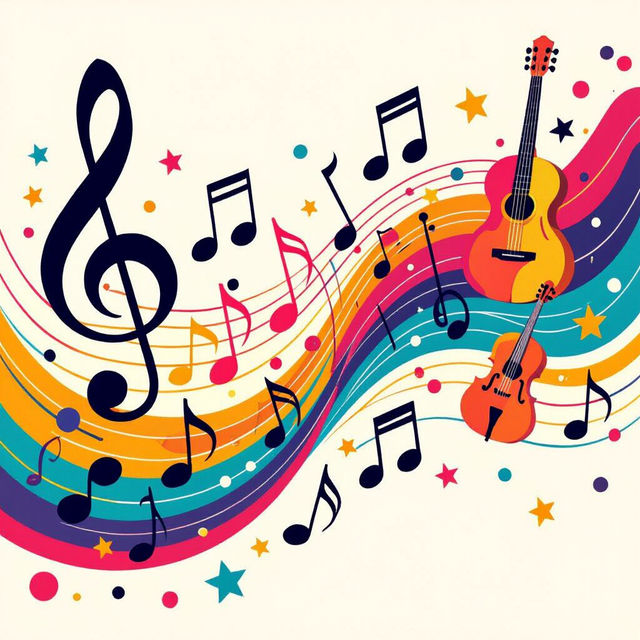
AI Music Wallpaper Generator
Immerse yourself in rhythm with our AI Music Wallpaper Generator. Create stunning visuals that resonate with your favorite tunes. Browse music wallpaper examples or create your own.
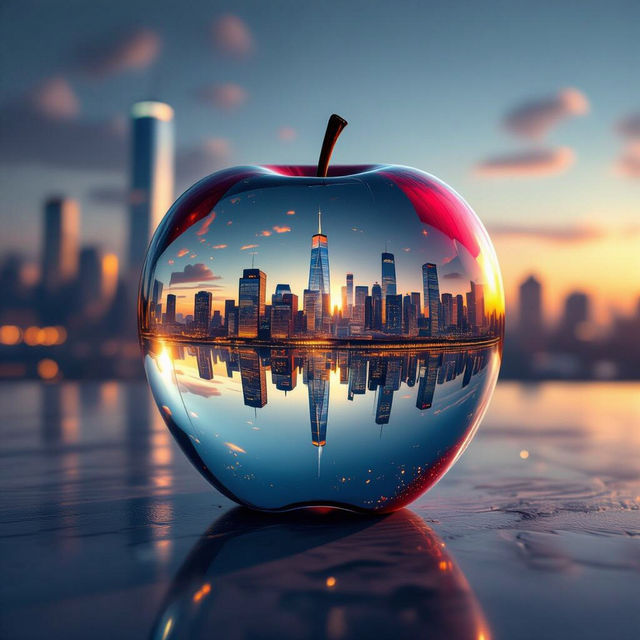
Stunning Apple Wallpaper Generated by AI
Transform your screen with our AI Apple Wallpapers. Discover stunning, unique backgrounds generated by artificial intelligence. Browse our collection and find the perfect wallpaper or create your own.
Frequently Asked Questions
Everything You Need to Know About Generating Spooky Halloween Clip Art with AI
What kind of Halloween clip art can I generate with AI?
You can generate a wide variety of spooky Halloween clip art, including images of ghosts, pumpkins, bats, witches, haunted houses, and more. Describe your vision in the prompt, and the AI will bring it to life.
Can I use the AI-generated Halloween clip art for commercial purposes?
Yes, you can use the AI-generated Halloween clip art for commercial purposes, such as invitations, decorations, and digital projects. Please adhere to the NightCafe's terms of service regarding image usage and ownership.
What are some tips for creating effective prompts for Halloween clip art?
Be specific and descriptive in your prompts. Include details about the subject, style, colors, and mood you want to create. For example, instead of just saying 'pumpkin,' try 'a cartoon pumpkin with a mischievous grin, glowing orange, set against a dark forest background'.
What AI models are best for generating Halloween clip art?
Experiment with different AI models available on NightCafe to find the one that best suits your style. Models like Stable Diffusion and Imagen are great for generating detailed and creative images. You can also try different styles within each model to achieve your desired look.
How can I use the generated Halloween clip art on social media?
You can use the generated Halloween clip art to create eye-catching social media posts, stories, and profile pictures. Share them on platforms like Instagram, Facebook, and Twitter to boost engagement and spread the spooky spirit. Consider adding text overlays or animations for even more impact.