

- Galleries
- AI Halloween Drawing Gallery
Halloween Drawings - AI Generated
Explore a collection of eerie AI-generated Halloween drawings. Get inspired by spooky scenes and characters, then create your own unique Halloween art with NightCafe.

As seen in








AI Halloween Drawing Gallery
Discover a hauntingly beautiful gallery of AI-generated Halloween drawings, perfect for adding a touch of spooky charm to your celebrations.


Didn't find what you were looking for? Create your own below!
Create your own Halloween Drawings - AI Generated images
Discover the magic of Text to Image AI by creating your own unique images. Edit the prompt below to customize your creation.
No payment or credit card required.

Eerie And Enchanting Art
Spooky AI Halloween Drawings
Dive into a world of chilling creativity with our collection of AI-generated Halloween drawings. From haunted houses to monstrous creatures, these unique Haloween Drawing pieces capture the spirit of the season. Find inspiration for your own ghoulish creations or simply marvel at the artistic possibilities unleashed by AI.
Create Your Own Spooky Halloween Art
Step 1
Describe Your Halloween Vision
To begin, enter a detailed description of the Halloween scene or character you envision in the prompt box. Think about the mood, colors, and specific elements you want to include, such as 'a haunted mansion under a full moon' or 'a friendly ghost holding a jack-o'-lantern'. The more descriptive your prompt, the better the AI can capture your spooky vision.
Step 2
Generate Your Spooky Creation
Once you've crafted your perfect prompt, click the "Generate" button. Our AI will then work its magic, transforming your words into a unique and eerie Halloween drawing.
Step 3
Download & Share Your Art
After your Halloween art is generated, you can download it in high resolution to use as you wish. Feel free to share your ghoulish masterpiece with friends or the NightCafe community!

Your Creative Halloween Hub
Generate Spooky Halloween Art With AI
Ready to craft your own unique Halloween Art? Our AI tools make it simple to Generate Spooky Halloween Art with AI. Whether you envision a playful pumpkin patch or a terrifying tableau, bring your darkest Halloween dreams to life. Explore diverse styles and unleash your inner artist with NightCafe.
More Galleries
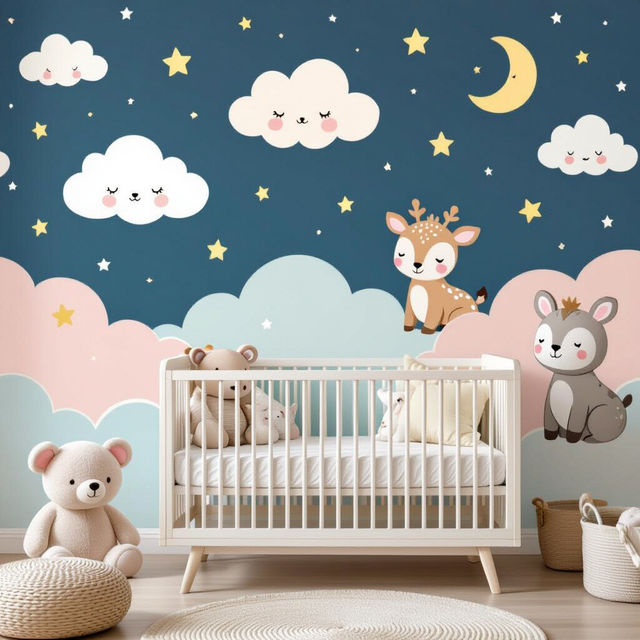
Peel and Stick Wallpaper for Nursery
Discover charming peel and stick wallpaper perfect for your nursery. Easily transform your baby's room with our delightful, removable designs. Create a whimsical space today!
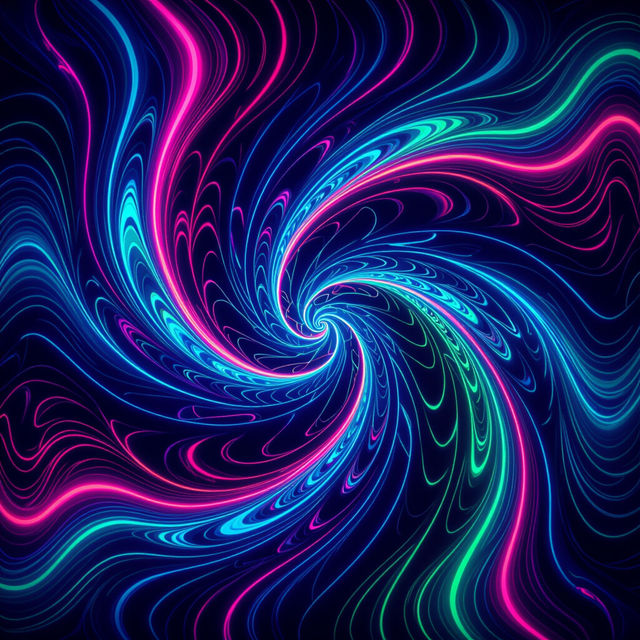
Black Light Art
Dive into a world of vibrant, glowing art. Our Black Light Art gallery showcases dazzling AI-generated pieces. Explore and create your own luminous masterpieces today!
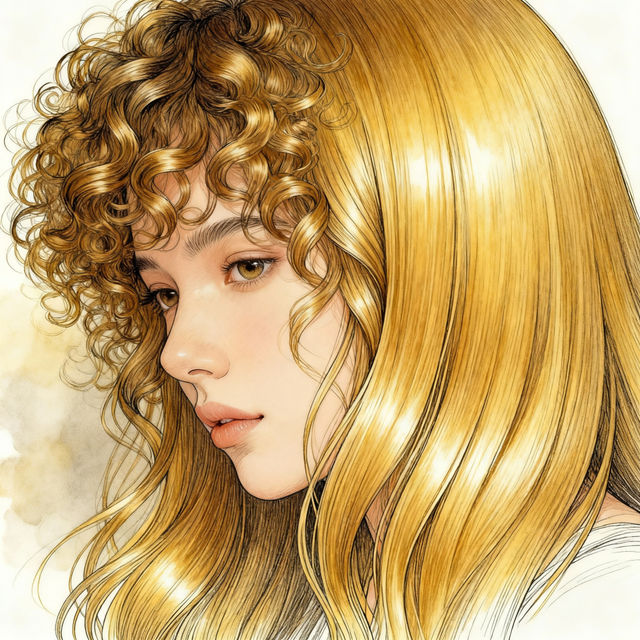
Hair Texture Drawing
Discover a diverse gallery of AI-generated hair texture drawings. Get inspired by various styles and create your own unique hair designs with NightCafe.
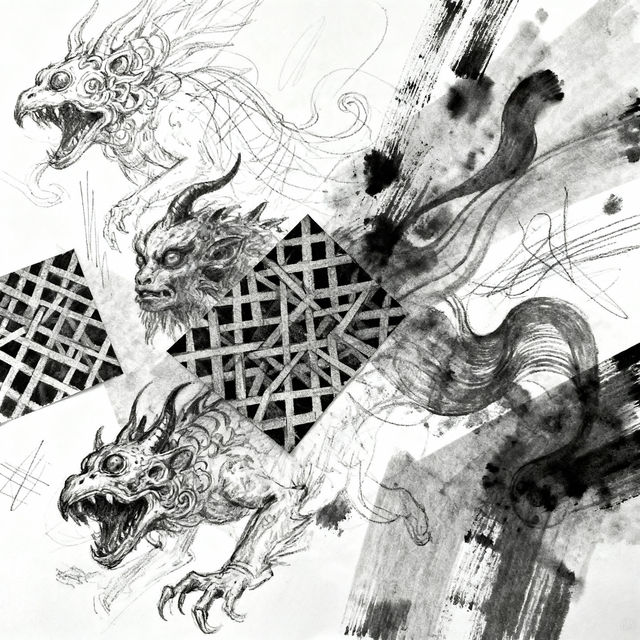
Drawing Sketches Ideas
Unleash your creativity with a vast collection of drawing sketches ideas. Find inspiration for your next artwork and explore unique artistic concepts generated by AI.
Frequently Asked Questions
Your Questions About Creating Spooky Halloween Art Answered
How can I generate my own unique Halloween drawings with NightCafe?
To create your own Halloween art, start by entering a descriptive prompt into our AI art generators. For example, you could try 'a haunted Victorian mansion under a full moon, digital painting' or 'a friendly ghost floating in a pumpkin patch, cartoon style'. Experiment with different keywords related to spooky scenes, creatures, and artistic styles to get the results you desire.
What kind of spooky elements can I include in my Halloween art prompts?
You can include a wide range of Halloween elements in your prompts! Think about haunted houses, creepy forests, graveyards, ghosts, vampires, witches, monsters, pumpkins (jack-o'-lanterns), bats, spiders, skulls, and eerie atmospheres. Don't forget to specify moods like 'terrifying', 'mysterious', 'playful', or 'eerie', and consider artistic styles like 'gothic', 'cartoon', 'photorealistic', or 'surreal'.
Can I use the Halloween drawings I create with NightCafe for personal or commercial projects?
Yes, the AI-generated Halloween art you create on NightCafe can be used for both personal and commercial projects. You are free to share, display, and utilize your creations. For specific details on usage rights and any attribution requirements, please refer to our Terms of Service.
What if I'm not getting the spooky results I expect from my prompts?
If your Halloween art prompts aren't yielding the desired spooky results, try refining your keywords. Be more specific with your descriptions of creatures, settings, and moods. You can also experiment with different AI models available on NightCafe, as each model interprets prompts differently. Adding negative prompts (e.g., 'ugly, deformed, blurry') can also help steer the AI away from unwanted elements.