

- Galleries
- Harmony Wallpaper Gallery
Harmony Wallpapers - Create Your Perfect Ambiance
Explore a collection of AI-generated Harmony Wallpapers designed to bring balance and beauty to your space. Create your own unique wallpaper that resonates with peace and tranquility.
As seen in








Harmony Wallpaper Gallery
A curated selection of AI-generated wallpapers focused on themes of harmony, balance, and natural beauty. Find inspiration or create your own serene backdrop.

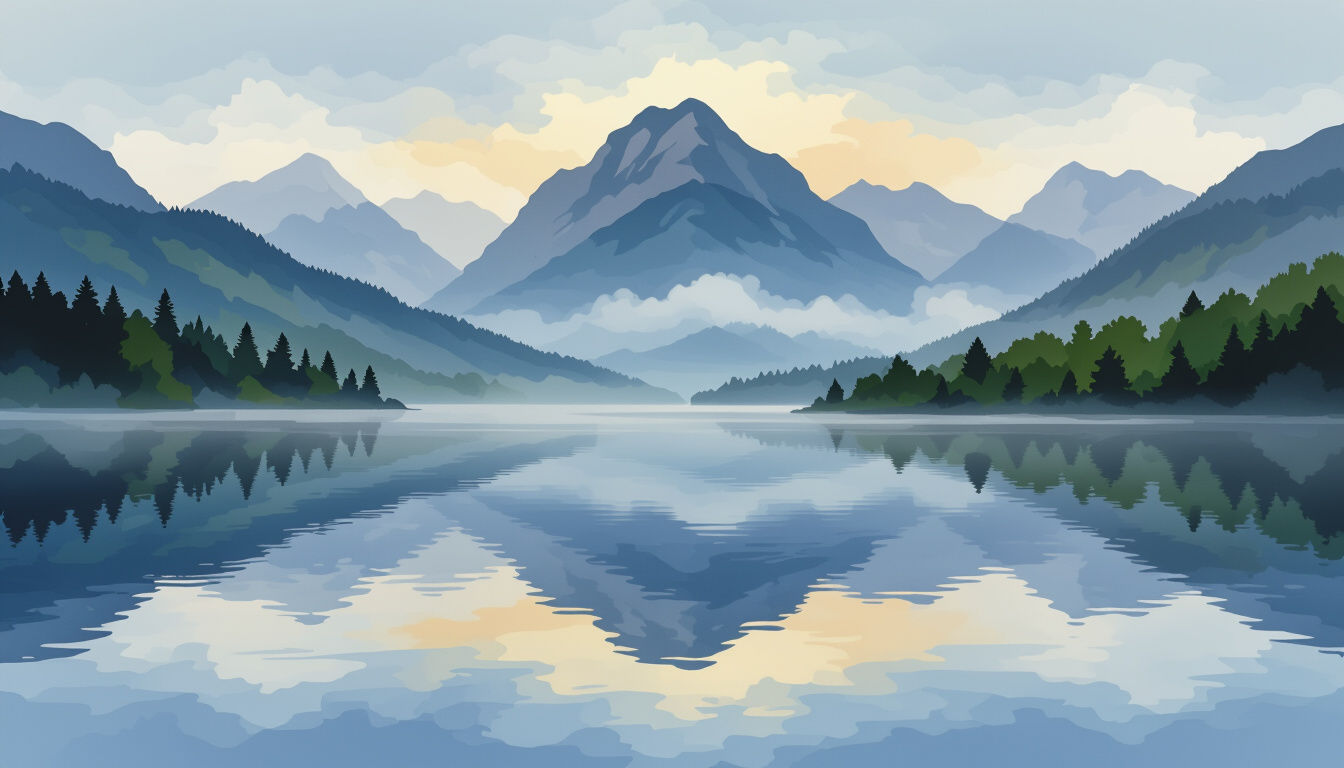
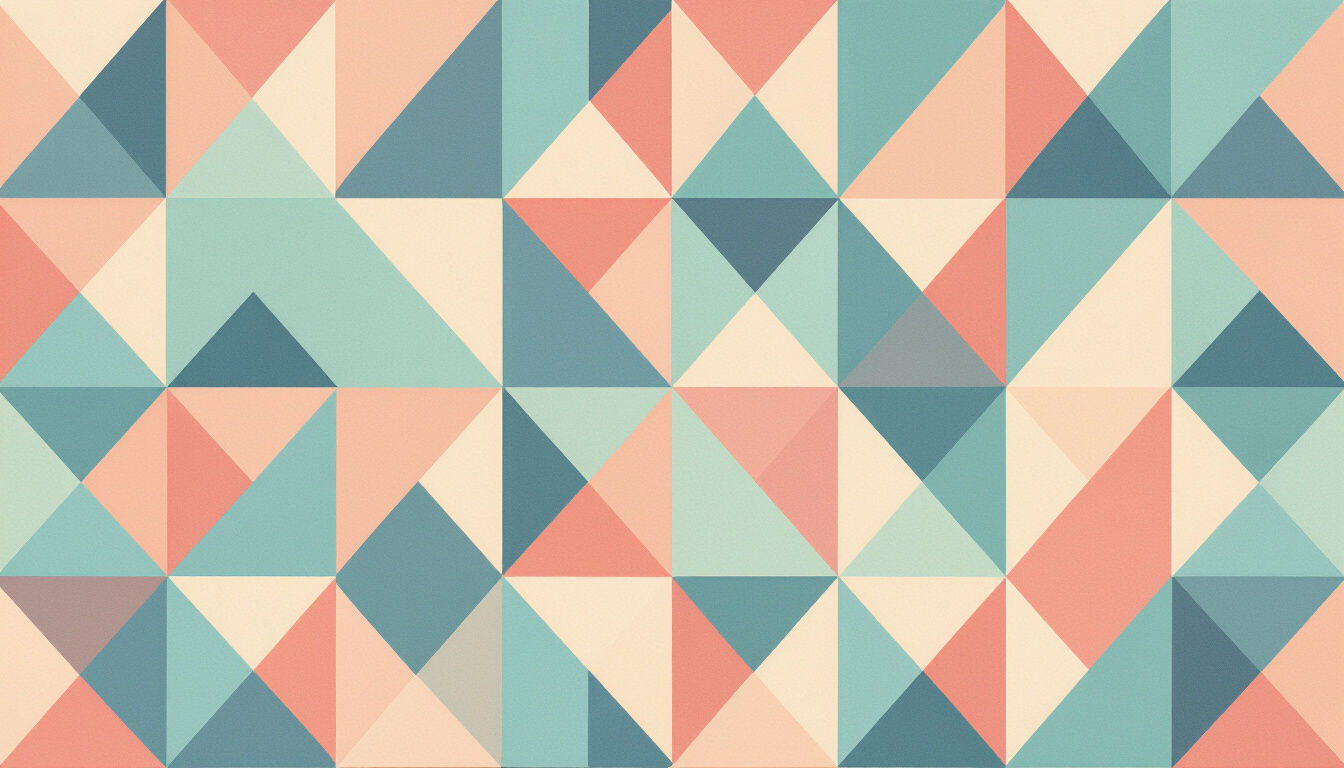


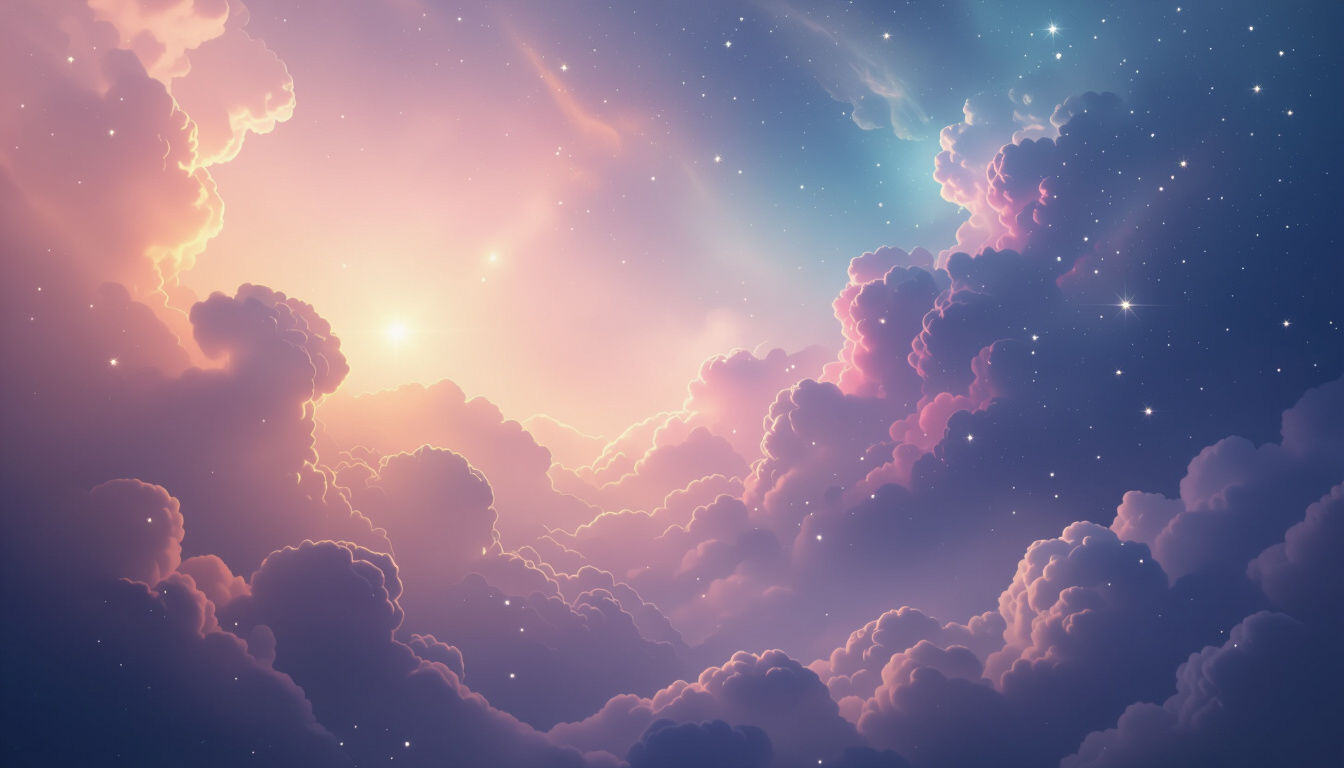
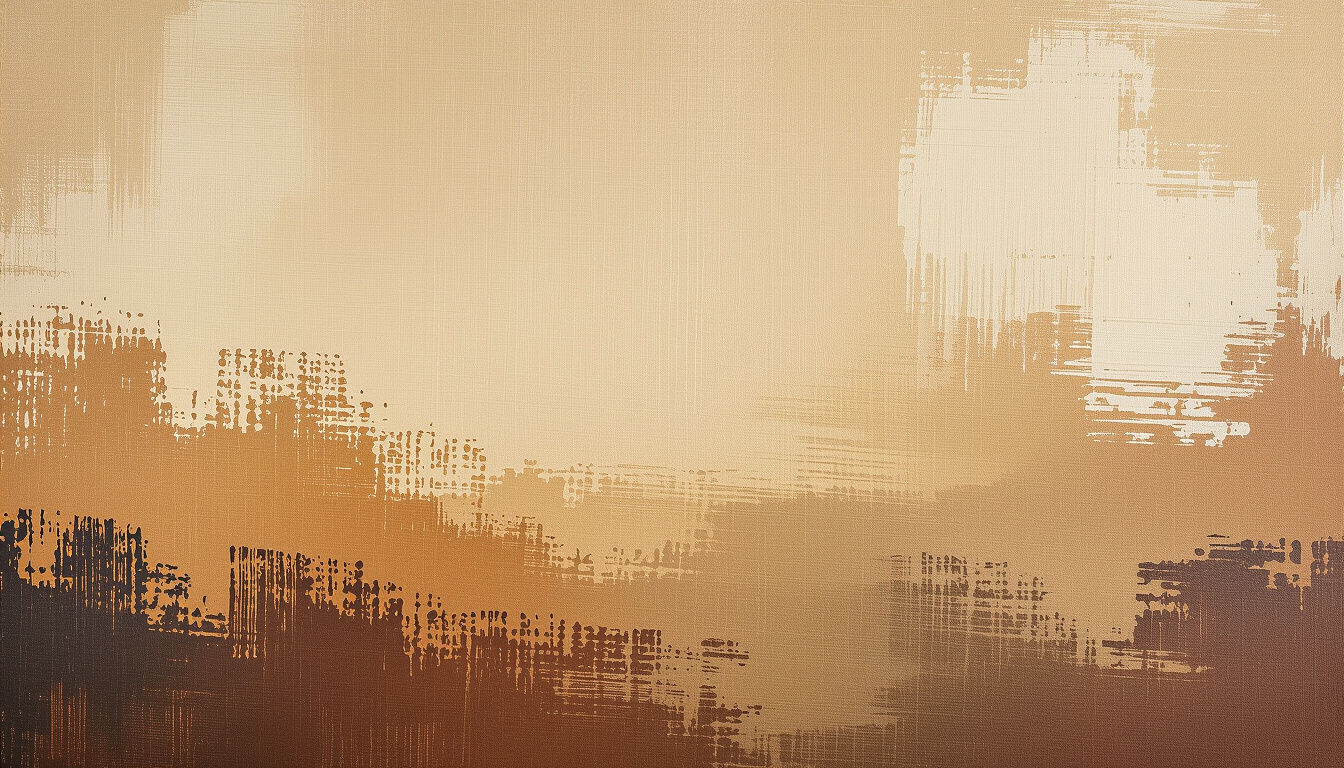
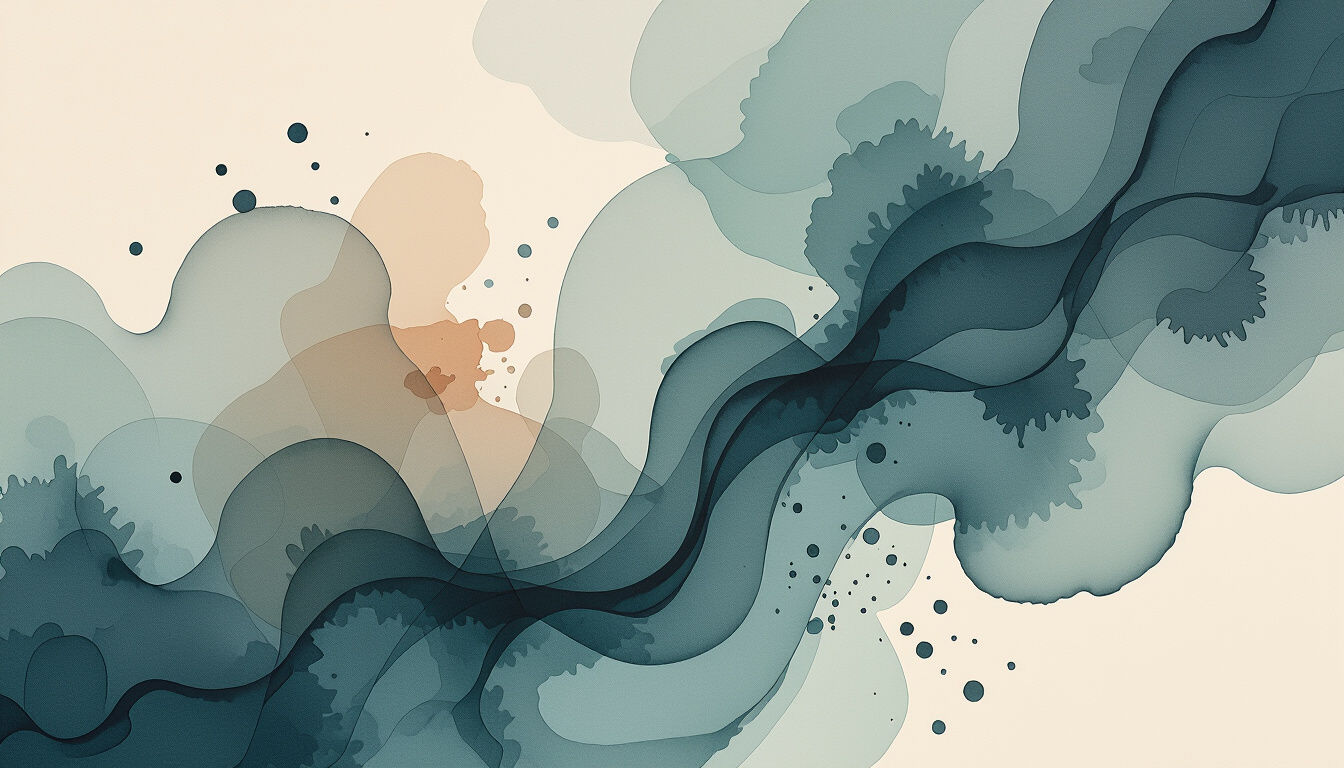
Didn't find what you were looking for? Create your own below!
Create your own Harmony Wallpapers - Create Your Perfect Ambiance images
Discover the magic of Text to Image AI by creating your own unique images. Edit the prompt below to customize your creation.
No payment or credit card required.

Serenity At Your Fingertips
Discover AI-generated Harmony Wallpapers
Immerse yourself in a curated collection of AI-generated Harmony Wallpapers, each designed to bring a sense of balance and aesthetic appeal to your digital or physical space. Find the perfect visual resonance for your environment, crafted with unique patterns and soothing color palettes.
Create Your Own Harmony Wallpaper
Step 1
Describe Your Ideal Wallpaper
Begin by describing the peaceful scene or aesthetic you envision for your wallpaper. Include details about colors, mood, and any specific elements like nature, abstract patterns, or calming textures. The more descriptive your prompt, the more tailored your wallpaper will be.
Step 2
Generate Your Harmony Wallpaper
After crafting your prompt, click the 'Generate' button. Our AI will then process your description to create a unique and tranquil wallpaper that reflects your vision.
Step 3
Download & Share Your Tranquility
Once your wallpaper is created, you can download it in high resolution to adorn your devices or print it as art. Share your tranquil creation with the community or keep it as your personal oasis of calm.
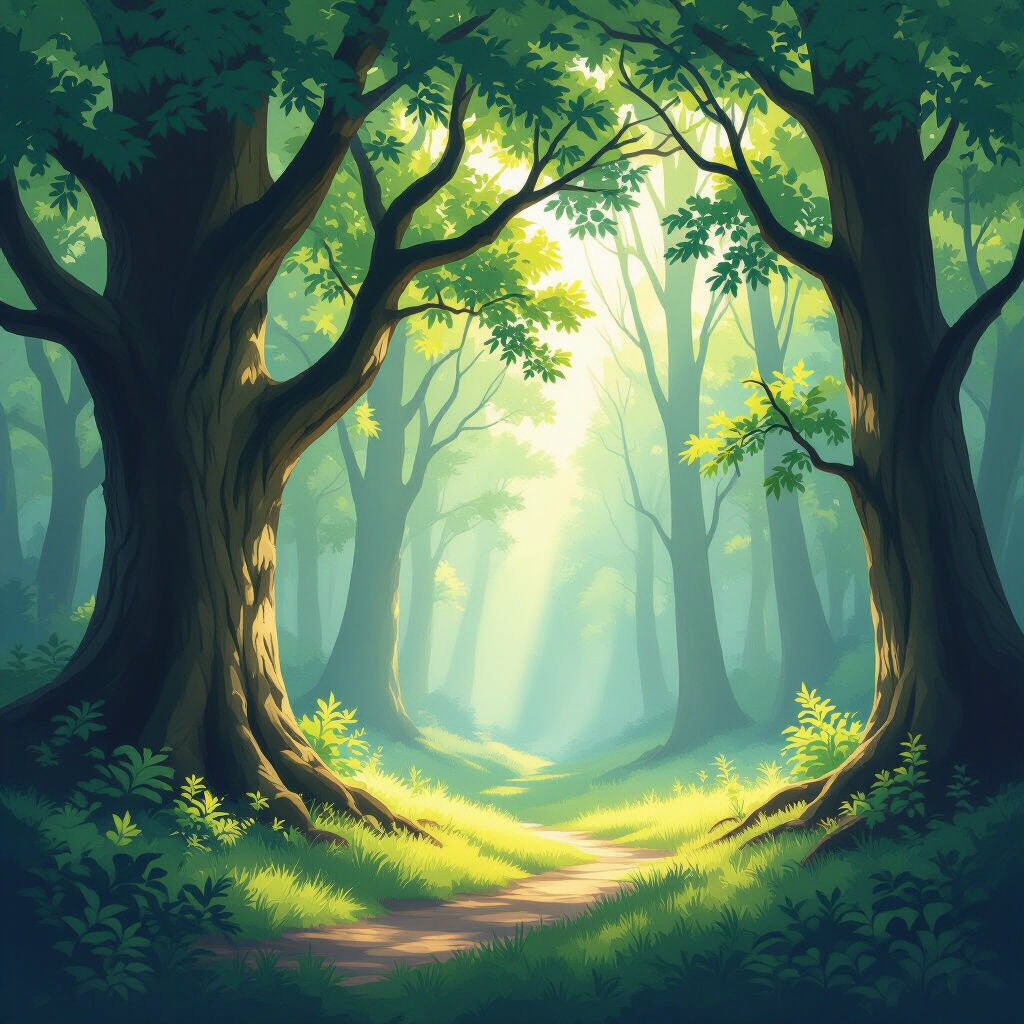
Craft Your Tranquil Oasis
Generate Peaceful Backgrounds With AI
Effortlessly Generate Peaceful Backgrounds with AI that reflect your inner calm. Our advanced models transform your ideas into stunning, unique wallpapers, perfect for desktops, phones, or even as art prints. Bring tranquility and personalized beauty into your daily life.
More Galleries
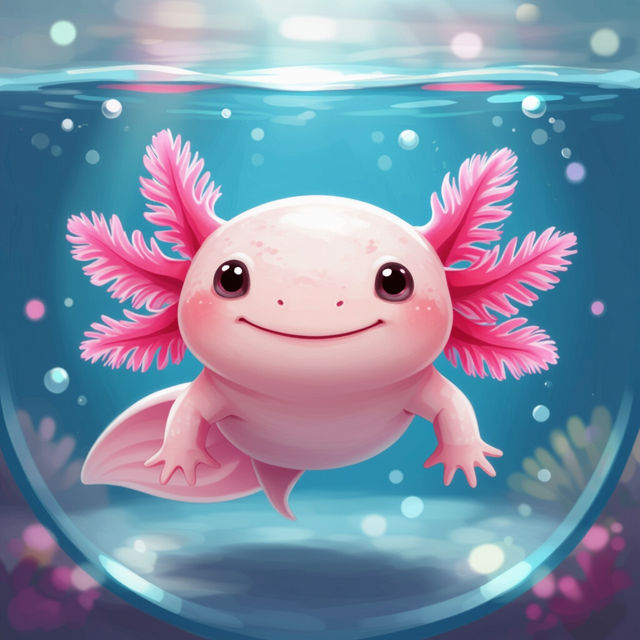
Cute Axolotl Wallpapers
Discover the most adorable Axolotl wallpapers! Browse our gallery of cute axolotl creations, perfect for personalizing your devices with unique AI-generated art.
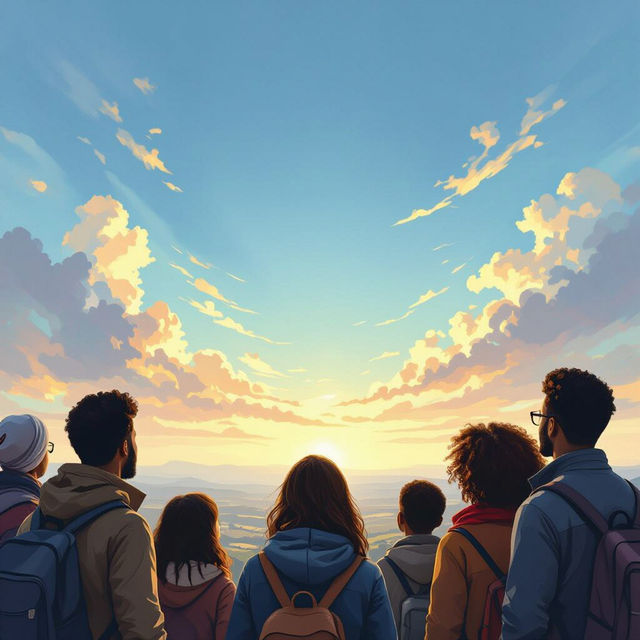
Immigration Pictures - Created with AI
Discover a compelling collection of AI-generated immigration pictures. Visualize stories of journeys and new beginnings, then create your own immigration-themed artwork on NightCafe.
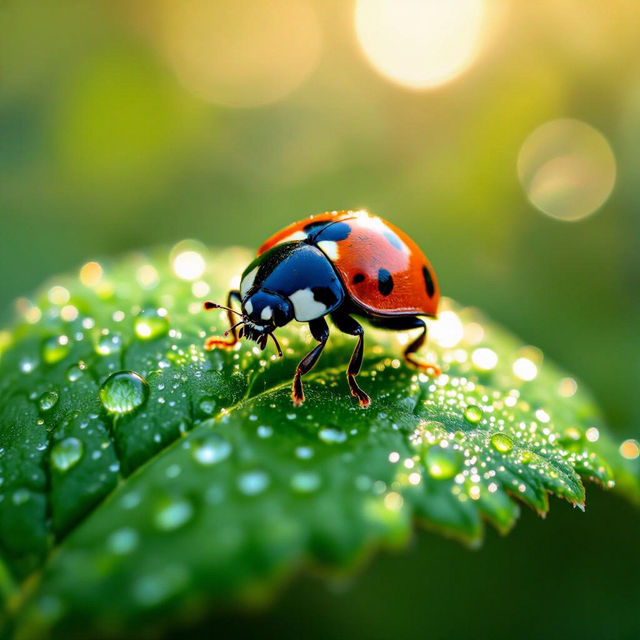
Ladybug Wallpaper
Discover enchanting ladybug wallpapers created by AI. Perfect for adding a touch of nature and charm to your phone or desktop. Browse now and download your favorite!
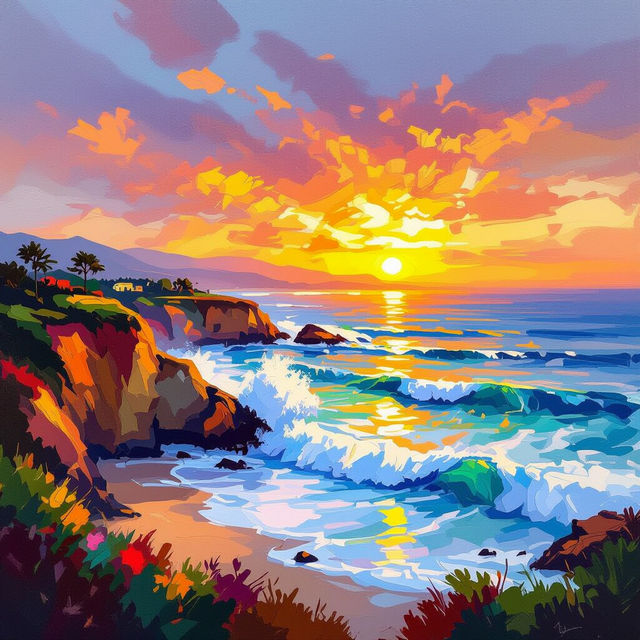
Laguna Beach Art - Created With AI
Discover the beauty of Laguna Beach through unique AI-generated art. Browse a diverse gallery of coastal scenes and vibrant interpretations, then create your own Laguna Beach-inspired masterpieces.
Frequently Asked Questions
Learn More About Creating Your Own Harmony Wallpapers
How can I create a Harmony Wallpaper that reflects a specific mood or aesthetic?
To create a Harmony Wallpaper that matches your desired mood, start by describing the feeling you want to evoke (e.g., 'calm,' 'energetic,' 'serene'). Then, incorporate keywords related to colors, patterns, and styles that align with that mood. For example, 'soft pastel gradients with abstract floral patterns for a tranquil mood' or 'vibrant geometric shapes with bold colors for an energetic feel.'
What are the best ways to use the AI to generate unique patterns and color palettes for wallpapers?
Experiment with descriptive terms for patterns like 'organic,' 'crystalline,' 'marbled,' 'woven,' or 'fractal.' For color palettes, try phrases such as 'earthy tones,' 'oceanic blues and greens,' 'sunset hues,' or 'monochromatic shades.' Combining these with your mood and style descriptions will help the AI generate truly unique and harmonious results.
Can I use the Harmony Wallpapers I generate for personal and commercial projects?
Yes, the Harmony Wallpapers you create using our AI generator can be used for both personal and commercial projects. We encourage you to personalize your devices, spaces, or even use them in your designs. Please refer to our Terms of Service for specific usage guidelines and attribution requirements.
What makes these wallpapers 'Harmony' wallpapers?
Harmony wallpapers are designed to evoke a sense of balance, peace, and aesthetic appeal. The AI aims to create compositions that are visually pleasing and contribute to a tranquil atmosphere, using thoughtful combinations of colors, patterns, and forms to achieve this sense of harmony.