

- Galleries
- Gallery of Haunting Images
Haunting Images - Made With AI
Discover a collection of haunting images created with AI. Browse the gallery for inspiration or generate your own unique, atmospheric, and haunting visuals on NightCafe.

As seen in








Gallery of Haunting Images
A curated selection of AI-generated haunting images, perfect for those who appreciate the dark, mysterious, and atmospheric side of art.


Didn't find what you were looking for? Create your own below!
Create your own Haunting Images - Made With AI images
Discover the magic of Text to Image AI by creating your own unique images. Edit the prompt below to customize your creation.
No payment or credit card required.

Unleash Your Inner Macabre
Explore Eerie AI-generated Art
Dive into a curated collection of haunting images, masterfully crafted by AI. From spectral landscapes to mysterious figures, our gallery offers a gateway to the unsettling and the sublime. Find inspiration for your own chilling creations or simply marvel at the dark beauty conjured by cutting-edge algorithms.
Craft Your Own Eerie Masterpiece
Step 1
Describe Your Eerie Vision
Begin by describing the haunting scene or character you envision. Be specific with details like atmosphere, lighting, and any spectral elements you want to include. The more descriptive your prompt, the more effectively the AI can capture your chilling vision.
Step 2
Generate Your Haunting Art
Once your prompt is ready, click the 'Generate' button. Watch as the AI interprets your words and brings your unique, haunting artwork to life with atmospheric and spectral details.
Step 3
Download & Share Your Chilling Creation
After your eerie creation is generated, you can download it in high resolution or share it with the NightCafe community. Get feedback, inspire others, and showcase your mastery of the dark arts!

Your Vision, Unleashed
Generate Spooky AI Art With Nightcafe
Bring your darkest imaginations to life with NightCafe's intuitive tools. Effortlessly generate spooky AI art that perfectly captures your eerie vision. Whether you seek a creepy character, a haunted scene, or abstract dread, our platform empowers you to create, experiment, and share your unique, spine-chilling masterpieces.
More Galleries
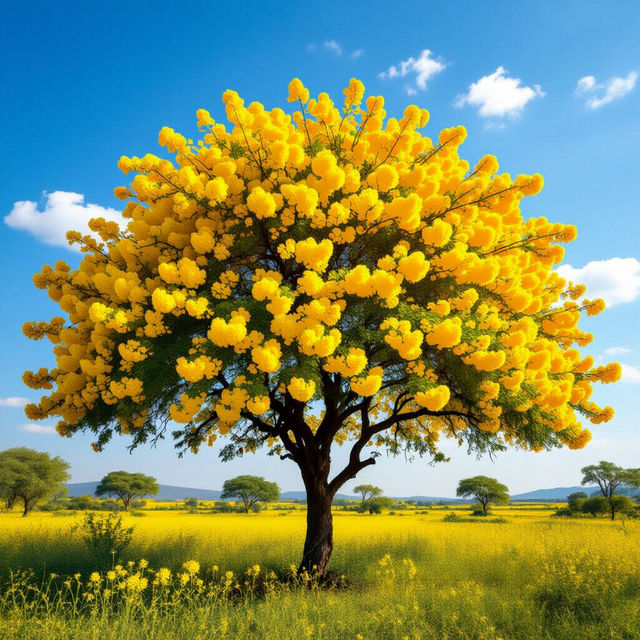
Mustard Tree Images
Discover a vibrant collection of Mustard Tree images. Browse unique AI-generated art inspired by the beauty of mustard trees and create your own.
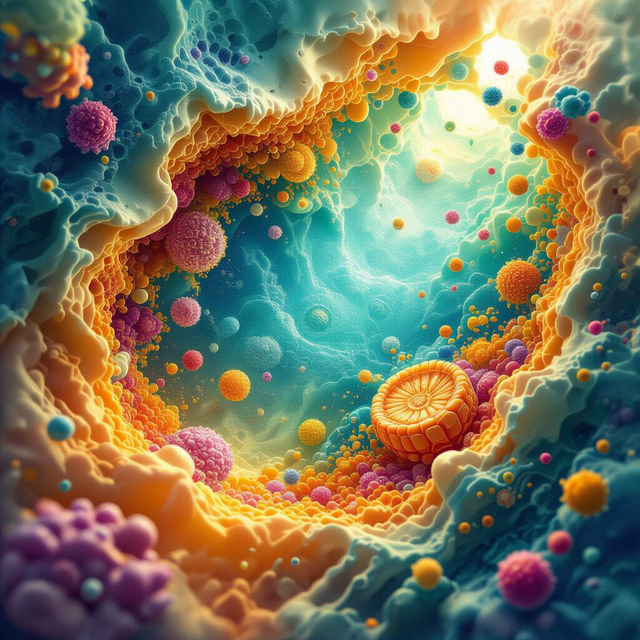
Cytoplasm Images - Generated by AI
Discover a diverse collection of AI-generated cytoplasm images. Visualize cellular structures and biological processes with unique, high-quality visuals perfect for educational or artistic purposes.
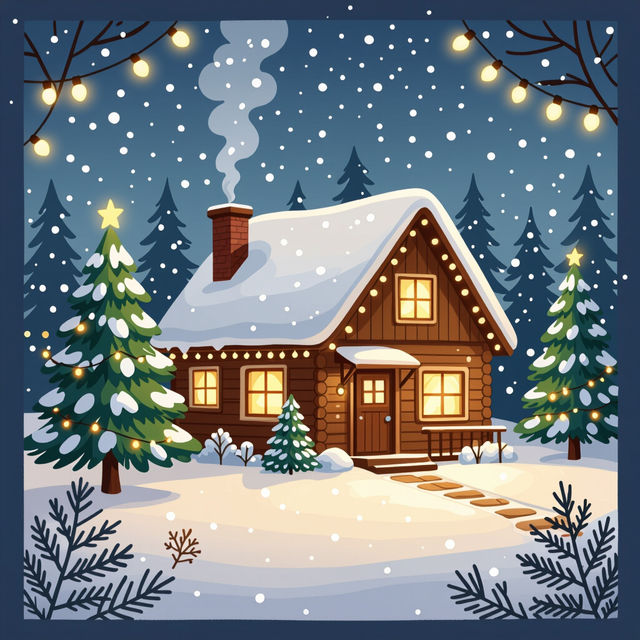
Cute Aesthetic Christmas Wallpapers
Discover adorable and aesthetic Christmas wallpapers. Perfect for the festive season, these AI-generated designs bring holiday cheer to your screen. Get inspired and create your own!
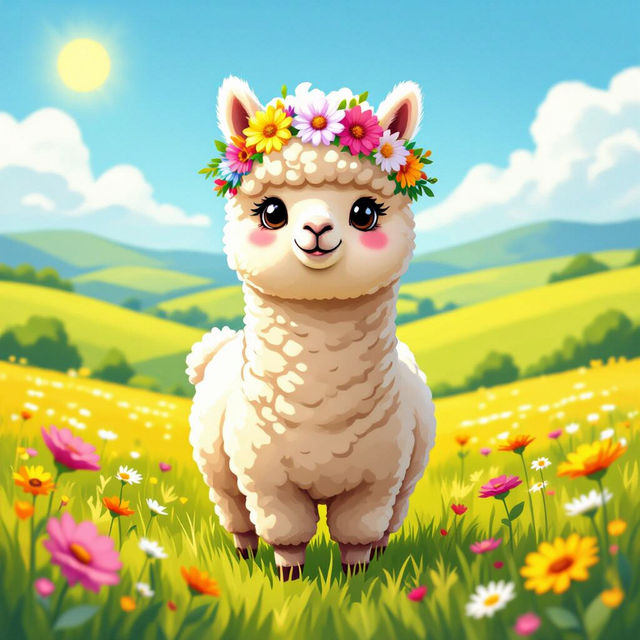
Pictures Of Alpacas - AI Generated
Explore a delightful gallery of AI-generated pictures of alpacas. Get inspired by these charming creatures and create your own unique alpaca artwork with NightCafe.
Frequently Asked Questions
Your Questions About Creating Eerie AI Art, Answered
How can I create prompts for haunting and eerie AI art?
To generate haunting and eerie art, focus on descriptive keywords related to atmosphere, mood, and subject matter. Think about words like 'spectral,' 'shadowy,' 'mysterious,' 'gothic,' 'decaying,' 'foggy,' 'moonlit,' and 'unsettling.' You can also specify colors, lighting, and artistic styles that evoke a sense of dread or mystery. Experiment with combining these elements to achieve your desired chilling effect.
What AI models are best for creating spooky visuals on NightCafe?
NightCafe offers several AI models that can produce stunning eerie art. Models like Stable Diffusion and DALL-E are excellent for their versatility and ability to interpret complex prompts, often resulting in highly detailed and atmospheric images. Flux is also a great option for generating unique and artistic interpretations. We encourage you to experiment with different models to see which one best captures the specific haunting aesthetic you're aiming for.
Can I use the eerie AI art I create for my projects?
Yes, you can use the eerie AI art you create on NightCafe for your personal and commercial projects. You are free to share, modify, and use the images you generate. For more details on usage rights, please refer to our Terms of Service.
What if my generated image isn't spooky enough?
If your generated image isn't quite hitting the eerie mark, try refining your prompt. Add more specific adjectives related to mood and atmosphere, or try incorporating darker color palettes and lighting descriptions. You can also experiment with different artistic styles, such as 'gothic,' 'horror art,' or 'dark fantasy.' Iterating on your prompt and trying different model settings can significantly influence the final outcome.