

- Galleries
- AI-Generated HDR Picture Gallery
HDR Pictures - Stunning AI Creations
Discover a gallery of breathtaking HDR pictures generated by AI. Explore vibrant landscapes and detailed scenes, then create your own high-dynamic-range images with NightCafe.

As seen in








AI-Generated HDR Picture Gallery
Immerse yourself in a collection of high-dynamic-range images, showcasing incredible detail and color. Perfect for inspiration or as stunning visuals.


Didn't find what you were looking for? Create your own below!
Create your own HDR Pictures - Stunning AI Creations images
Discover the magic of Text to Image AI by creating your own unique images. Edit the prompt below to customize your creation.
No payment or credit card required.

Breathtaking Visuals, Instantly
Explore Realistic Hdr Images
Immerse yourself in a curated collection of stunning HDR pictures, masterfully crafted by AI. Our gallery showcases the pinnacle of high-dynamic-range imaging, from sun-drenched landscapes to intricately detailed urban scenes. Witness the depth and vibrancy that only advanced AI can render, and get inspired to create your own photorealistic masterpieces.
Create Your Own Realistic HDR Images
Step 1
Describe Your Vision
To begin, enter a detailed description of the realistic scene you envision in the prompt box. Think about the lighting, environment, and specific elements you want to see. For HDR, consider mentioning bright highlights and deep shadows to guide the AI towards a high-dynamic-range effect.
Step 2
Generate Your HDR Image
Once your prompt is ready, click the "Generate" button. The AI will process your description and create a unique, high-dynamic-range image that captures the realism and detail you requested.
Step 3
Download or Share Your Creation
After your HDR image is created, you have the option to download it in high resolution or share it with the NightCafe community. Get feedback, showcase your skills, and inspire others with your photorealistic creations!

Your Vision, Realized
Explore And Create AI Hdr Images With Stunning Detail
Dive into a world of unparalleled visual fidelity. This gallery empowers you to explore and create AI HDR images that boast astonishing detail and lifelike quality. Whether you're drawn to serene natural vistas or dynamic cityscapes, our advanced AI models bring your concepts to life with remarkable clarity and richness, offering a seamless creation experience.
More Galleries
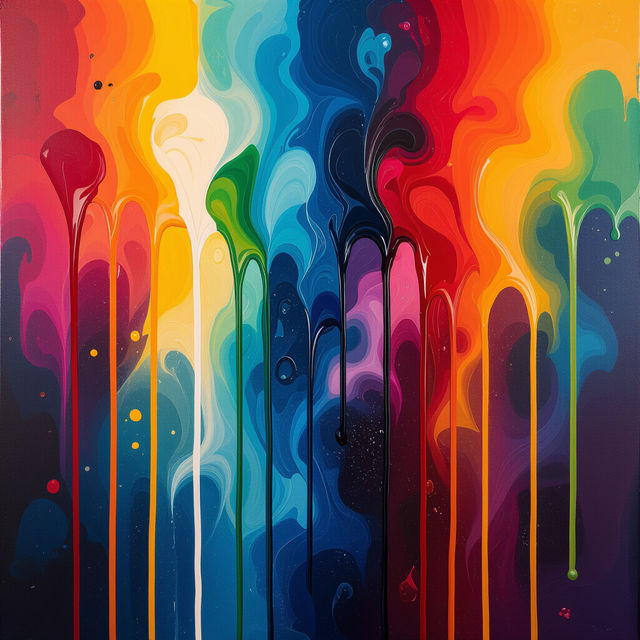
Dripping Art - Made With AI
Discover the mesmerizing world of AI-generated dripping art. Browse unique styles and vibrant colors, then create your own stunning dripping art pieces with NightCafe.
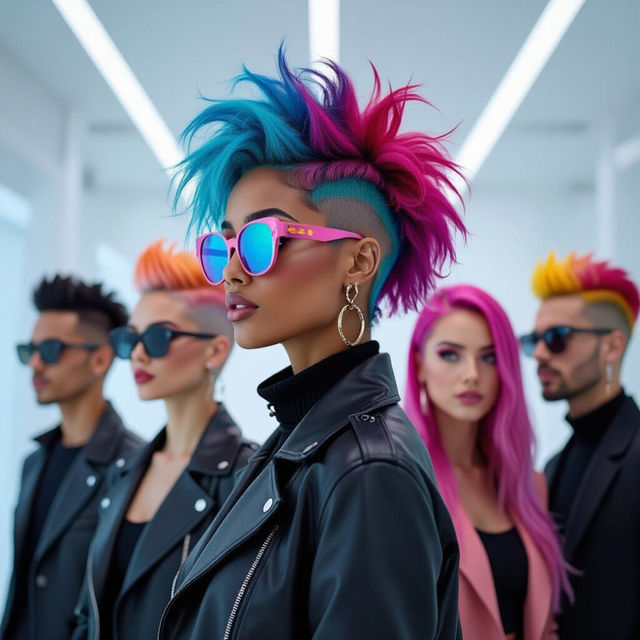
AI Hair Color Images
Discover a vibrant collection of AI hair color images to inspire your next style change. Explore endless possibilities and create unique hair colors with NightCafe's AI.
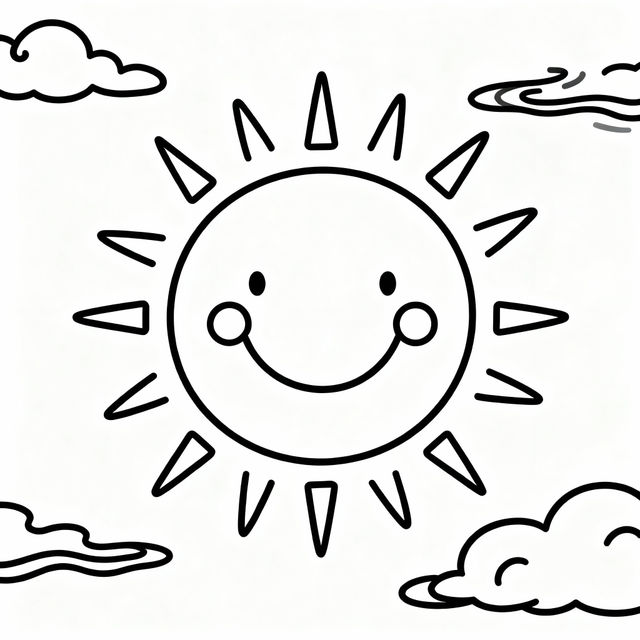
Easy Drawings - Made With AI
Explore a gallery of easy drawings created with AI. Get inspired and learn how to generate your own simple, beautiful artwork with NightCafe's intuitive tools.
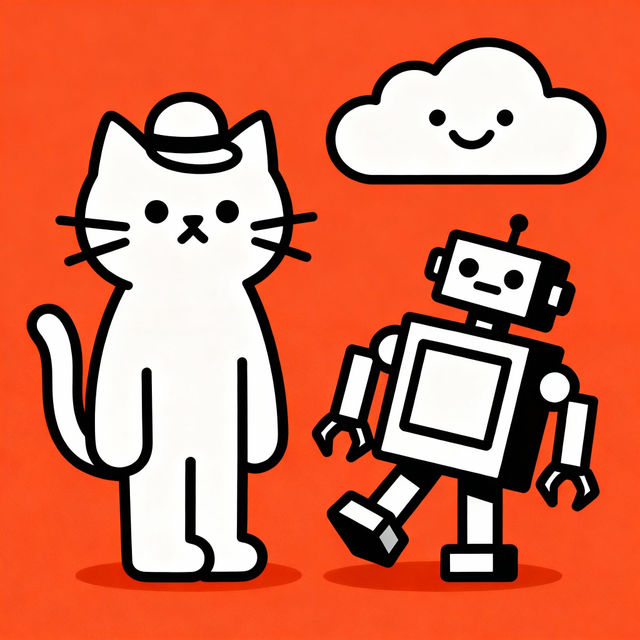
Funny Simple Drawings - Made With AI
Discover a delightful collection of funny simple drawings created by AI. Get inspired and generate your own whimsical illustrations with ease on NightCafe.
Frequently Asked Questions
Your Questions About AI HDR Images, Answered
What makes these HDR images stand out?
Our AI HDR images are distinguished by their exceptional high-dynamic-range, offering a wider range of luminosity between the brightest and darkest areas. This results in images with incredible detail, vibrant colors, and a lifelike depth that captures the essence of both bright highlights and deep shadows, just like professional photography.
How can I create my own realistic HDR images with NightCafe?
To create your own AI HDR images, you can utilize the various AI models available on NightCafe. Start by crafting a detailed text prompt that describes the scene, lighting, and desired atmosphere. Experiment with different styles and parameters within the generation tool to achieve the photorealistic quality you're looking for. Our advanced AI models are designed to produce stunningly detailed and vibrant results.
Can I use the generated HDR images for commercial projects?
Yes, you can use the AI-generated HDR images for commercial purposes. However, please ensure you adhere to our Terms of Service regarding image usage and attribution. For specific details on commercial use and any potential restrictions, we recommend reviewing our official Terms of Service.
What kind of details should I include in my prompt for realistic HDR scenes?
For realistic HDR scenes, be specific about the lighting conditions (e.g., 'golden hour sunlight,' 'overcast sky,' 'dramatic shadows'), the environment (e.g., 'lush forest,' 'bustling city street,' 'serene beach'), and the overall mood you want to convey. Mentioning camera-like terms such as 'photorealistic,' 'detailed texture,' and 'wide aperture' can also help guide the AI towards generating a high-quality, HDR-like output.