

- Galleries
- AI Headphone Drawing Gallery
Headphone Drawings - AI Generated Art
Discover a gallery of unique AI-generated headphone drawings. Get inspired by diverse artistic styles and create your own headphone art with NightCafe.

As seen in








AI Headphone Drawing Gallery
A curated collection of AI-generated headphone drawings, showcasing various artistic interpretations and styles. Find inspiration for your next creative project.


Didn't find what you were looking for? Create your own below!
Create your own Headphone Drawings - AI Generated Art images
Discover the magic of Text to Image AI by creating your own unique images. Edit the prompt below to customize your creation.
No payment or credit card required.

Endless Artistic Possibilities
Explore Stunning Headphone Art
Dive into a curated collection of AI-generated headphone drawings, showcasing a spectrum of styles from minimalist sketches to intricate, futuristic designs. Each piece is a testament to the creative potential unlocked by AI, offering a unique visual experience for artists and music lovers alike. Find inspiration for your next masterpiece.
Create Your Unique Headphone Art
Step 1
Describe Your Dream Headphones
Start by entering a detailed description of the headphone art you envision in the prompt box. Think about the style (e.g., vintage, futuristic, abstract), colors, materials, and any specific elements you want to include. The more descriptive your prompt, the closer the AI can get to your idea.
Step 2
Generate Your Artwork
After crafting your prompt, click the "Generate" button. Our AI will process your description and create a unique headphone drawing based on your specifications. Be patient as the AI works its magic!
Step 3
Download & Share Your Creation
Once your headphone art is ready, you can download it in your desired format. Feel free to share your creation with the community or use it for your projects!

Your Vision, AI's Canvas
Generate Unique Headphone Art With AI
Transform your ideas into reality with our intuitive AI tools. Whether you're looking to generate unique headphone art for a personal project or commercial use, our platform empowers you to create stunning visuals effortlessly. Explore diverse artistic styles and bring your most imaginative headphone concepts to life.
More Galleries
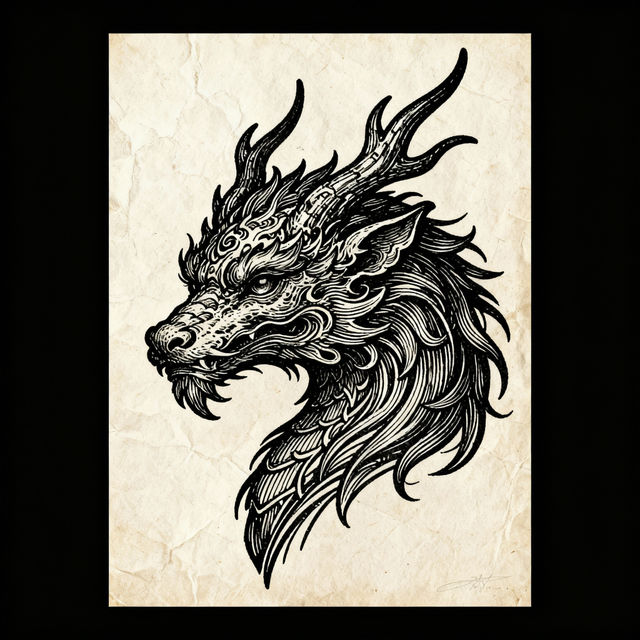
Pen Drawings - Created with AI
Discover a gallery of stunning pen drawings created by AI. Get inspired by intricate line work and unique styles, then create your own AI-powered pen art on NightCafe.

Flamingo Pictures - AI Generated
Explore a vibrant collection of AI-generated flamingo pictures. Find inspiration for your next creative project or simply admire the beauty of these elegant birds. Create your own.
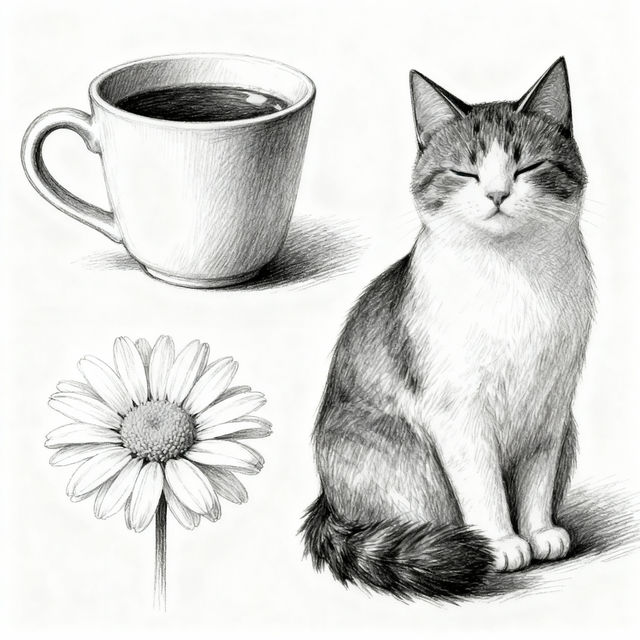
Easy Pencil Drawings
Explore a gallery of easy pencil drawings created with AI. Find inspiration and learn simple techniques to bring your artistic ideas to life effortlessly.
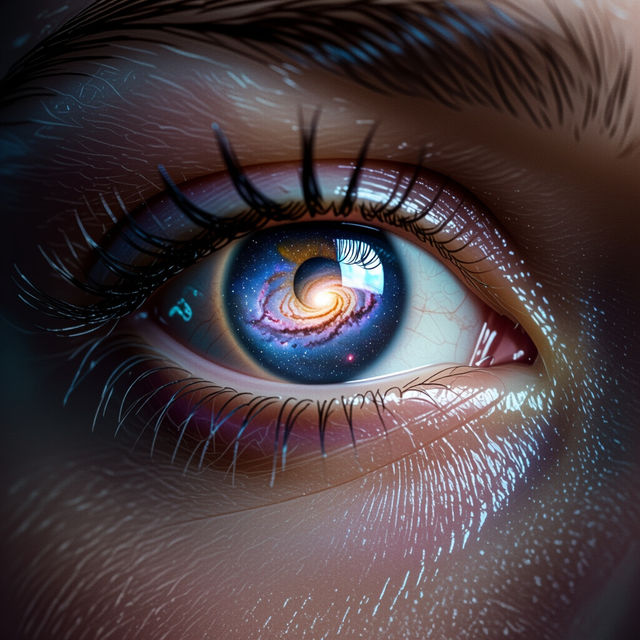
Eye Images - Created With AI
Discover a captivating gallery of AI-generated eye images. Explore diverse styles and create your own unique eye art with NightCafe's powerful AI tools.
Frequently Asked Questions
Your Questions About AI Headphone Drawings, Answered
How can I create my own AI-generated headphone drawings?
To create your own AI-generated headphone drawings, start by navigating to our creation tools. You can then input descriptive text prompts that detail the style, mood, and specific features you envision for your headphones. Experiment with different keywords related to art styles (e.g., 'cyberpunk,' 'vintage,' 'minimalist') and headphone aesthetics to achieve unique results.
What kind of artistic styles can I expect in the AI Headphone Drawings gallery?
The AI Headphone Drawings gallery features a wide variety of artistic styles. You'll find everything from clean, minimalist line art and photorealistic renders to abstract interpretations, futuristic designs, and classic sketch aesthetics. Our AI models are capable of producing a broad spectrum of visual styles, so feel free to explore and discover your favorites.
Can I use the AI-generated headphone art for commercial projects?
Yes, the AI-generated headphone art you create on NightCafe can be used for commercial projects. You have the flexibility to utilize these unique visuals for branding, marketing, or any other commercial endeavor. Please refer to our Terms of Service for specific details regarding usage rights and attribution requirements.
How do I get the best results when generating headphone art?
For the best results, be specific and creative with your prompts. Include details about the headphone's design (e.g., 'over-ear,' 'in-ear,' 'wireless'), materials ('chrome,' 'wood,' 'glowing'), and the overall artistic style you desire. Adding context like 'studio lighting,' 'on a pedestal,' or 'against a gradient background' can also significantly enhance the final image. Don't hesitate to iterate and refine your prompts based on the initial outputs.