

- Galleries
- High Contrast Images Gallery
Generate Stunning High Contrast Images With AI
Discover the beauty of stark contrasts with our AI High Contrast Image Generator. Create striking visuals that capture the eye and evoke emotion. Browse high contrast art or create your own.

As seen in








High Contrast Images Gallery
A curated collection of AI-generated high contrast images, showcasing the power of light and shadow in various artistic styles. Explore the dramatic effects and find inspiration for your own creations.


Didn't find what you were looking for? Create your own below!
Create your own Generate Stunning High Contrast Images With AI images
Discover the magic of Text to Image AI by creating your own unique images. Edit the prompt below to customize your creation.
No payment or credit card required.

Discover Striking Visuals
Explore AI-generated High Contrast Art
Dive into a curated collection of AI-generated high contrast images. From bold black and white portraits to vibrant landscapes, explore the power of stark tonal differences. Find inspiration and see what's possible when AI meets the art of contrast. These High Contrast Images are sure to impress.
Create High Contrast Images With AI: A Step-by-Step Guide
Step 1
Describe Your Vision
Start by typing a detailed description of your desired high contrast image in the prompt box. Specify the subject, lighting conditions (e.g., dramatic, chiaroscuro), and any specific elements you want to emphasize. The more detail, the better the AI can understand your vision!
Step 2
Generate Your High Contrast Image
Once you've crafted your perfect prompt, click the 'Generate' button. Our AI will then process your request and create a unique high contrast image based on your specifications. Experiment with different prompts to achieve various effects!
Step 3
Download and Share Your Masterpiece
After the image is generated, you can download it in high resolution. Share your stunning creation with friends, family, or the NightCafe community. Get feedback and inspire others with your artistic vision!

Master Light And Shadow
Use Dramatic Lighting To Create High Contrast Photos
Harness the power of Dramatic Lighting to create stunning high contrast photos. Learn how to manipulate light and shadow to emphasize form, texture, and emotion. Our AI tools make it easy to experiment with different lighting scenarios and achieve professional-quality results. Use Dramatic Lighting to Create High Contrast Photos with ease.
More Galleries
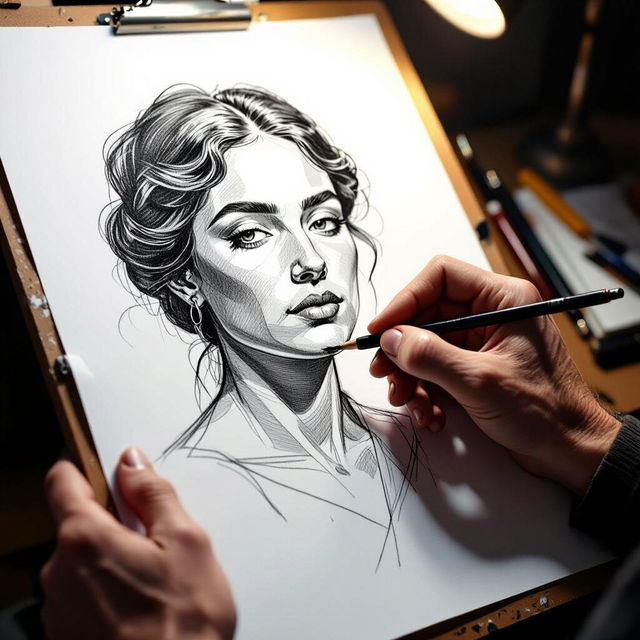
AI Hands Drawing Generator
Create realistic and stylized hands drawing with our AI-powered generator. Explore a range of artistic styles and generate unique hand illustrations effortlessly. Browse hands drawing examples or create your own.
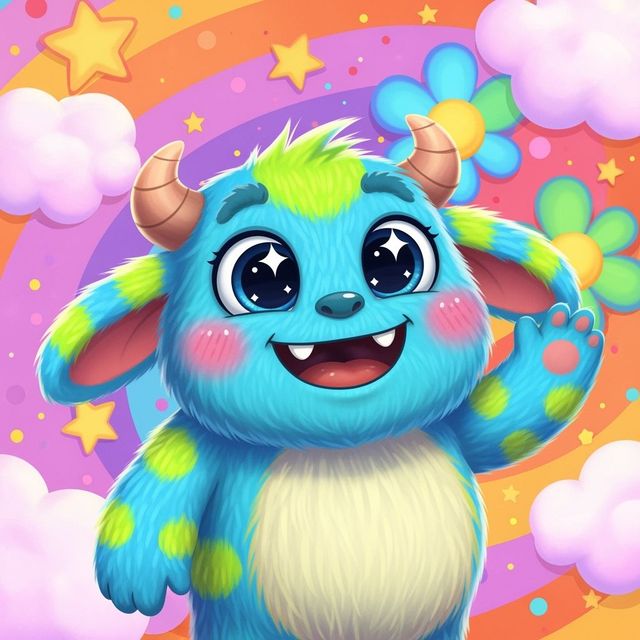
Generate a Monster Drawing With AI
Unleash your creativity with our AI Monster Drawing Generator. Create unique and imaginative monster drawings effortlessly. Explore the gallery or generate your own monster drawing now!
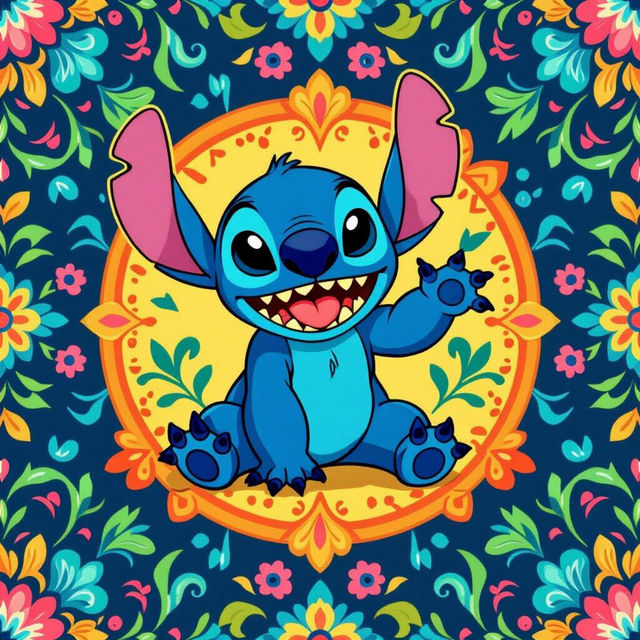
Create Wallpaper Stitch Art with AI
Create unique and charming Wallpaper Stitch art with AI. These whimsical designs will transform any space into a cozy and inviting haven. Browse the gallery or create your own Wallpaper Stitch.
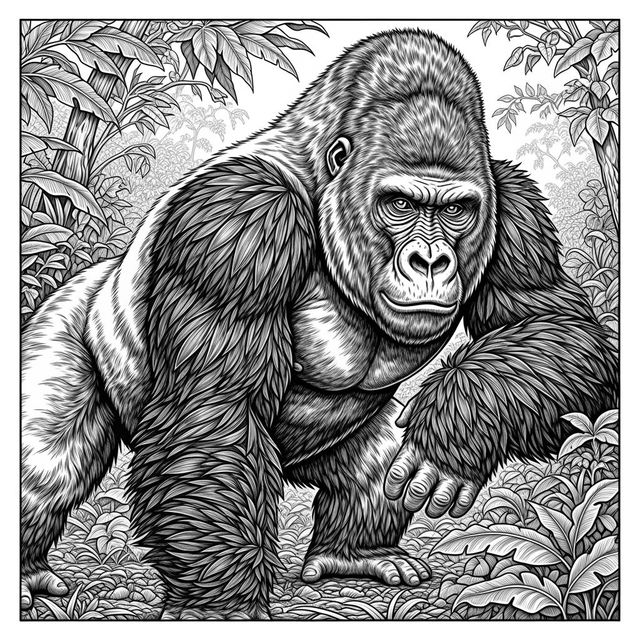
Create a Gorilla Drawing With AI
Unleash your creativity with our AI-powered Gorilla Drawing generator. Transform your ideas into stunning visual art with ease. Explore our gallery or create your own unique gorilla drawing today!
Frequently Asked Questions
Everything You Need to Know About Creating High Contrast Images with AI
What is a high contrast image and why is it effective?
A high contrast image features a significant difference between the lightest and darkest tones, often emphasizing shapes, textures, and emotions. This technique is effective because it draws the viewer's eye to key elements and creates a visually striking impact. Our AI tools make it easy to experiment with and achieve this effect.
Which AI models work best for generating high contrast images?
While all NightCafe AI models can produce high contrast images, some excel at it. Experiment with models like Stable Diffusion and Imagen, focusing your prompts on dramatic lighting, strong shadows, and distinct tonal ranges. You can fine-tune the settings to emphasize contrast during the creation process.
How can I use dramatic lighting to enhance contrast in my AI-generated images?
Use descriptive keywords like 'dramatic lighting,' 'chiaroscuro,' 'backlighting,' or ' Rembrandt lighting' in your prompts to guide the AI. Specify the light source, intensity, and direction to create strong shadows and highlights, thus maximizing contrast.
Can I control the level of contrast in my images?
Yes, you can influence the level of contrast through your prompts. Use terms like 'high contrast,' 'low contrast,' or 'subtle contrast' to guide the AI's output. Additionally, experiment with post-processing tools within NightCafe or external editors to further adjust the contrast levels to your liking.
Are there any tips for creating effective high contrast portraits using AI?
When creating high contrast portraits, focus on the lighting and shadows on the subject's face. Use prompts that emphasize strong light sources, deep shadows, and well-defined facial features. Consider specifying a style like 'noir' or 'gritty' to further enhance the dramatic effect. Don't be afraid to iterate and refine your prompts to achieve the desired result.