

- Galleries
- AI Image Generation Speed Examples
How Long Does It Take To Generate An AI Image?
Curious about AI image generation time? Explore how quickly you can create stunning visuals with NightCafe. Get insights into the process and discover what influences generation speed.

As seen in








AI Image Generation Speed Examples
See examples of AI-generated images and learn about the factors influencing generation time. Understand the speed of AI art creation with NightCafe.


Didn't find what you were looking for? Create your own below!
Create your own How Long Does It Take To Generate An AI Image? images
Discover the magic of Text to Image AI by creating your own unique images. Edit the prompt below to customize your creation.
No payment or credit card required.

Swift Visual Creation
Understanding AI Image Generation Speed
Ever wondered, 'How long does it take to generate an AI image?' NightCafe demystifies the process. Discover the factors influencing generation speed, from model complexity to server load, and learn how to achieve stunning visuals in minimal time. Explore efficient workflows and get your creative ideas realized faster than ever.
How Fast Can You Generate an AI Image?
Step 1
Describe Your Vision
Begin by entering a detailed text prompt describing the image you envision. Be specific about the subject, style, colors, and mood. The more precise your prompt, the better the AI can understand and execute your creative direction, influencing the generation speed.
Step 2
Generate Your Image
After refining your prompt, click the 'Generate' button. The AI will then process your request, considering factors like model complexity and current server load, to create your unique image. Observe the generation process and note the time it takes.
Step 3
Download & Analyze Speed
Once your image is ready, you can download it in high resolution or share it with the NightCafe community. Compare generation times for different prompts and settings to understand how to optimize your workflow for faster results.

Master Your Workflow
Understand AI Image Speed And Optimize Your Creations
Unlock the secrets to efficient AI art creation. By understanding AI image speed, you can optimize your prompts and model choices to achieve desired results faster. Learn to balance detail with generation time, ensuring your creative vision is realized without unnecessary delays. Master your workflow and bring your ideas to life swiftly.
More Galleries
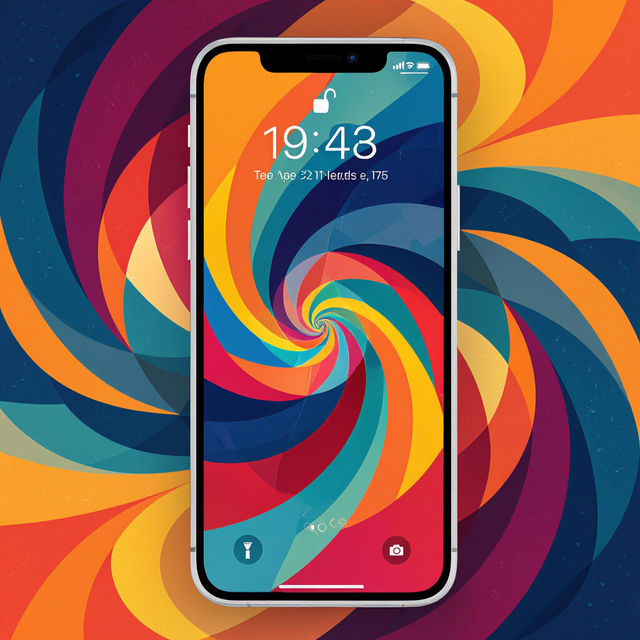
Wallpaper Lock Screen
Discover unique AI-generated wallpaper lock screen designs. Perfect for personalizing your phone, these wallpapers offer a creative touch to your device. Create your own today!
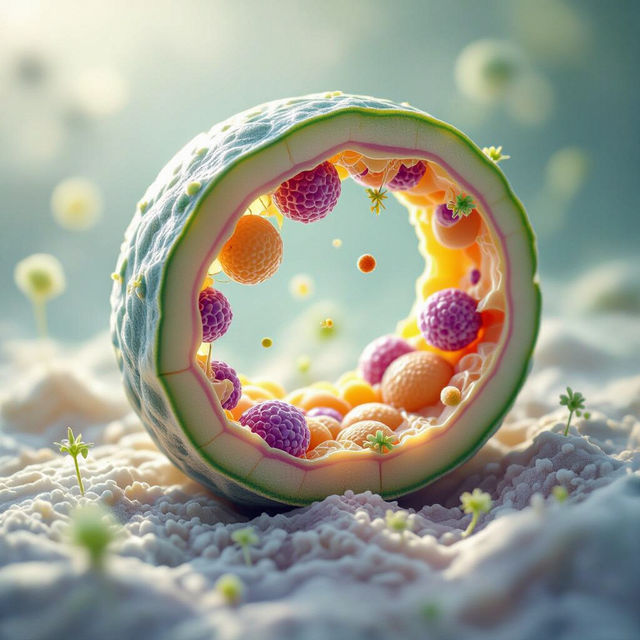
Picture Of A Cell Wall
Discover a gallery of AI-generated cell wall pictures. Explore intricate biological structures and get inspired to create your own unique scientific visualizations with NightCafe.
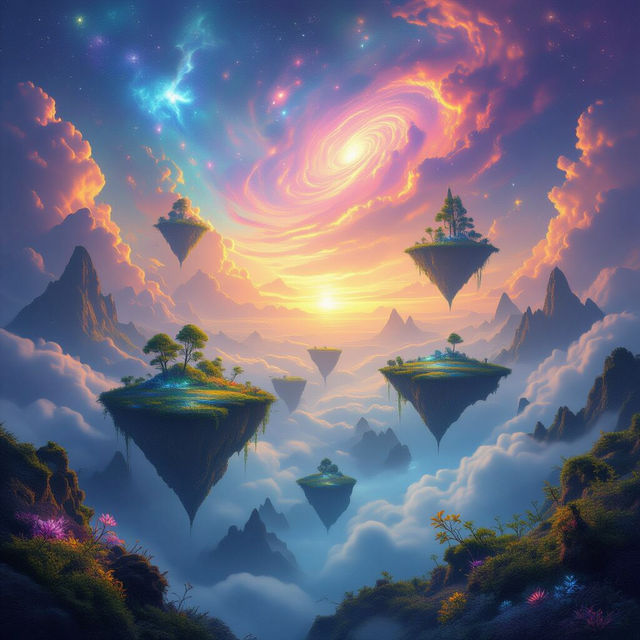
AI Create A Picture
Explore a gallery of stunning images created with AI. Learn how to AI create a picture that matches your imagination and bring your ideas to life visually.

Happy Valentine's Day Wallpaper
Discover beautiful AI-generated Happy Valentine's Day wallpapers. Perfect for backgrounds, these romantic designs capture the spirit of love. Create your own unique Valentine's Day wallpaper with NightCafe.
Frequently Asked Questions
Understand AI Image Generation Speed on NightCafe
What factors influence how long it takes to generate an AI image on NightCafe?
Several factors can affect AI image generation time. These include the complexity of the chosen AI model, the detail and length of your prompt, the resolution and aspect ratio of the desired image, and the current server load on NightCafe's platform. Higher complexity and more detailed requests generally take longer.
Can I speed up the AI image generation process?
While some factors are outside your direct control, you can optimize for speed. Using simpler prompts, selecting less computationally intensive models (if available and suitable for your needs), and generating at standard resolutions can help reduce generation time. Avoiding peak usage times might also contribute to faster results.
Does the type of AI model I choose affect generation speed?
Yes, different AI models have varying computational requirements. Some models are designed for speed, while others prioritize intricate detail and may take longer to process. Exploring the characteristics of each model available on NightCafe can help you select one that balances your desired output quality with generation time.
How can I efficiently balance prompt detail with generation time?
Start with a clear, concise core prompt and then gradually add descriptive elements. Test shorter prompts first to get a feel for the generation speed. If you need more detail, you can refine your prompt or use image-to-image features if available. Understanding how specific keywords impact the generation process will help you build more efficient prompts.