

- Galleries
- AI-Generated Charcoal Art Gallery
How To Create Art With Charcoal
Discover how to create captivating art with charcoal. Browse our gallery for inspiration and learn techniques to bring your artistic visions to life with AI.

As seen in








AI-Generated Charcoal Art Gallery
A curated collection of AI-generated artwork in the style of charcoal, offering diverse subjects and unique artistic interpretations for inspiration.


Didn't find what you were looking for? Create your own below!
Create your own How To Create Art With Charcoal images
Discover the magic of Text to Image AI by creating your own unique images. Edit the prompt below to customize your creation.
No payment or credit card required.

Master The Classic Medium
Explore Stunning Charcoal Art
Dive into a breathtaking gallery showcasing the timeless beauty of charcoal art. Discover how to create art with charcoal through a diverse collection of AI-generated pieces, from dramatic portraits to evocative landscapes, each highlighting the unique textures and tonal depth achievable with this classic medium.
Create Your Own Charcoal Masterpiece
Step 1
Describe Your Charcoal Vision
Begin by describing the charcoal artwork you envision in the prompt box. Think about the subject matter, the mood, and the specific charcoal techniques you'd like the AI to emulate, such as smudging, cross-hatching, or blending. The more detail you provide, the closer the AI can get to your desired artistic style.
Step 2
Generate Your Charcoal Art
After crafting your prompt, simply click the 'Generate' button. The AI will process your description and begin creating a unique charcoal-style artwork based on your input. Watch as your idea transforms into a digital piece.
Step 3
Download or Share Your Creation
Once your charcoal artwork is ready, you have the option to download it in high resolution or share it with our community. Get feedback, inspire others, or simply admire your AI-assisted creation!

Ignite Your Creativity
Explore Charcoal Art Ideas For AI Generation
Unleash your imagination with endless charcoal art ideas perfect for AI generation. This gallery provides inspiration for creating unique digital pieces, offering a fresh perspective on how to combine traditional charcoal techniques with cutting-edge AI. Explore Charcoal Art Ideas for AI Generation and bring your most ambitious visions to life.
More Galleries
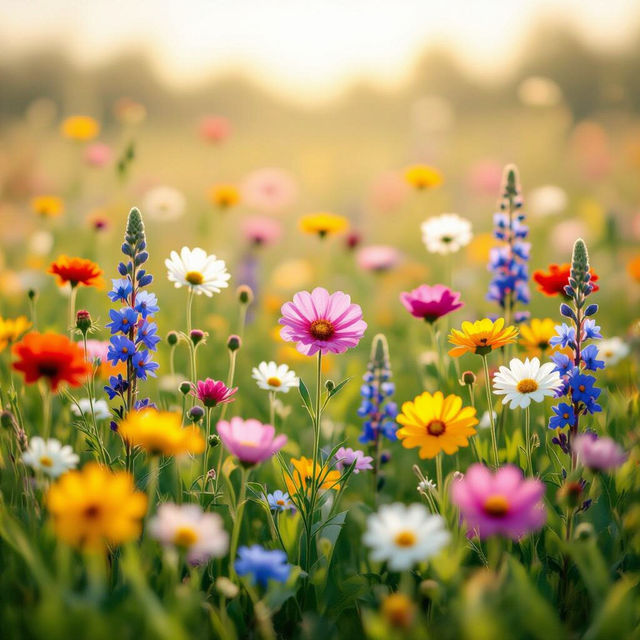
Summer Flowers Wallpaper
Discover beautiful AI-generated summer flowers wallpaper. Perfect for adding a touch of seasonal beauty to your desktop or mobile device. Create your own vibrant floral backgrounds.
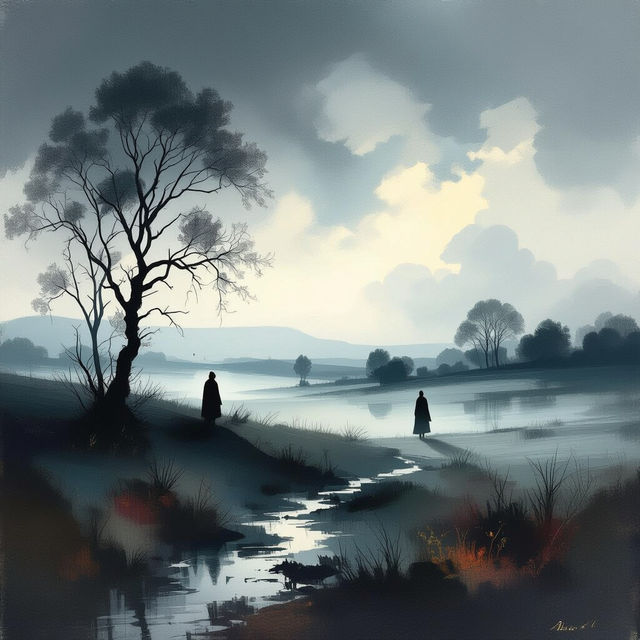
German Art Songs - AI Generated
Discover a unique collection of AI-generated art inspired by German Art Songs. Explore visual interpretations of Lieder, perfect for musicians and art lovers alike.

Dragon Flying Drawing
Explore a captivating gallery of dragon flying drawings. Get inspired by unique AI-generated art and learn how to create your own majestic dragons with NightCafe.

A+ Drawing - AI Art
Discover incredible A+ drawings created with AI. Get inspired by a diverse collection of art and learn how to generate your own unique drawings on NightCafe.
Frequently Asked Questions
Your Questions About Creating AI Charcoal Art, Answered
How can I best use AI to replicate the look and feel of traditional charcoal art?
To achieve a realistic charcoal effect, focus your prompts on descriptive terms like 'charcoal sketch,' 'smudged charcoal,' 'tonal drawing,' 'stump blending,' and 'high contrast.' Specifying 'textured paper' or 'grainy' can also enhance the authentic feel. Experiment with different AI models as some are better at capturing fine textures and subtle shading than others.
What kind of subjects or themes work well for AI-generated charcoal art?
Charcoal's natural ability to create dramatic contrast and subtle gradients makes it ideal for a wide range of subjects. Consider portraits with strong lighting, moody landscapes, still life with deep shadows, or even abstract pieces that emphasize texture and form. The gallery provides excellent inspiration for dramatic portraits and evocative landscapes, highlighting the medium's versatility.
Can I combine AI-generated charcoal art elements with my own traditional art or digital edits?
Absolutely! AI-generated charcoal art can serve as a fantastic base or component for further creative work. You can import the generated images into your preferred editing software to add further details, blend them with photographs, or even print them and apply traditional charcoal techniques over the top. This hybrid approach allows for unique artistic expressions.
How do I achieve specific textures or blending effects often seen in real charcoal drawings?
When prompting, use keywords related to texture and blending. Terms like 'smudged,' 'blended,' 'erased highlights,' 'grainy texture,' 'charcoal dust,' or 'stippling' can guide the AI. You can also specify the type of charcoal, such as 'vine charcoal' for softer lines or 'compressed charcoal' for darker, bolder marks. Observing and describing the specific techniques you see in traditional charcoal art will help you craft more effective prompts.