

- Galleries
- Enhanced Picture Gallery
How To Increase The Quality Of A Picture
Learn how to increase the quality of a picture using AI. Explore techniques and examples to enhance your images, making them sharper, clearer, and more vibrant. Get started today!

As seen in








Enhanced Picture Gallery
Discover a gallery of images transformed with AI. See how to increase the quality of a picture, turning mediocre shots into stunning visuals with enhanced detail and clarity.


Didn't find what you were looking for? Create your own below!
Create your own How To Increase The Quality Of A Picture images
Discover the magic of Text to Image AI by creating your own unique images. Edit the prompt below to customize your creation.
No payment or credit card required.

Transform Your Images Instantly
AI-powered Picture Quality Improvement
Discover how to increase the quality of a picture with our advanced AI tools. Effortlessly enhance resolution, reduce noise, and sharpen details to bring your photos to life. Perfect for photographers and designers looking to elevate their work with stunning clarity and vibrant colors.
How To Enhance Your Images With AI
Step 1
Upload Your Image & Set Enhancements
To begin, upload the image you wish to enhance into the AI enhancement tool. You can also describe the desired improvements in the prompt box, such as 'increase resolution,' 'reduce noise,' or 'sharpen details.' Providing specific instructions will help the AI tailor the enhancement to your needs.
Step 2
Start the AI Enhancement Process
Once your image is uploaded and your enhancement preferences are set, click the 'Enhance Image' button. The AI will then process your image, applying advanced algorithms to improve its quality based on your input.
Step 3
Download & Share Your Enhanced Image
After the enhancement is complete, you can preview the improved image. Download your high-quality, revitalized image, or share it with others to showcase the dramatic difference AI can make!

Unlock Hidden Detail
AI Image Upscaling For Sharper, Clearer Photos
Experience the magic of AI Image Upscaling to achieve sharper, clearer photos. Our technology breathes new life into low-resolution images, revealing intricate details and smooth gradients. Perfect for restoring old photos or preparing images for large-format printing.
More Galleries
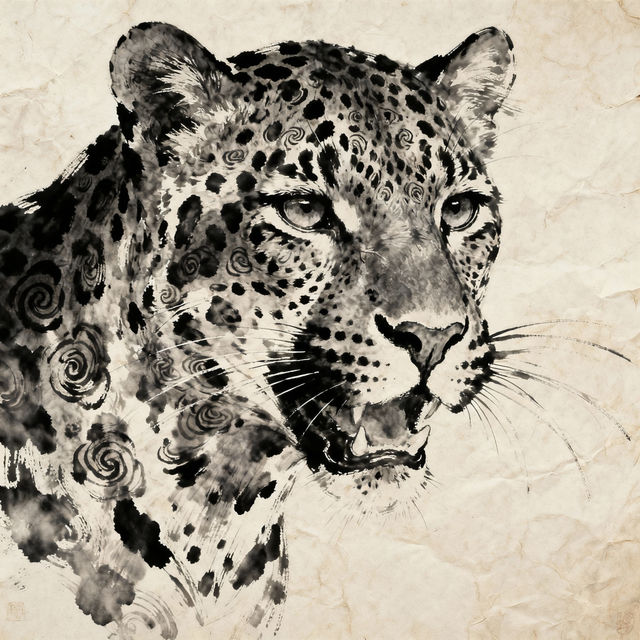
Leopard Print Drawings
Explore a stunning collection of AI-generated leopard print drawings. Find unique patterns and artistic interpretations, perfect for inspiration or creating your own custom designs.
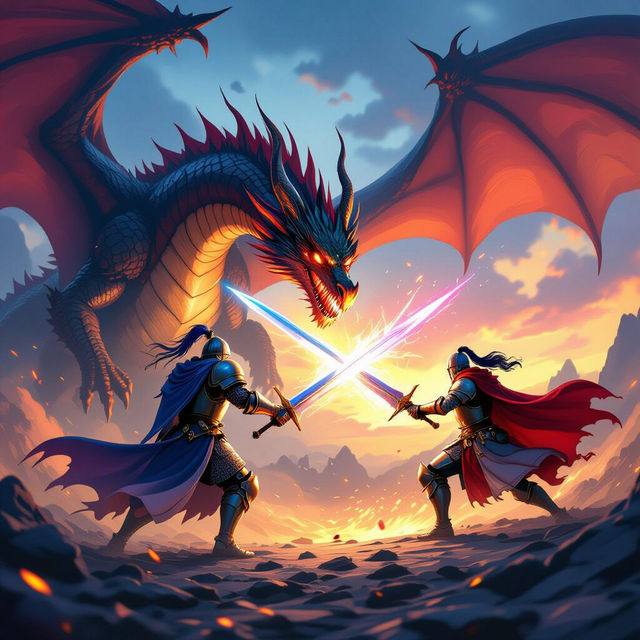
PC Wallpaper 4K Anime
Explore breathtaking 4K anime wallpapers optimized for PC. Find the perfect high-resolution anime art to personalize your desktop and bring your favorite characters to life.
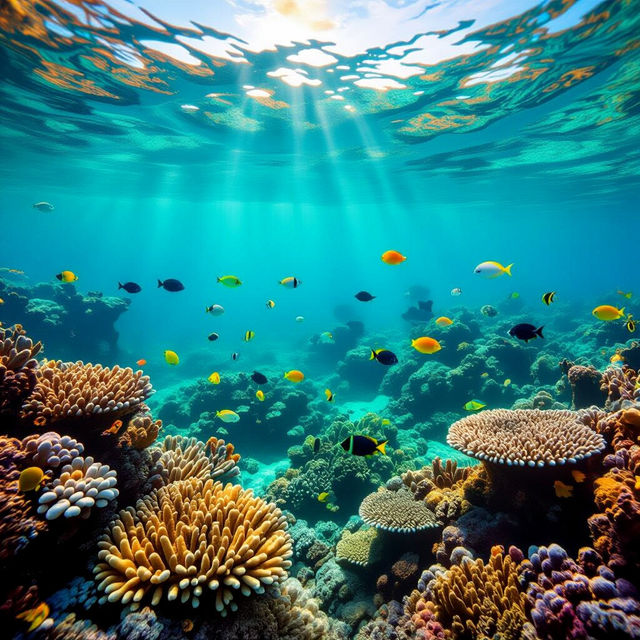
Coral Reef Wallpapers
Explore vibrant AI-generated coral reef wallpapers. Dive into stunning underwater scenes perfect for your desktop or mobile background. Create your own unique coral reef wallpaper with NightCafe.
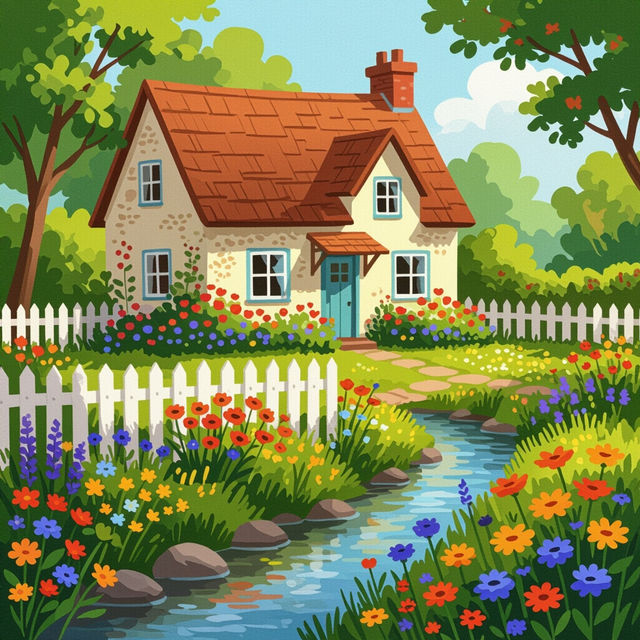
Cute Country Wallpapers
Discover adorable and charming country wallpapers. Our AI generates delightful scenes perfect for your desktop or mobile background. Get inspired and create your own.
Frequently Asked Questions
Answers to Your Questions About AI Picture Enhancement
What can AI enhancement do for my pictures?
Our AI enhancement tools can significantly improve the quality of your pictures. They are designed to increase resolution, reduce noise, sharpen details, and enhance colors, making your images appear sharper, clearer, and more vibrant. This is perfect for photographers, designers, and anyone looking to bring their photos to life.
How does AI Image Upscaling work?
AI Image Upscaling uses advanced algorithms to intelligently enlarge your images while adding detail and clarity. It analyzes the existing pixels and generates new ones to create a higher-resolution version of your photo. This process can reveal intricate details and smooth gradients, breathing new life into low-resolution images and preparing them for high-quality prints.
Can I use these AI enhancement tools to restore old photos?
Absolutely. AI enhancement is particularly effective for restoring old or damaged photos. Our tools can help reduce grain and noise, sharpen faded details, and even bring back vibrancy to colors, making your cherished memories look their best again.
What kind of images benefit the most from AI enhancement?
Images that benefit most from AI enhancement include low-resolution photos, images with visible noise or grain, pictures that appear slightly blurry or out of focus, and those with dull or washed-out colors. Whether you're preparing images for large-format printing, want to improve your photography, or restore old pictures, AI enhancement can make a significant difference.