

- Galleries
- AI-Generated Sticker Ideas
How To Make A Picture A Sticker
Learn how to make a picture a sticker using AI! Explore creative ways to transform your photos into unique stickers. Generate your own custom sticker designs easily.

As seen in








AI-Generated Sticker Ideas
Browse a diverse collection of AI-generated stickers, showcasing unique designs and creative possibilities for your custom sticker projects.


Didn't find what you were looking for? Create your own below!
Create your own How To Make A Picture A Sticker images
Discover the magic of Text to Image AI by creating your own unique images. Edit the prompt below to customize your creation.
No payment or credit card required.

Transform Photos Instantly
Create Custom Stickers With AI
Discover the magic of turning your favorite photos into eye-catching stickers with our intuitive AI. Learn how to make a picture a sticker effortlessly, perfect for personalizing journals, laptops, or sharing with friends. Unleash your creativity and design unique sticker art in minutes.
How To Make A Picture A Sticker - AI Sticker Maker
Step 1
Describe Your Sticker Idea
To begin, describe the image you want to transform into a sticker in the prompt box. Be as specific as possible, detailing the subject, style, colors, and any unique elements you envision for your sticker. The more detail you provide, the better the AI can capture your vision.
Step 2
Generate Your Sticker Design
After crafting your prompt, click the "Generate" button. The AI will process your description and create a unique sticker design based on your input. Watch your idea come to life!
Step 3
Download & Share Your Sticker
Once your sticker design is ready, you can download it in a high-resolution format. Share your custom creations with friends, use them to personalize your belongings, or even explore options for professional use!

Design Unique Sticker Art
Use AI Sticker Generator To Create Custom Sticker Designs
Our AI Sticker Generator empowers you to create custom sticker designs like never before. Use AI Sticker Generator to Create Custom Sticker Designs for any occasion, from fun party favors to professional branding. Explore endless possibilities and bring your sticker visions to life with advanced AI tools.
More Galleries
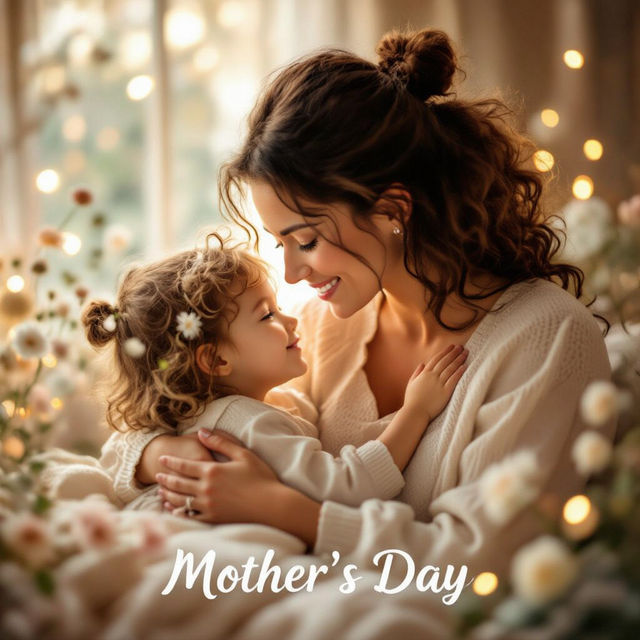
Happy Mother's Day Images - Made With AI
Celebrate Mother's Day with unique AI-generated images. Find the perfect Happy Mother's Day images to express your love and appreciation. Create your own special greetings today!

Tree Outline Drawings - AI Generated
Discover a gallery of AI-generated tree outline drawings. Perfect for inspiration, find unique styles and create your own tree art with NightCafe.
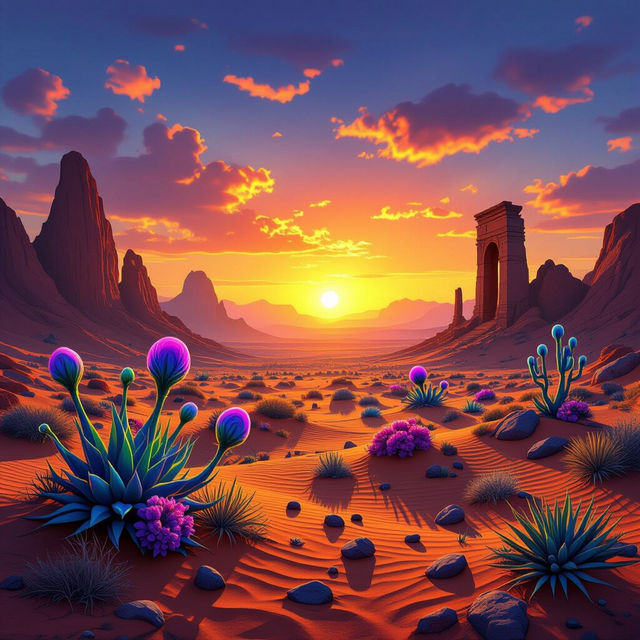
Desert Art
Discover breathtaking desert art created with AI. Perfect for inspiration or as unique wall decor, explore landscapes and abstract pieces that capture the arid beauty.
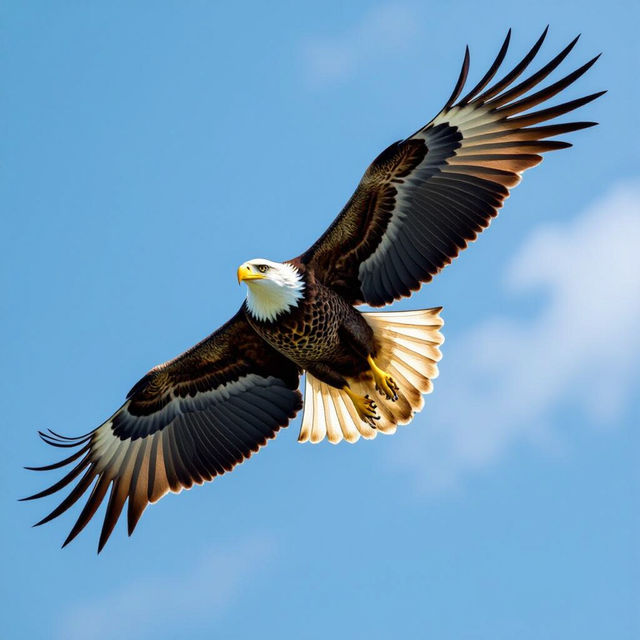
High Resolution Image Converter - AI Powered
Effortlessly convert your images to high resolution. Explore AI-generated examples and learn how to upscale your visuals for stunning clarity and detail.
Frequently Asked Questions
Your Questions About Our AI Sticker Maker, Answered
How does the AI Sticker Maker turn a picture into a sticker?
Our AI Sticker Maker uses advanced algorithms to analyze your uploaded image. It intelligently identifies the subject, removes the background, and often adds a border or outline, transforming your photo into a ready-to-use sticker design. You can then further customize it with various styles and effects.
What kind of images can I use to create stickers?
You can use almost any image! Photos of people, pets, objects, drawings, or even abstract designs can be transformed into unique stickers. The AI works best with clear subjects, but experimentation is encouraged to discover what works best for your creative vision.
Can I create stickers for commercial use?
Yes, you can use the stickers you create with our AI Sticker Maker for commercial purposes, such as branding, merchandise, or promotional materials. Please refer to our Terms of Service for full details on usage rights and attribution requirements.
How can I get the best results when making a sticker from a picture?
For optimal results, start with a high-quality image that has a clear subject. Ensure good lighting and avoid busy backgrounds if you want the AI to easily isolate your subject. Experiment with different prompts and styles within the generator to achieve the desired sticker aesthetic.