

- Galleries
- AI Icon Image Gallery
Icon Image Generation
Explore a diverse collection of AI-generated icon images. Perfect for web design, apps, and more. Get inspired and create your own unique icons with NightCafe.

As seen in








AI Icon Image Gallery
Browse a curated selection of high-quality, AI-generated icon images. Find the perfect visual element for your next digital project.


Didn't find what you were looking for? Create your own below!
Create your own Icon Image Generation images
Discover the magic of Text to Image AI by creating your own unique images. Edit the prompt below to customize your creation.
No payment or credit card required.

Design Unique Project Assets
Create Custom Icon Images With AI
Effortlessly craft bespoke icon images tailored to your specific project needs. Our advanced AI models interpret your ideas, transforming them into distinctive visual elements perfect for websites, applications, presentations, and branding. Explore endless possibilities and bring your creative vision to life with custom-designed icons.
Create Your Custom Icons
Step 1
Describe Your Icon
Start by describing the icon you envision in the prompt box. Be specific about its style, subject, and any particular details you want included. For example, 'a minimalist flat icon of a coffee cup with steam' or 'a retro pixel art icon of a spaceship'. The more detail you provide, the better the AI can match your vision.
Step 2
Generate Your Icons
After crafting your prompt, click the 'Generate' button. Our AI will then process your description and create a unique set of icon images based on your input. You can generate multiple variations to explore different creative directions.
Step 3
Download & Share Your Creation
Once you have generated icons you love, you can download them in high resolution for your projects. Feel free to share your creations with the community and get inspired by others!

Generate Icons Instantly
Use Our Icon Generator To Create Custom Icons
Unlock the power of our intuitive icon generator to create custom icons in moments. Whether you need a unique symbol for your next app update or a cohesive set of icons for a new brand identity, our tool provides endless creative options. Save time and elevate your design with AI-powered icon generation.
More Galleries
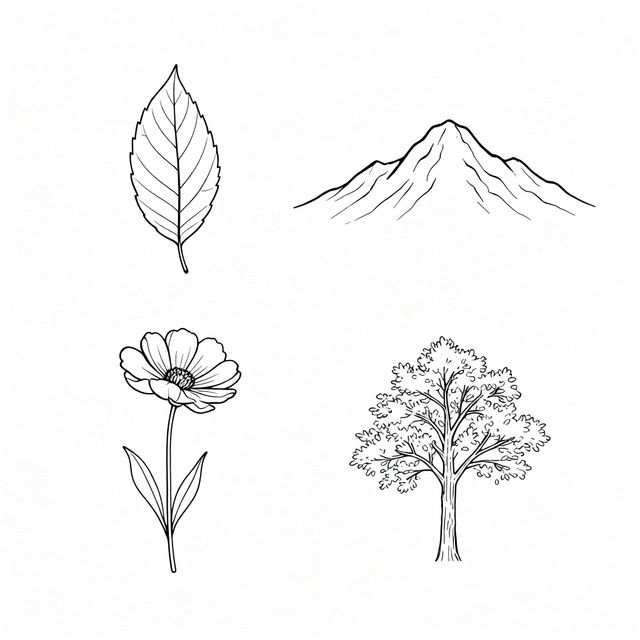
Easy Nature Drawings
Explore a gallery of easy nature drawings created with AI. Perfect for beginners and artists seeking inspiration, these AI-generated pieces showcase simple yet beautiful natural scenes.
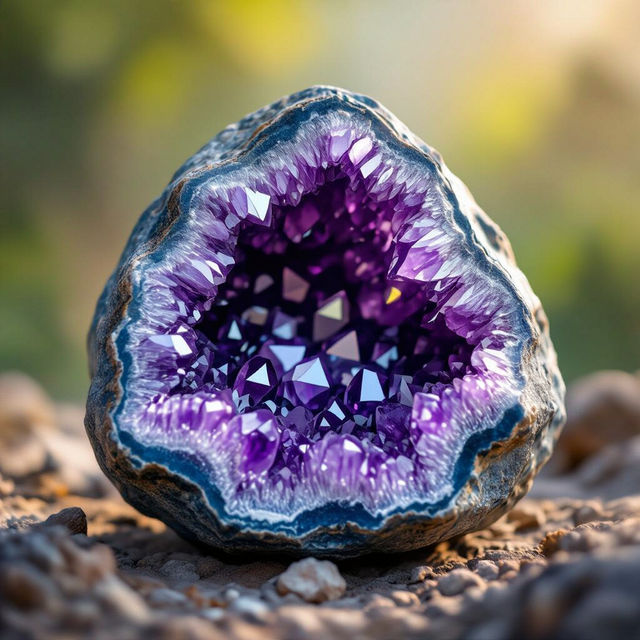
Pictures of Rocks - Made With AI
Discover a stunning collection of AI-generated pictures of rocks. Explore diverse textures, formations, and landscapes, and create your own unique rock imagery with NightCafe.
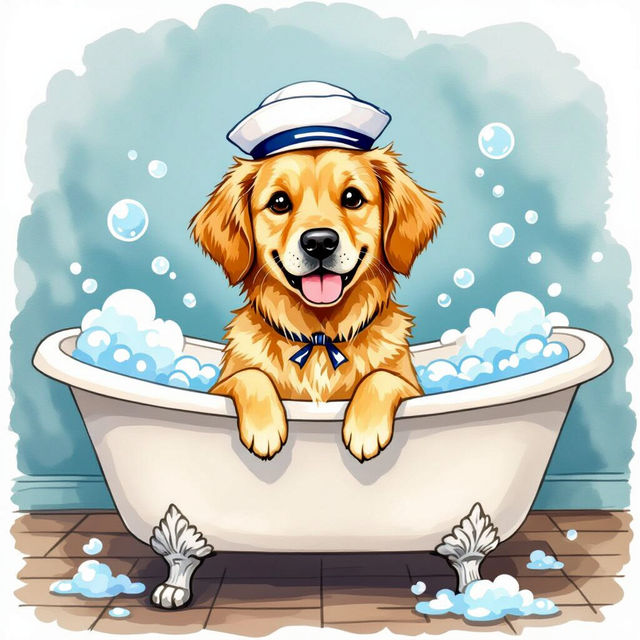
Dog Bathroom Art - AI Generated
Explore charming AI-generated dog bathroom art. Find the perfect canine companion piece to add personality to your bathroom decor. Create your own unique dog art today!
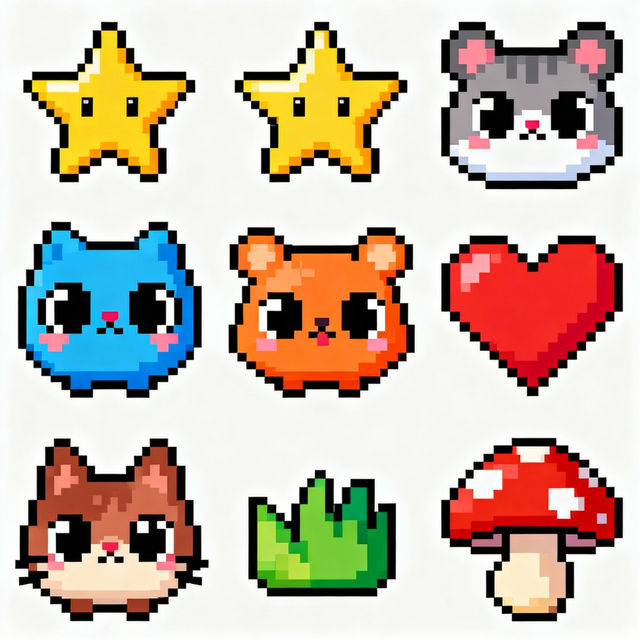
Pixel Art Easy Cute
Explore a charming gallery of easy and cute pixel art. Learn how to create your own adorable pixel art characters and scenes with our AI tools.
Frequently Asked Questions
Frequently Asked Questions About AI-Generated Icons
How can I generate custom icons for my projects using NightCafe?
To generate custom icons, you'll use our AI art generation tools. Start by crafting a descriptive prompt that outlines the icon's purpose, style, and any specific elements you want included. For example, 'a minimalist blue cloud icon for a weather app' or 'a vintage key icon with intricate details for a historical website'. Experiment with different keywords and styles to achieve the desired result.
What types of projects are these AI-generated icons suitable for?
Our AI-generated icons are incredibly versatile and can be used for a wide range of projects. They are perfect for web design, mobile applications, presentations, branding, graphic design assets, social media graphics, and much more. If you need a distinctive visual element, our icons can help elevate your project.
Can I create a consistent set of icons for my brand or app?
Yes, creating a consistent set of icons is achievable. While each generation might have unique nuances, you can guide the AI by using similar prompt structures, keywords, and style references across your generations. For example, if you generate a 'blue minimalist cloud icon', you can then try prompts like 'blue minimalist sun icon' or 'blue minimalist rain icon' to maintain a cohesive look and feel.
What if I don't like the icons generated? Can I get a refund?
We strive to provide a creative and enjoyable experience. For detailed information regarding refunds and our usage policies, please refer to our Terms of Service and Refund Policy.
How can I ensure the icons I generate are unique and stand out?
The key to unique icons lies in the specificity and creativity of your prompts. Combine descriptive terms for the object, its function, desired style (e.g., 'flat design', 'line art', 'isometric', 'glowing'), color palette, and even negative prompts to exclude unwanted elements. The more detail you provide, the more distinct your icon will likely be.