

- Galleries
- AI-Generated iMac Wallpaper Gallery
iMac Wallpapers
Discover unique iMac wallpapers generated by AI. Enhance your desktop experience with vibrant, artistic, and personalized backgrounds. Create your own perfect iMac wallpaper today!

As seen in








AI-Generated iMac Wallpaper Gallery
Explore a curated collection of AI-generated iMac wallpapers, offering a fresh and artistic look for your desktop. Find the perfect background to inspire your day.


Didn't find what you were looking for? Create your own below!
Create your own iMac Wallpapers images
Discover the magic of Text to Image AI by creating your own unique images. Edit the prompt below to customize your creation.
No payment or credit card required.

Elevate Your Workspace Aesthetic
Stunning Desktop Backgrounds For Your Imac
Transform your iMac with breathtaking AI-generated wallpapers. Our gallery offers a vast collection of unique iMac wallpapers, from serene landscapes to abstract art, ensuring your desktop is always a source of inspiration and visual delight. Find the perfect backdrop that reflects your style and enhances productivity.
Create Your Perfect iMac Wallpaper
Step 1
Describe Your Dream Wallpaper
Begin by describing your ideal iMac wallpaper in the prompt box. Think about the style, colors, and subject matter you envision – whether it's a calming nature scene, an abstract design, or something entirely unique. The more detail you provide, the better the AI can match your vision.
Step 2
Generate Your Wallpaper
After you've crafted your prompt, simply click the 'Generate' button. The AI will then process your description and create a stunning, unique wallpaper tailored to your specifications, ready to adorn your iMac.
Step 3
Download & Personalize
Once your wallpaper is generated, you can download it in high resolution to use on your iMac. Feel free to share your creation with the community or explore other user-generated wallpapers for inspiration!

Personalize Your Digital Canvas
Create Unique Desktop Backgrounds With AI
Unlock your creativity and design truly one-of-a-kind desktop backgrounds. Our intuitive AI tools empower you to craft personalized digital art that fits your vision perfectly. Whether you're seeking minimalist designs or complex artistic creations, you can easily create unique desktop backgrounds that make your iMac stand out.
More Galleries

AI Art Reference Pictures
Explore a diverse collection of AI-generated reference pictures to spark your creativity. Use these images as inspiration for your own unique AI art creations on NightCafe.

Good Vibes Wallpapers - Made With AI
Discover a collection of Good Vibes Wallpapers created with AI. Find the perfect aesthetic for your device and bring positive energy to your screen. Get inspired and create your own!
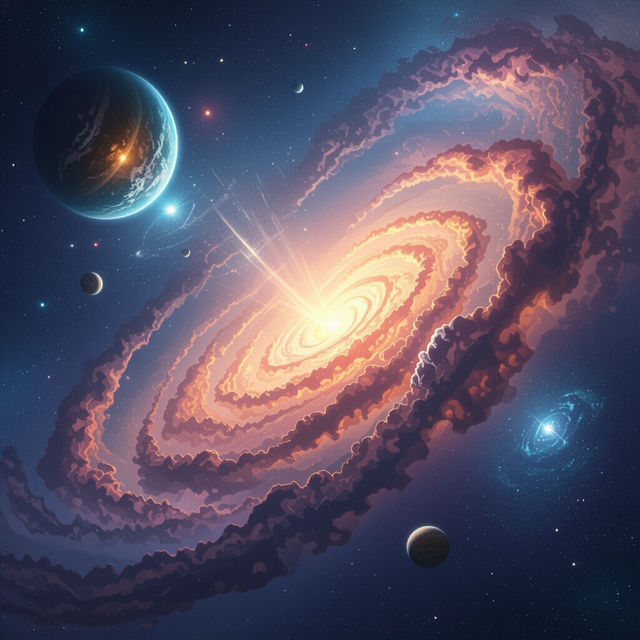
Galaxy Pictures
Discover breathtaking AI-generated galaxy pictures. Explore a universe of cosmic art and create your own stunning celestial scenes with NightCafe's AI art generator.
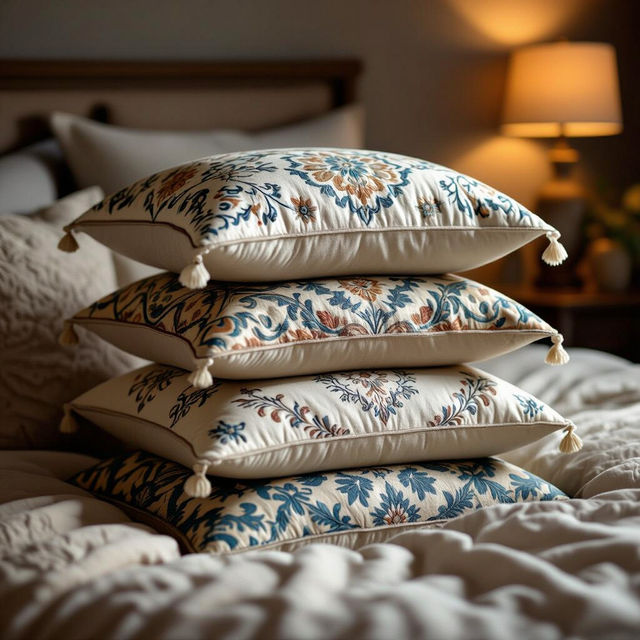
Pillow Pictures
Explore a stunning gallery of AI-generated pillow pictures. Get inspired by unique designs and then create your own custom pillow art with NightCafe.
Frequently Asked Questions
Your Questions About AI-Generated iMac Wallpapers, Answered
How can I create a custom iMac wallpaper that matches my style?
To create a custom iMac wallpaper, start by thinking about the mood and aesthetic you desire for your desktop. Use descriptive keywords in your prompt, such as 'serene mountain landscape,' 'vibrant abstract geometric pattern,' or 'minimalist nature scene.' You can also specify color palettes and artistic styles to guide the AI in generating a background that perfectly reflects your personal taste and enhances your productivity.
What makes these AI-generated wallpapers unique for iMacs?
These wallpapers are unique because they are generated by advanced AI algorithms, allowing for a virtually endless array of creative possibilities. Unlike standard stock images, each wallpaper is a distinct piece of digital art, often featuring styles and combinations that human artists might not conceive. This ensures your iMac desktop background will be truly one-of-a-kind, transforming your device into a personalized digital canvas.
Can I use the AI-generated iMac wallpapers for commercial purposes?
You are welcome to use your AI-generated iMac wallpapers for personal use to enhance your desktop experience. For specific commercial use cases, please refer to our Terms of Service, which outlines the guidelines and permissions for utilizing AI-generated art.
What kind of visual styles can I expect from the AI wallpaper generator?
Our AI wallpaper generator can produce a wide spectrum of visual styles. You can explore everything from photorealistic landscapes and detailed abstract art to minimalist designs, surreal compositions, and stylized illustrations. By adjusting your prompts, you can guide the AI to create backgrounds that are vibrant, calming, complex, or simple, fitting any aesthetic preference.